- Độ tuổi4+
- Danh mụcHiệu Suất
- Nhà phát triểnJOSEPH AARON SPEARS
- Ngôn ngữTiếng Anh
- Kích thước9,5 MB
Liên kết đến trang App Store chính thức
Download.org không lưu trữ tệp nào của FolikPDF. Nút này mở trang ứng dụng trên App Store, nơi JOSEPH AARON SPEARS phát hành ứng dụng. Trang được kiểm tra lần cuối: 24/11/2026.
Ảnh chụp màn hình



Giới thiệu
Nhà phát triển chưa cung cấp nội dung này bằng ngôn ngữ của bạn.
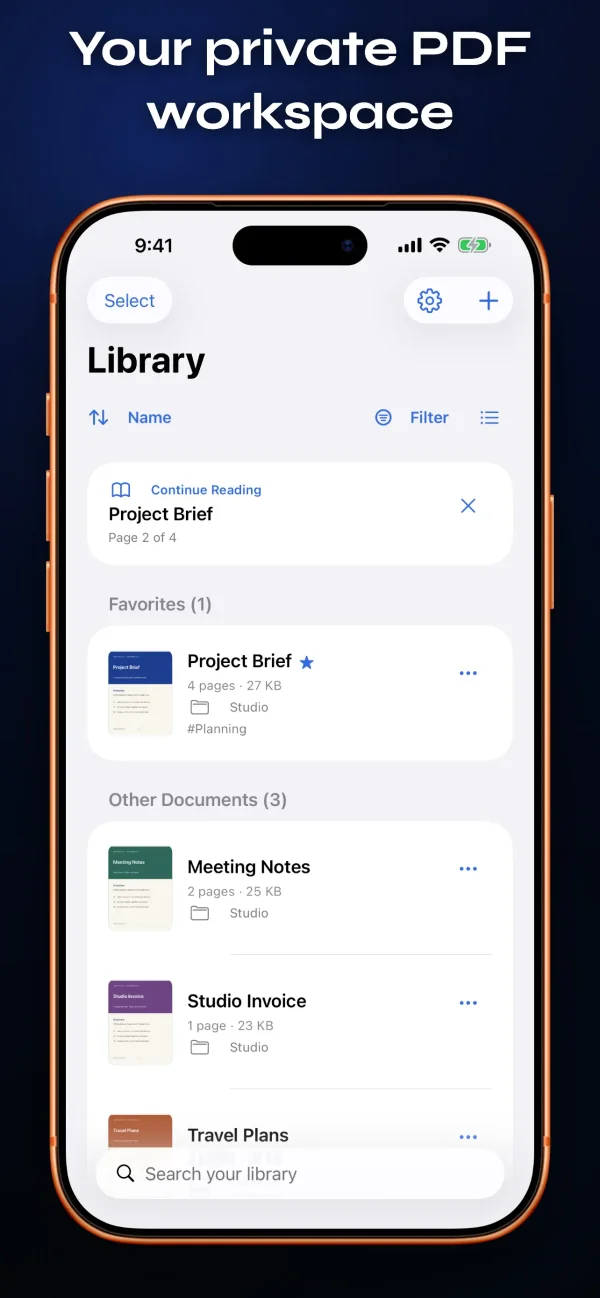
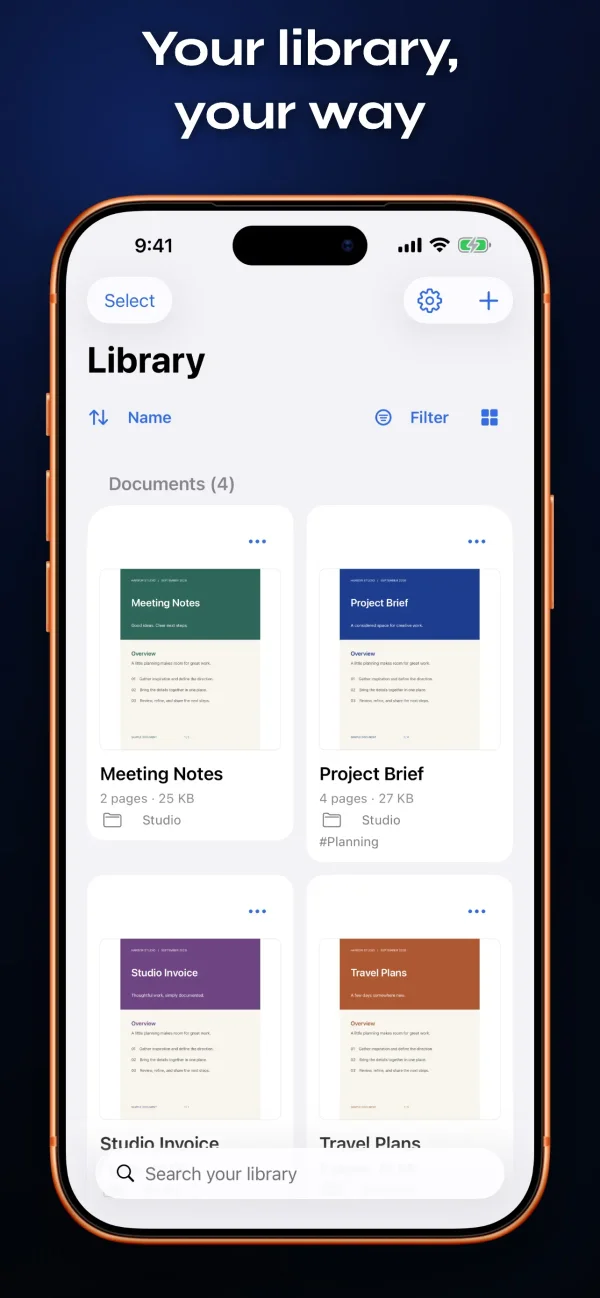
Folik is a private, capable PDF workspace for iPhone and iPad. It is completely free: no ads, no subscription, no account, and no in-app purchases.
READ AND FIND
• Open PDFs from Files or other apps
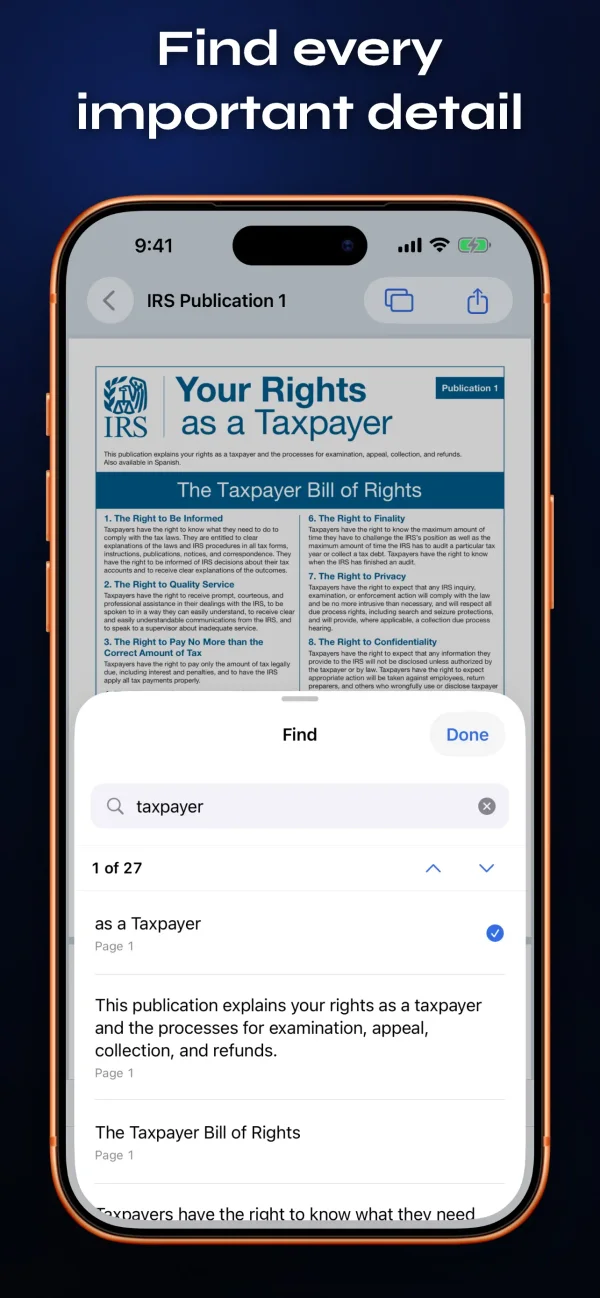
• Search with contextual results and next/previous navigation
• Use continuous, single-page, or two-page layouts
• Browse thumbnails, outlines, and bookmarks
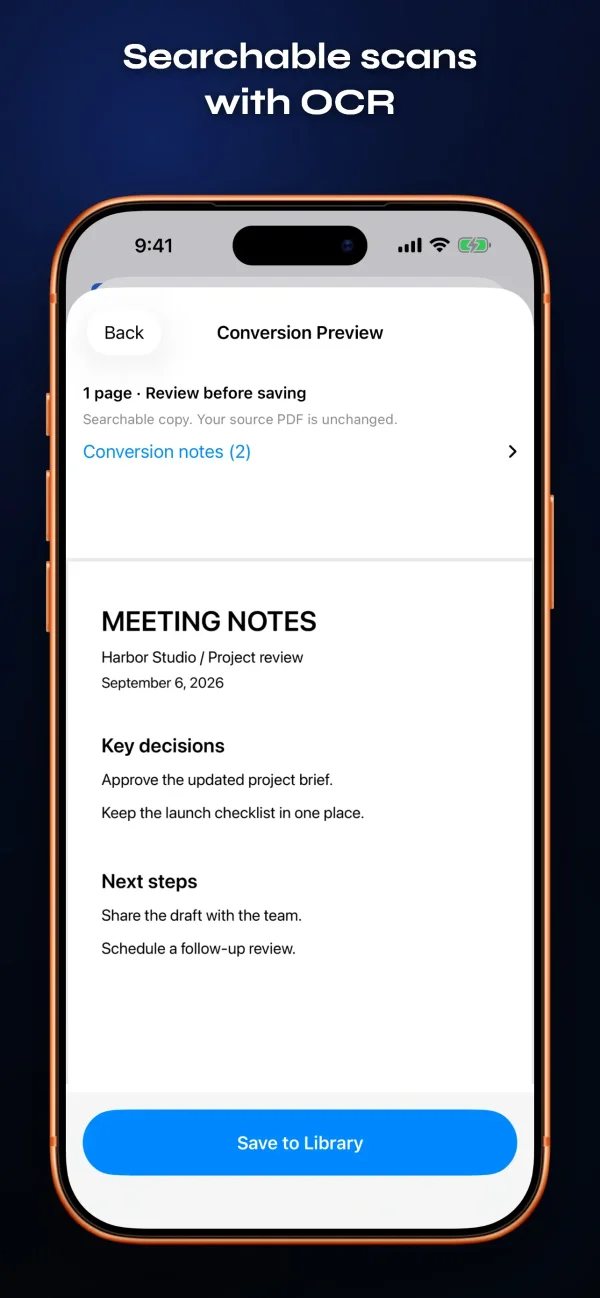
SCAN ON DEVICE
• Capture multi-page documents with automatic edge detection
• Recognize text locally so new scans are searchable
• Keep scans inside Folik unless you choose to share them
FILL AND SIGN
• Complete standard PDF text, checkbox, radio, and choice fields
• Track required fields and jump to the next unfinished field
• Create handwritten or typed signatures and initials
ANNOTATE AND ORGANIZE
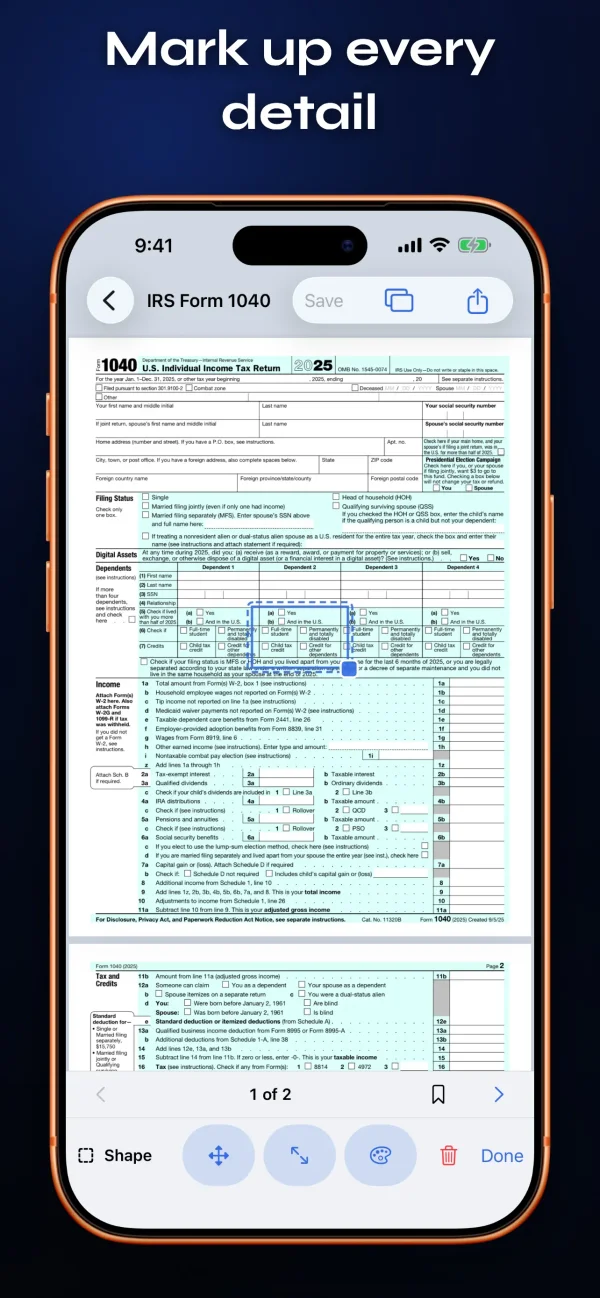
• Highlight, underline, strike through, draw, add notes, shapes, text, and stamps
• Move, resize, recolor, undo, and redo annotations
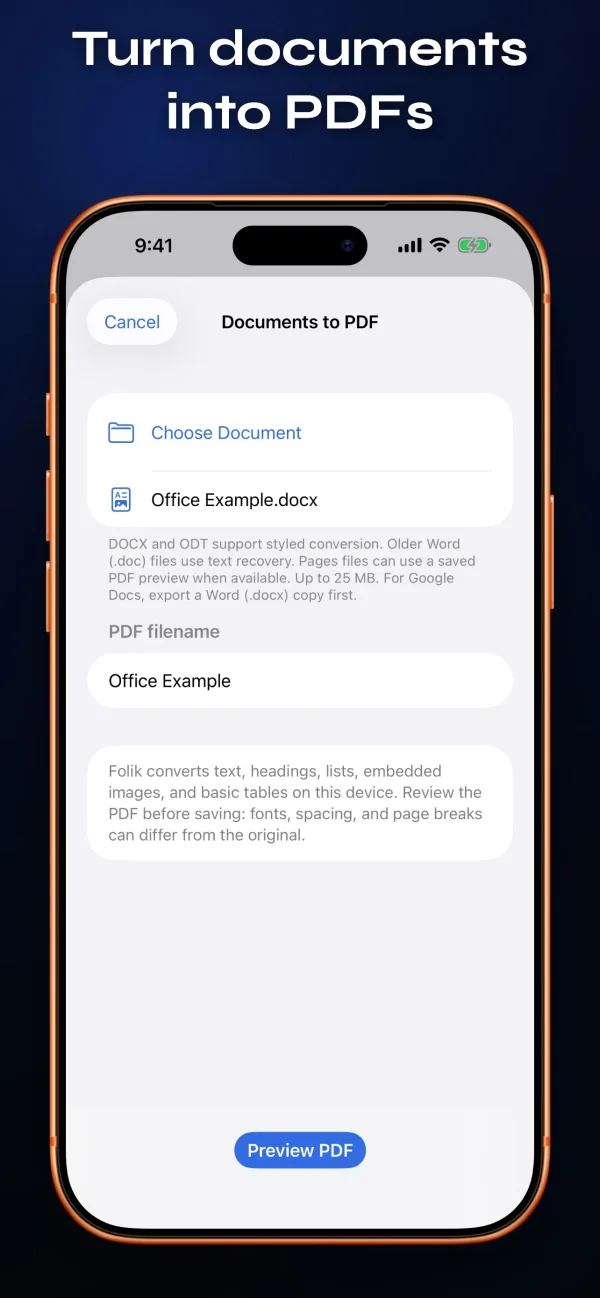
• Reorder, rotate, duplicate, delete, extract, or combine pages in a new copy
EXPORT YOUR WAY
• Share the original
• Create an editable copy
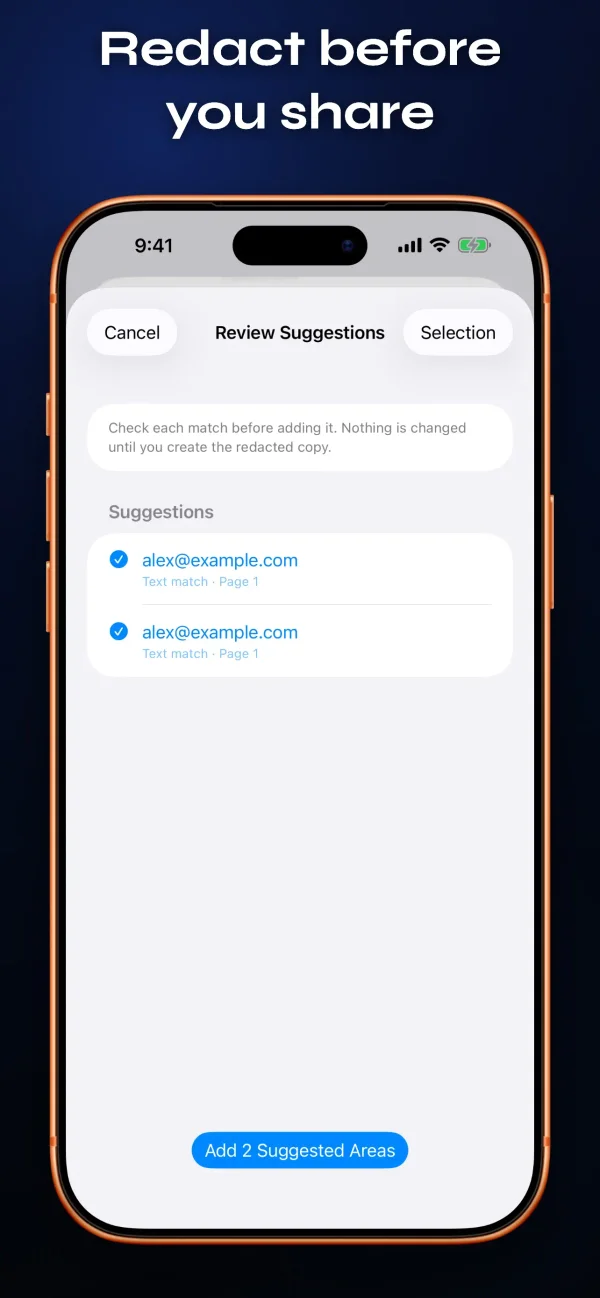
• Export a flattened copy for consistent appearance
PRIVATE BY DESIGN
Folik processes documents, scans, text recognition, and edits on your device. It has no backend, analytics SDK, or advertising SDK.
Compatibility note: Folik supports standard AcroForm fields exposed by iOS. XFA-only forms, certificate-backed digital signatures, JavaScript calculations, and vendor-specific PDF behavior may not be supported.
EULA: https://www.apple.com/legal/internet-services/itunes/dev/stdeula/
Folik is open source under the MIT License. https://github.com/x3n-network/FolikPDF
Có gì mới
Phiên bản 1.0.7 · 23/11/2026
Manage your PDFs in Files without closing and reopening Folik. Your library now updates automatically when you add, edit, rename, or delete PDFs in Folik’s folder.
• Use Import PDFs in Shortcuts to add copies to Folik without changing the originals.
• Choose Refresh Library from the library menu or add it to an existing shortcut after a copy or delete.
• Organize several PDFs at once: change their folder or add tags without replacing existing ones. Tap Undo to restore their previous folders and tags.
• Find a quick guide to both actions in Settings > Automation > Library Shortcuts.
Quyền riêng tư của ứng dụng
Những gì JOSEPH AARON SPEARS khai báo trên App Store về cách ứng dụng này xử lý dữ liệu.
-
Dữ liệu không được thu thập
Nhà phát triển không thu thập bất kỳ dữ liệu nào từ ứng dụng này.
Phương thức đảm bảo quyền riêng tư có thể khác nhau, chẳng hạn như tuỳ theo các tính năng bạn sử dụng hoặc độ tuổi của bạn.
Thông tin
- Người bán
- X3N LLC
- Danh mục
- Hiệu Suất
- Phiên bản
- 1.0.7
- Cập nhật
- 23/11/2026
- Phát hành
- 05/09/2026
- Kích thước
- 9,5 MB
- Yêu cầu
- iOS 18.6 trở lên
- Độ tuổi
- 4+
- Giá
- Miễn phí
- Ngôn ngữ
- Tiếng Anh
- Bản quyền
- © 2026 X3N LLC
Có thể bạn cũng thích
-
 Resecta: Redact PDFsHiệu Suất
-
 HikkiHiệu Suất
-
 Sift — Notes You Can FindHiệu Suất
-
 smalltype – Markdown NotesHiệu Suất
-
 AuraUIHiệu Suất
-
 HonestPDF: Private PDF ToolsHiệu Suất
-
 Dienstmappe: Site Photo LogHiệu Suất
-
 Stilo - Typewriter NotesHiệu Suất
-
 Revision ScreenwriterHiệu Suất
-
 Dazzy: Day Planner & To-DoHiệu Suất