
SplitClip: Video Splitter
Split long videos into clips.
Được thiết kế cho iPhone, iPod touch
Miễn phí
- Độ tuổi4+
- Danh mụcẢnh & Video
- Nhà phát triểnDongsik Son
- Ngôn ngữTiếng Anh
- Kích thước62,3 MB
Liên kết đến trang App Store chính thức
Download.org không lưu trữ tệp nào của SplitClip: Video Splitter. Nút này mở trang ứng dụng trên App Store, nơi Dongsik Son phát hành ứng dụng. Trang được kiểm tra lần cuối: 18/11/2026.
Ảnh chụp màn hình
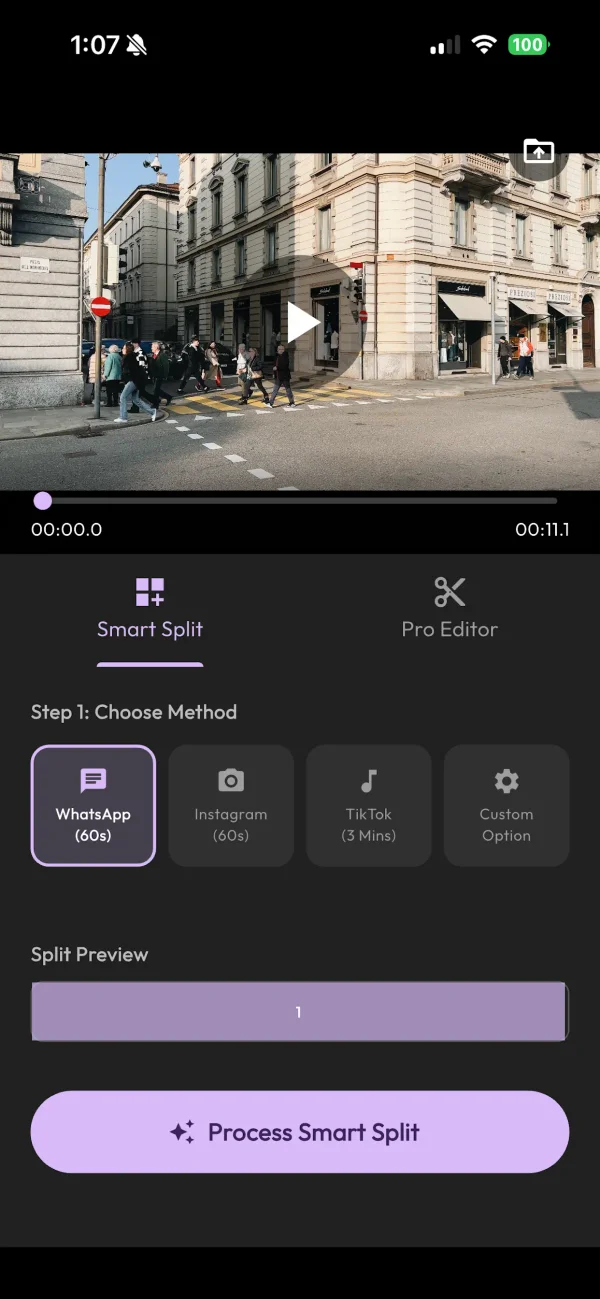
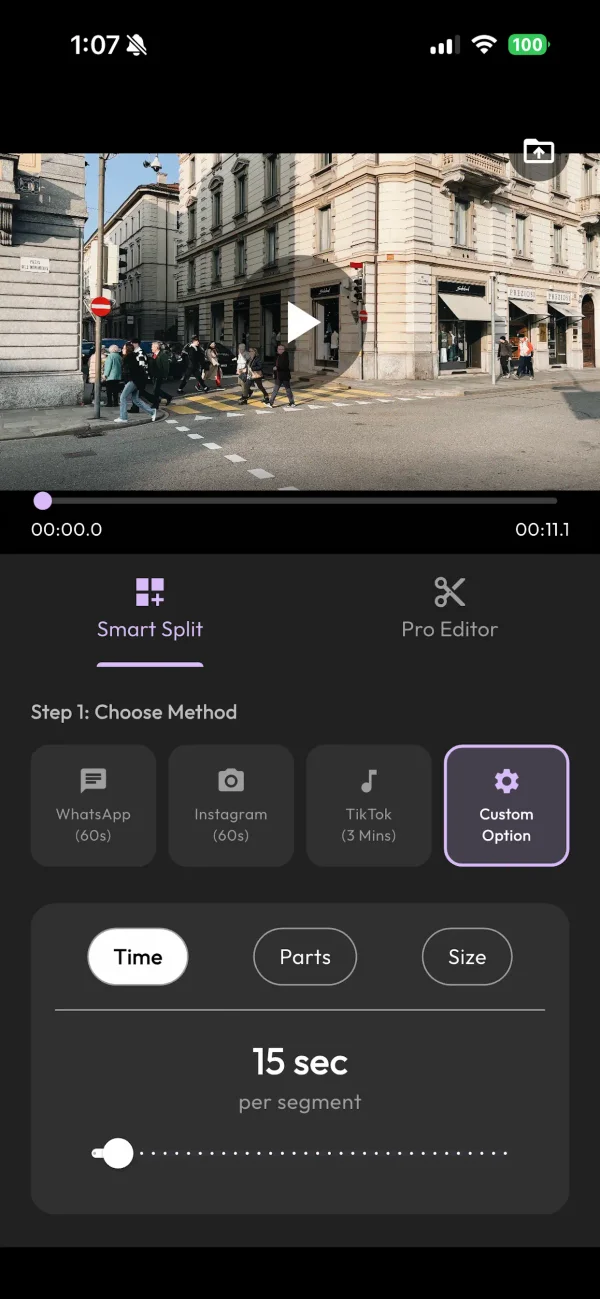
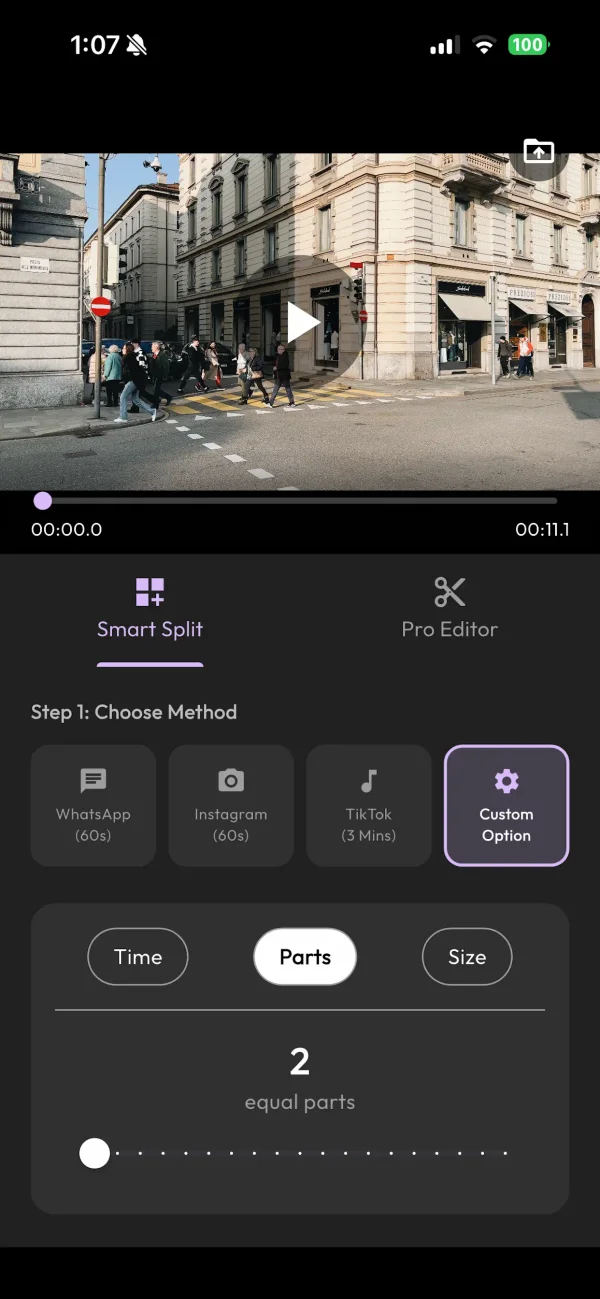
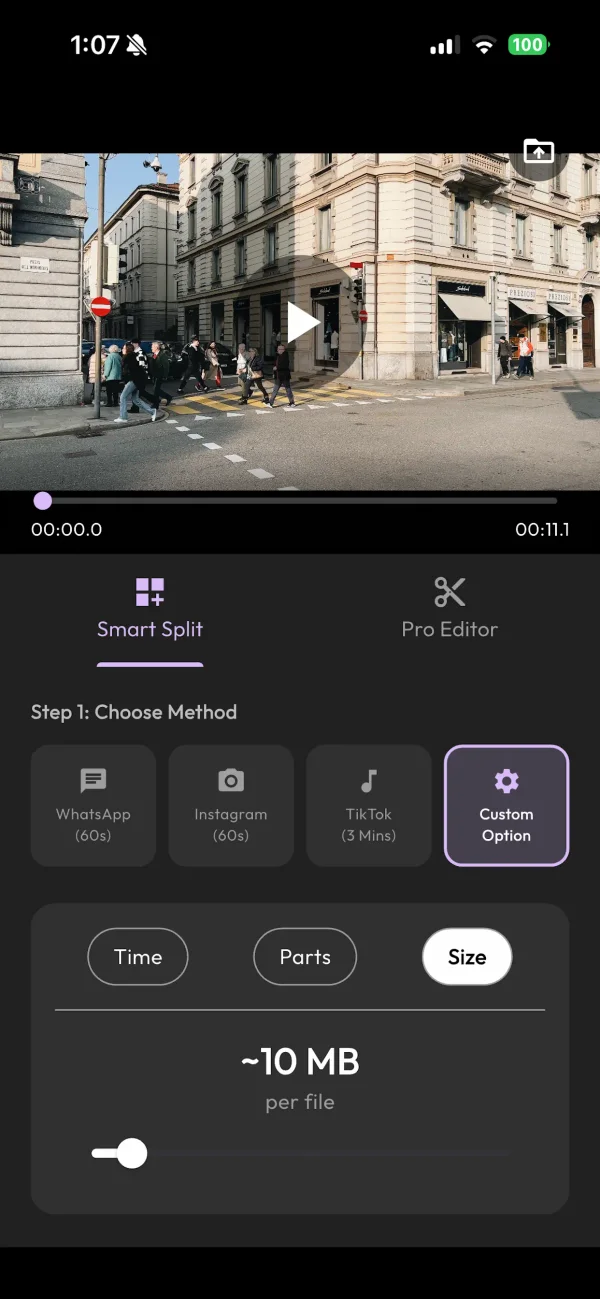
Giới thiệu
Nhà phát triển chưa cung cấp nội dung này bằng ngôn ngữ của bạn.
SplitClip is the easiest way to split your long videos into short, shareable clips perfect for social media stories and status updates.
Have a long video you want to share? Don't worry about duration limits. SplitClip acts as your personal easy video cutter, automatically slicing your content into seamless segments that fit perfectly on your favorite platforms.
Why SplitClip?
Perfect for Social Media:
WhatsApp Status: Automatically split videos into 60-second clips to share your full story.
Instagram & Facebook: Create seamless cuts for Stories and Reels.
TikTok: Prepare longer content (up to 3 minutes) for your audience.
Custom Split: Define your own duration to fit any platform or video grid layout.
All-in-One Tools:
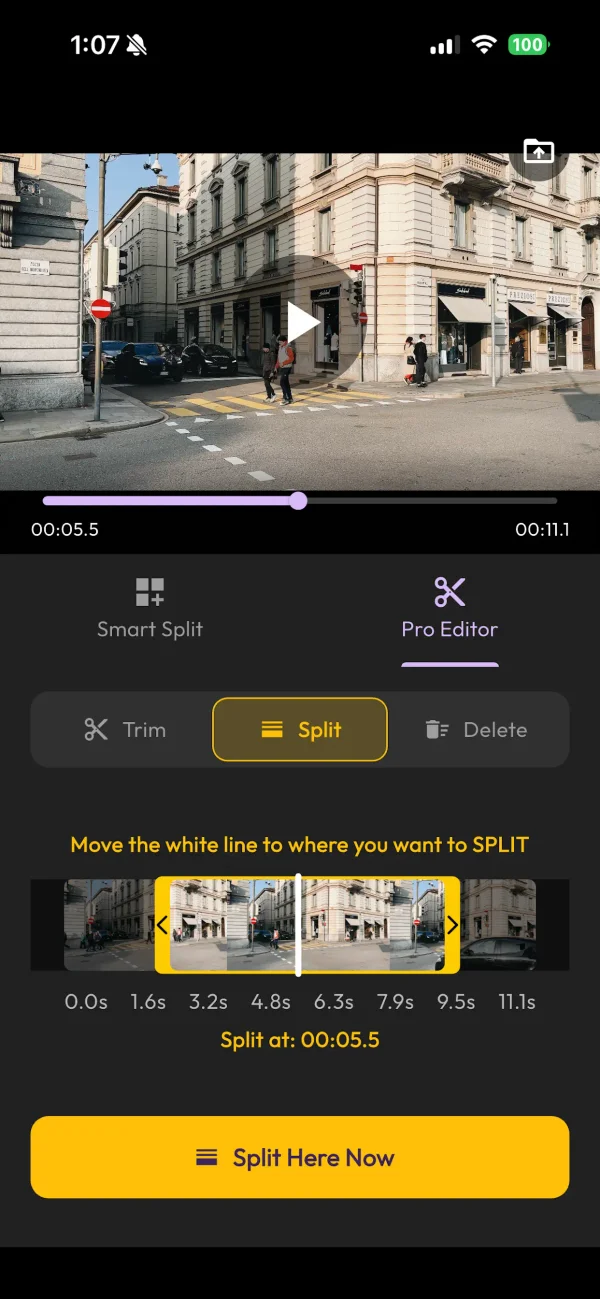
Smart Split: Just choose a target platform, and we handle the rest.
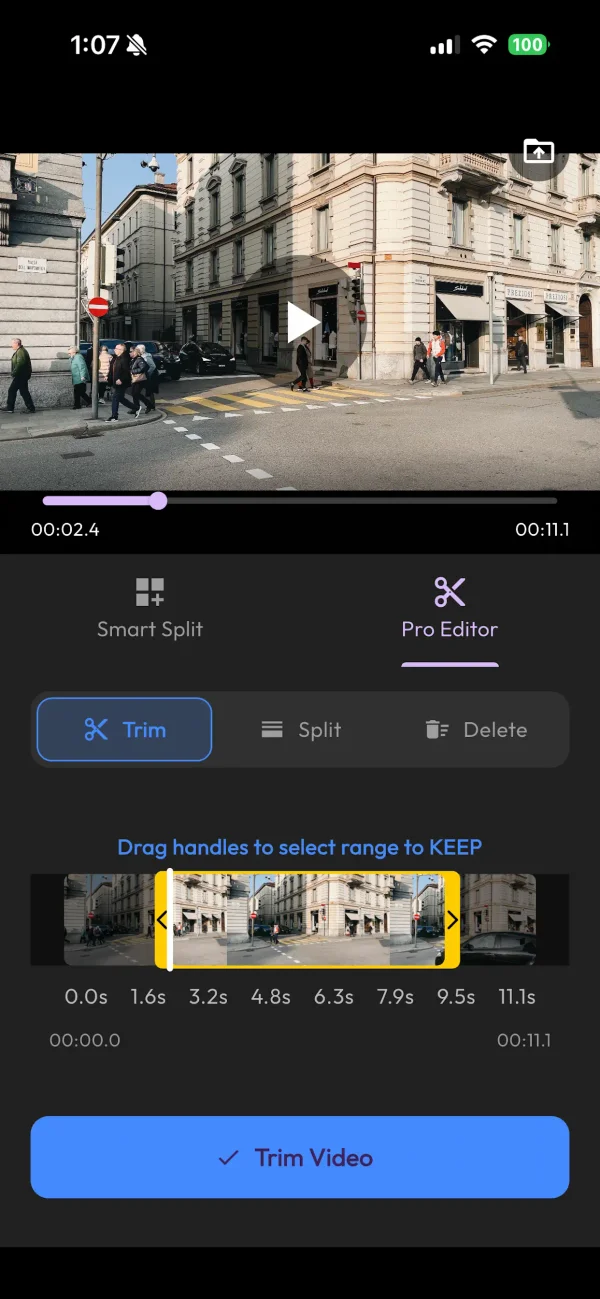
Trim & Cut: Precisely trim unwanted parts from the beginning or end of your video.
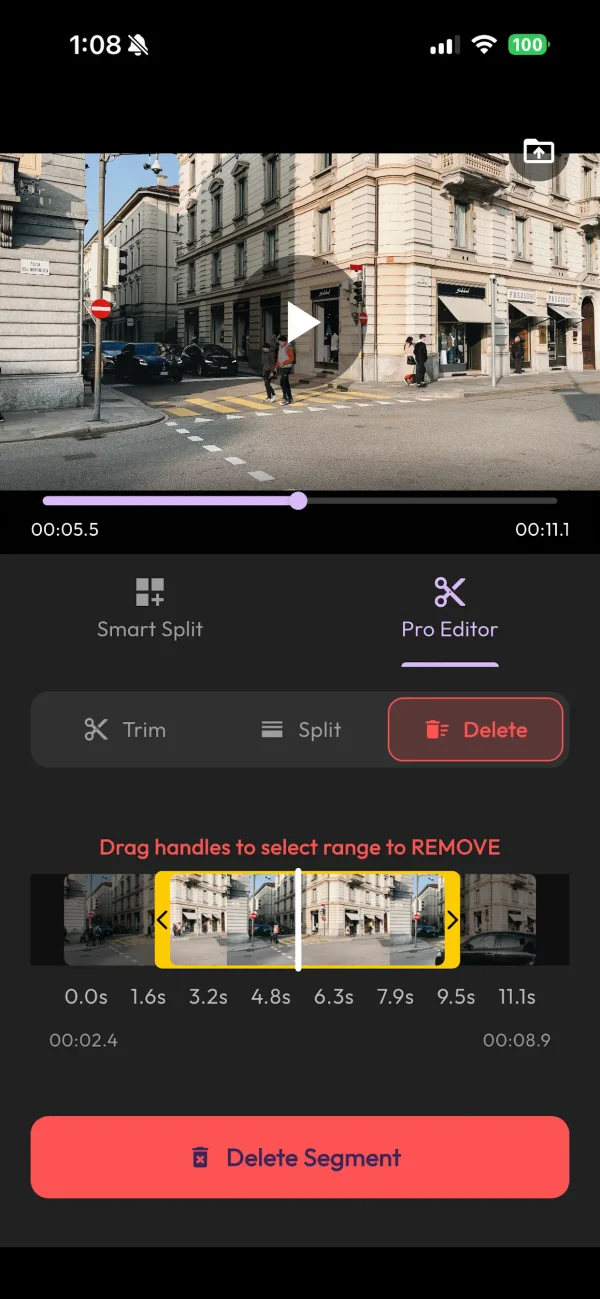
Delete Segments: Remove boring middle sections to keep your real clips exciting.
No Crop: Maintains your original video aspect ratio.
Premium Experience:
No Watermark: Clean, professional video output.
High Quality: Keeps your original video resolution.
Fast Processing: Split and cut videos in seconds.
Built-in Player: Watch and verify your media clips before saving.
How to Use:
Select a video from your gallery.
Choose a preset (WhatsApp, Instagram, TikTok) or set a Custom time.
Tap "Process" and let SplitClip do the magic.
Share your feed videos directly to social media!
Whether you are capturing memories, creating entertainment clips, or sharing moments with friends, SplitClip makes it simple. No complex editing skills needed. Just split, save, and share.
Download SplitClip now – The essential tool for every story teller!
Có gì mới
Phiên bản 1.05 · 05/05/2026
Fix bugs and annoying notifications
Quyền riêng tư của ứng dụng
Những gì Dongsik Son khai báo trên App Store về cách ứng dụng này xử lý dữ liệu.
-
Dữ liệu được sử dụng để theo dõi bạn
Có thể được sử dụng để theo dõi bạn trên các ứng dụng và trang web do công ty khác sở hữu.
- Mã định danh
- Dữ liệu sử dụng
-
Dữ liệu không liên kết với bạn
Có thể được thu thập nhưng không liên kết với danh tính của bạn.
- Mã định danh
- Dữ liệu sử dụng
- Chẩn đoán
Phương thức đảm bảo quyền riêng tư có thể khác nhau, chẳng hạn như tuỳ theo các tính năng bạn sử dụng hoặc độ tuổi của bạn.
Thông tin
- Người bán
- Dongsik Son
- Danh mục
- Ảnh & Video
- Phiên bản
- 1.05
- Cập nhật
- 05/05/2026
- Phát hành
- 30/04/2026
- Kích thước
- 62,3 MB
- Yêu cầu
- iOS 13.0 trở lên
- Độ tuổi
- 4+
- Giá
- Miễn phí
- Ngôn ngữ
- Tiếng Anh
- Bản quyền
- © 2026 Dongsik Son
Có thể bạn cũng thích
-
 Rivela: AI Photo Editor & BlurẢnh & Video
-
 Pixel FormẢnh & Video
-
 projectcameraẢnh & Video
-
 VisionClipẢnh & Video
-
 SplitFastẢnh & Video
-
 QuietCut: Silence RemoverẢnh & Video
-
 Vlogy: Video EditorẢnh & Video
-
 Tau34 - Video SplitterCắt Clip Cho Mạng Xã Hội
-
 Trimio – Crop & Trim VideosẢnh & Video
-
 Rewind: Reverse Video LoopsẢnh & Video