
SplitClip: Video Splitter
Split long videos into clips.
Designed for iPhone, iPod touch
Free
- Age rating4+
- CategoryPhoto & Video
- DeveloperDongsik Son
- LanguagesEnglish
- Size62.3 MB
Links to the official App Store page
Download.org hosts no file of SplitClip: Video Splitter. The button opens its official App Store page, published by Dongsik Son. Listing last checked on Nov 18, 2026.
Screenshots
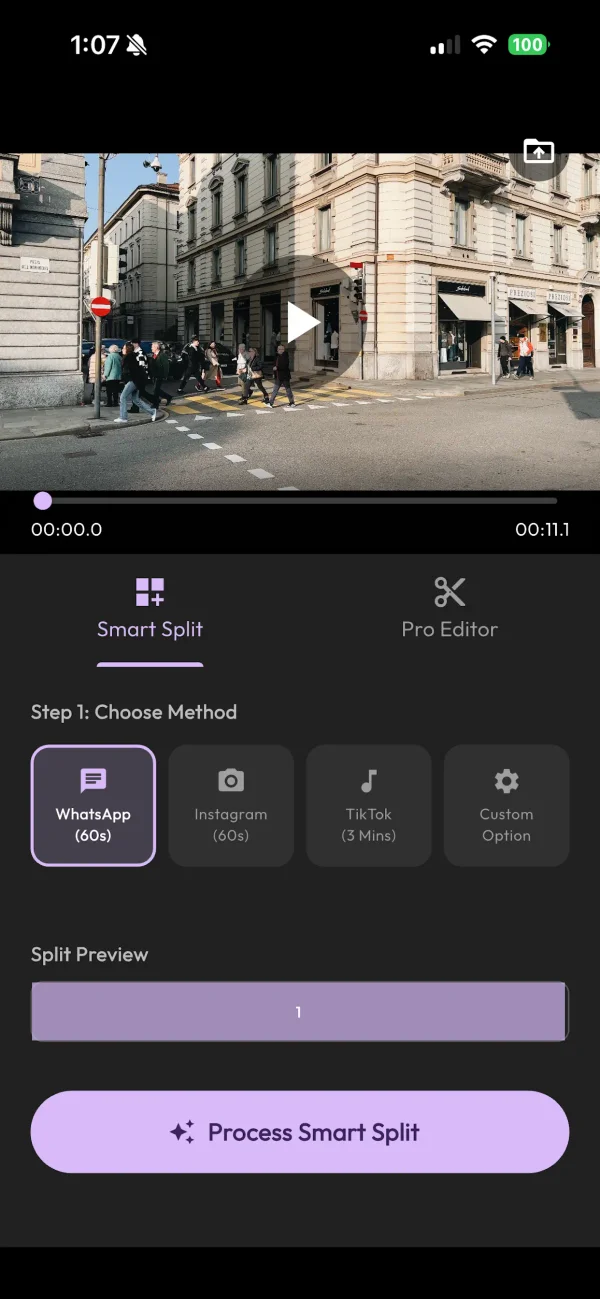
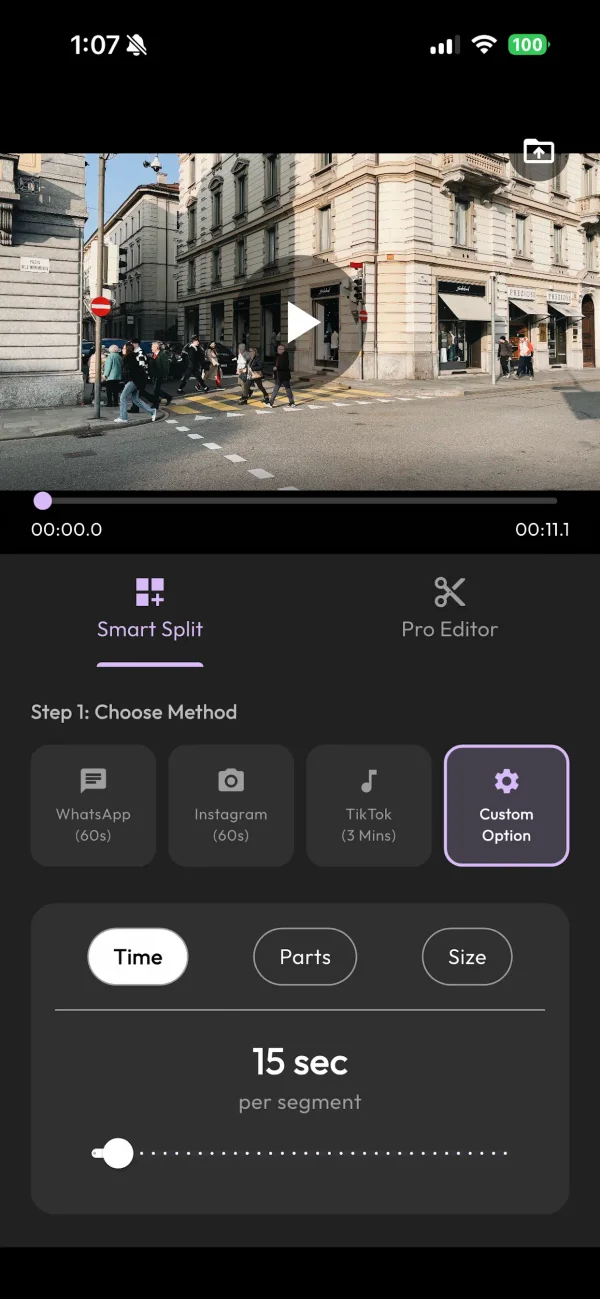
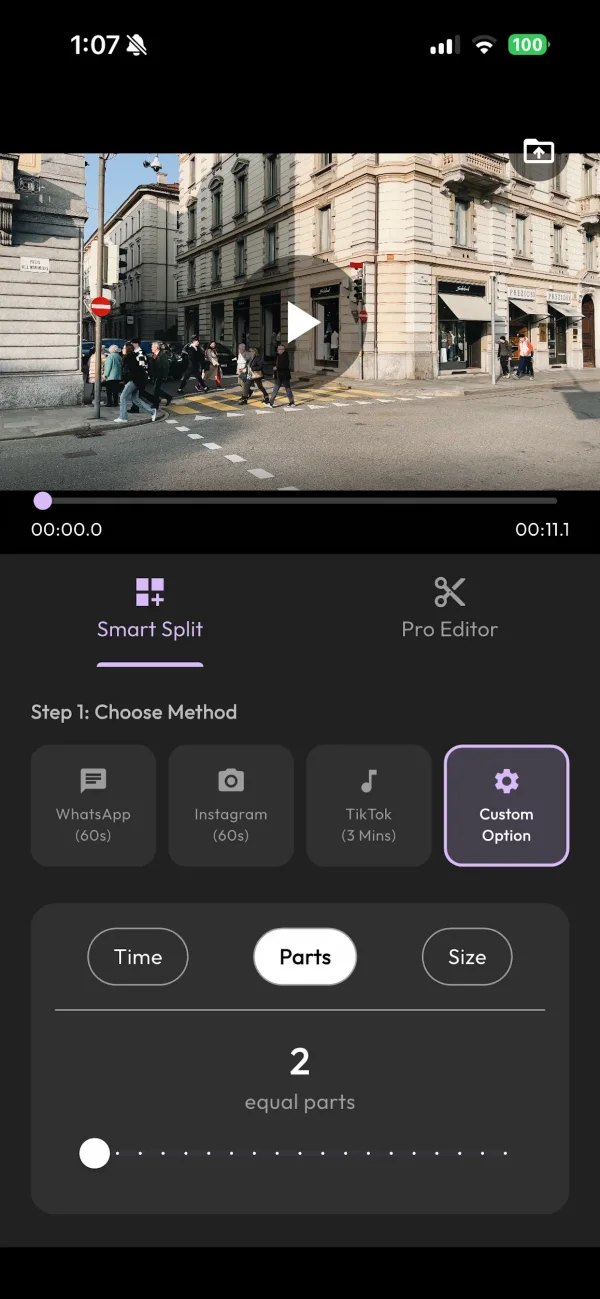
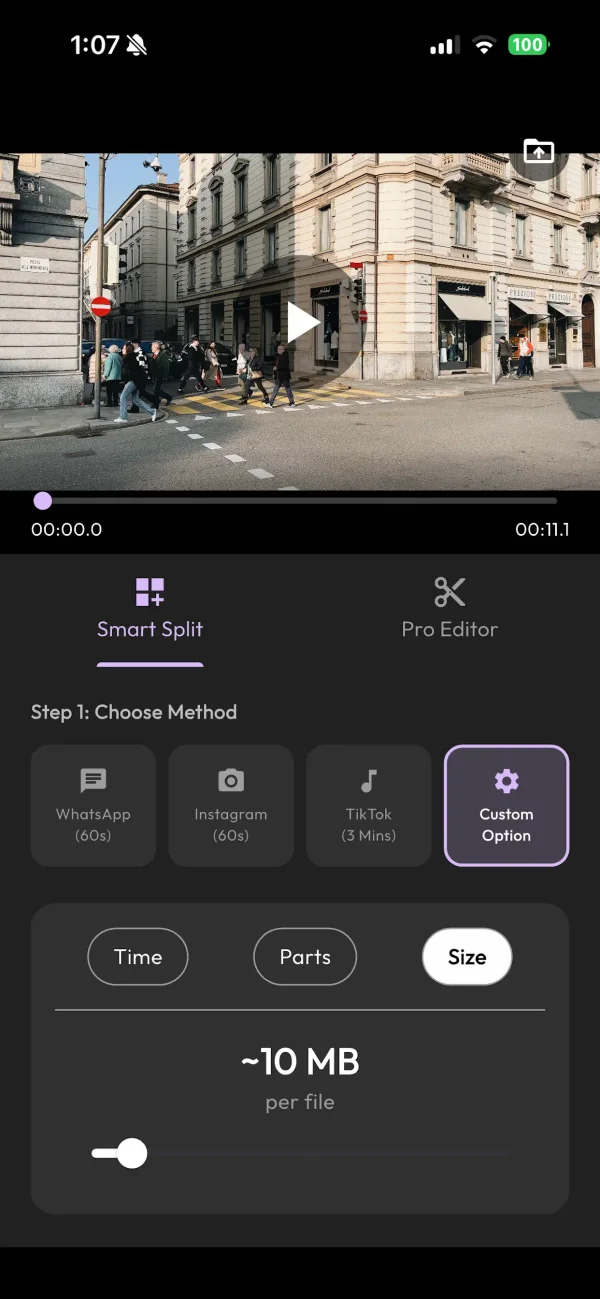
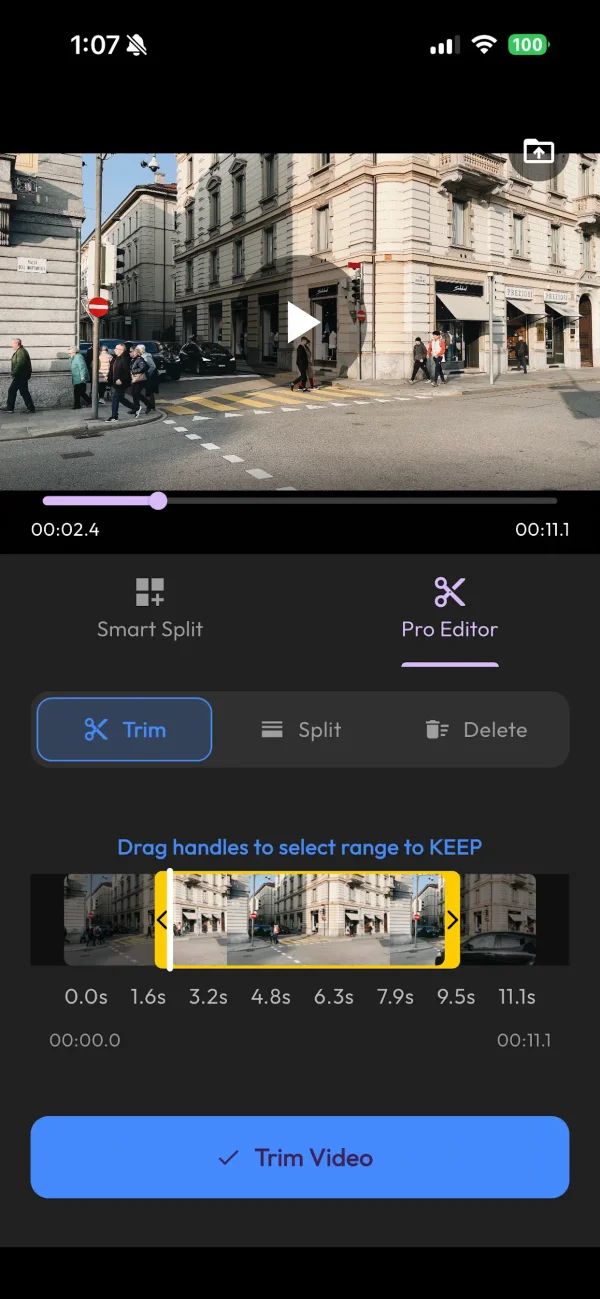
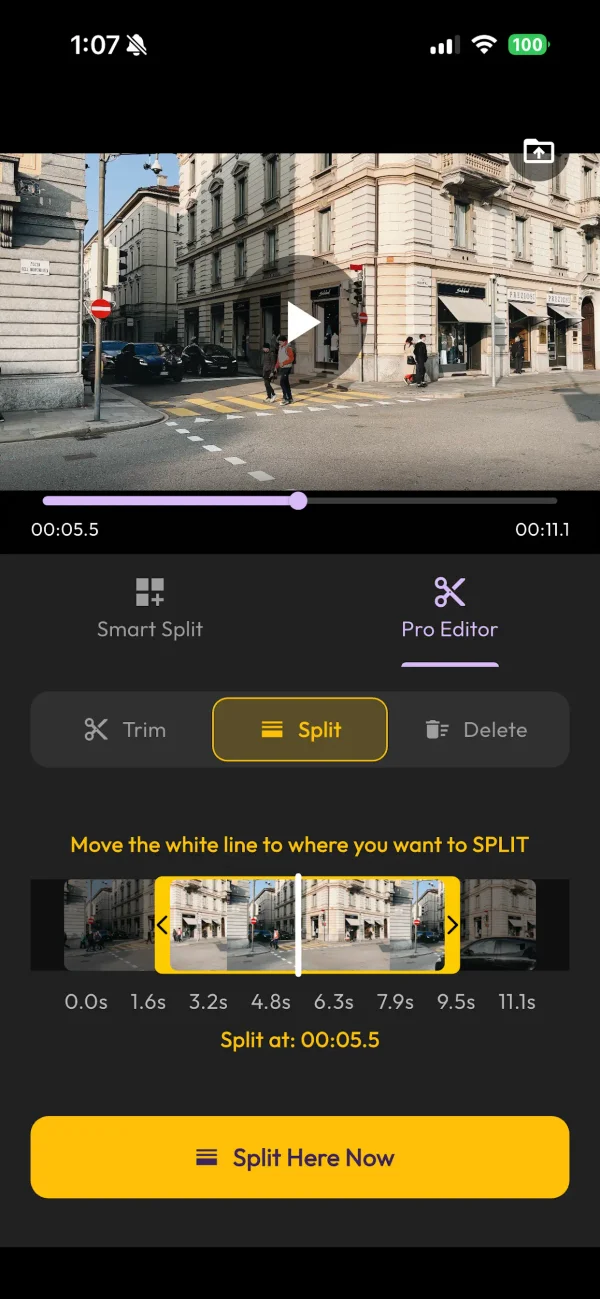
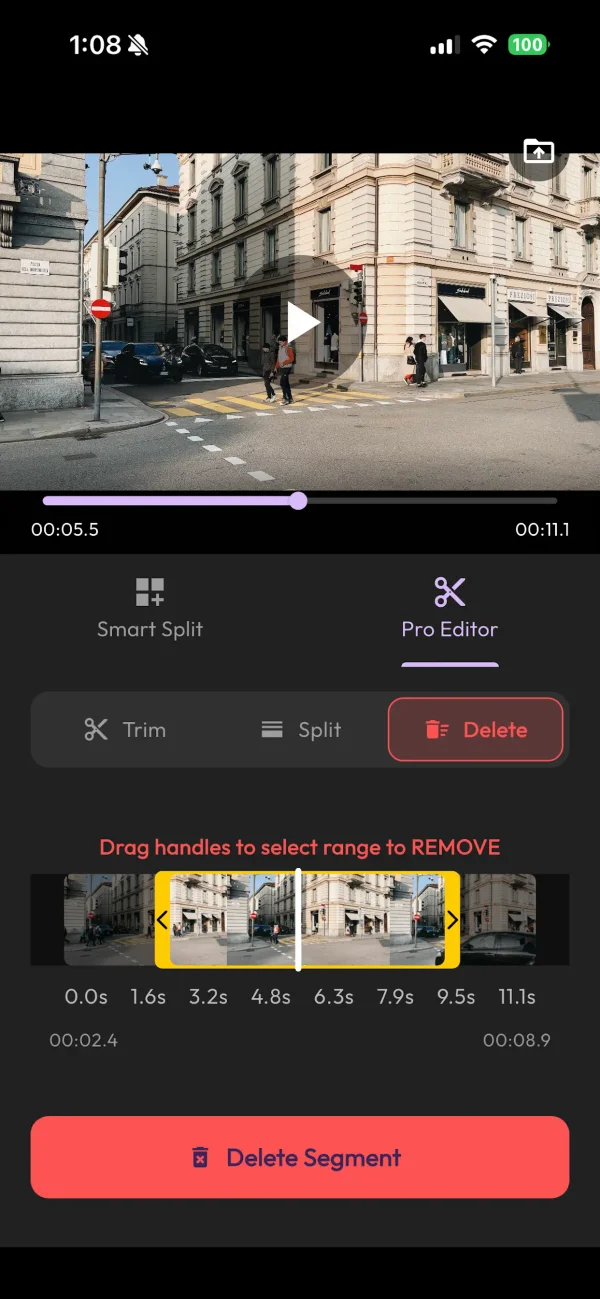
About
SplitClip is the easiest way to split your long videos into short, shareable clips perfect for social media stories and status updates.
Have a long video you want to share? Don't worry about duration limits. SplitClip acts as your personal easy video cutter, automatically slicing your content into seamless segments that fit perfectly on your favorite platforms.
Why SplitClip?
Perfect for Social Media:
WhatsApp Status: Automatically split videos into 60-second clips to share your full story.
Instagram & Facebook: Create seamless cuts for Stories and Reels.
TikTok: Prepare longer content (up to 3 minutes) for your audience.
Custom Split: Define your own duration to fit any platform or video grid layout.
All-in-One Tools:
Smart Split: Just choose a target platform, and we handle the rest.
Trim & Cut: Precisely trim unwanted parts from the beginning or end of your video.
Delete Segments: Remove boring middle sections to keep your real clips exciting.
No Crop: Maintains your original video aspect ratio.
Premium Experience:
No Watermark: Clean, professional video output.
High Quality: Keeps your original video resolution.
Fast Processing: Split and cut videos in seconds.
Built-in Player: Watch and verify your media clips before saving.
How to Use:
Select a video from your gallery.
Choose a preset (WhatsApp, Instagram, TikTok) or set a Custom time.
Tap "Process" and let SplitClip do the magic.
Share your feed videos directly to social media!
Whether you are capturing memories, creating entertainment clips, or sharing moments with friends, SplitClip makes it simple. No complex editing skills needed. Just split, save, and share.
Download SplitClip now – The essential tool for every story teller!
What’s new
Version 1.05 · May 5, 2026
Fix bugs and annoying notifications
App privacy
What Dongsik Son declares on the App Store about how this app handles data.
-
Data used to track you
May be used to track you across apps and websites owned by other companies.
- Identifiers
- Usage data
-
Data not linked to you
May be collected but is not linked to your identity.
- Identifiers
- Usage data
- Diagnostics
Privacy practices may vary, for example with the features you use or your age.
Information
- Seller
- Dongsik Son
- Category
- Photo & Video
- Version
- 1.05
- Updated
- May 5, 2026
- Released
- Apr 30, 2026
- Size
- 62.3 MB
- Requires
- iOS 13.0 or later
- Age rating
- 4+
- Price
- Free
- Languages
- English
- Copyright
- © 2026 Dongsik Son
You might also like
-
 Rivela: AI Photo Editor & BlurBackground Remover & Collage
-
 Pixel FormOne image. Every format.
-
 projectcameraPhoto & Video
-
 VisionClipPhoto & Video
-
 SplitFastSplitVideos in chunks fast
-
 QuietCut: Silence RemoverAuto cut dead air from video
-
 Vlogy: Video EditorReels, TikTok & Vlog Maker
-
 Tau34 - Video SplitterCut Clips for Social Media
-
 Trimio – Crop & Trim VideosResize for Reels & TikTok
-
 Rewind: Reverse Video LoopsReverse & loop video maker