
Studuck - Class schedule
Schedule, tasks, groups
Được thiết kế cho iPhone, iPad, iPod touch
Miễn phí · Mua hàng trong ứng dụng
- Độ tuổi4+
- Danh mụcGiáo Dục
- Nhà phát triểnVictor Shamruk
- Ngôn ngữTiếng Anh+ 1 ngôn ngữ khác
- Kích thước156,5 MB
Liên kết đến trang App Store chính thức
Download.org không lưu trữ tệp nào của Studuck - Class schedule. Nút này mở trang ứng dụng trên App Store, nơi Victor Shamruk phát hành ứng dụng. Trang được kiểm tra lần cuối: 14/11/2026.
Ảnh chụp màn hình
Giới thiệu
Nhà phát triển chưa cung cấp nội dung này bằng ngôn ngữ của bạn.
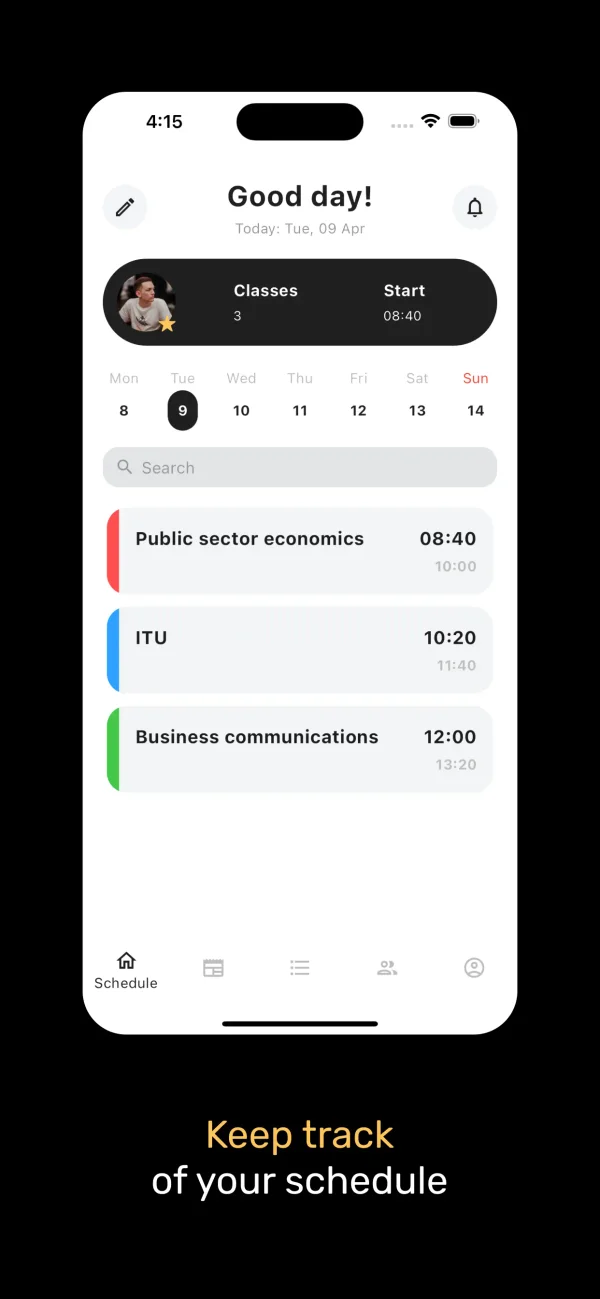
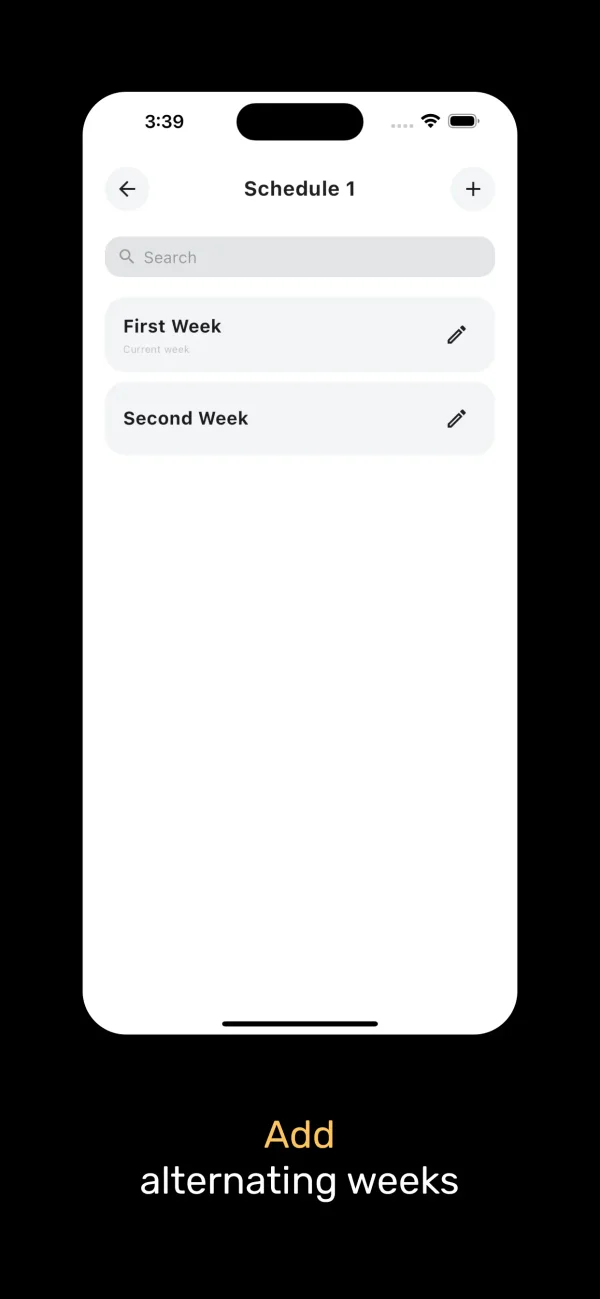
1. Add a class schedule. Flexible functionality will allow you to easily set up alternating weeks.
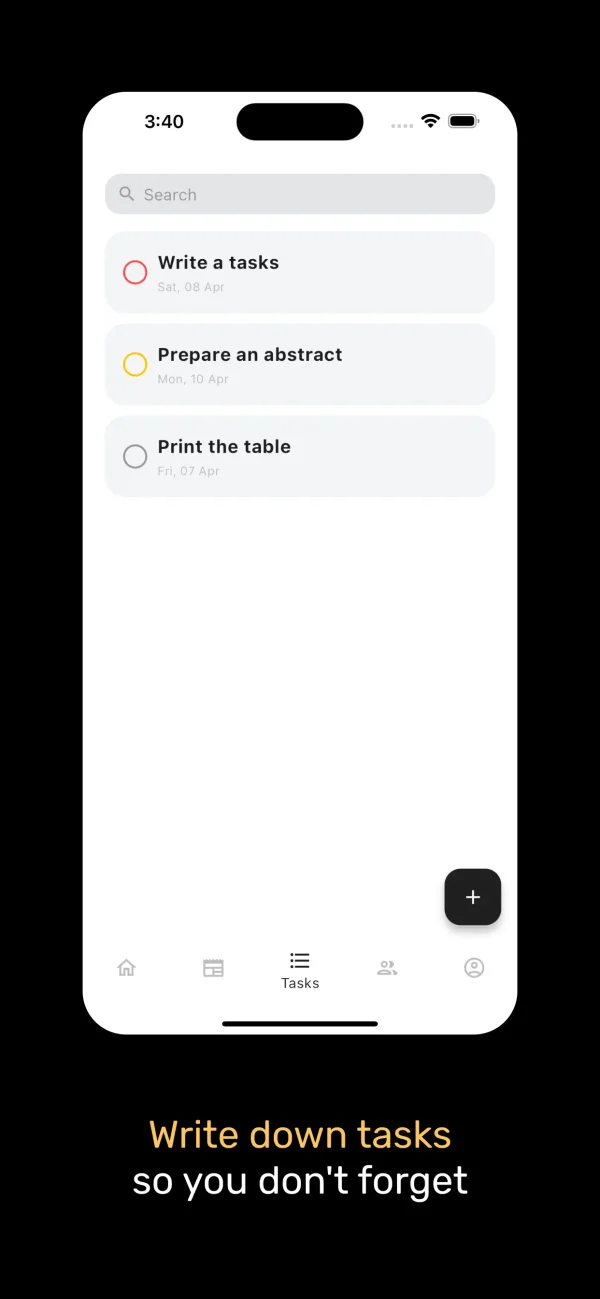
2. Write down tasks and specify a deadline for them and priority over other tasks. Now you won't forget to do anything!
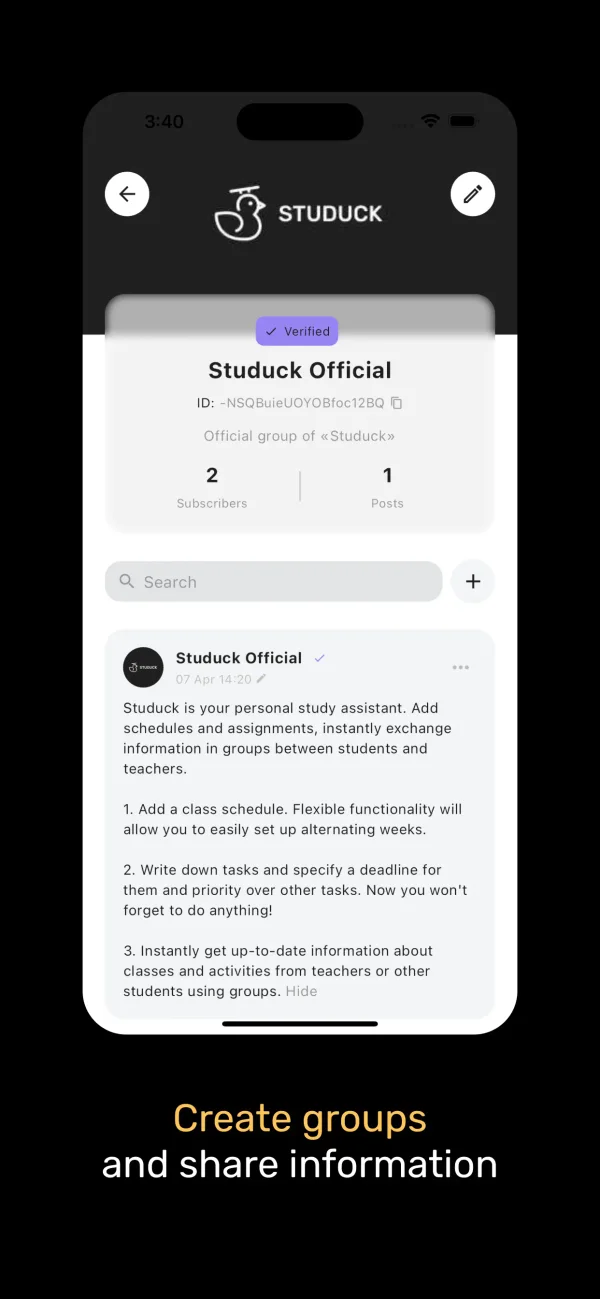
3. Instantly get up-to-date information about classes and activities from teachers or other students using groups.
SCHEDULES. You can create several schedule templates at once and switch between them. Alternating weeks work automatically. If the schedule has several weeks, they will switch one after the other. If one week - it will just repeat. For each lesson, you can specify the building and the audience, as well as the teacher. For convenience, you can specify a color to quickly find the right activity in the list.
TASKS. For each task, you can specify the priority: normal, medium and high - just click on the exclamation mark icon when creating the task. You can also specify the deadline for completing the task so that everything is done on time. For convenience, you can add to the task the subject with which it is associated.
GROUPS. You can use groups to interact with teachers and other students. For example, if a class has been canceled or a new assignment has been added, the teacher can create a post and notify all participants about it. You can add photo materials to each post.
The application also includes subscriptions with several tariff plans.
What does a SUBSCRIPTION give?
1. Auto-sync - to automatically save your data to the cloud.
2. Creating schedules - no restrictions! Without Premium, you can create only 1 schedule.
3. Creating groups - no restrictions! Without Premium, you can create only 1 group.
4. Creating tasks - without restrictions! Without Premium, you can create only 100 tasks.
5. The ability to add up to 10 photos to the post! Without Premium, you can only add up to 5 photos.
6. Premium subscriber icon. Stand out in the list of group members!
7. Project support.
You can ask us a question, report a problem with the app, or share ideas by email: toprograms.it@gmail.com.
Privacy policy: https://stu-duck.ru/about/privacy
Terms of use: https://www.apple.com/legal/internet-services/itunes/dev/stdeula/
Có gì mới
Phiên bản 1.0.26 · 06/07/2026
A few important fixes
Quyền riêng tư của ứng dụng
Những gì Victor Shamruk khai báo trên App Store về cách ứng dụng này xử lý dữ liệu.
-
Dữ liệu liên kết với bạn
Có thể được thu thập và liên kết với danh tính của bạn.
- Thông tin liên hệ
-
Dữ liệu không liên kết với bạn
Có thể được thu thập nhưng không liên kết với danh tính của bạn.
- Nội dung của người dùng
- Mã định danh
- Dữ liệu sử dụng
- Chẩn đoán
Phương thức đảm bảo quyền riêng tư có thể khác nhau, chẳng hạn như tuỳ theo các tính năng bạn sử dụng hoặc độ tuổi của bạn.
Thông tin
- Người bán
- Victor Shamruk
- Danh mục
- Giáo Dục
- Phiên bản
- 1.0.26
- Cập nhật
- 06/07/2026
- Phát hành
- 09/04/2023
- Kích thước
- 156,5 MB
- Yêu cầu
- iOS 13.0 trở lên
- Độ tuổi
- 4+
- Giá
- Miễn phí
- Mua hàng trong ứng dụng
- Có
- Ngôn ngữ
- Tiếng Anh, Tiếng Nga
- Bản quyền
- © 2023, Viktor Shamruk
Có thể bạn cũng thích
-
 TSU.InTime – scheduleGiáo Dục
-
 Thời Khóa Biểu PlannerWidget và nhắc giờ lớp
-
 Дневач - Расписание занятийGiáo Dục
-
 Кампус - Расписание занятийGiáo Dục
-
 ClassTime: School & CollegeGiáo Dục
-
 Thời khóa biểu học sinhLịch thi, bài tập, nhắc nhở
-
 Weeklie: Thời khóa biểuLịch học, bài tập, nhắc việc
-
 Zachet: AI Study AssistantGiáo Dục
-
 EZsheet — Đáp án kỳ thiGhi chú cho đồng hồ thông minh
-
 ЕГЭ Русский язык 2026Giáo Dục