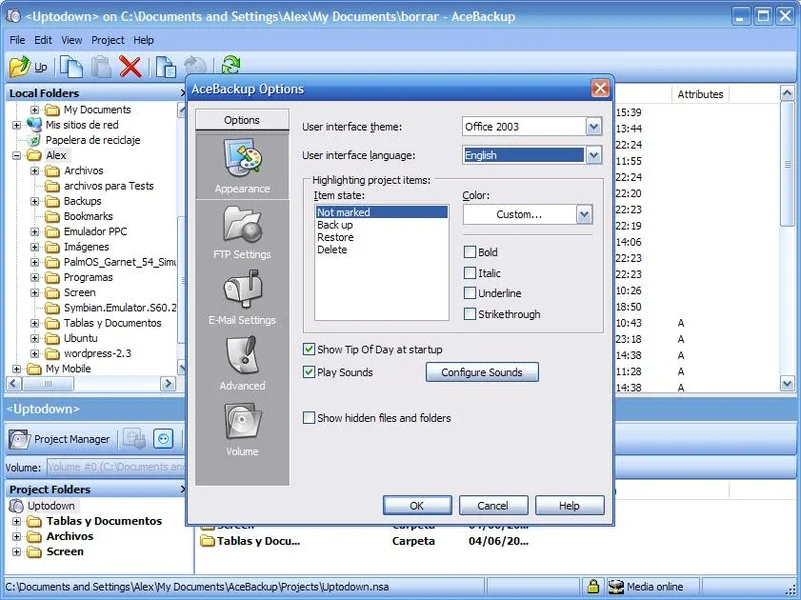

Screenshots
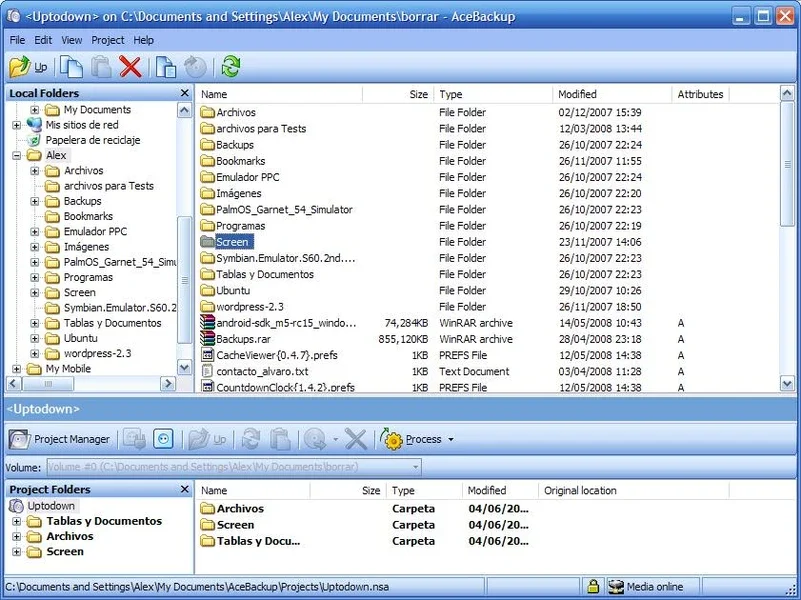
Description
AceBackup copies files and folders to a destination you choose and can encrypt any folder on the hard drive. It is a backup and security tool for Windows.
You start a new project by following the assistant's steps. Conventional backups cover files and folders, and you can drag and drop items into the lower window when you want more control over what goes into the backup. Several compression algorithms with different characteristics are available. The backup can be sent straight to an FTP server or to an email account. Encryption is not limited to backup sets: any folder on the hard drive can be encrypted.
The interface may look complicated at first, but it is not.
Download files
File3.0.0EXE
Version3.0.0
ReleasedMay 7, 2010
Size5.2 MB
SHA-256
Get
5e346a54fe4e5603d2163578ac13c58b8b4f7643b5ed24cb551cf8cd5ec190a8
Signed by AceBIT GmbH · valid until Dec 9, 2009System requirements
Available on:
Minimum OS:
Windows Windows XP or later
Additional information
Developer
Latest release
3.0.0 · May 7, 2010
Size
5.2 MB
File type
EXE
SHA-256
5e346a54fe4e5603d2163578ac13c58b8b4f7643b5ed24cb551cf8cd5ec190a8
Digital signature
Signed by AceBIT GmbH · valid until Dec 9, 2009