
AirDroid 3.7.1.2 for Windows
Manage an Android phone from a Windows PC
You are on macOS — this is the Windows version. See the macOS version
Screenshots
Description
AirDroid lets you manage an Android device from a PC. The Windows build does everything the web service does, and you don't need a browser to run it.
What you can do from the desktop
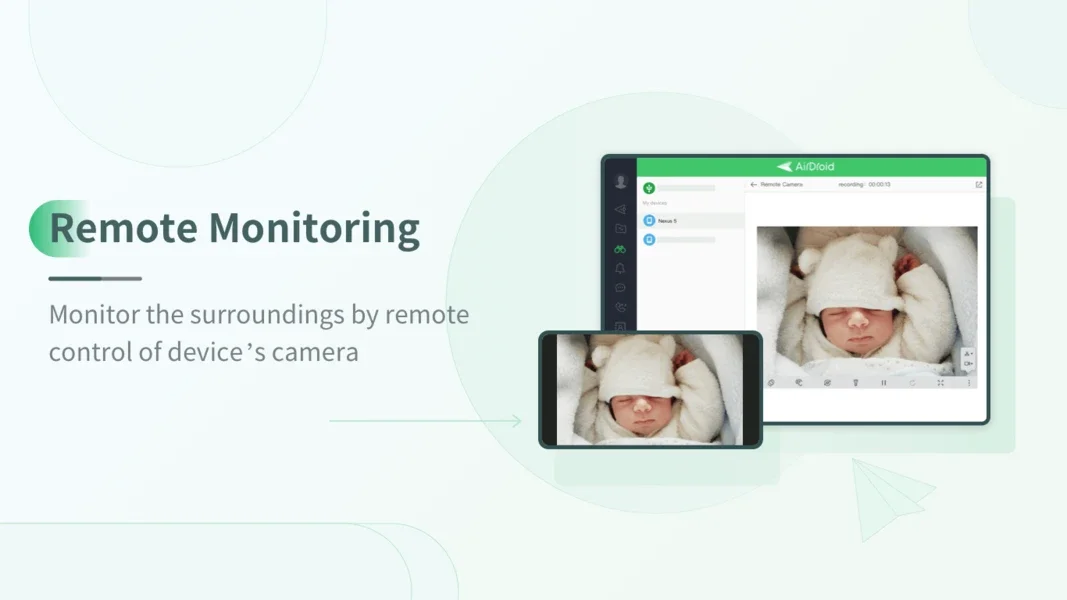
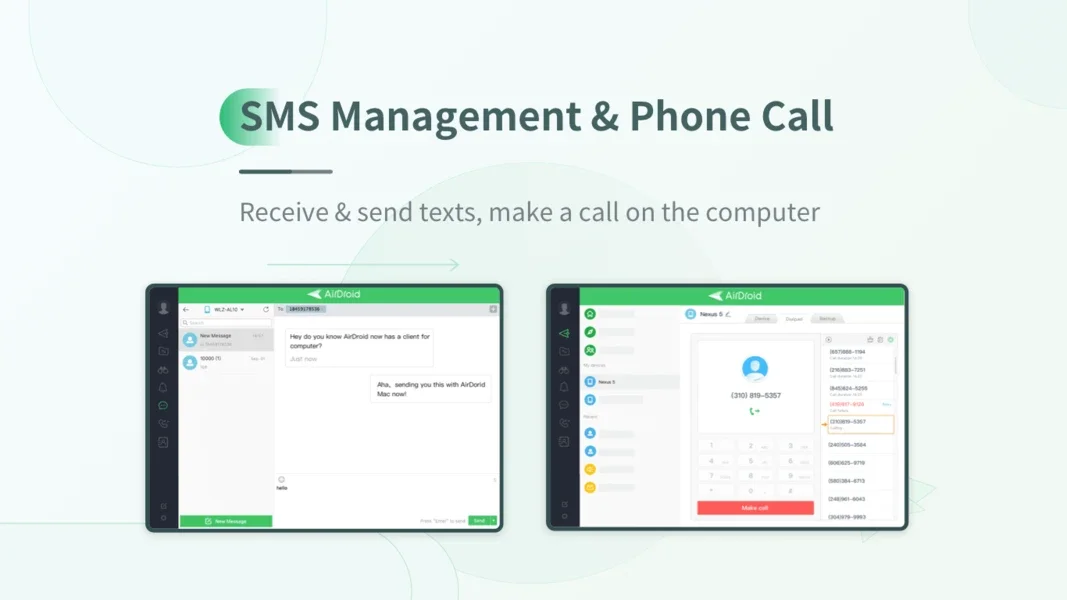
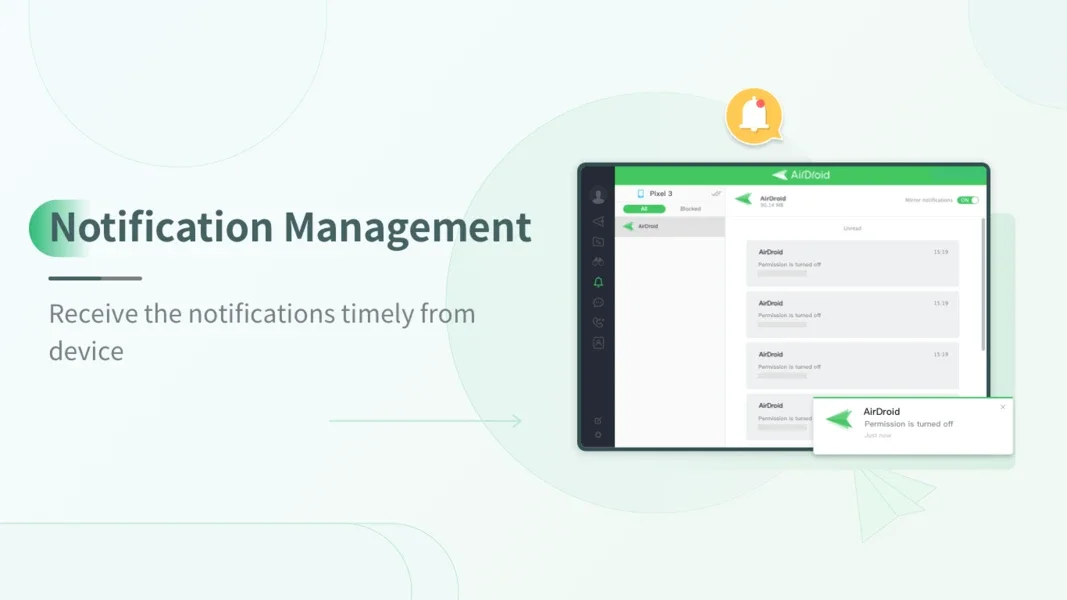
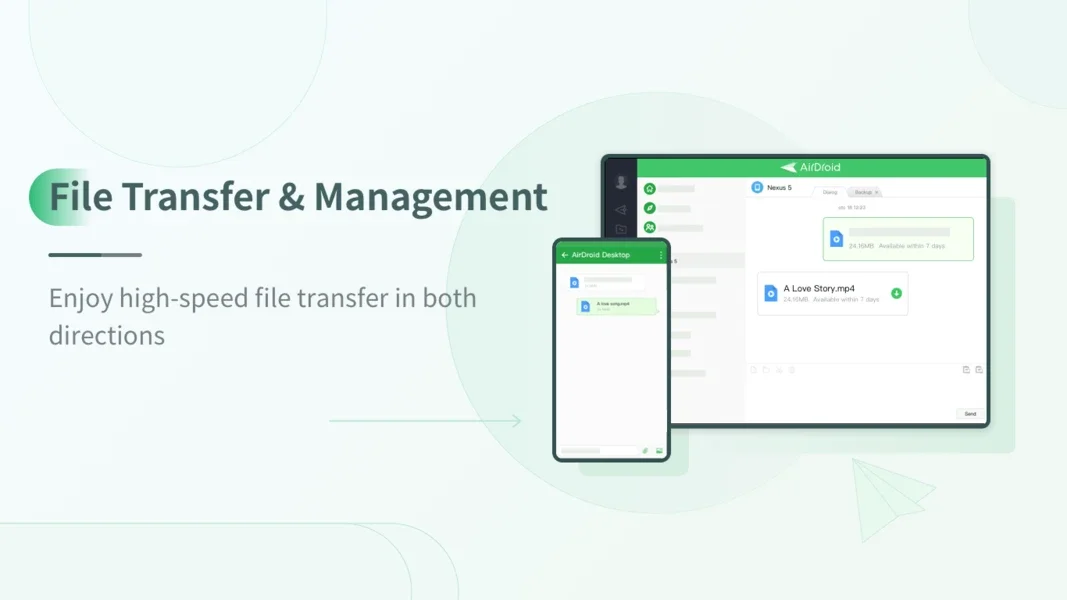
You can access the address book, send texts, share pictures, and receive desktop notifications. Those notifications appear in the Windows desktop notification bar. Full text message history is available if it's stored in the call log or contacts list. You can send files and create folders from Windows that synchronize remotely.
Mirroring the screen
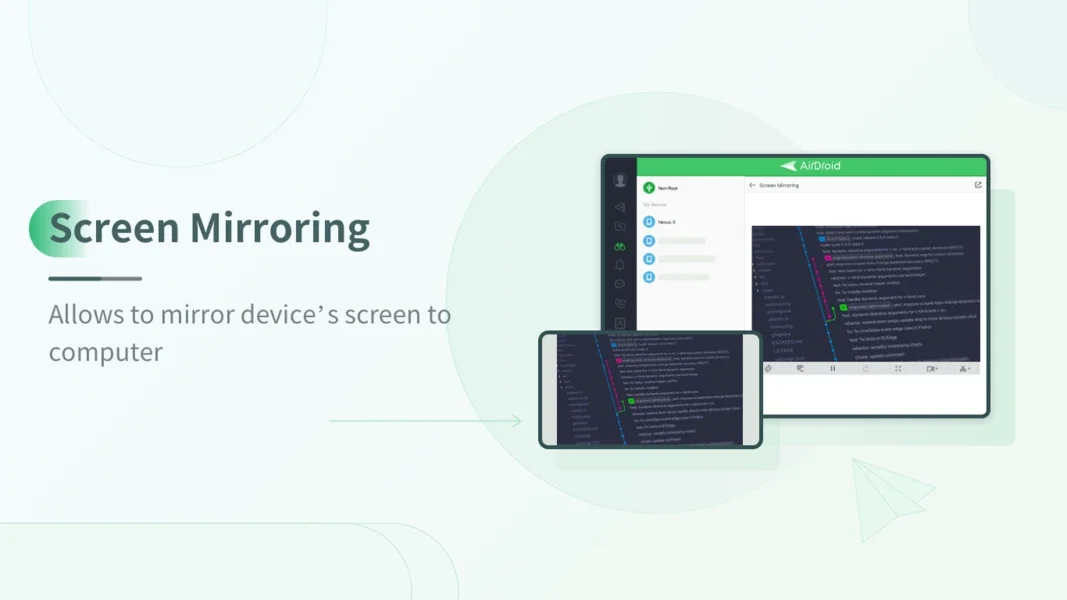
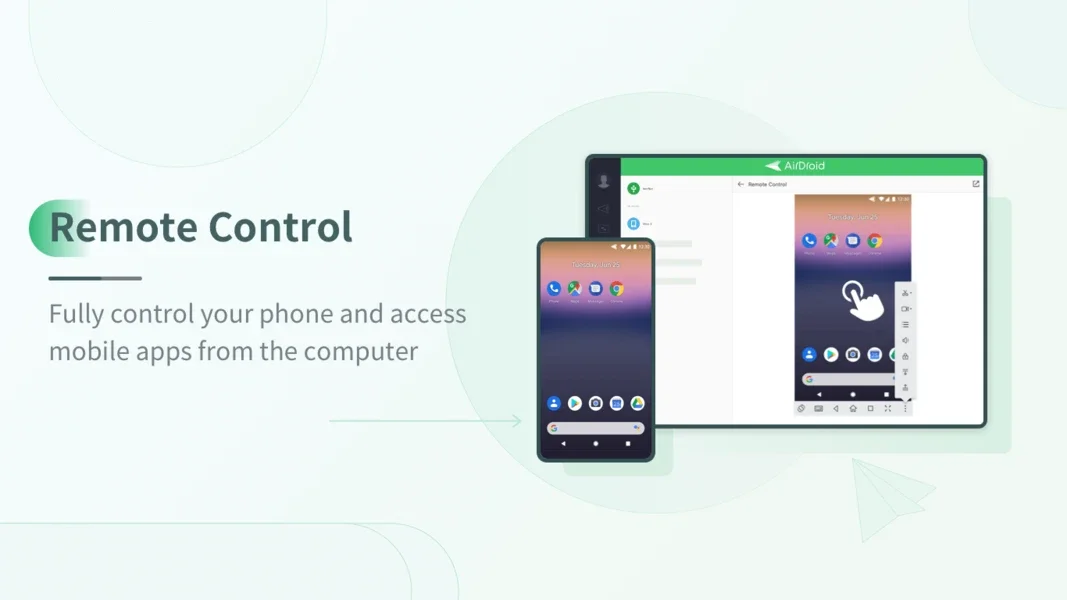
AirMirror shows a mirror image of the Android device on screen, and lets you interact with the device using the mouse.
Download files
69acf8e481a7178e2f8d5f82fa987fa335dfa832dfe3f6b65886165ef097a3bc
Signed by SAND STUDIO CORPORATION LIMITED · valid until Aug 3, 2025707ac81e990a1b71ab25f66a058204a756ed68f75bf06ea6ccde45d3b58bd168
e298734f031b27b1601dace3bbb56b50a65f6538ae686aa39680f3fcca67bf71
34be8191f69f92369d316ecdd5ed33406ede3964f58de1964cf4a0a8058c65d8
0fe30893a003cc7ae3f6f90426e967d2f7142a4e23e628c575355923dca51b51
System requirements
Available on:
Minimum OS:
Windows XP or later
Additional information
Developer
Latest release
Size
Category
File type
SHA-256
69acf8e481a7178e2f8d5f82fa987fa335dfa832dfe3f6b65886165ef097a3bc