
MoboPlay 3.0.6.339 for Windows
Manages Android content from a desktop interface
Screenshots
Description
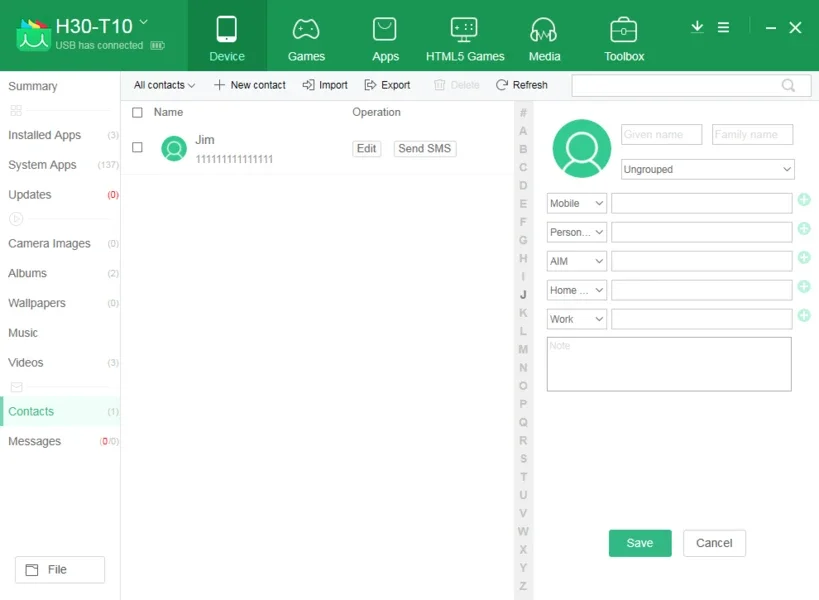
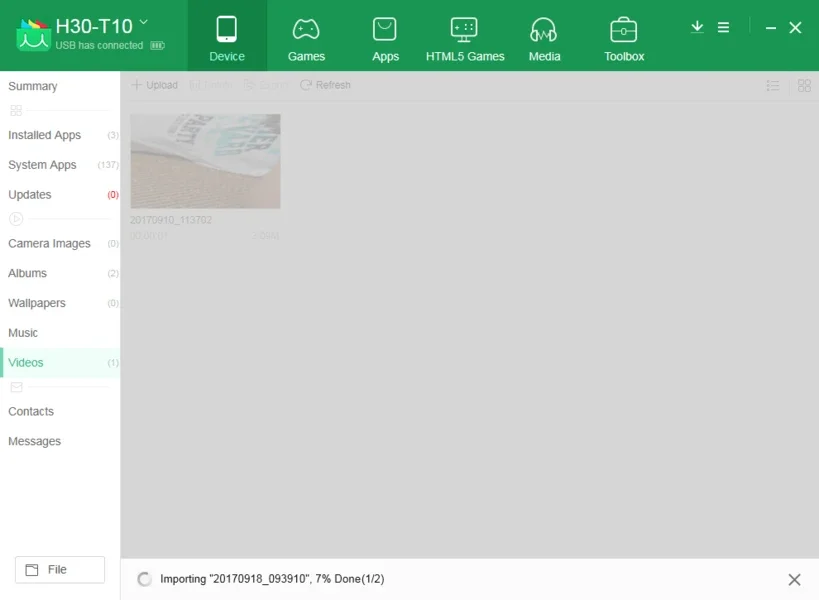
MoboPlay puts installed apps, photos, saved files, and other stored Android content in front of you from the first window. That content is managed from a desktop or laptop interface.
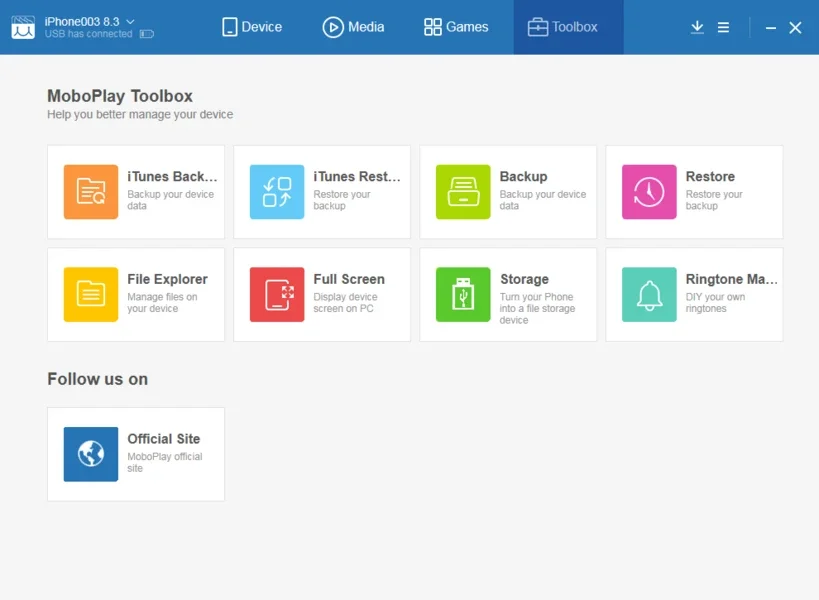
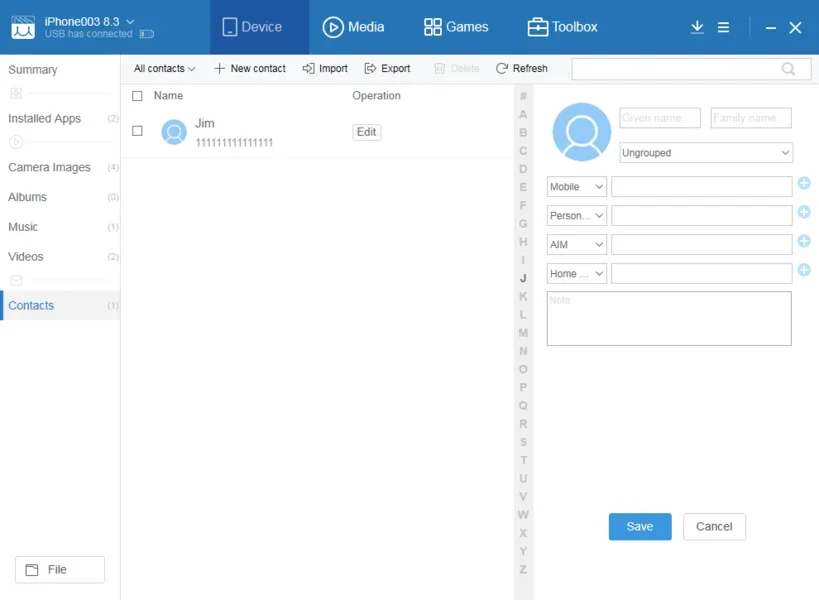
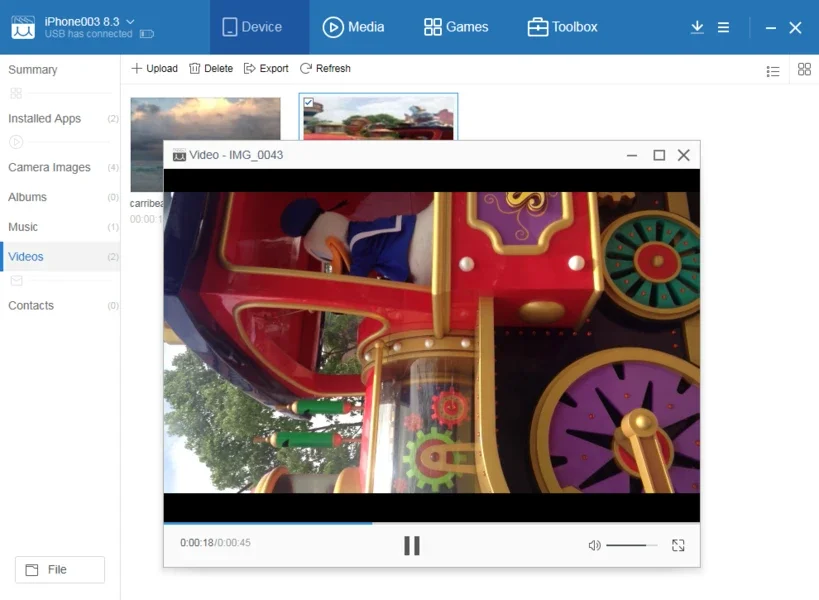
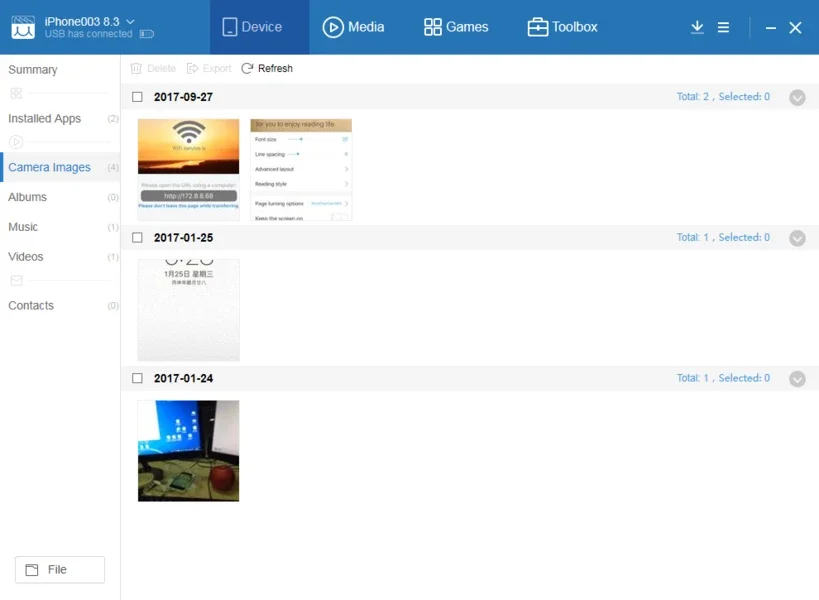
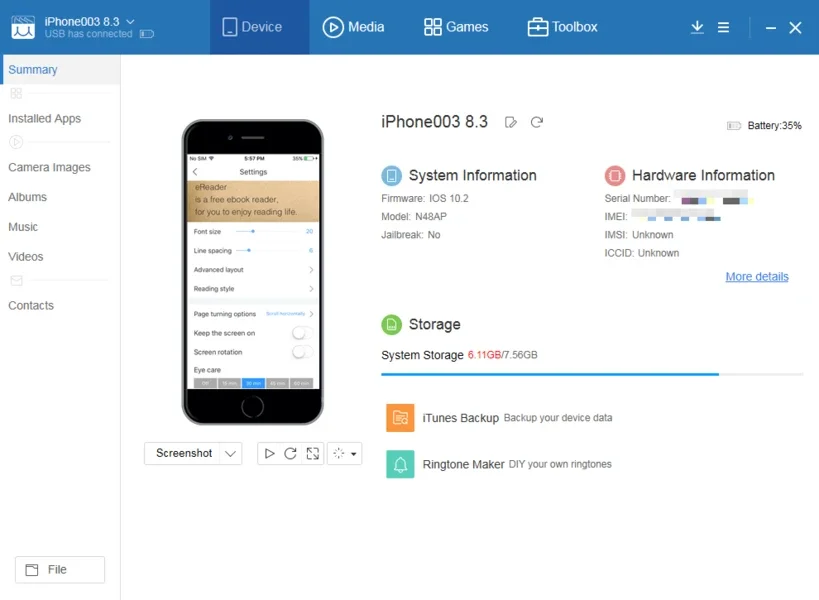
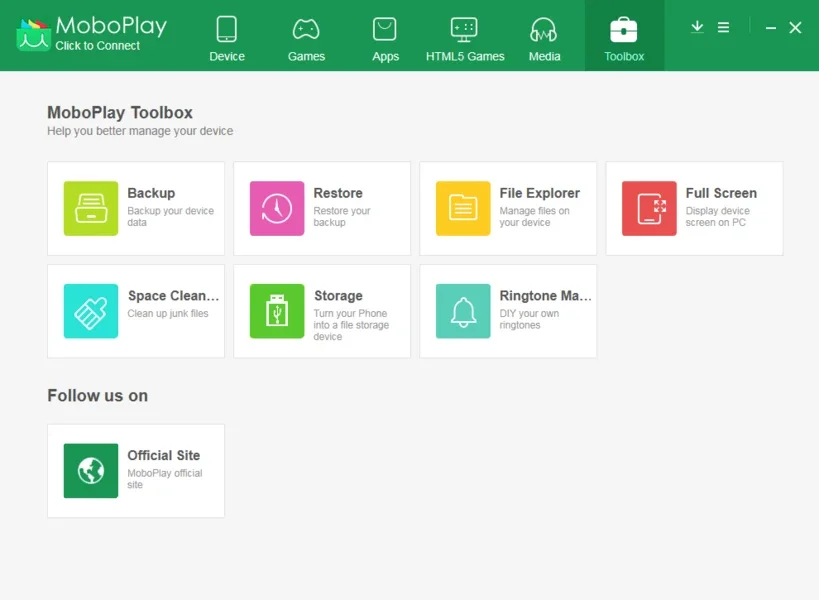
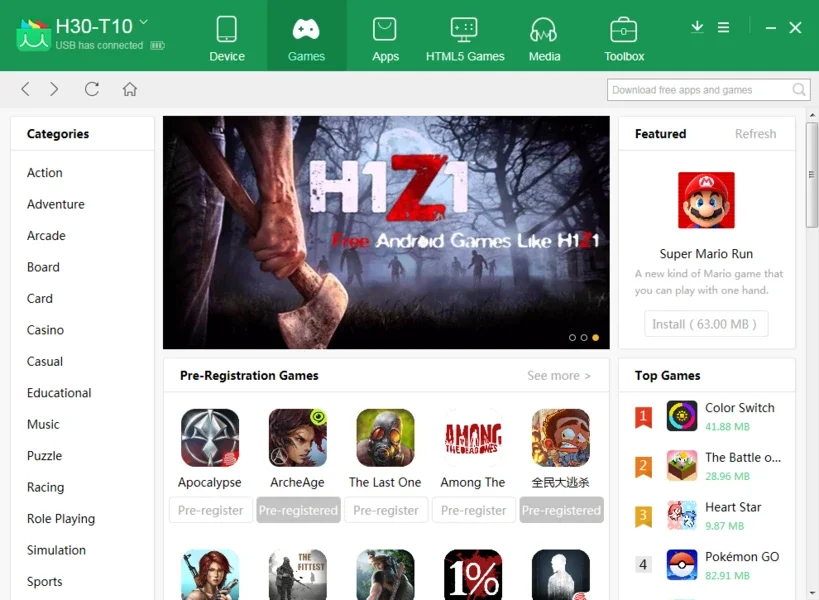
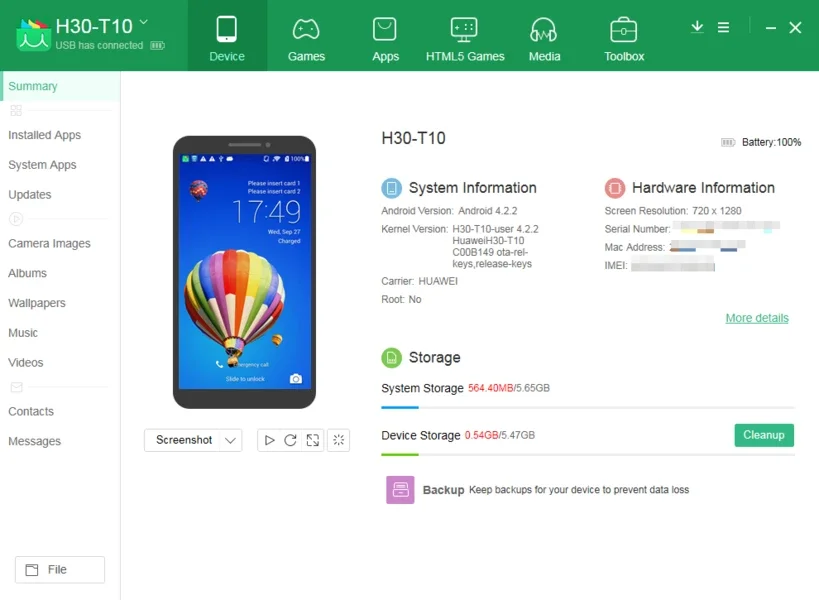
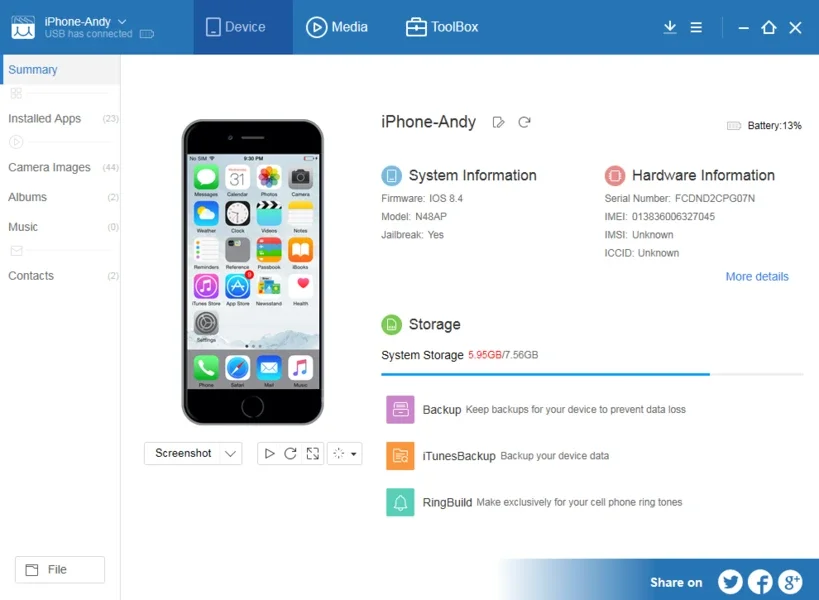
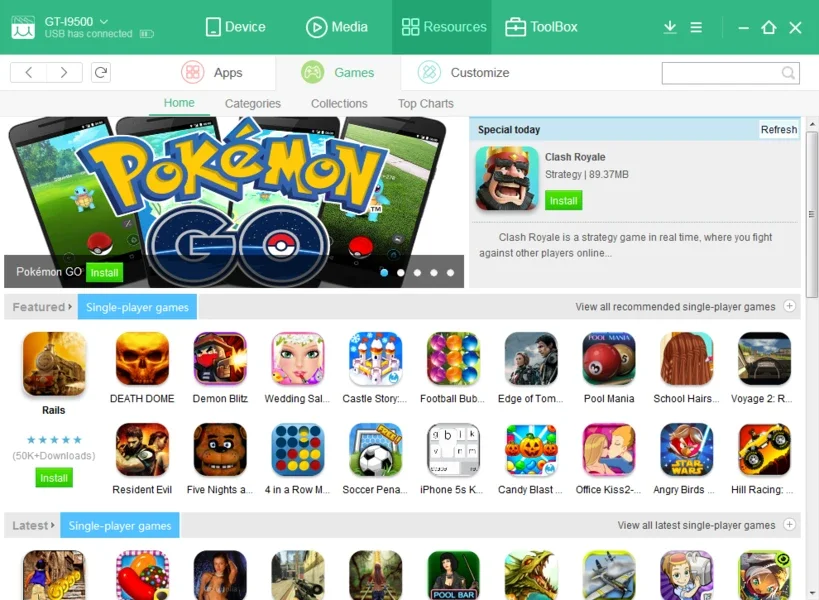
The interface is divided into four windows. The first shows specifications of the connected terminal, including system data, hardware, and storage information. The second tab is dedicated to music, where albums from the smartphone can be worked with; tracks can be deleted or new ones added, and music can be played there to check which tracks are being erased. The third function lets users personalize the device and download apps or trendy backgrounds, and the whole memory can be erased by cleaning out unused items. The last window summarizes the other features, and from it security copies of the whole system can be made and later restored when needed. It can also make security copies, transfer files, and restore devices on Android and iOS.
It runs on Windows.
Download files
875cfaaa4d8081509799055eef6372c2d5817fa47c7e3628ebc91609904feb61
Signed by Fuzhou Xianzhi Ruishi Information Technology Co., Ltd. · valid until Dec 27, 2017f0212851f1cc7265883581aaf9cdecf91f903cfb2be1f5af623d3bba7368a456
1129124c2b2e681cc65c1e51c7a0c4edb87c41703be47325c919b2515207e4f9
b7783fb88323b322c9373a14db734ba1adc6f7b4b30495f1b71dcf4854e0a61c
1db24711cca579e6226e6cf1afe41b62b9935c48ad00f66832e82c91ecc68a56
System requirements
Available on:
Minimum OS:
Windows Windows 11 or later
Additional information
Latest release
Size
Category
File type
SHA-256
875cfaaa4d8081509799055eef6372c2d5817fa47c7e3628ebc91609904feb61