
Mobogenie 3.0.5 Build 10002 for Windows
Controls an Android phone from a Windows PC
Screenshots
Description
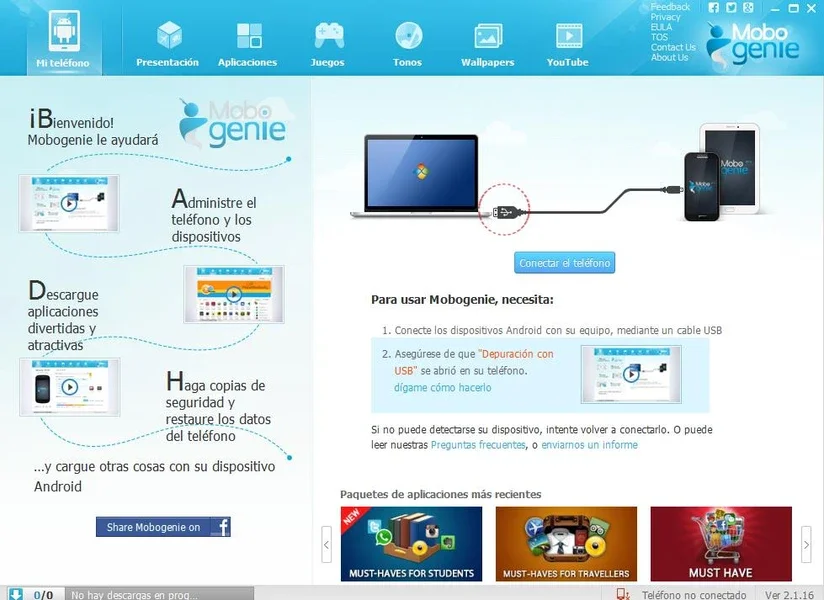
Mobogenie controls an Android smartphone from a computer, and it can reach all the data stored in the phone's memory. Everything it does happens as if you were using the phone itself, so you can avoid looking at both screens at once.
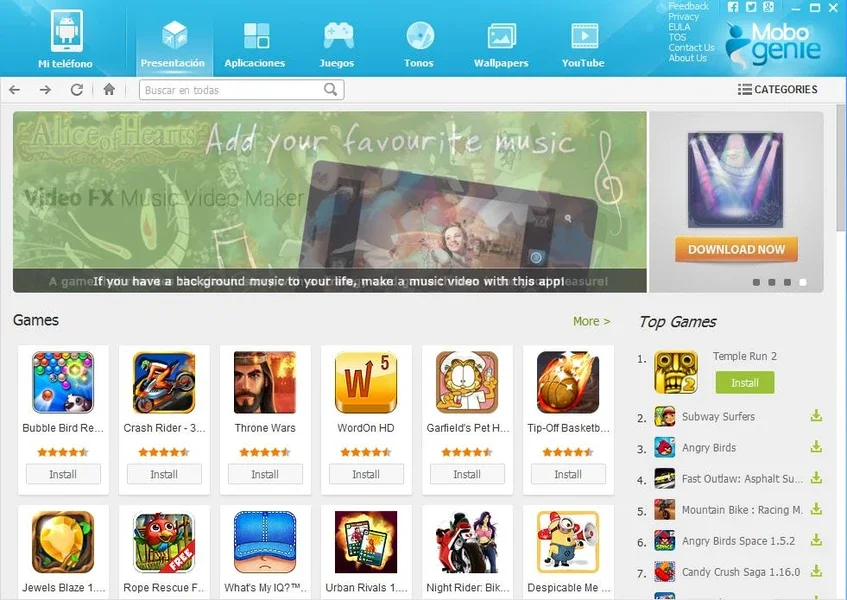
The app side is handled from the PC: Mobogenie installs and uninstalls apps, and managing them that way needs no Internet connection. It can also restore and install programs stored locally on the hard drive. When you do want the network, it reaches Google Play and downloads games from there. Messages are covered too, since it sends text messages to contacts from the PC.
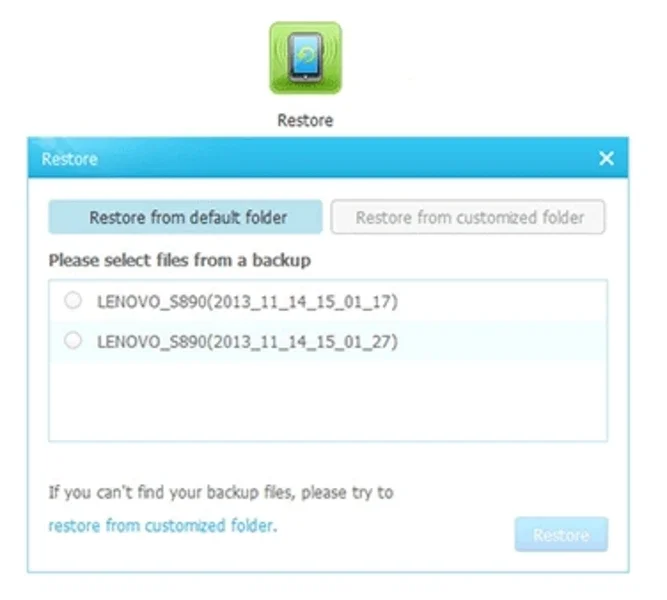
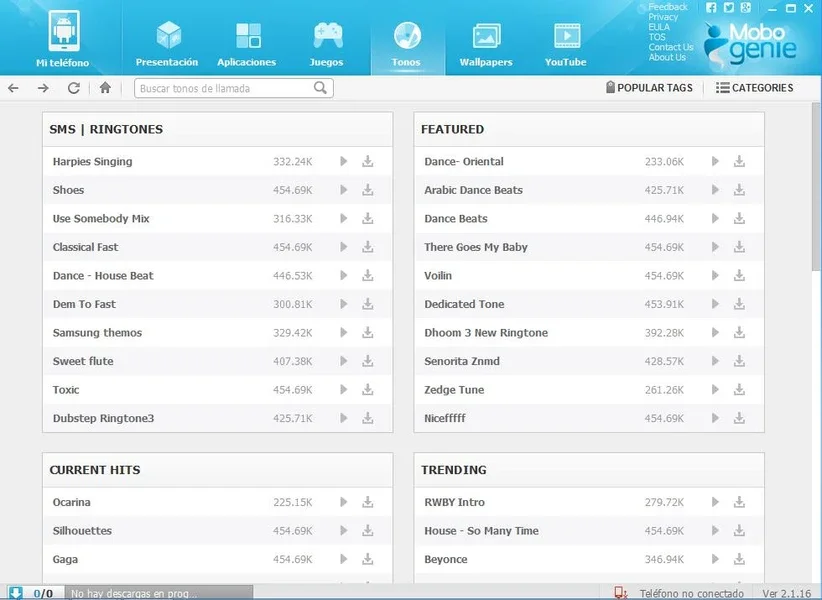
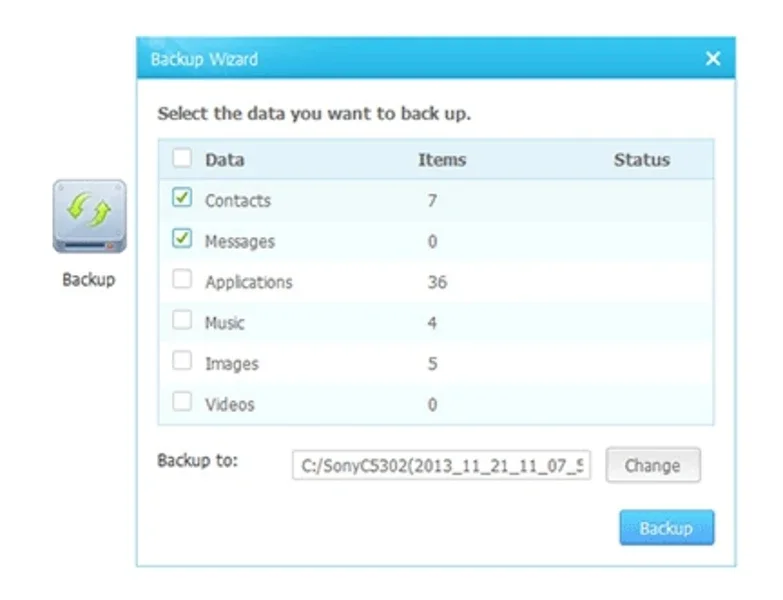
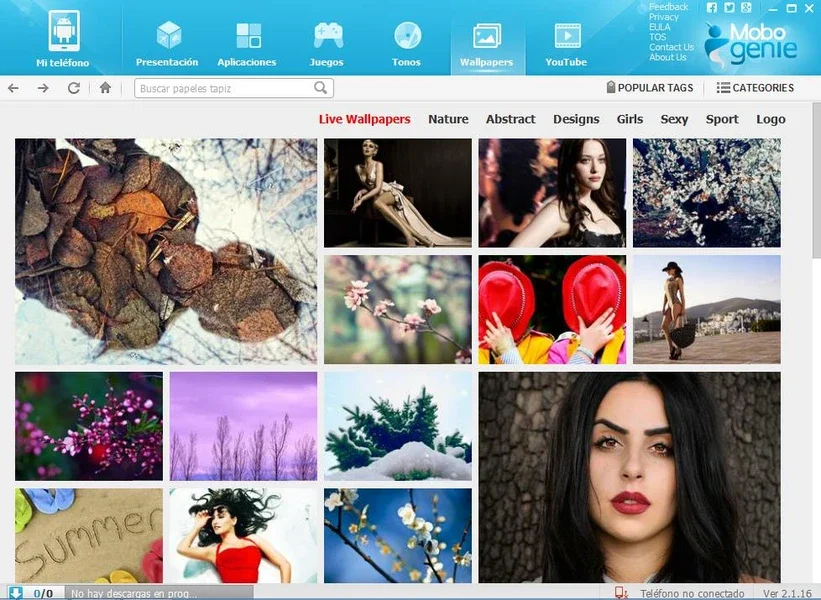
It makes backups, and it handles settings management, including selecting the main ringtone and setting a preset background. It can do things not possible directly on the smartphone, such as a full restore. No special cables are required to connect the devices. It is a Windows application.
Download files
0911698d0b08b20b07aed7a7b05cad912b3f56ed8aa3a16ea814d37daf19016e
No digital signatureSystem requirements
Available on:
Additional information
Latest release
Size
Category
File type
SHA-256
0911698d0b08b20b07aed7a7b05cad912b3f56ed8aa3a16ea814d37daf19016e