
Alternate File Move 2.630 for Windows
Copies one folder's contents to another and compares both sides first
Screenshots
Description
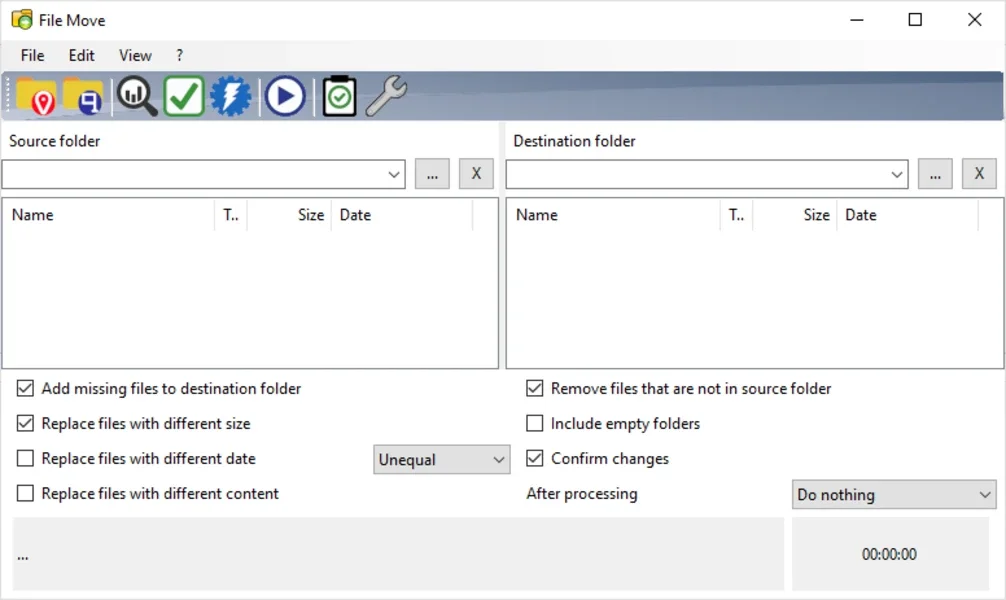
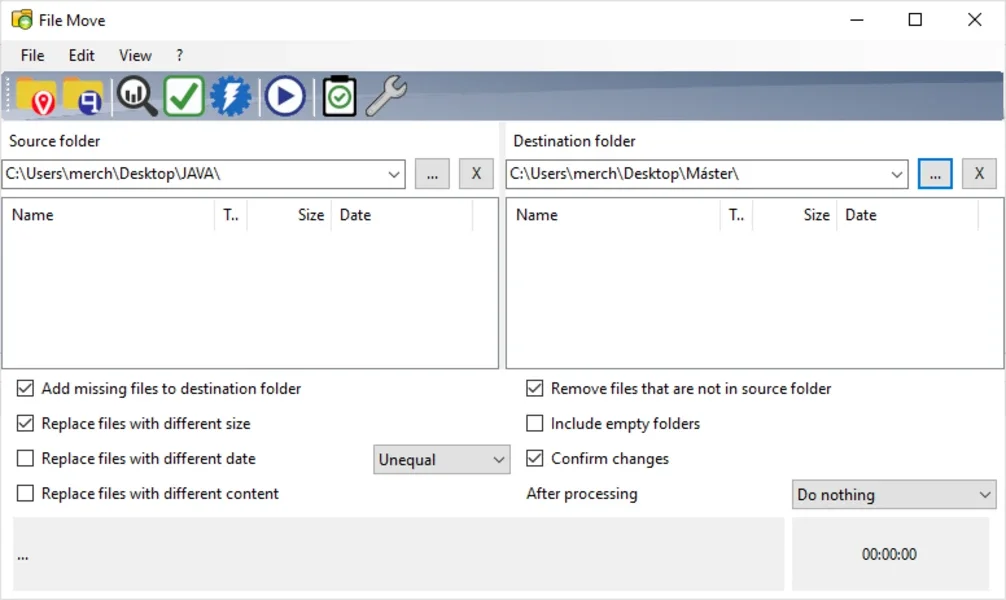
Alternate File Move copies the contents of one folder to another, and the comparison step is the part worth knowing about. You pick a source folder and a destination folder, and the tool compares the files in both locations by size, by various dates, and by content. That comparison gives you a visual view of the operations, which matters when the folders are large or hold a lot of files. It also lets you copy only what is needed and skip duplicating files that are already there.
Everything happens in the tool's interface. New folders can be created before transferring, without exiting the program. A customizable file replacement system can automate the process. Files you do not want to keep can be deleted at the end.
Download files
c3f25430afc0ba904ac9b29714da434dd460f60d96983e2f09d305e645780099
No digital signatured022328c9145dcb37d7308b062c77dfec6832d9161923f74b4a703c7bb568920
245a137be112f3b5a6ec6adaaa20d789a921a67535b744a91a32ae4bd126e412
7e19b3f7607f3a8d9c5d69a702b3a2ba6346539ee301e277b5f8deb8f90363ed
db7787e54d6921fb59ff2dc096fe09943732b928ee013a4050f059f9acfa4ddf
System requirements
Available on:
Additional information
Developer
Latest release
Size
Category
File type
SHA-256
c3f25430afc0ba904ac9b29714da434dd460f60d96983e2f09d305e645780099





