
Screenshots
Description
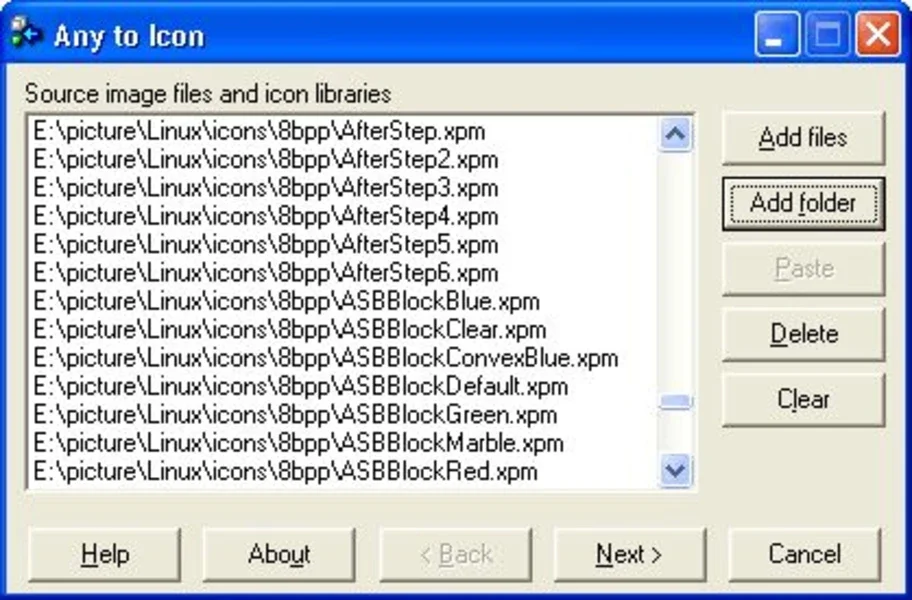
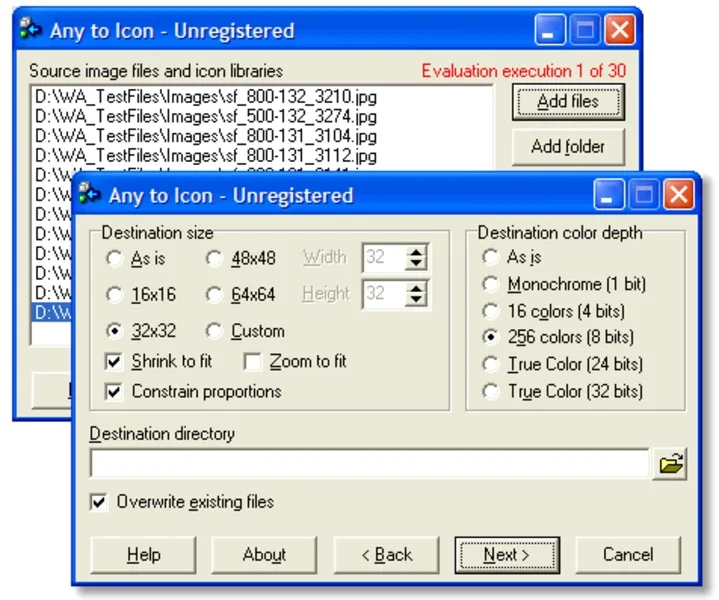
Load a picture into Any to Icon, then apply changes with the image visible in the interface. The program turns source images into Windows icons. It reads BMP, JPEG, GIF and PNG, and also takes PSD, WMF, PCX, TIFF, WBMP, XPM, XBM and CUR files.
Icon color depth can go either way: 256-color icons can be converted to True Color, and True Color icons back to 256 colors. The resulting icons can be saved at different resolutions.
It also pulls icons out of folders and libraries and saves them to a folder you pick.
Download files
File3.40ZIP
Version3.40
ReleasedOct 14, 2009
Size1.1 MB
SHA-256
Get
796c2e5527a6bbbaf9e2c8ce3be46d03b657363cba34892d14221273be231957
System requirements
Available on:
Additional information
Developer
Latest release
3.40 · Oct 14, 2009
Size
1.1 MB
File type
ZIP
SHA-256
796c2e5527a6bbbaf9e2c8ce3be46d03b657363cba34892d14221273be231957