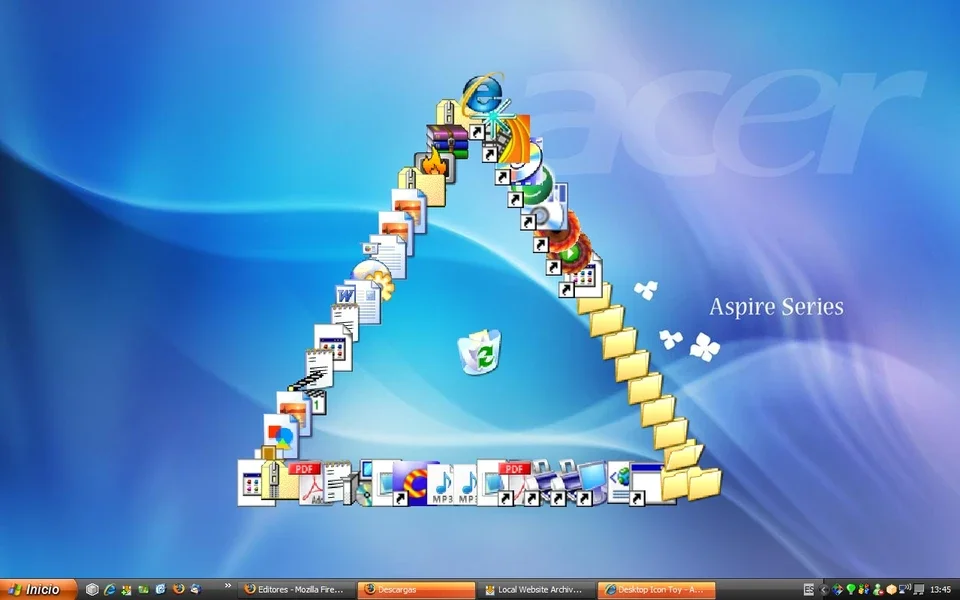
Screenshots
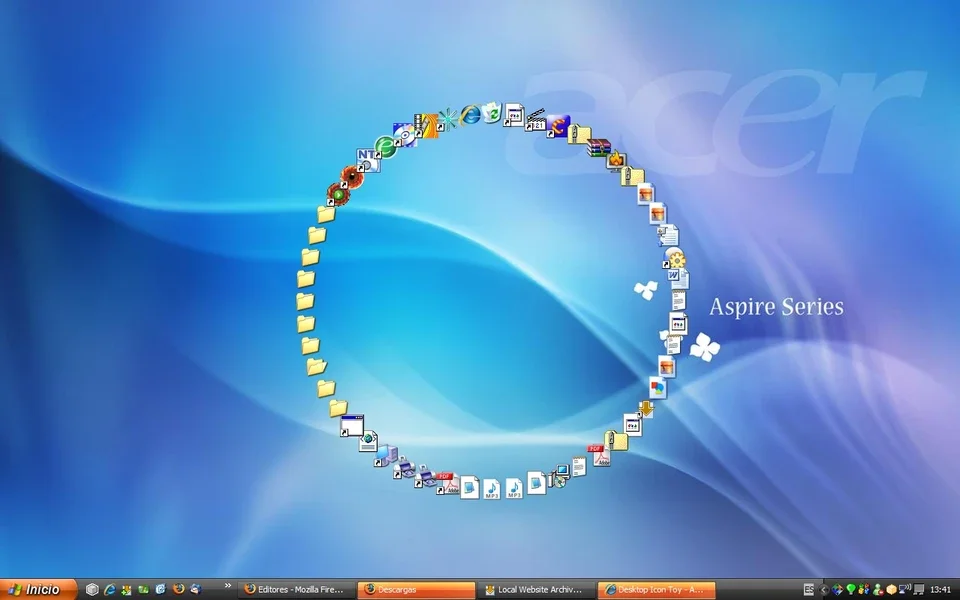
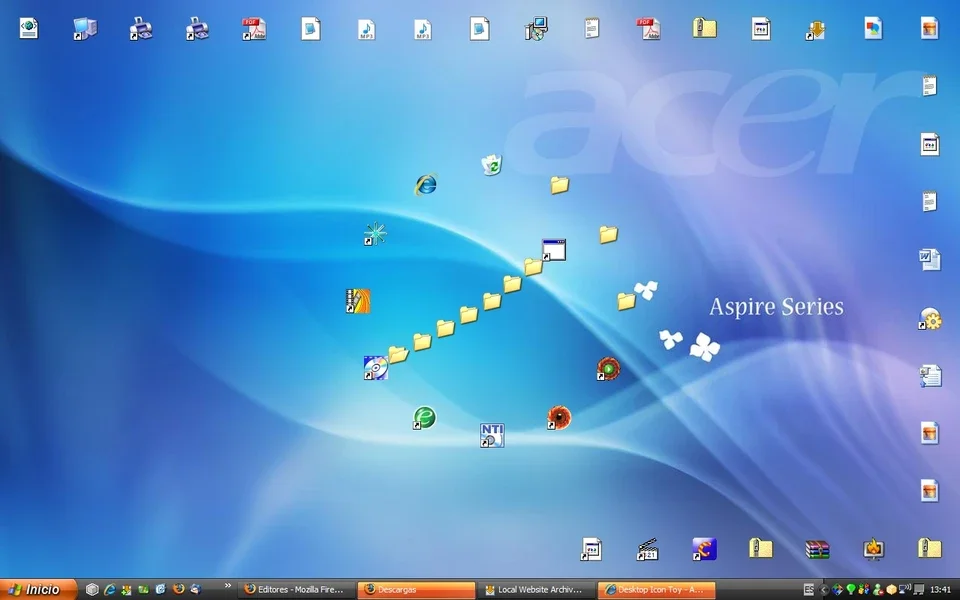
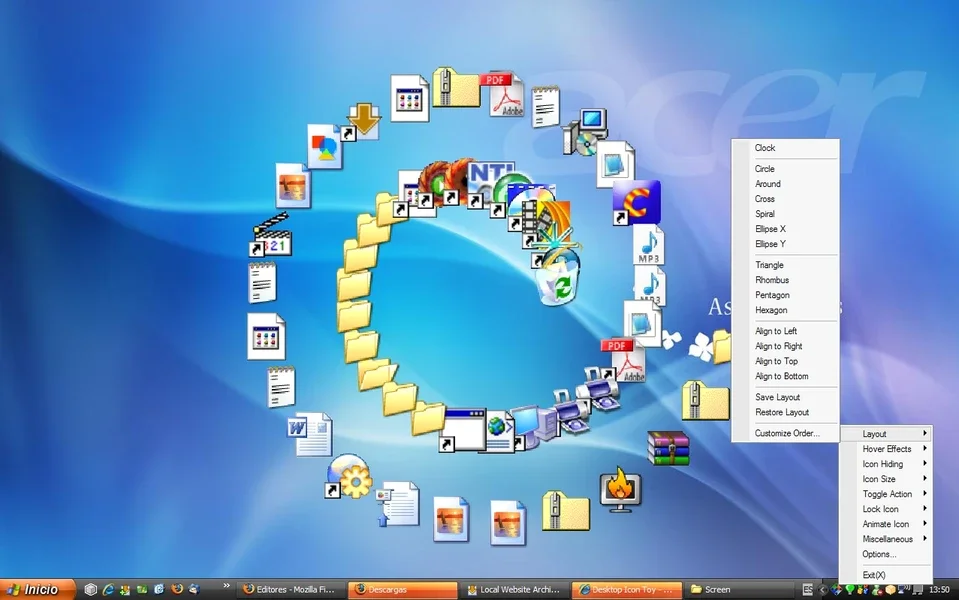
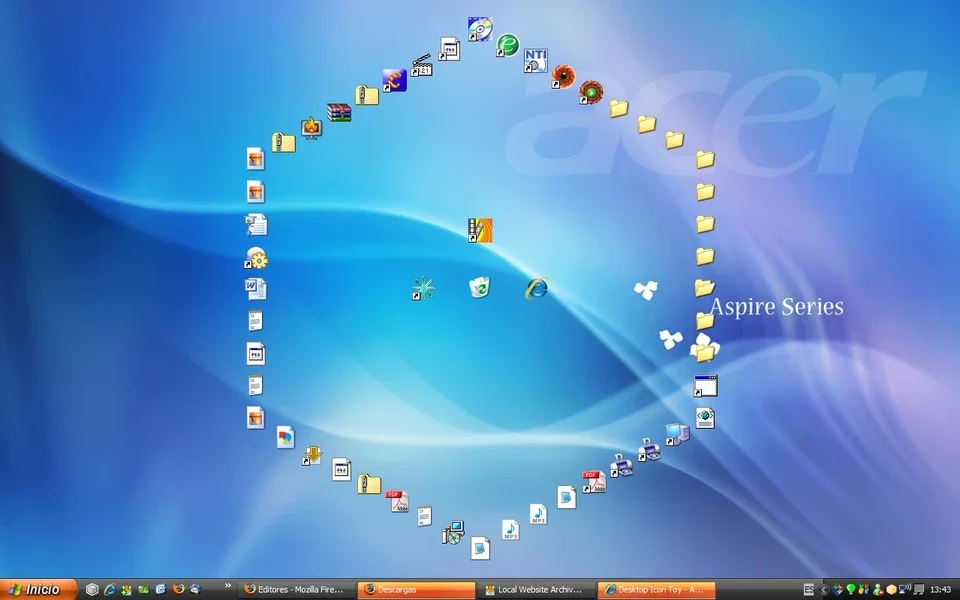
Description
Desktop Icon Toy takes over where the desktop's own icon layout stops. It automatically arranges desktop icons, and it offers 15 automatic positions for them. Icons can be pulled into geometric shapes, including a circle, an ellipse, or a spiral. One arrangement forms a clock from the icons and shows the time by moving them.
Sizes run from 32x32 pixels to 128x128 pixels, and one click changes the size of an icon. Special effects can be applied when the mouse rolls over an icon.
Download files
Filedesktopicontoyx64.exeEXE
Version5.0
ReleasedApr 24, 2026
Size1.6 MB
SHA-256
Get
6abb2ef9b638eea4490f231bb6cd925b591b8a1b03c8dc03394609005179448d
No digital signatureFile4.7EXE
Version4.7
ReleasedOct 9, 2012
Size775.9 KB
SHA-256
Get
a51a54b4a0ef60ef075c0de2da65c7c2e9fa0bca09c2b4ae4b67eb5e448d869f
No digital signatureFiledesktop-icon-toy-4.6.exeEXE
Version4.6
ReleasedDec 1, 2011
Size775.8 KB
SHA-256
Get
6fbae70119cb79cbfbcbdf6b1b92a9ef342794fbd481efcdfebe2479f2cbc886
Filedesktop-icon-toy-3.3.exeEXE
Version3.3
ReleasedOct 15, 2008
Size466.2 KB
SHA-256
Get
bad242d2ad537368fec61d9052623971c70a41058c158ba38b66f4bbef6e1492
Filedesktop-icon-toy-3.0.exeEXE
Version3.0
ReleasedUnknown
Size482.8 KB
SHA-256
Get
d3825c7f345445884fd6168b794a0d7791d55f977d1170838d6e341a061125a0
No digital signatureSystem requirements
Available on:
Minimum OS:
Windows Windows 2003 or later
Additional information
Developer
Latest release
5.0 · Apr 24, 2026
Size
1.6 MB
File type
EXE
SHA-256
6abb2ef9b638eea4490f231bb6cd925b591b8a1b03c8dc03394609005179448d
Digital signature
No digital signature