
IconPackager 10.03 for Windows
SHA-256 listed
Swaps out Windows icons in bulk by applying icon packages
All ages
Age rating
Screenshots
Description
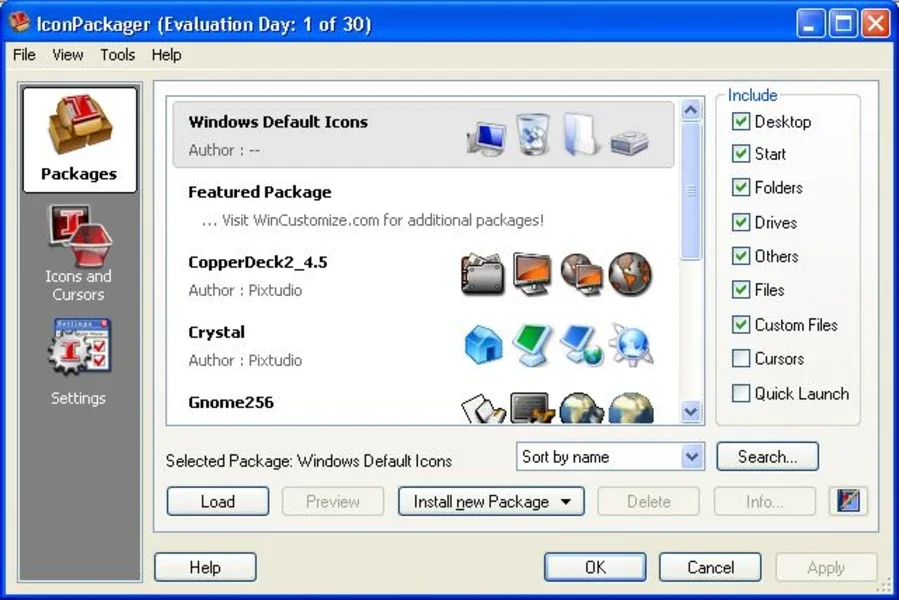
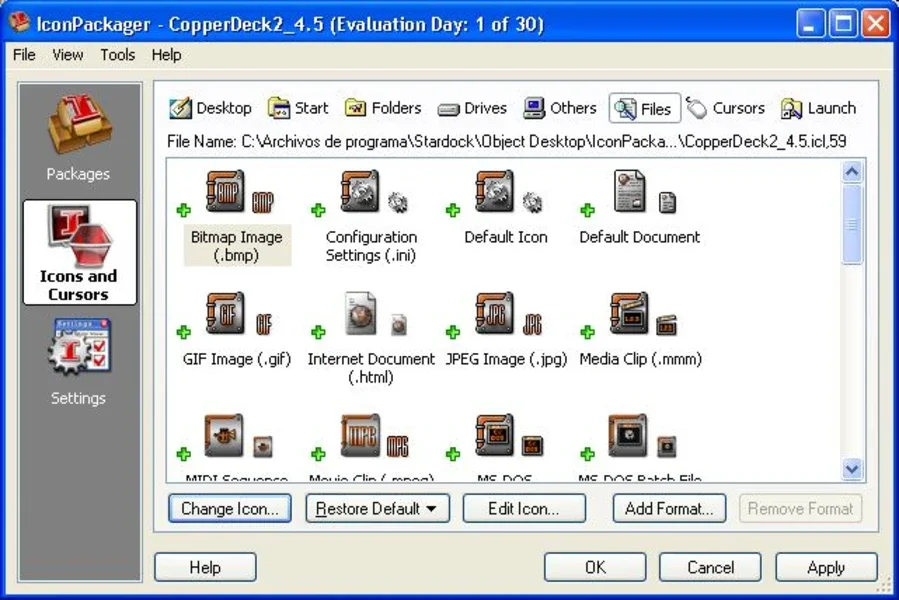
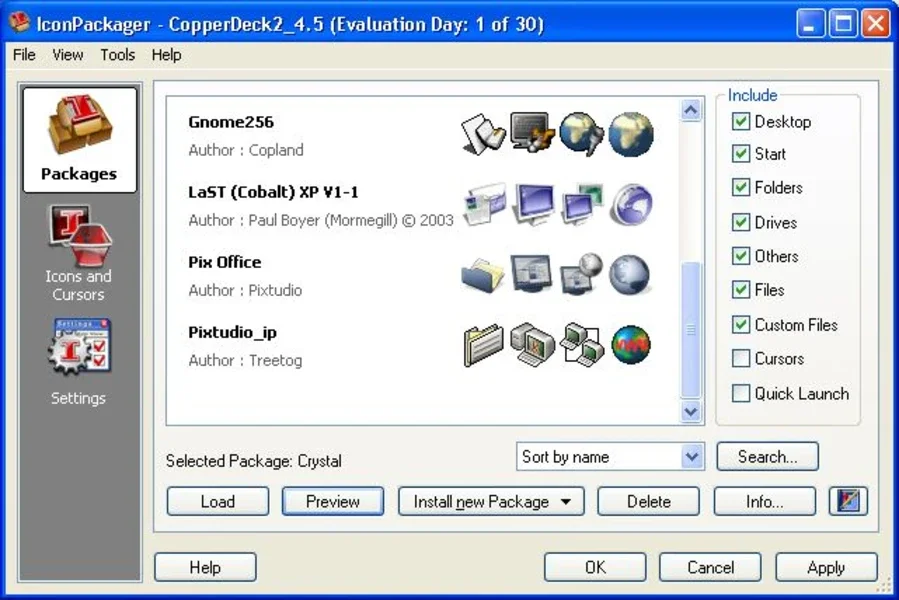
IconPackager replaces the icons Windows uses for My Computer, the Recycle Bin, folders and specific file formats, and it does the swapping in bulk: apply a package and the whole set changes at once. It is a Windows program from Stardock.com, sold as a trial.
- An icon package holds replacements for most common Windows icons.
- Applying one package changes almost all icons at once.
- It can change icons most people would consider impossible to change.
- Holiday-oriented icon sets are available for download.
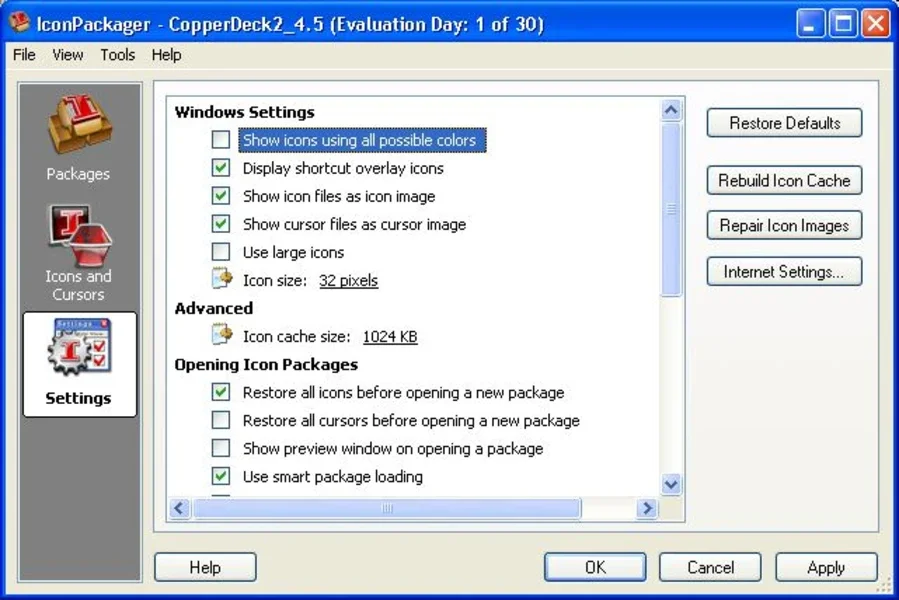
Where a Microsoft theme changes only a few icons, this changes hundreds. Customizing the icons is very easy. IconPackager integrates with WindowBlinds but also runs independently of it.
Download files
File10.03EXE
Version10.03
ReleasedJun 5, 2023
Size80.1 MB
SHA-256
Get
7d0b7f60474eced7a46155e45bc14e4c63ed85e691005584ec01da0a7caee96e
Signed by Stardock Corporation · valid until Apr 13, 2019File10.3EXE
Version10.3
ReleasedMay 24, 2023
Size80.1 MB
SHA-256
Get
7d0b7f60474eced7a46155e45bc14e4c63ed85e691005584ec01da0a7caee96e
Signed by Stardock Corporation · valid until Apr 13, 2019Fileiconpackager-5.1.exeEXE
Version5.1
ReleasedNov 4, 2010
Size40.9 MB
SHA-256
Get
215505fa50eb0931d975372343537b50598c70b998693e1ac36302359b023bcf
Fileiconpackager-5.1.exeEXE
Version5.1
ReleasedUnknown
Size79.5 MB
SHA-256
Get
e74f579260b6a884ee4093a5c23f179959407c91211fdf4c79f1bb799397baec
Signed by Stardock Corporation · valid until Oct 3, 2014System requirements
Available on:
Minimum OS:
Windows XP or later
Additional information
Developer
Latest release
10.03 · Jun 5, 2023
Size
80.1 MB
File type
EXE
SHA-256
7d0b7f60474eced7a46155e45bc14e4c63ed85e691005584ec01da0a7caee96e
Digital signature
Signed by Stardock Corporation · valid until Apr 13, 2019