
Apache Maven 3.9.16 for Windows
Build automation for Java with a standard lifecycle
Screenshots
Description
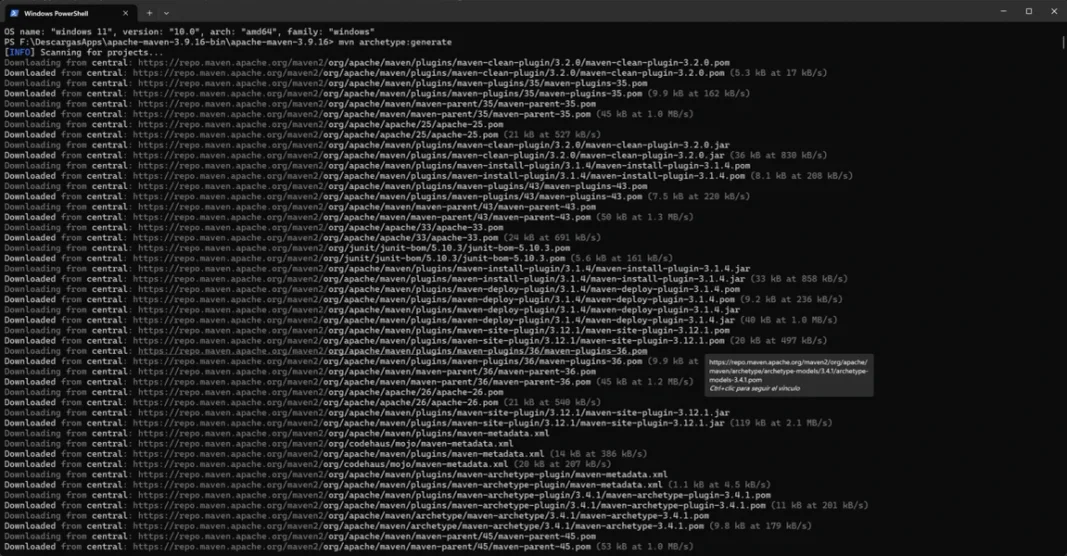
Apache Maven builds Java projects, and other JVM languages, through a standard lifecycle defined in a single pom.xml file. Running mvn install validates, compiles, tests, packages and installs the artifact into the local repository, and each phase you run also runs the earlier ones. The cycle goes validate, compile, test, package, verify, install, deploy. Convention over configuration means folder paths and compilation steps stay unspecified unless you deviate from the standard structure.
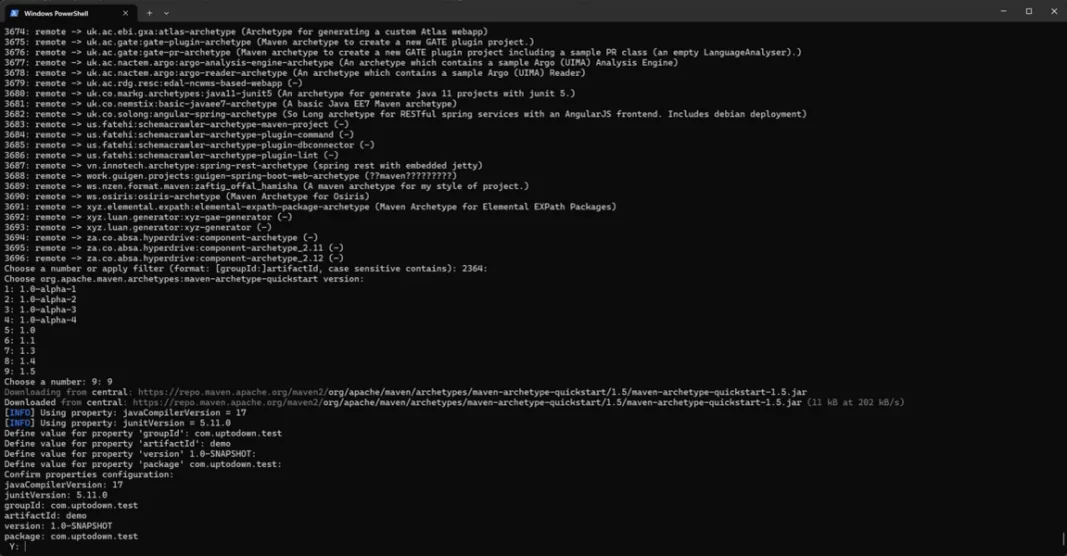
The POM declares dependencies, plugins and identifiers such as groupId, artifactId and version. Declared dependencies come down automatically from the central repository or from additional configured repositories, and transitive dependencies resolve on their own; mvn compile can pull in an added library and everything it needs without handling JAR files by hand. Conflicts between versions of the same library are settled by Maven's own rules, so checking the dependency tree periodically is advised.
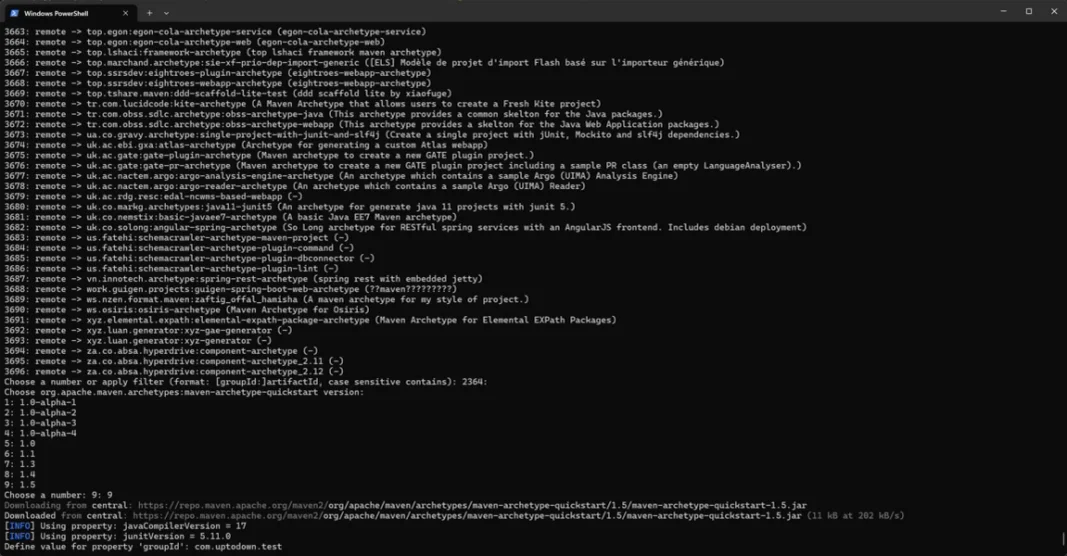
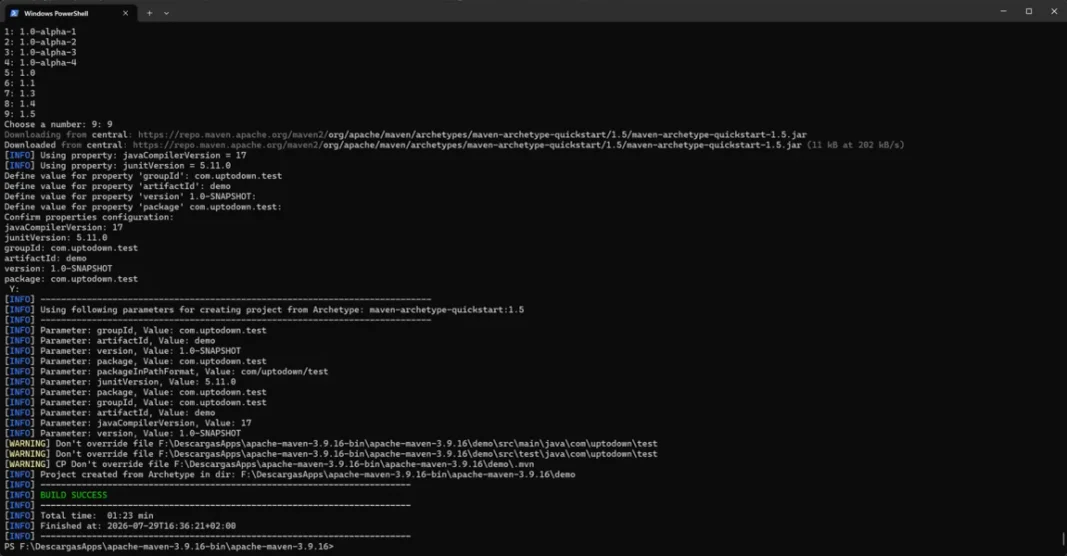
Almost everything runs through plugins, each tied to one or more phases and made of configurable goals, and plugin behavior is adjusted by adding configuration to the POM. A standalone goal can fire outside the lifecycle for one-off work such as documentation or code analysis, and an archetype generates a new project's starting structure from a template. A parent POM coordinates child modules with one command from the root.
Download files
5af3b743dd8b876b5c45da33b676251e5f1687712644abb4ee519ca56e1d89ce
System requirements
Available on:
Minimum OS:
Windows XP or later
Additional information
Latest release
Size
Category
File type
SHA-256
5af3b743dd8b876b5c45da33b676251e5f1687712644abb4ee519ca56e1d89ce