Edits APK icons, names, versions, permissions and code
You are on macOS — this is the Windows version. See the macOS version
Screenshots
Description
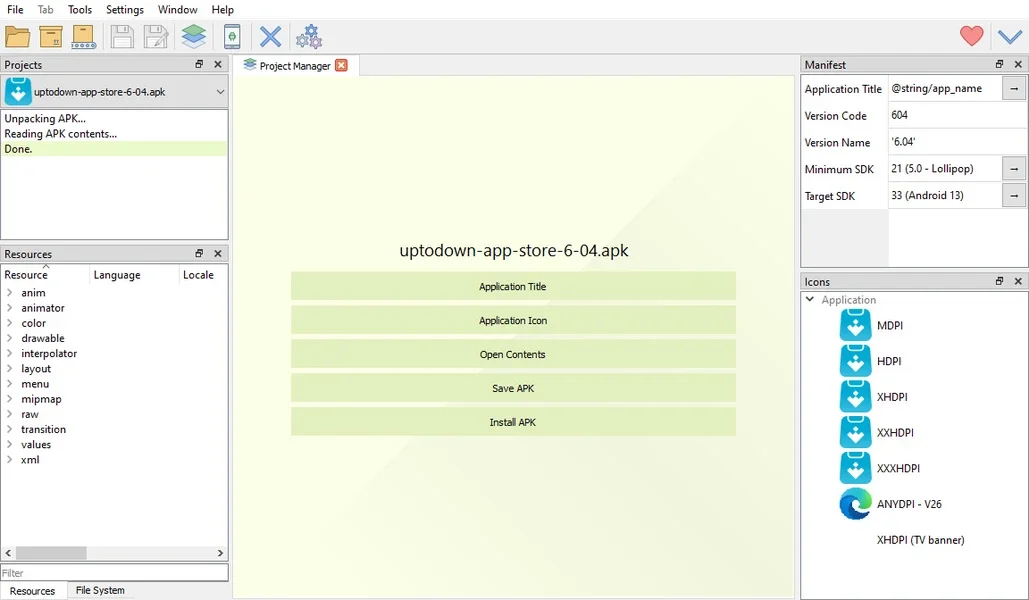
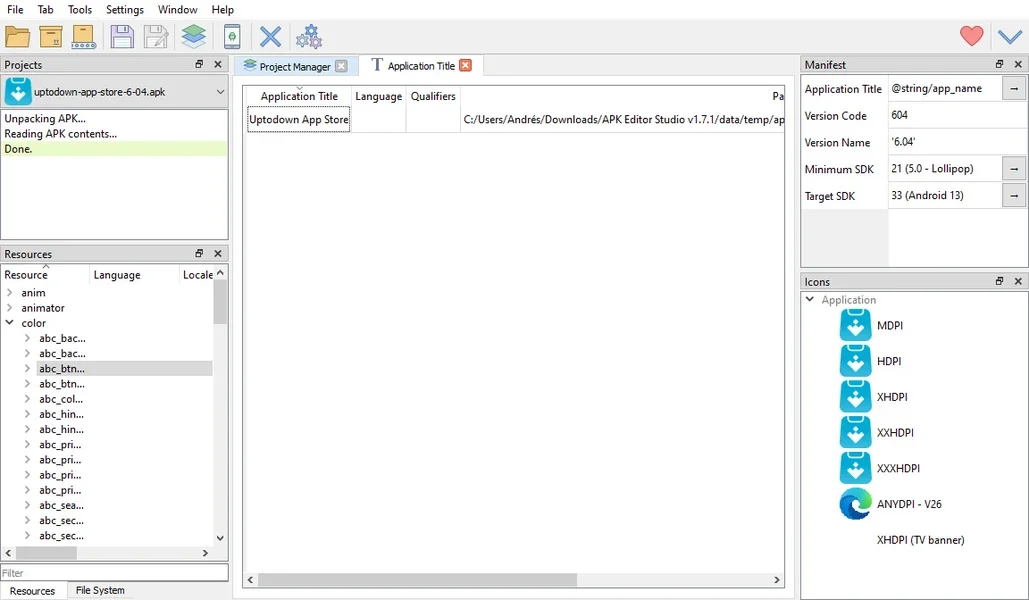
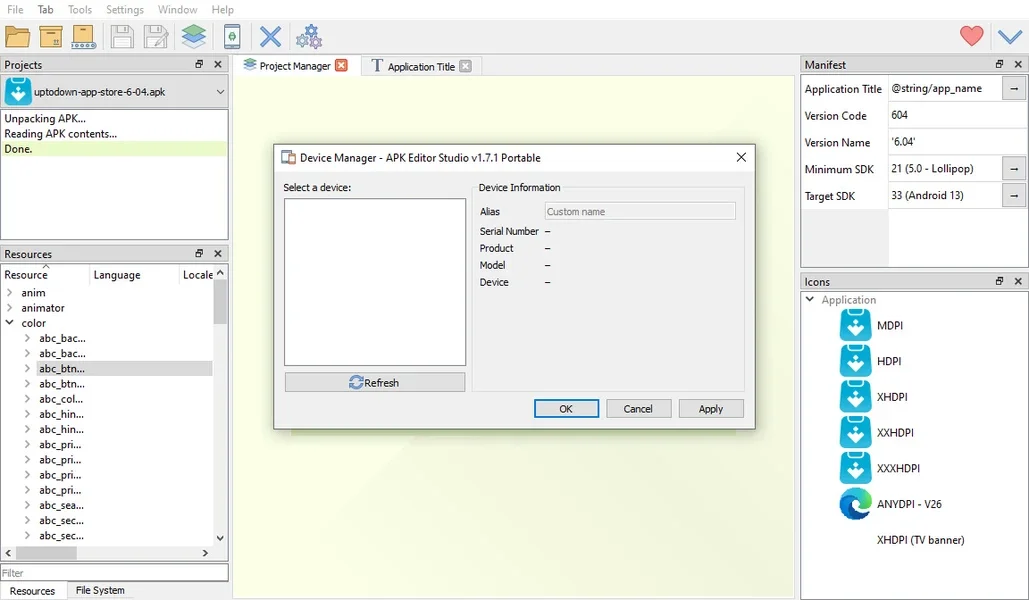
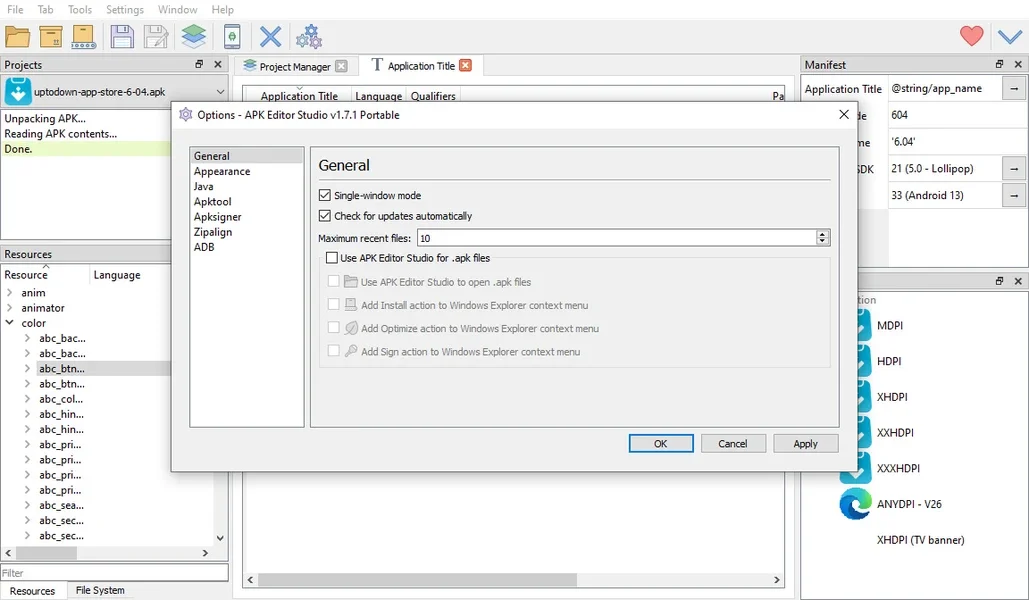
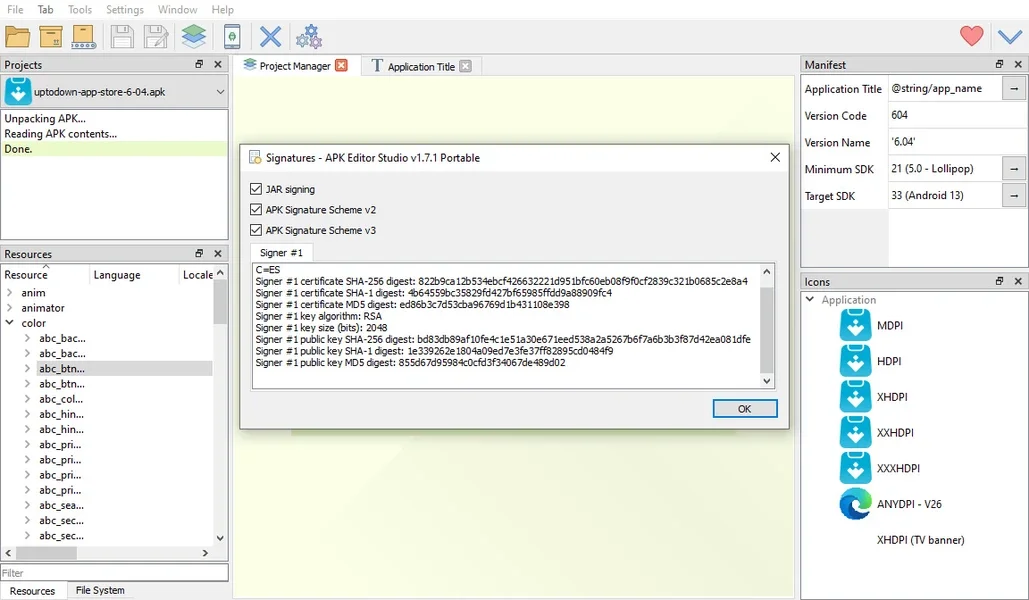
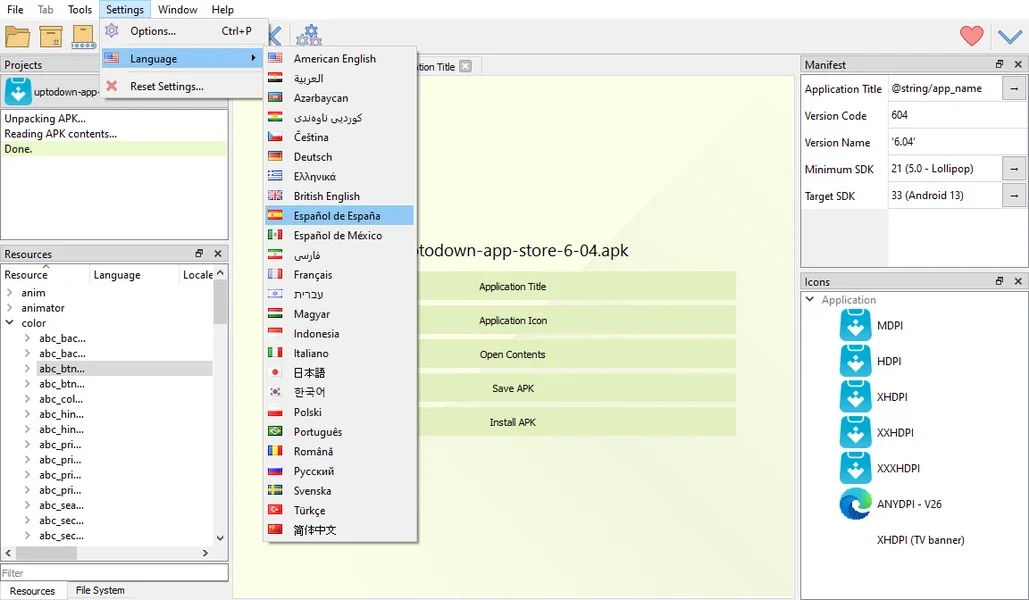
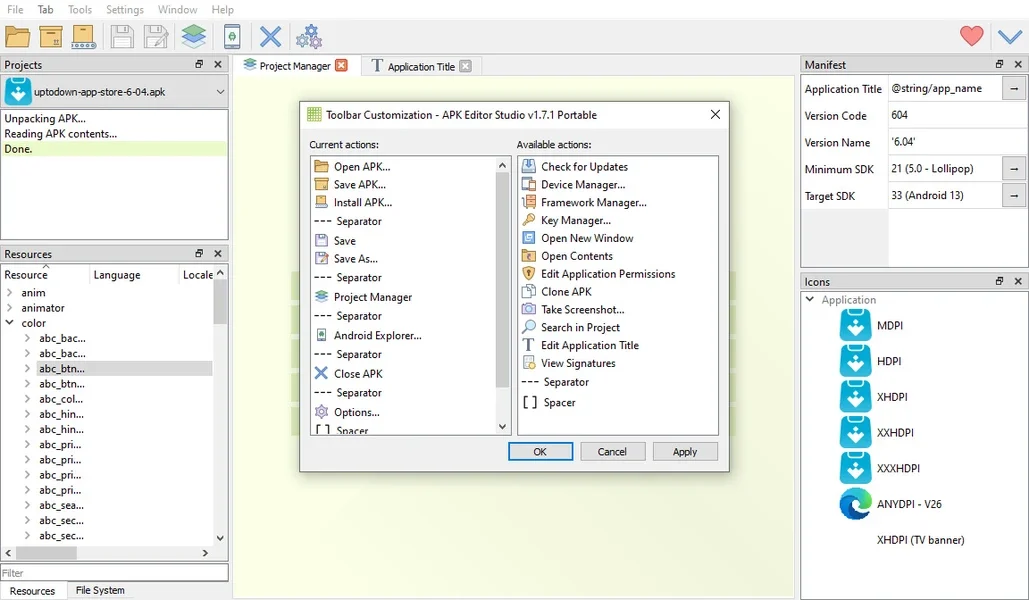
Load an APK into APK Editor Studio and it shows you what is inside. The program has a graphical interface, and after loading a file two tabs appear, one for the icon and one for the name. From there you can work with the archive's content and save your changes. To change an icon, import a square PNG and the program adapts it automatically; any other image in the app can be swapped the same way. App names are editable too, and a name can differ depending on the operating system's language. Version and versionCode are both fair game, which helps when you need to install or work with an older version of an app. The manifest is open for editing, including permissions, which can be removed. You can also edit an app's code and reverse engineer the APK. Signatures can be viewed, and you can sign your own apps. Connecting an Android device to a PC lets you install apps quickly. It is free and open-source.
Download files
66e545542d1e856b4401c3ae07346fb994bd52754b3cbbbd21a1cd4d0f95b1b0
b4ffbaf9a29c5d5caa957ab61b3a9e4e7f0e7070c40030464c2e676edefc40bf
No digital signaturec5f76d33d6be470fb5a503c0ef52102224dc1c6acfa5c966882b8d666e1f4660
System requirements
Available on:
Minimum OS:
Windows Windows 11 or later
Additional information
Developer
Latest release
Size
Category
File type
SHA-256
66e545542d1e856b4401c3ae07346fb994bd52754b3cbbbd21a1cd4d0f95b1b0