
AutoHideDesktopIcons 7.11.0.0 for Windows
Hides desktop icons after a set period of inactivity
Screenshots
Description
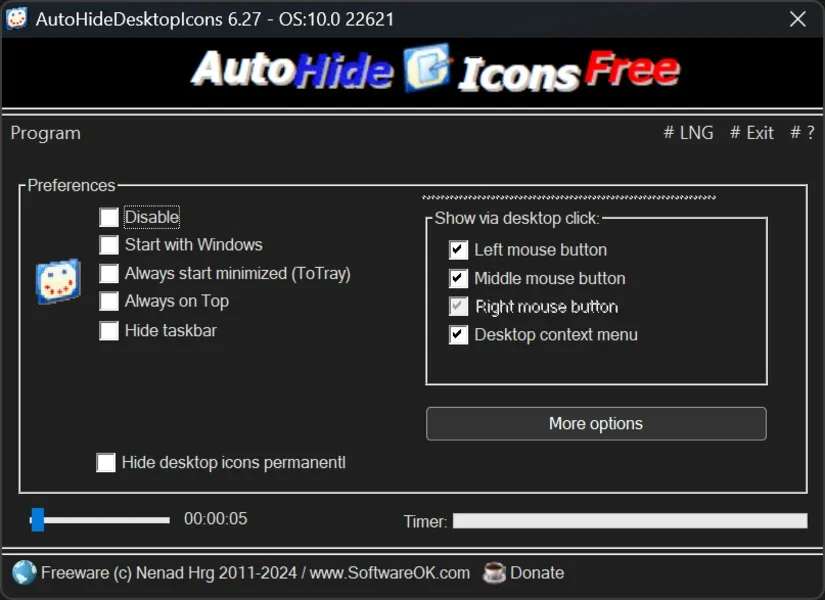
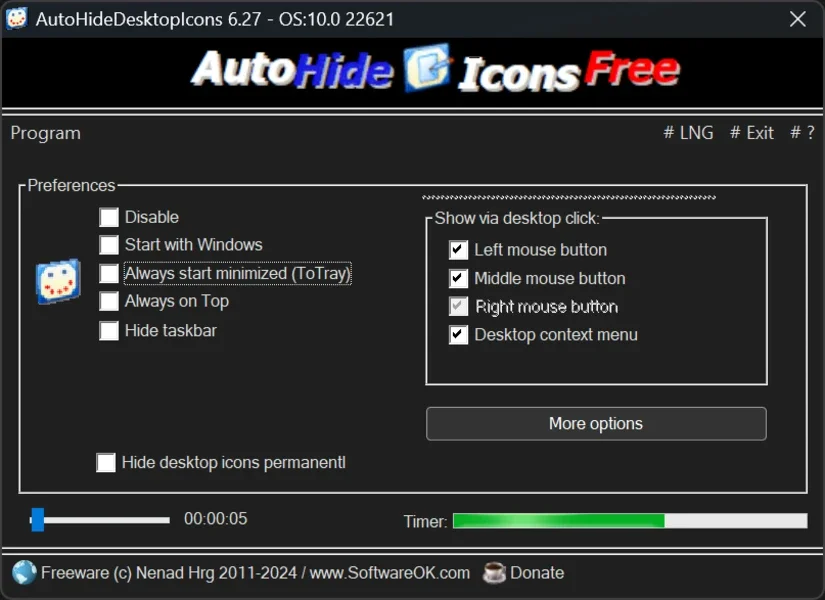
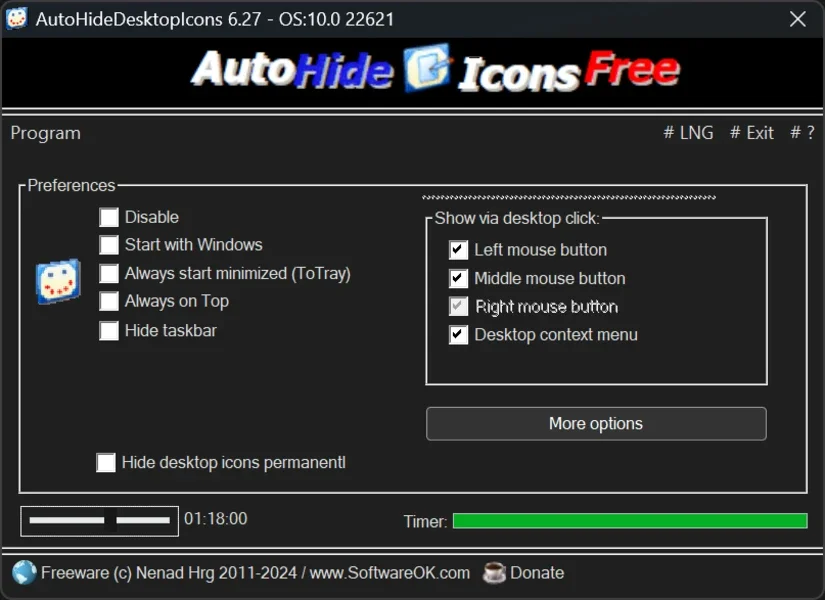
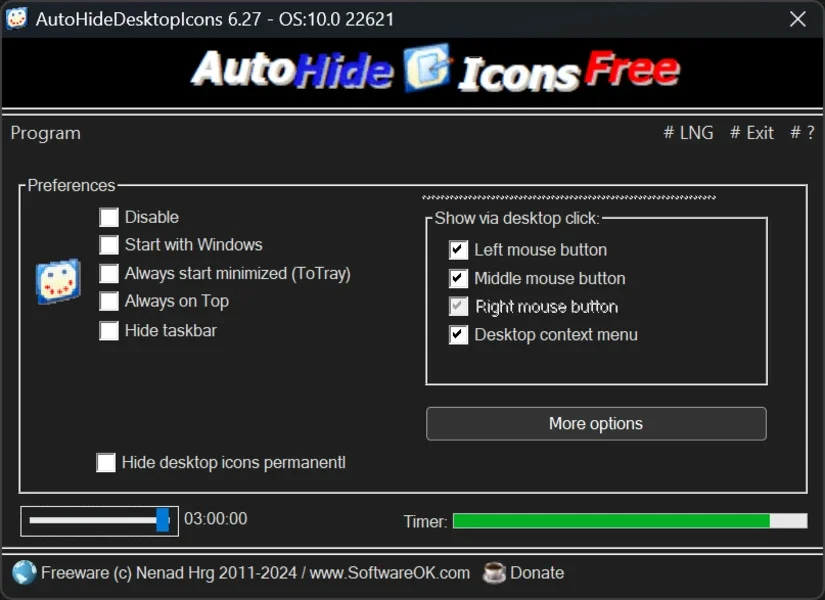
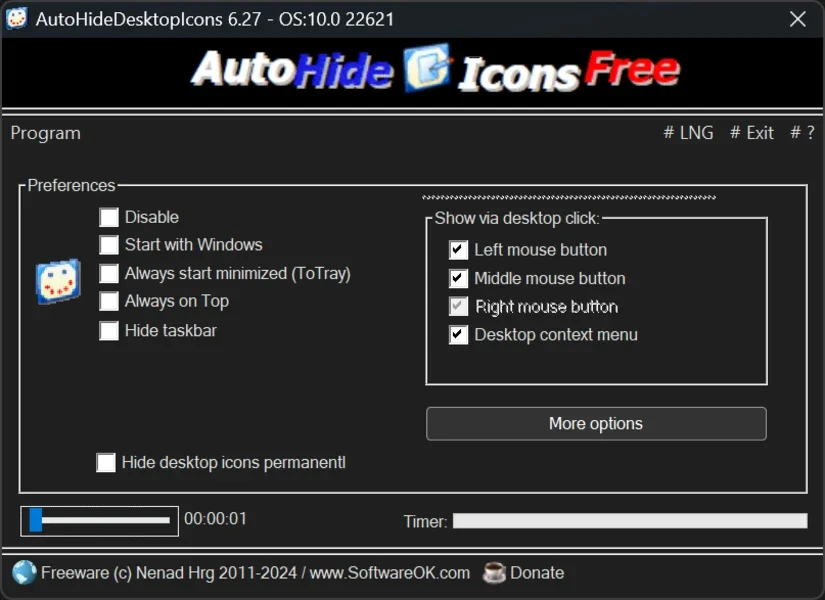
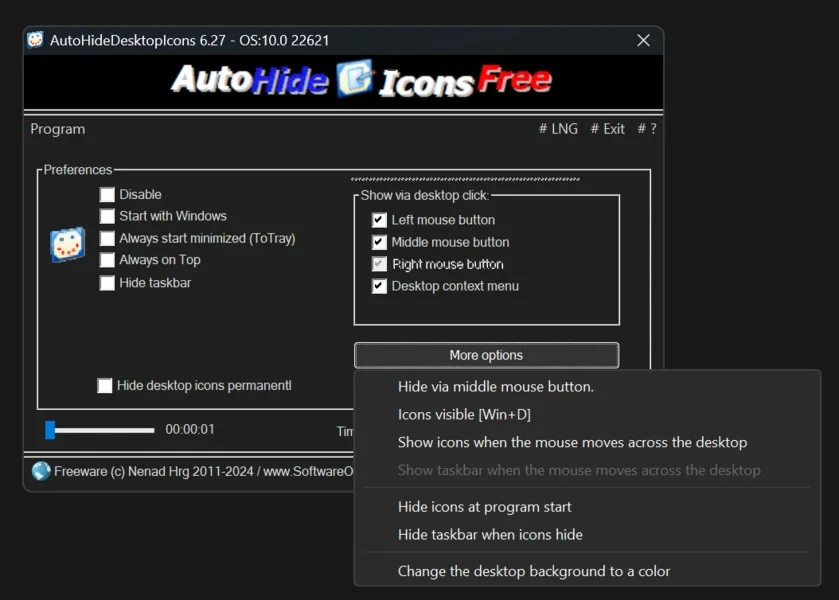
AutoHideDesktopIcons is a lightweight Windows program that hides desktop icons automatically after a period of inactivity. You set the timer from 1 second to 3 hours, and when it expires all icons are hidden.
Icons can be brought back in several ways: left, middle or right mouse clicks, pressing Win + D, or opening the desktop context menu. You can also set icons to disappear or reappear when the mouse hovers over them. All recovery options are enabled by default, and any option except one can be deactivated. The timer covers the whole range from 1 second to 3 hours, so the icons stay out of the way for as long as you set. When the timer runs out, every icon on the desktop is hidden at once.
The program runs on Windows.
Download files
9305e90f849676374d8ba4b2a4a7854808d3b22f03f37a1a96136756571807f1
97514e6ac4ab7bc13ec1967479628170dbbd61c712ff83cfdf83b5c1595202ec
5cf56c921a5916570ac65cb66974b6e8b6e373fafe31294460b9d7363605caef
3beee650986e1a796e688af72503687bc31160debb27f6cf481762db3709d374
f6f0242c746fcee1a374bd4c350a9aa34836bb4d49dcc0731575ea611d192bb0
System requirements
Available on:
Additional information
Developer
Latest release
Size
File type
SHA-256
9305e90f849676374d8ba4b2a4a7854808d3b22f03f37a1a96136756571807f1