
Azahar Emulator 2126.2 for Windows
Free, open source Nintendo 3DS emulator for Windows
You are on macOS — this is the Windows version. See the macOS version
Screenshots
Description
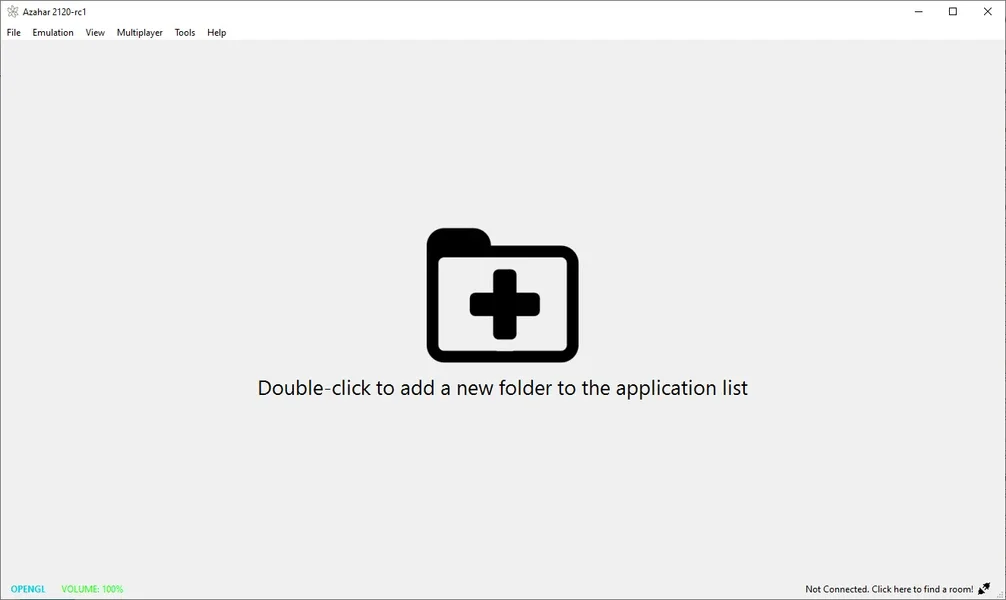
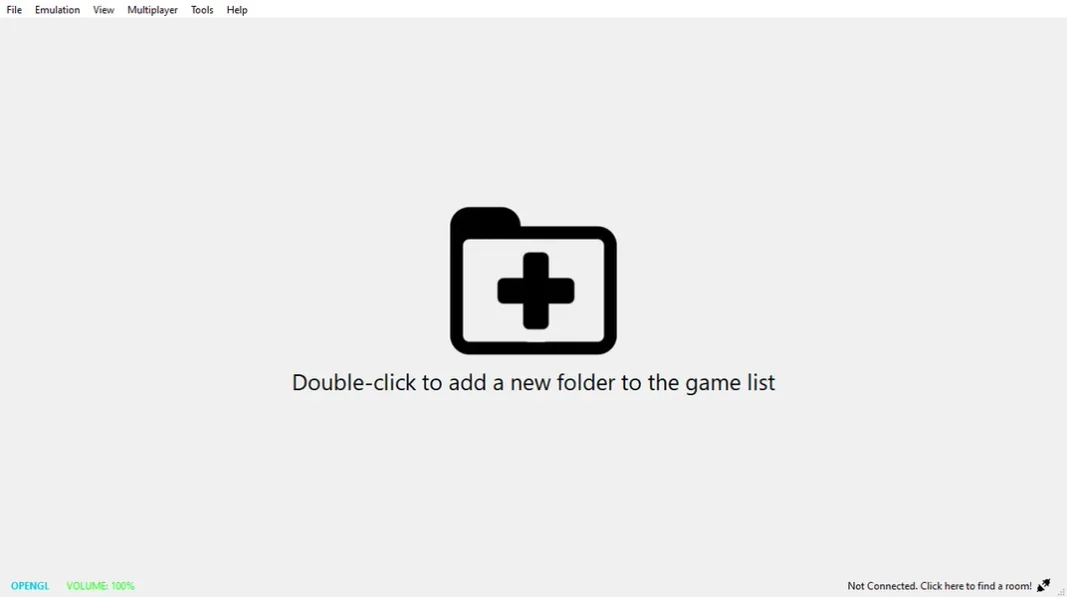
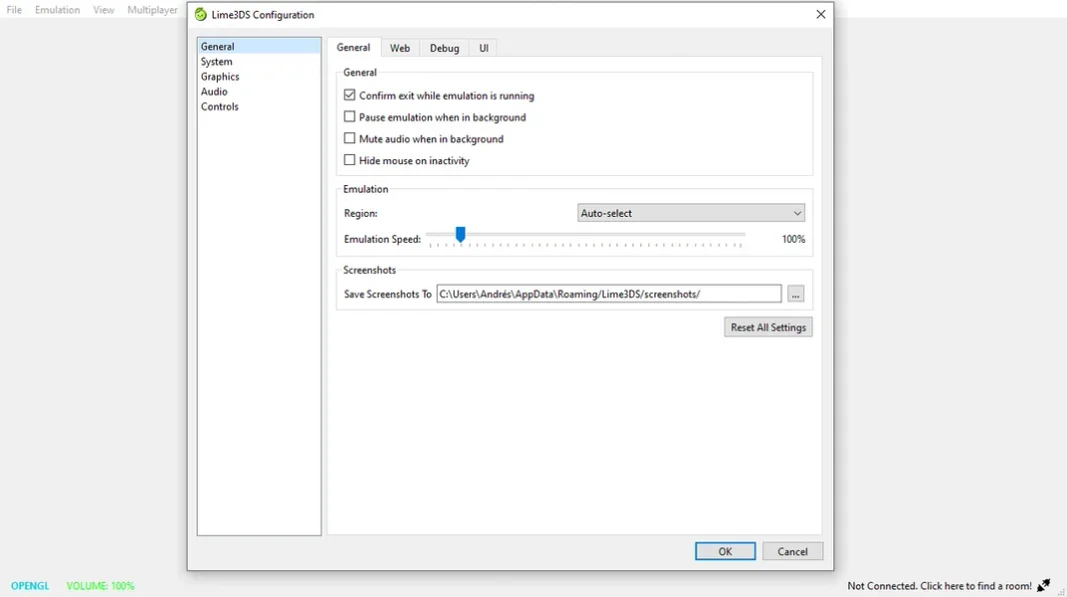
Azahar Emulator is a free and open source Nintendo 3DS emulator for Windows, and it aims to recreate the experience of Citra. It was formerly called Lime3DS. Installation means unzipping the compressed file into a folder of your choice and double-clicking the executable. Of the three .exe files, run lime3ds-gui. The emulator comes preconfigured, so a ROM can be loaded and played right away.
- Games in the compatibility list are filed under one status: Perfect, Great, Okay, Bad, Menu, or Not Tested.
- The list has a search box for finding titles quickly, and users can contribute to it.
- The list is on the official website and keeps growing.
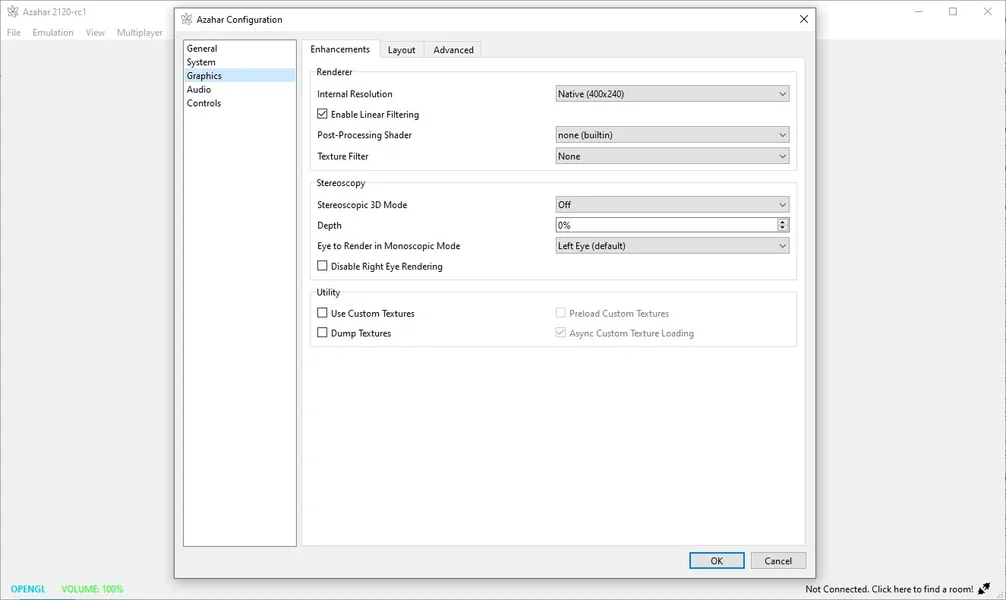
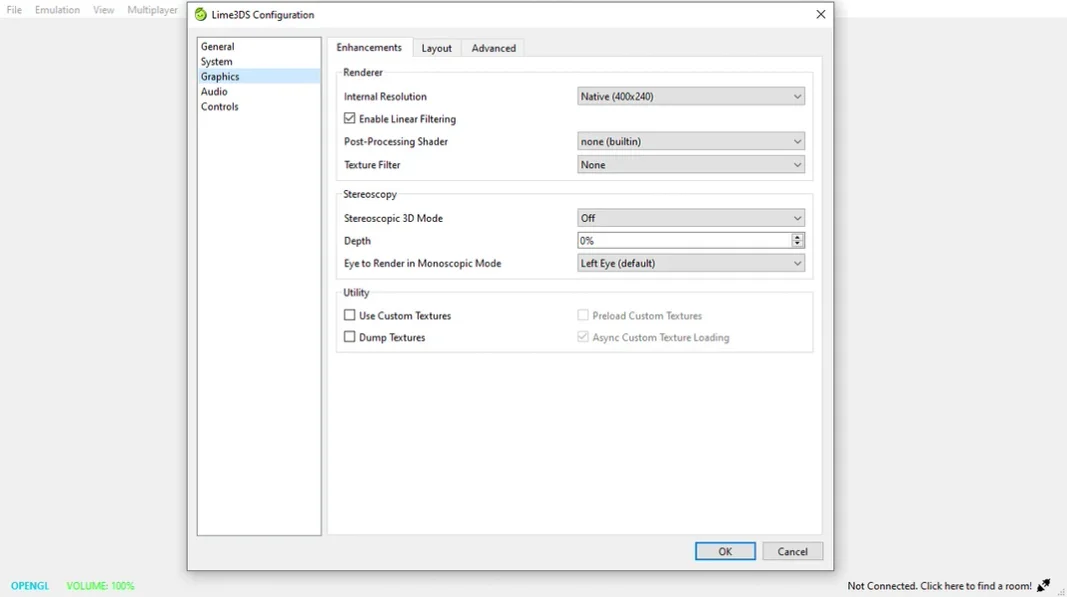
- Five texture filters can be applied to games.
- The graphics API can be selected, with OpenGL as the default.
- VSYNC can be turned on or off.
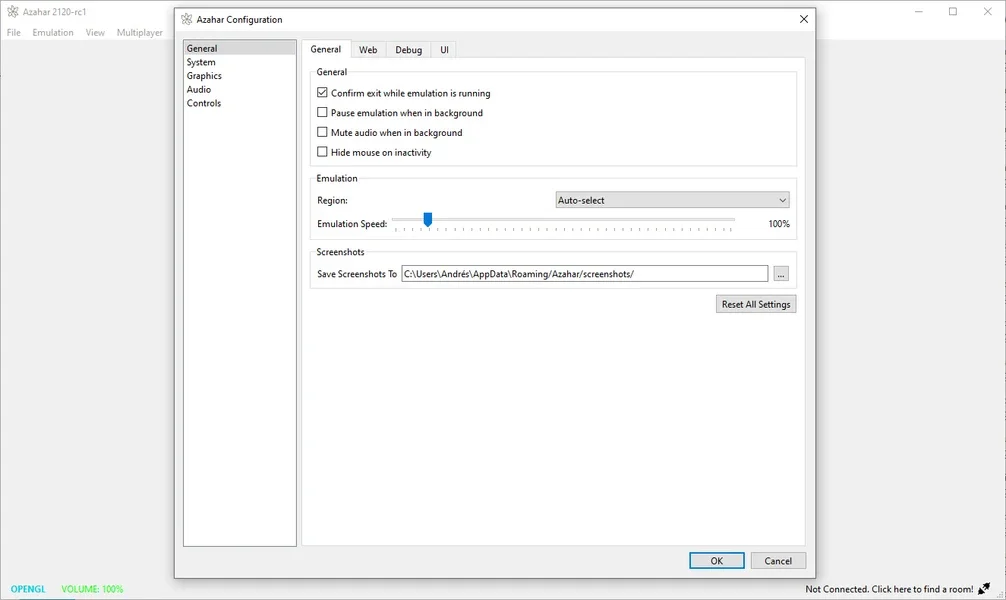
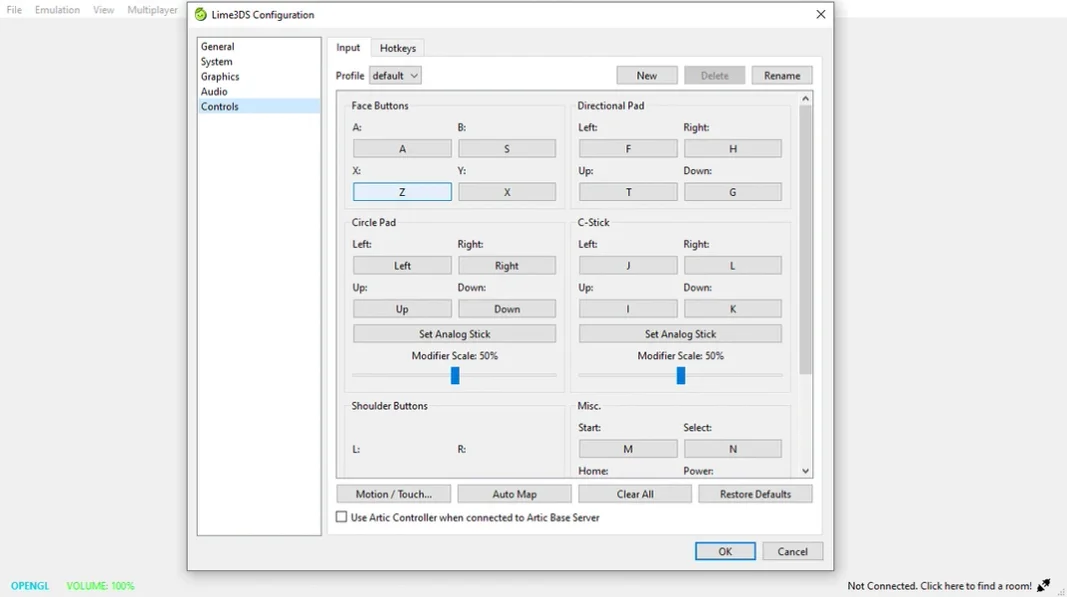
- Game resolution and controls can be changed.
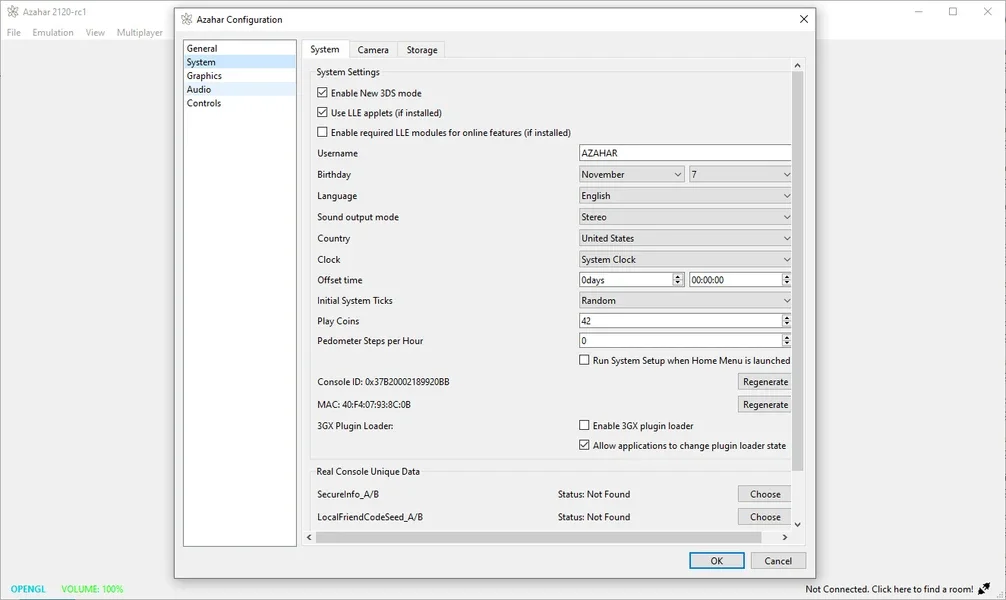
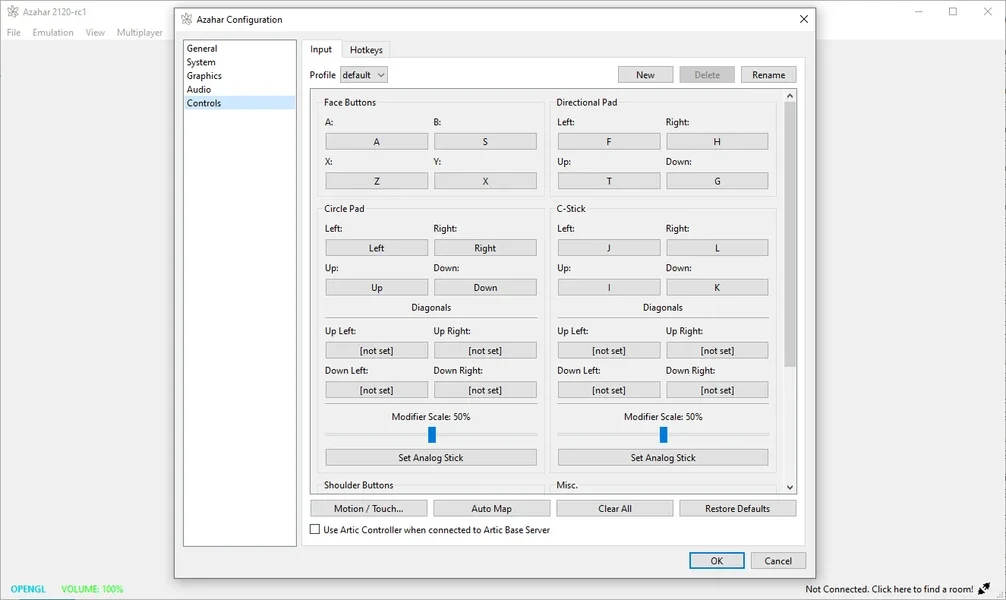
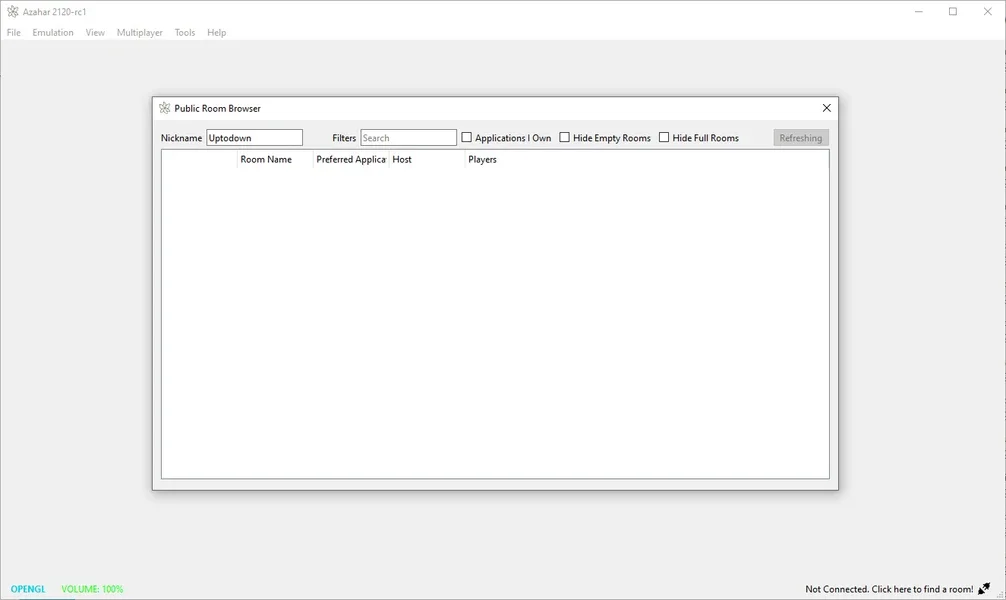
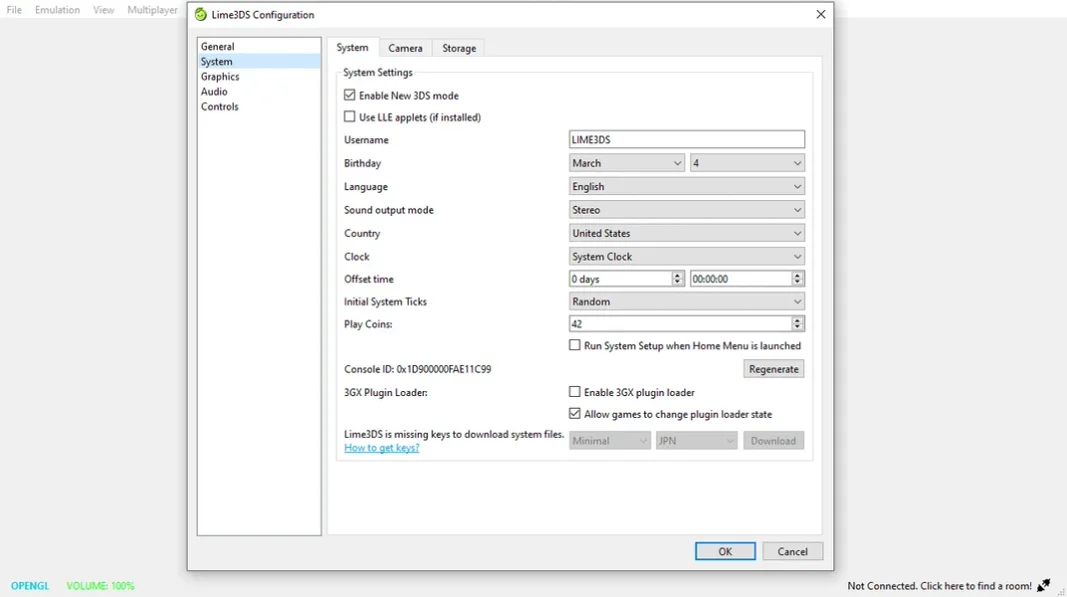
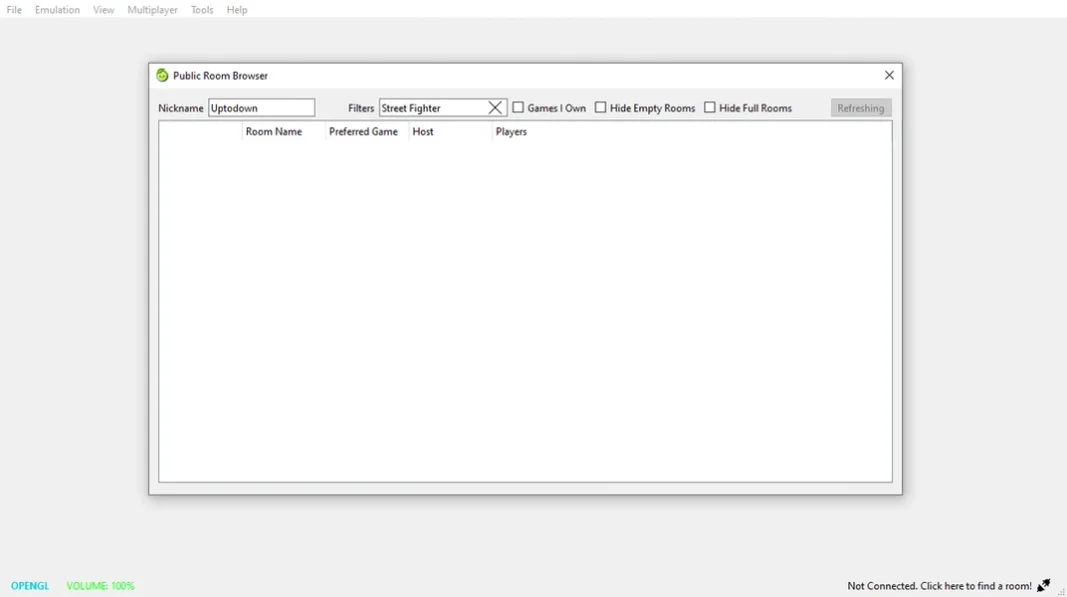
Many configuration options sit in the Options menu. Keyboard and mouse can be set up, though an Xbox or PlayStation gamepad is recommended. Online play works with friends or strangers, and open games can be seen in lobbies at any time. Creating a room is described as simple. Everyone in an online game needs exactly the same version of the game, and using the same ROM version is advised to avoid problems. New features are added with each update.
Download files
aa6d4c631c883355e50f5f62fd26a0e053d63e4cc29b8ded6b3b7d175ec3864e
bbff556d1736301debdec2872a5e9f3678c52e84261aabaa4f708e55db9ae139
d65f8b710080ea839f9f35a99bd7cc9c4476d20c3abd701ae0786e1f4e175125
bacf010b89c8b0ec38164a9aa11bdfce98f47c99e8364c93a4a97240ba86e3ed
6aabc16d7023a6d6bbe9b950591d1f128c1c543c1c8fffc3a337997353c9d980
System requirements
Available on:
Additional information
Developer
Latest release
Size
File type
SHA-256
aa6d4c631c883355e50f5f62fd26a0e053d63e4cc29b8ded6b3b7d175ec3864e





