

Runs PlayStation games from ISO files or a PC disc drive, no install needed
You are on macOS — this is the Windows version. See the macOS version
Screenshots
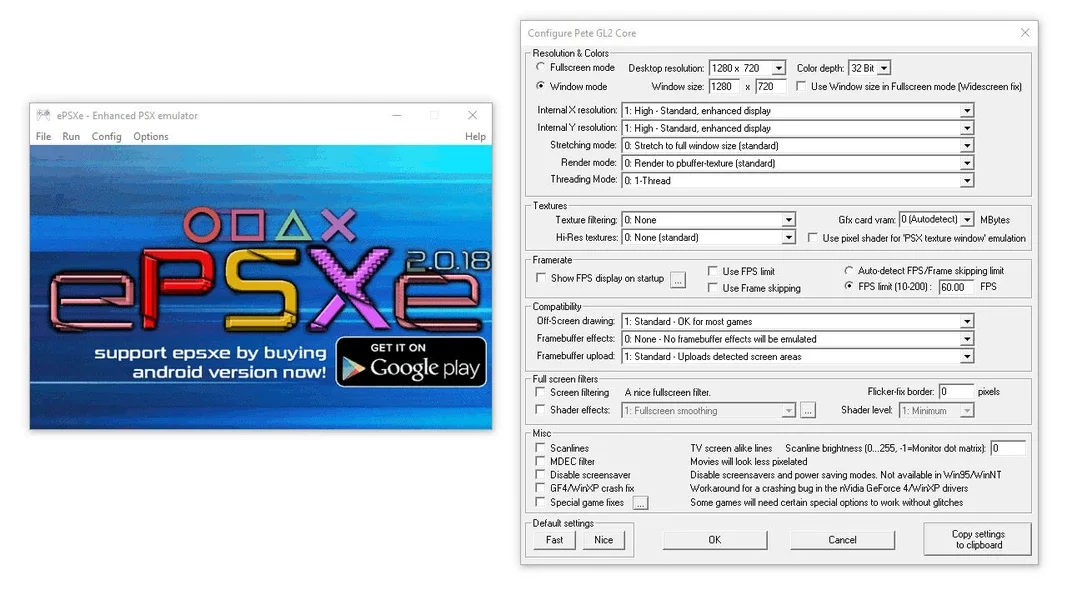
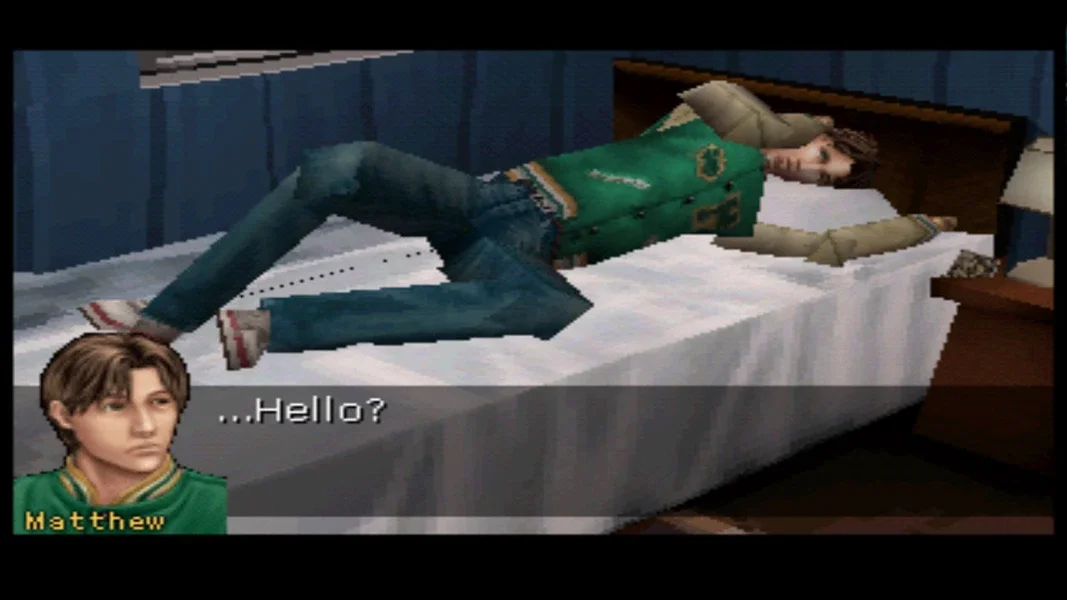
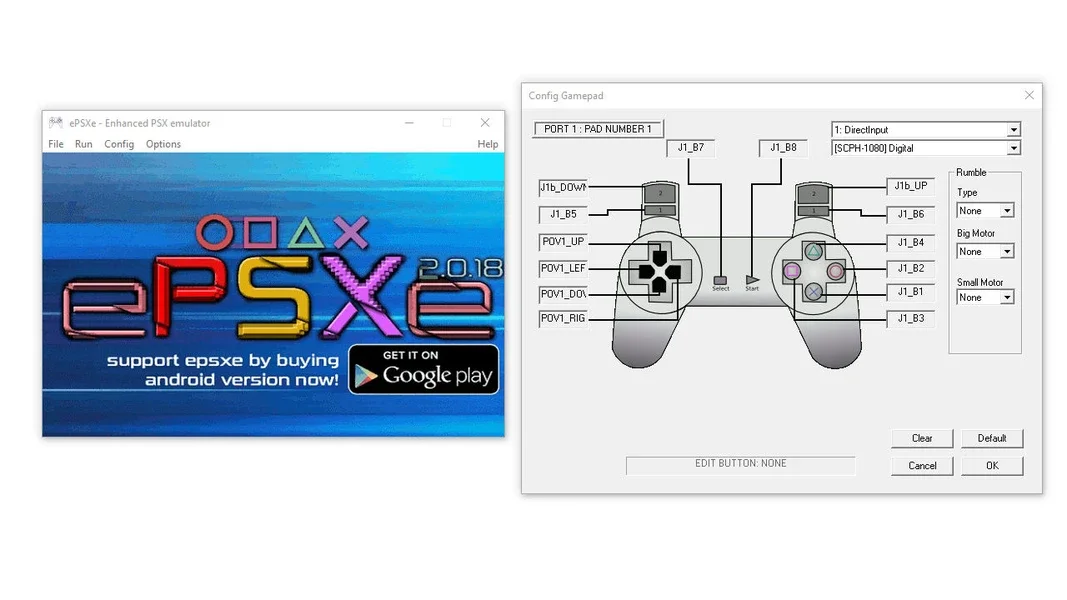
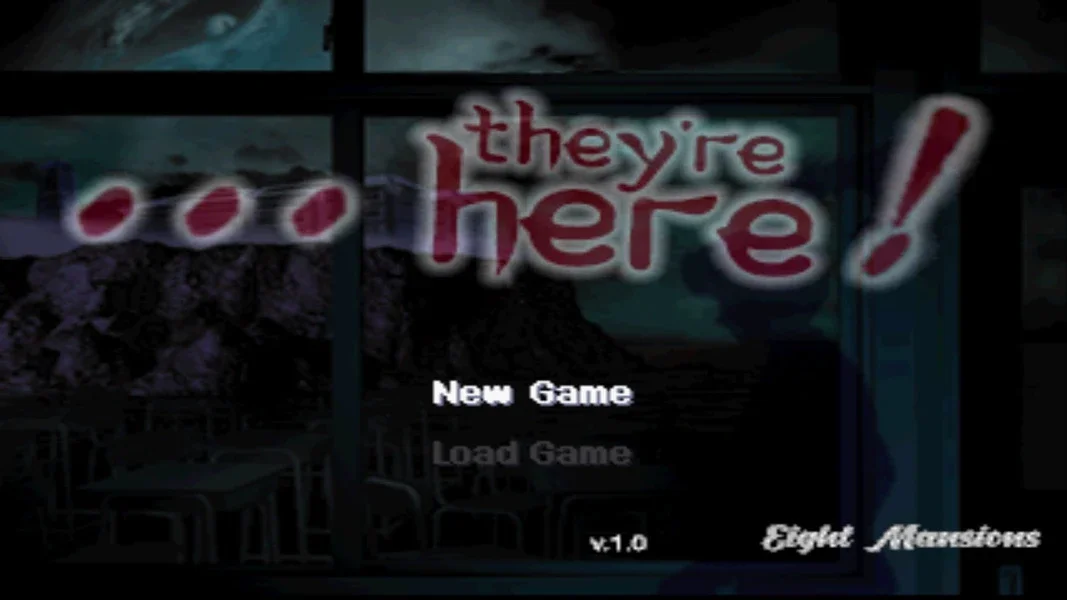


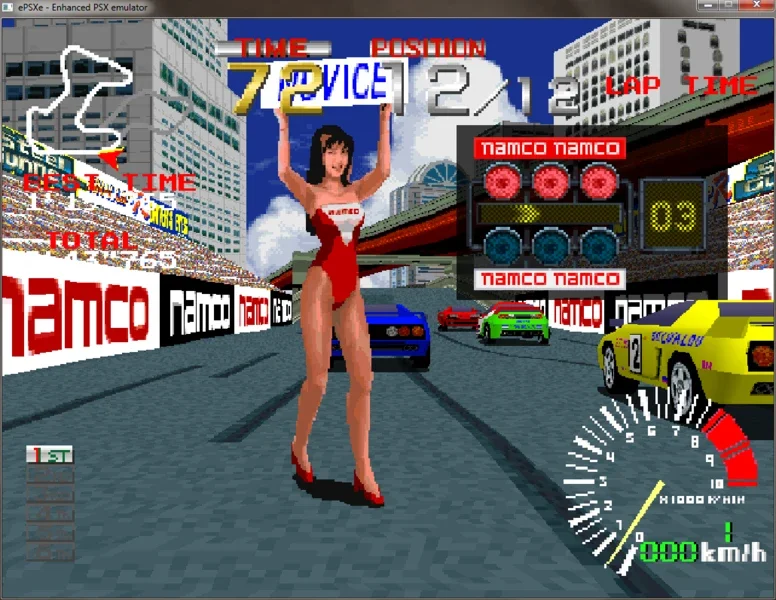
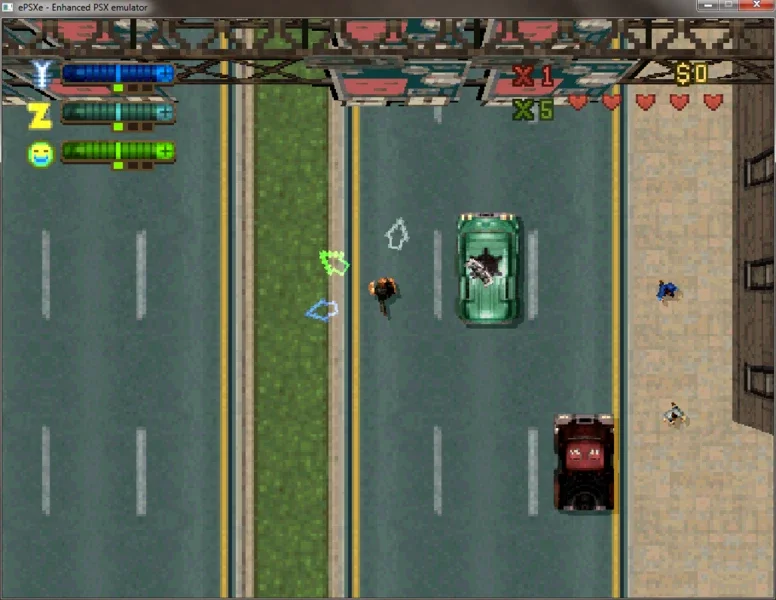
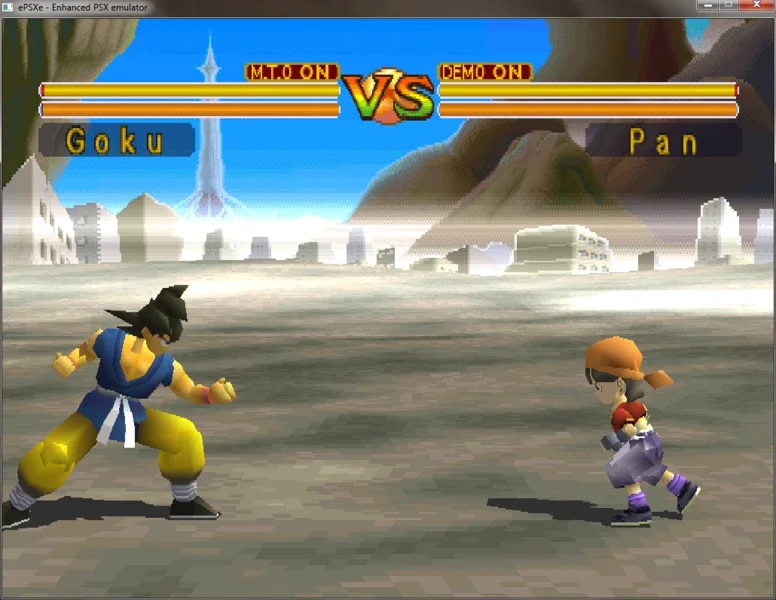
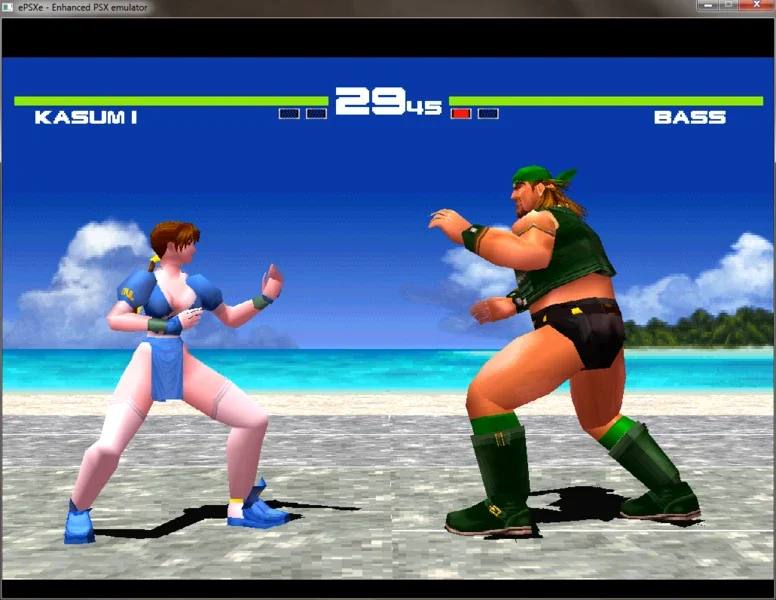
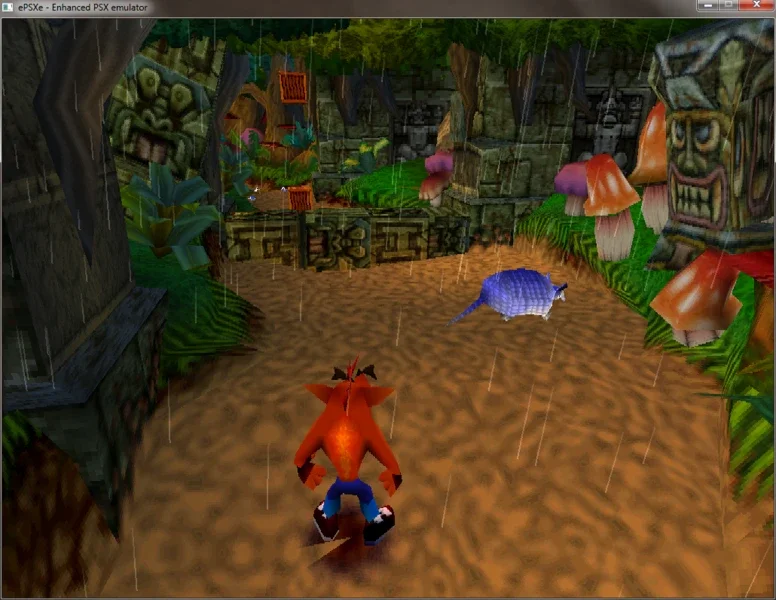
Description
ePSXe runs PlayStation games on a Windows PC. Drop the console BIOS into the BIOS folder inside the emulator directory, usually as scph1001.bin, and the program picks it up on its own. From there a Wizard Guide walks through the first launch setup, including choosing video and audio plugin types. There is nothing to install.
Getting games running
Load an ISO straight into the emulator. .ISO, .BIN and .CUE are the supported formats. The program can also use the disc drive already in the computer. Loading a game does not always happen at once; particular ROMs need a few seconds before they start. It is a free, closed-source emulator whose first version appeared in October 2000. It sips resources and takes up little space, and it will run on a machine more than twenty years old. The interface has barely changed since that first release, and some of its features show their age. Releases have been sporadic too, with gaps of close to ten years between them.
Download files
ec0d0e235f839261818acc5118cd810a7193b0fbcbd339517f884dffc31792bb
46e1a7ad3dc9c75763440c153465cdccc9a3ba367e3158542953ece4bcdb7b4f
44d42ea823e818c099b262d930c5001e243c8e91c552b09acea6643570fca692
6145d4faf69f7614ed54d09657a826d115d7e7d1d8f408d8e2fb615df50f63c5
b48fc6786fa820f5d24b681b72c900dc9a36dd39a691bee0ead34ed3a32351f9
System requirements
Available on:
Minimum OS:
Windows XP or later
Additional information
Developer
Latest release
Size
File type
SHA-256
ec0d0e235f839261818acc5118cd810a7193b0fbcbd339517f884dffc31792bb