
BlueStacks 5.22.291.1009 for Windows
Runs Android games and apps on a Windows PC
You are on macOS — this is the Windows version. See the macOS version
Screenshots
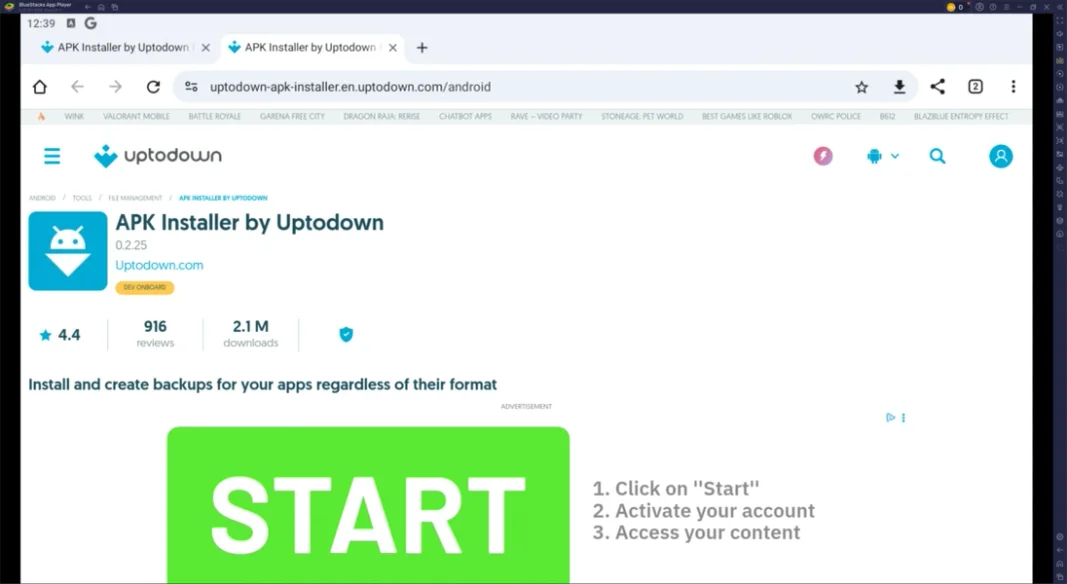
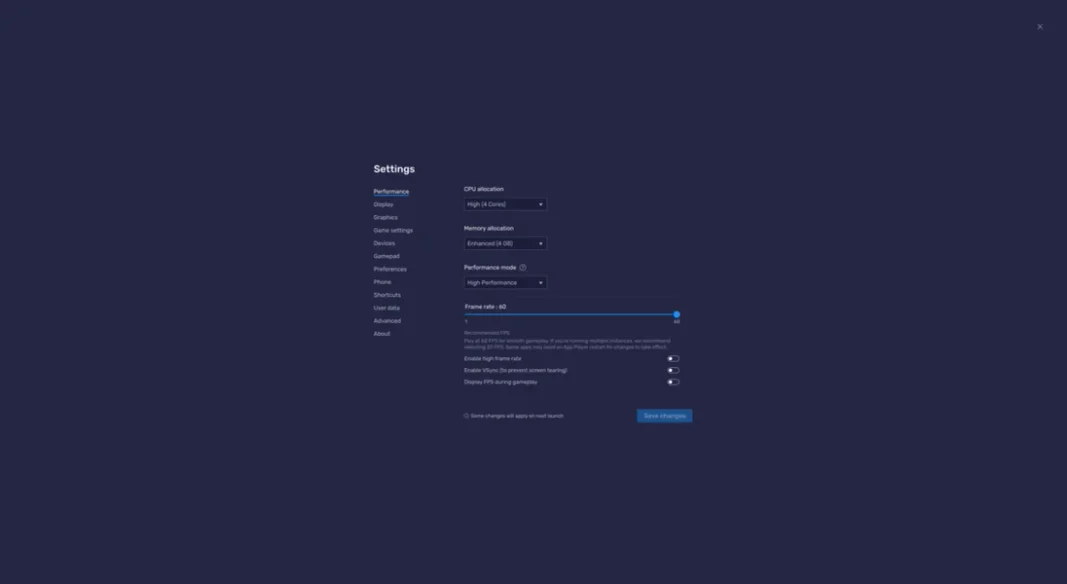
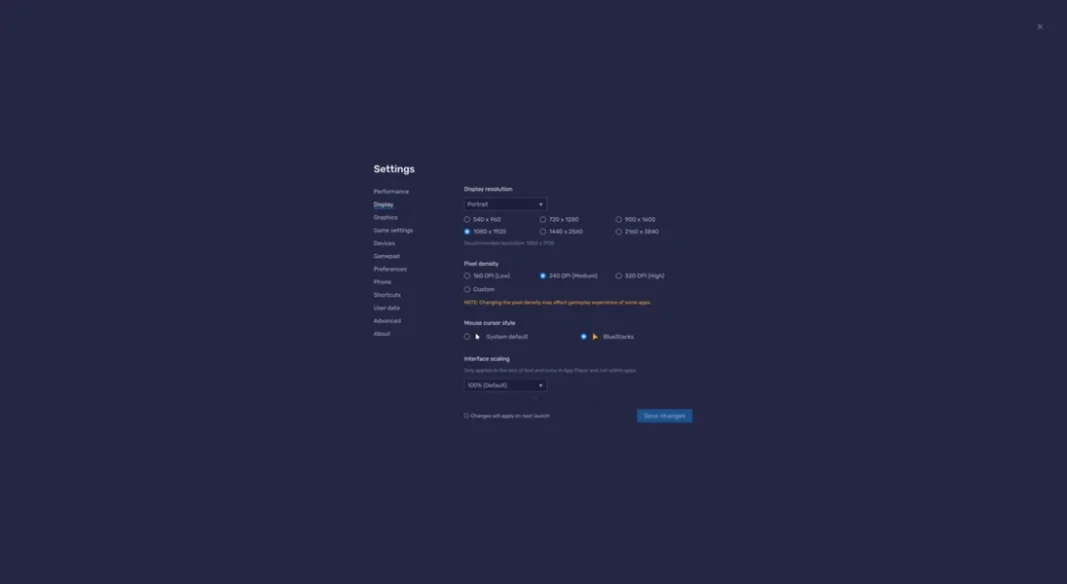
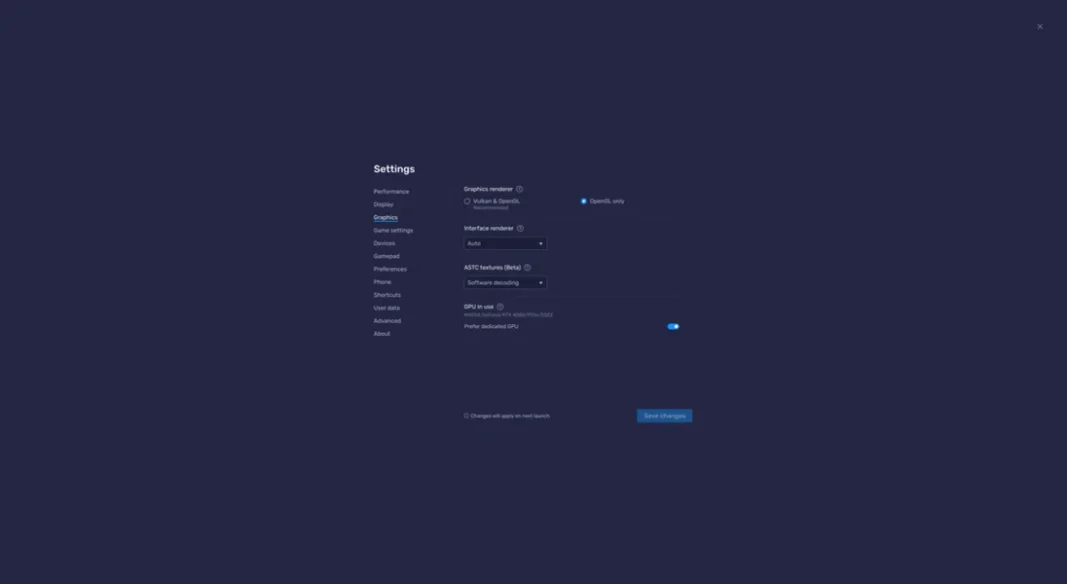
Description
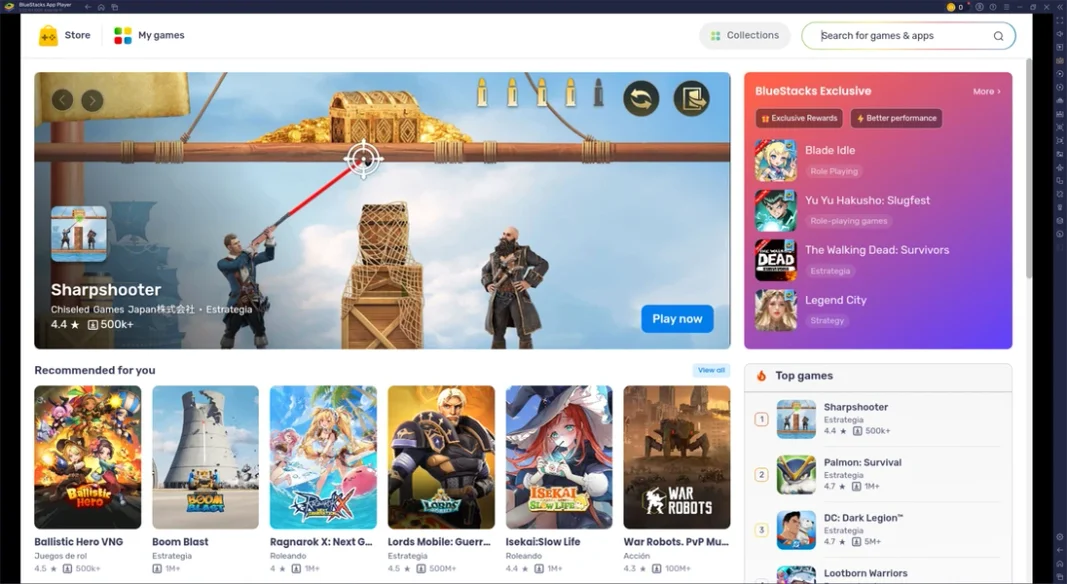
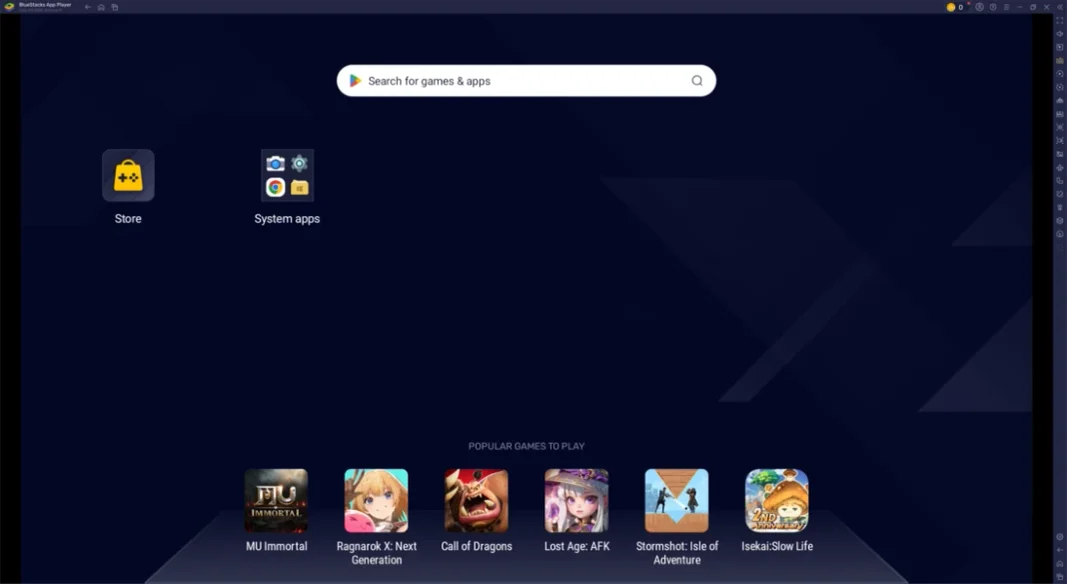
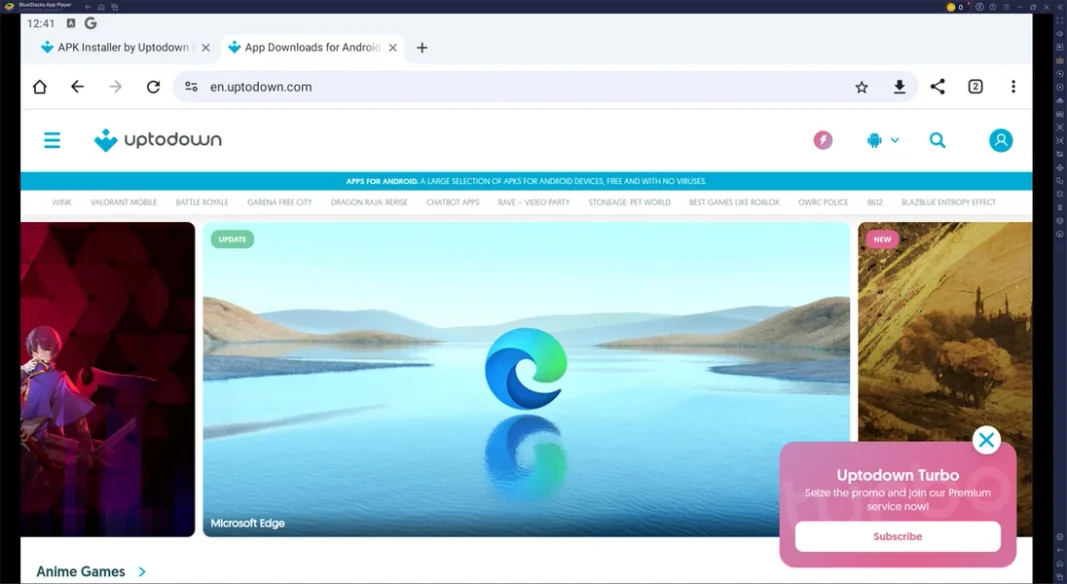
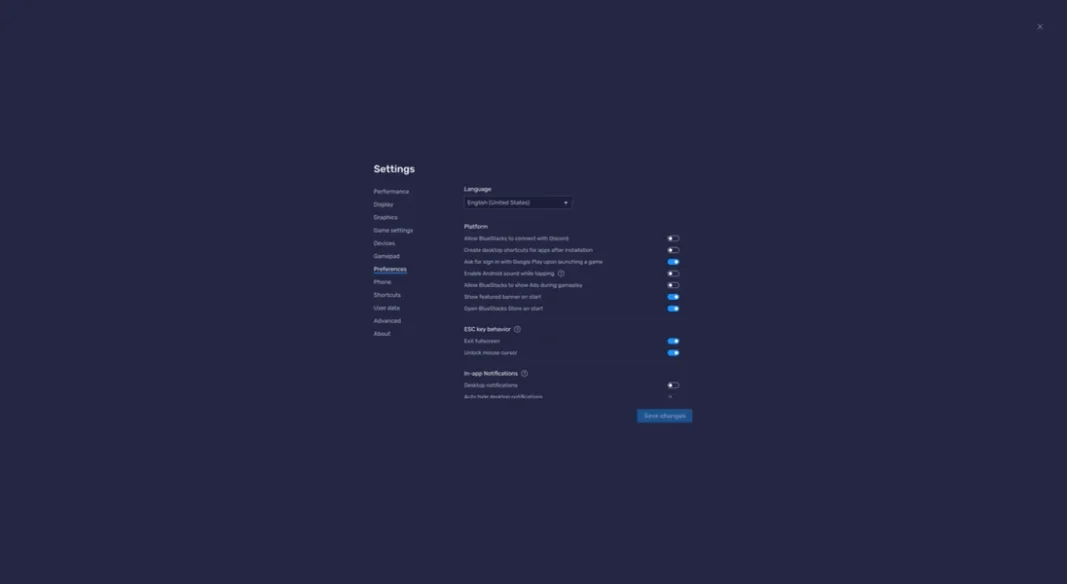
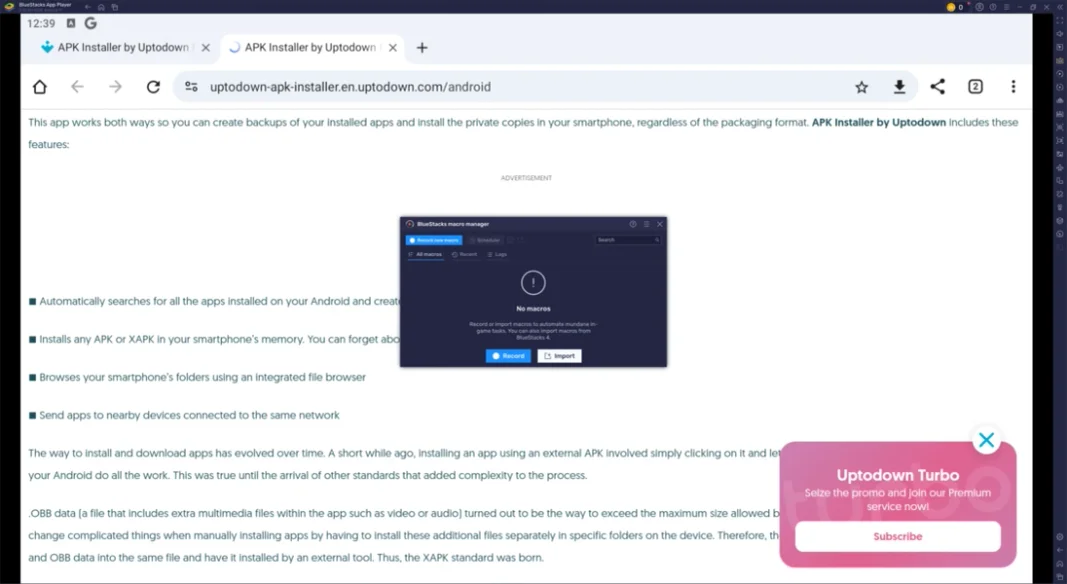
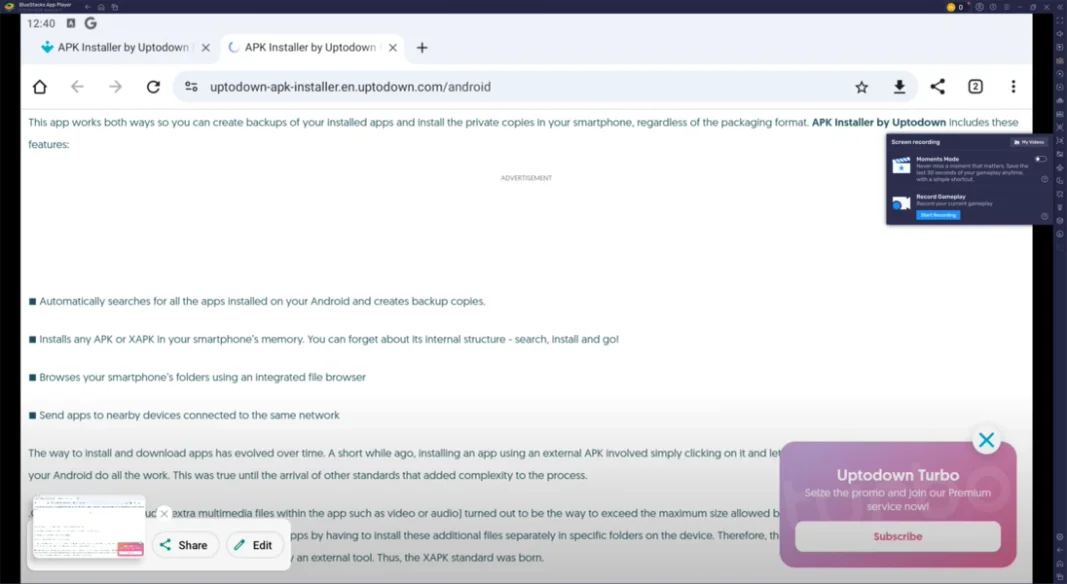
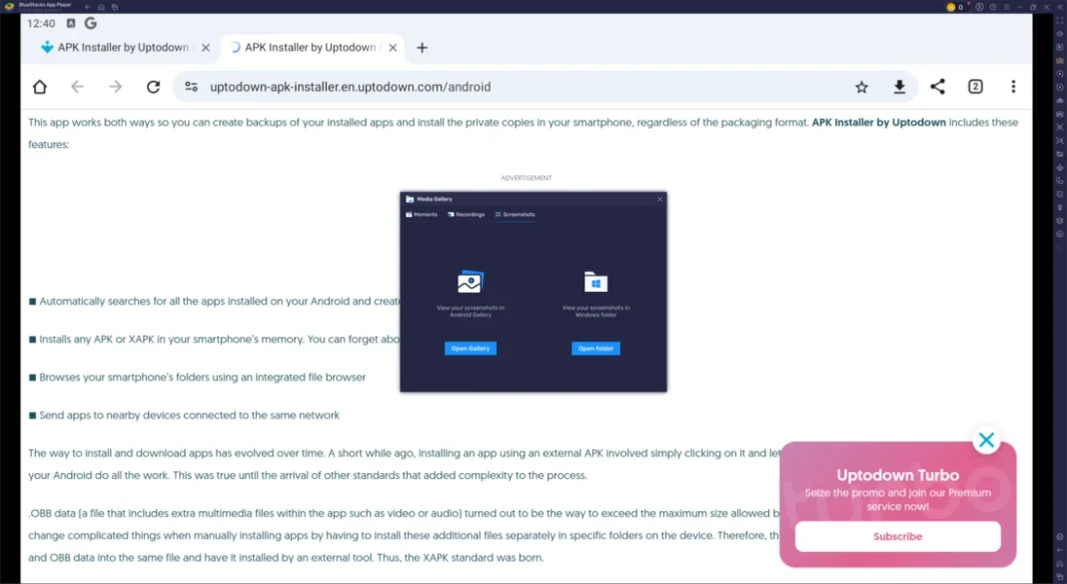
BlueStacks is an Android emulator for Windows. It runs Android games and apps on a PC, and the company says it supports over 95% of all Android titles. It claims higher FPS than a device or tablet. Keyboards, mice and gamepads work natively. The home screen looks like an Android phone or tablet, and you can sign in with a Google account to sync the account and games. The Play Store is available for installing apps. APK and XAPK files can be installed by dragging or double-clicking them on the PC, and files downloaded inside the emulator can be installed too. You pick the Android version, the architecture to emulate and the screen resolution during setup. Smart Controls mode holds the cursor in place and frees it again in games such as shooters. An editor lets you customize controls for each game, and some games arrive with default keyboard mappings. Macros can be recorded for movements, repetitive tasks or resource farming. The built-in recorder captures only what is visible inside the emulator, and screenshots can be taken natively. Instance resolution can be set to the recording resolution you want.
Multi-Instance runs several virtual environments at once. Instances can be cloned, graphics quality is set per instance, and actions can be synchronized between them. Files, videos and images can be moved between the PC and Android. Shortcuts to the app store and the Chrome browser are installed by default.
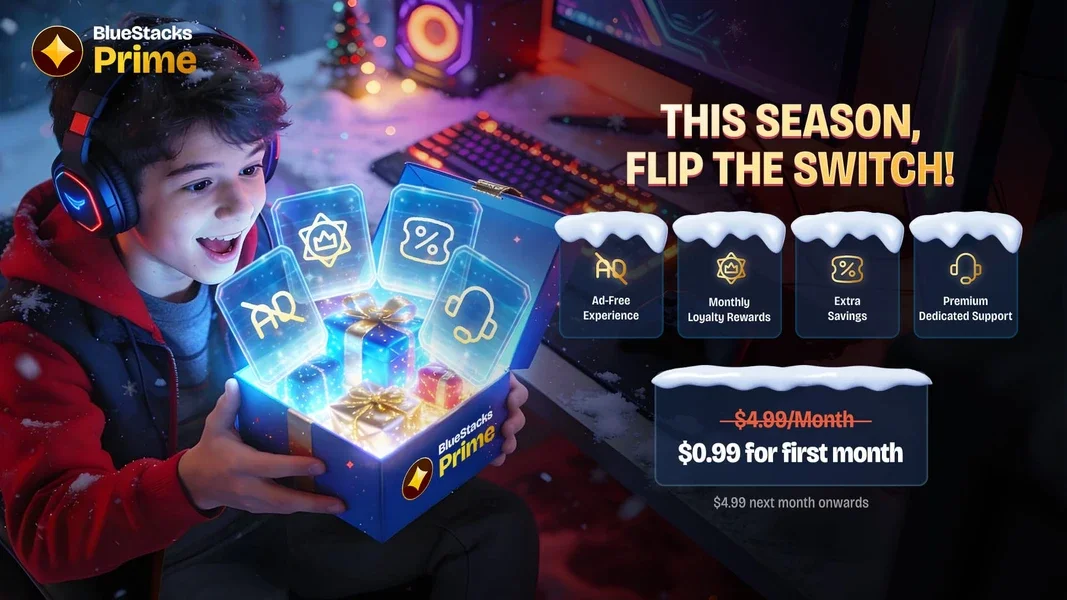
Updates arrive often, bringing new features, support for newer Android versions and fixes. BlueStacks Prime is a monthly subscription that adds an ad-free experience, dedicated premium support, monthly loyalty rewards and savings on every purchase.
Download files
b1221de1112ff81f4a0e6dc9b66ebb41835c50dc04691105bc604fd9bcc6a6f7
Signed by Now.gg, INC · valid until Mar 17, 2027df77d153b85b55bd2767d125186f8d3f39e6fc7e3ca2dbbd6297d2172ba7e0d0
Signed by Now.gg, INC · valid until Mar 17, 202702428ec0ec943a18f274db658e2476d751d6802703aacd3ab48eaee6fd4a4ca6
Signed by Now.gg, INC · valid until Mar 17, 202748cb161fd85b862118dde6d7ab0b4b7308847b27f9941dcc9031f272ae05390a
Signed by Now.gg, INC · valid until Mar 17, 20270c67b9e52583e477ee212ff68a63669886ef5579843a929d94693f9d3b62ebe2
Signed by Now.gg, INC · valid until Mar 17, 2027System requirements
Available on:
Minimum OS:
Windows XP or later
Additional information
Developer
Latest release
Size
File type
SHA-256
b1221de1112ff81f4a0e6dc9b66ebb41835c50dc04691105bc604fd9bcc6a6f7