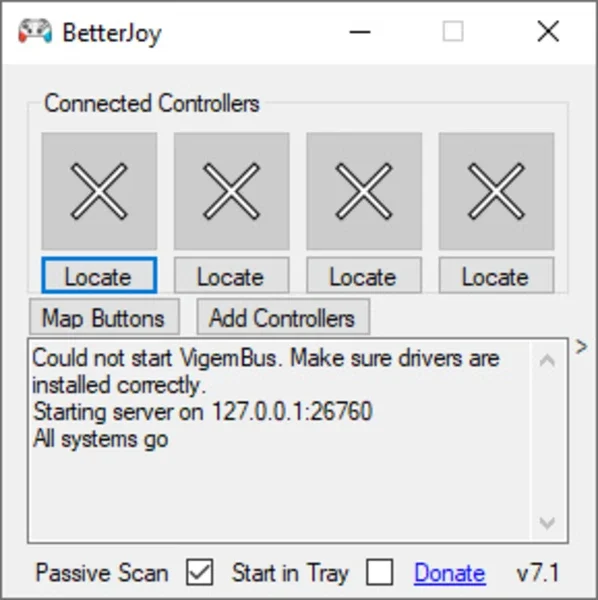

BetterJoy 7.1 for Windows
Plays Switch controllers into Wii, Wii U and Switch emulators
Screenshots
Description
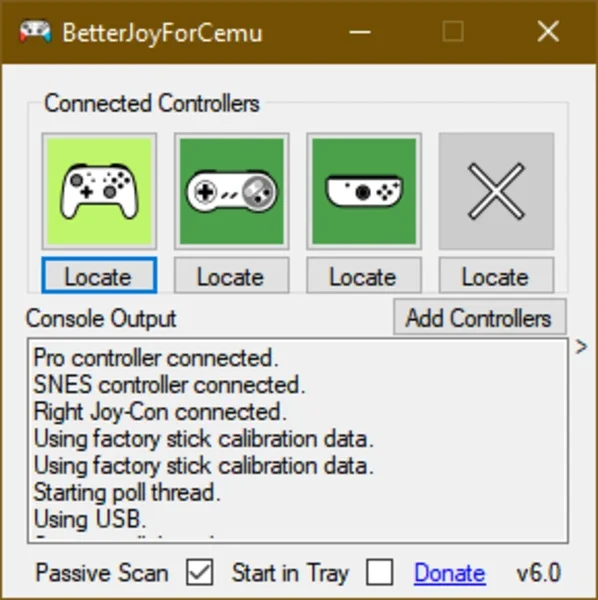
Unzip the download into a folder and double-click the .exe; BetterJoy runs without installation and takes up under 5 MB. A wired controller that is already plugged into the PC usually gets picked up on its own. With Bluetooth, hold the sync button for five seconds, then pair the controller through the PC's Bluetooth options.
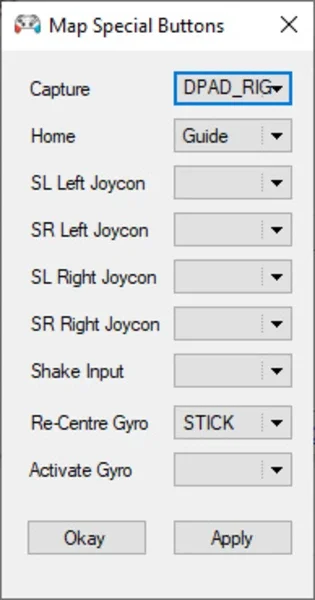
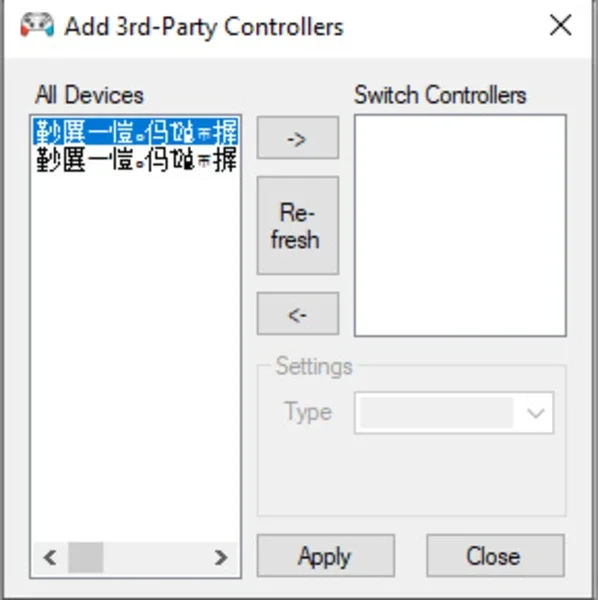
Supported controllers are the Switch Pro Controller, Joycons and the Switch SNES Controller. The software lets you use them with most emulators of Wii, Wii U and Switch games; Cemu, Dolphin, Citra and Yuzu are among the ones named. Once a controller is connected, the Capture, Home, SR and SL buttons can each be mapped to a keyboard key. Special buttons such as SL, SR and Capture go further and can take any keyboard key you assign. The gyroscope has its own mapping: point it at a button, and a key press does the shaking for you.
It is free and open-source software.
Download files
a9ffe5bb14b05e775f34f9eeff41fca89a350d49252eedae1e330e88952e7f36
System requirements
Available on:
Minimum OS:
Windows XP or later
Additional information
Developer
Latest release
Size
File type
SHA-256
a9ffe5bb14b05e775f34f9eeff41fca89a350d49252eedae1e330e88952e7f36





