
KoPlayer 3.2.1 for Windows
SHA-256 listed
Android emulator for PC with keyboard, mouse and gamepad controls
All ages
Age rating
Screenshots
Description
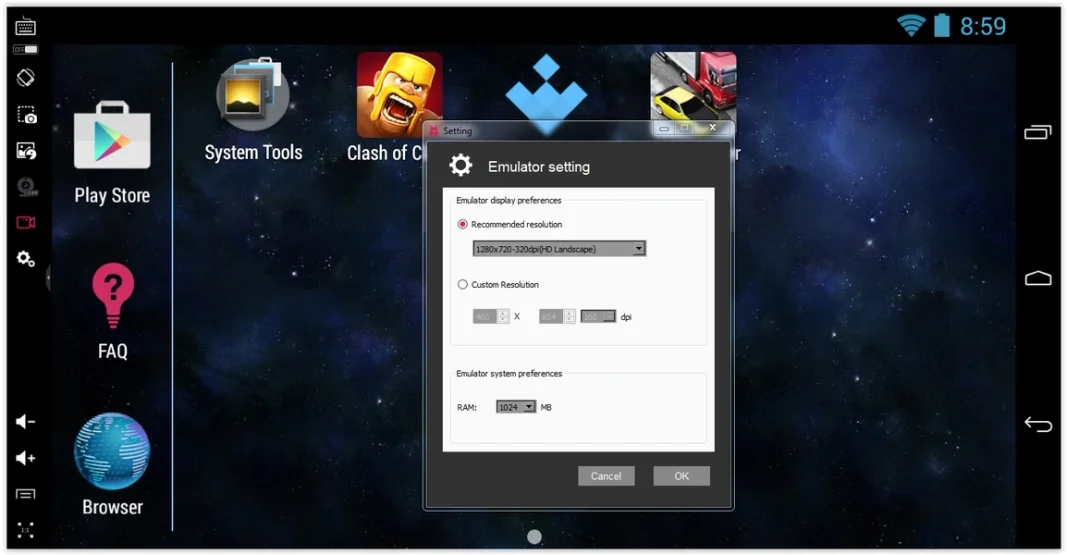
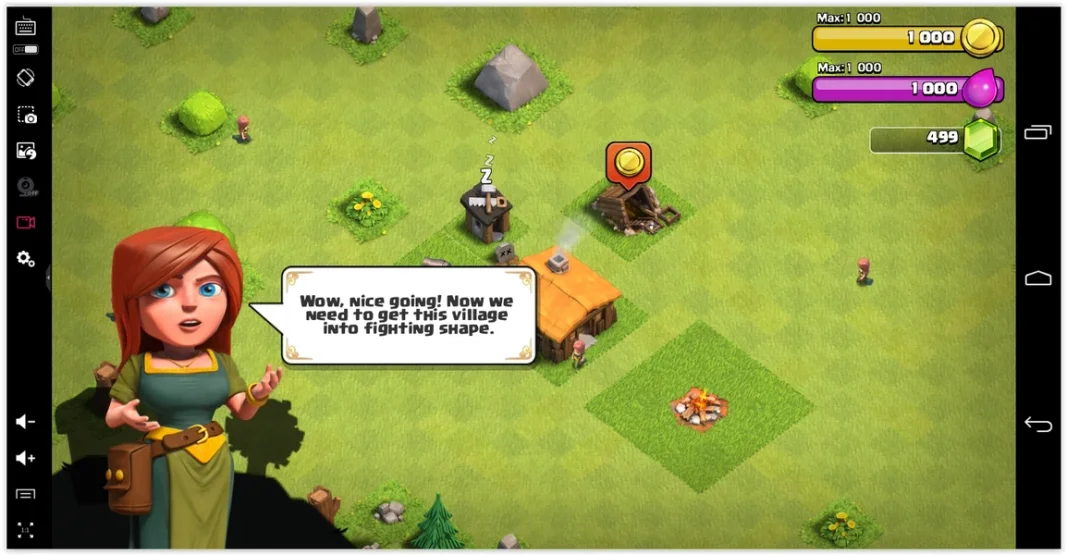
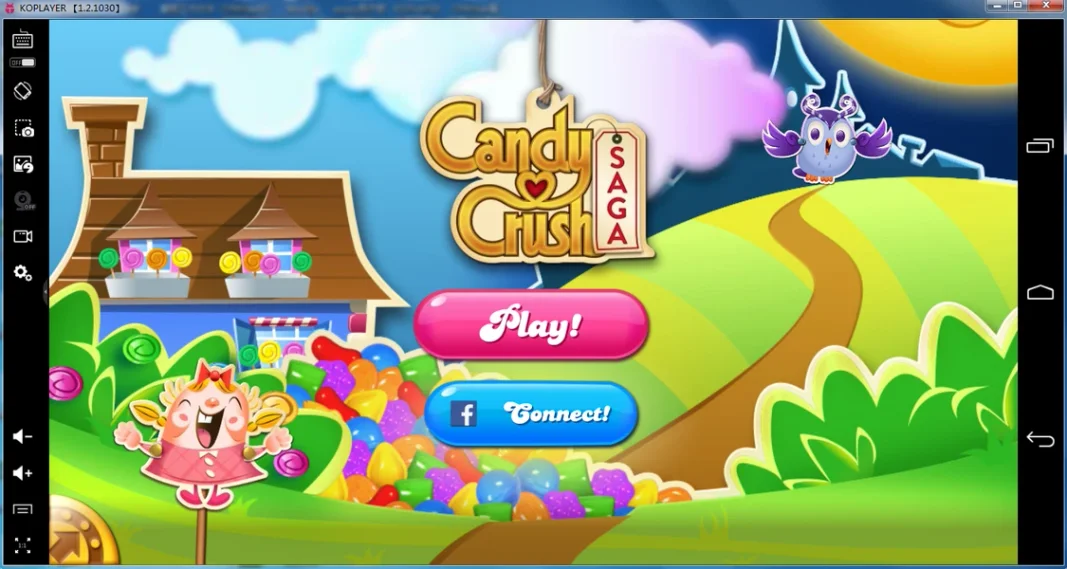
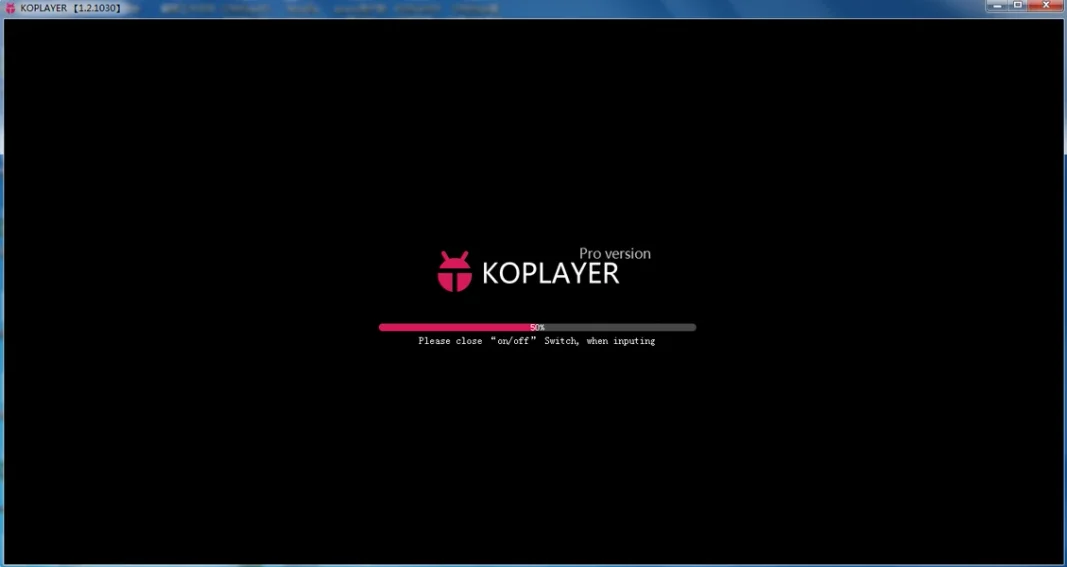
KoPlayer puts Android games and apps on your PC, and on first launch everything is ready to use. No configuration is needed after installation.
Controls and screen
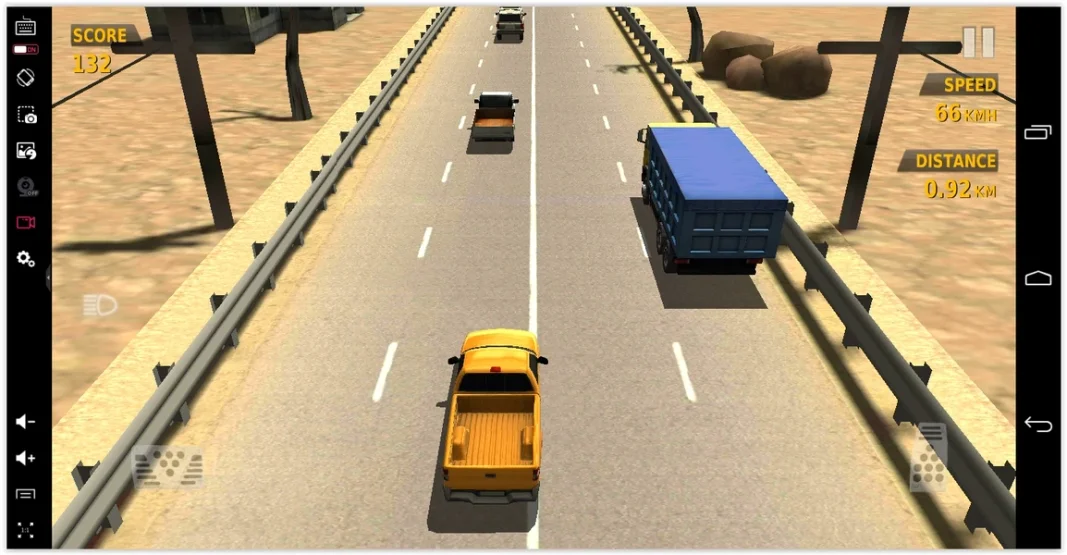
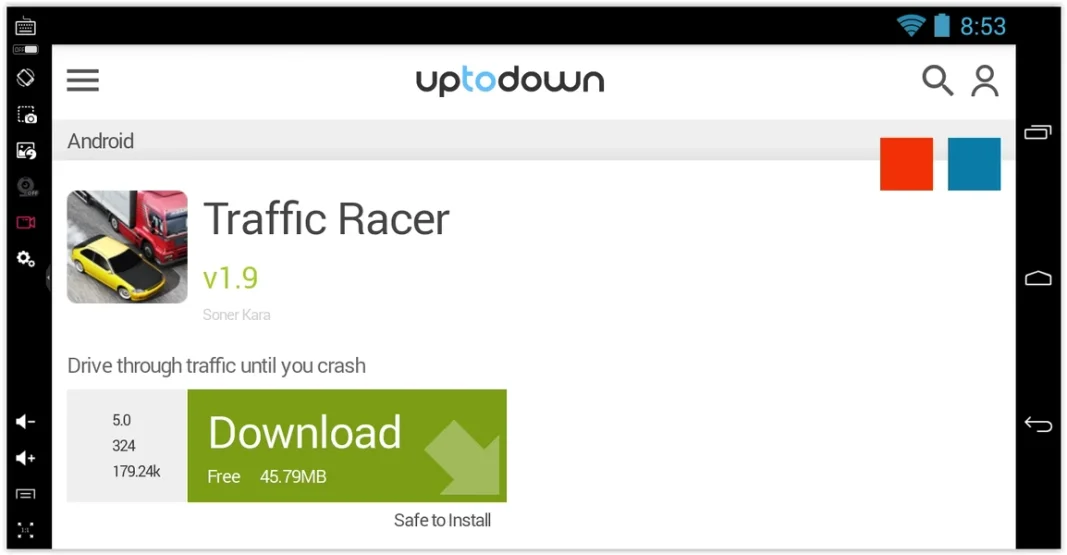
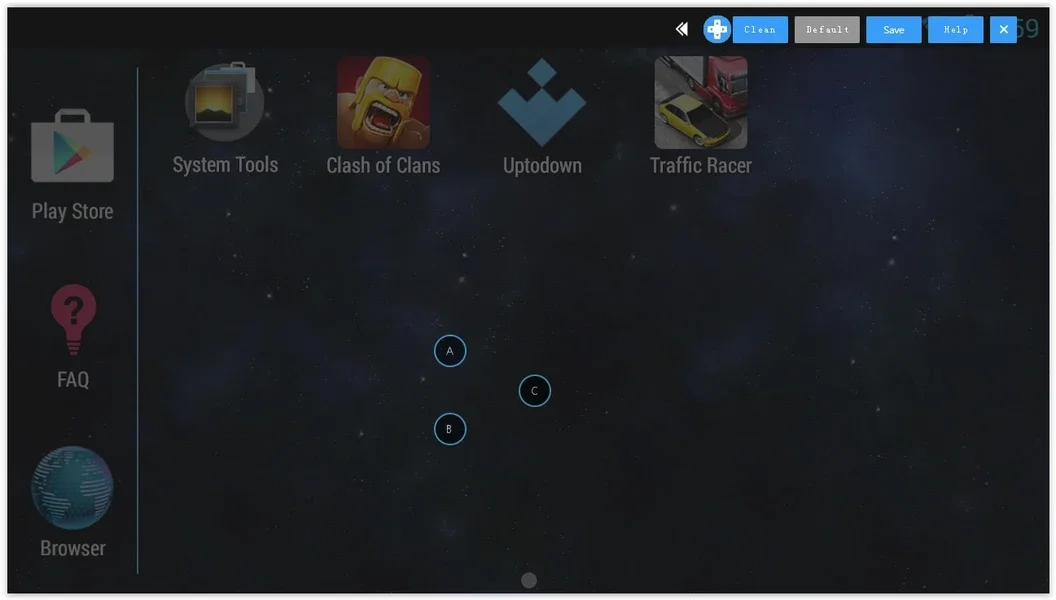
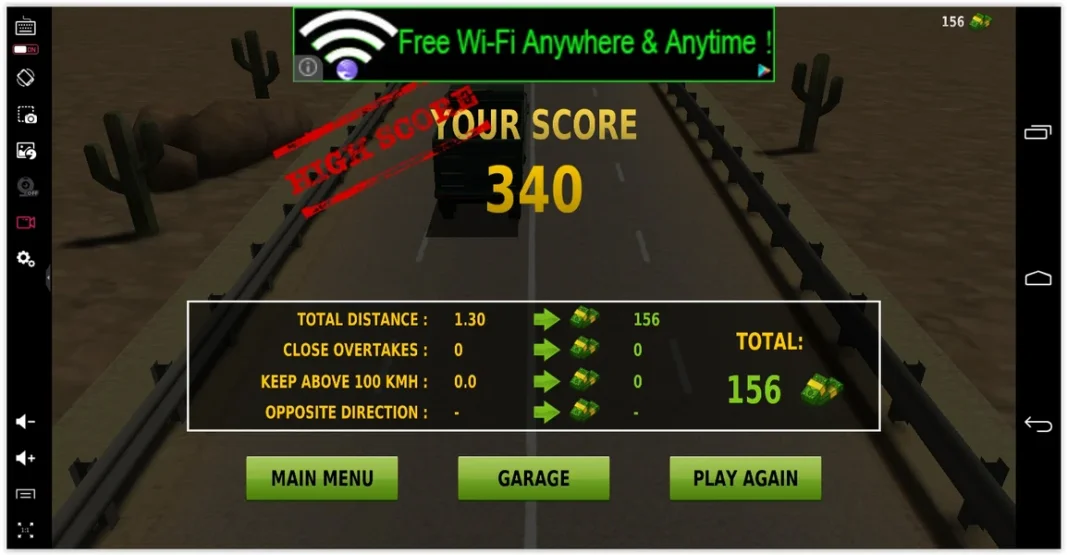
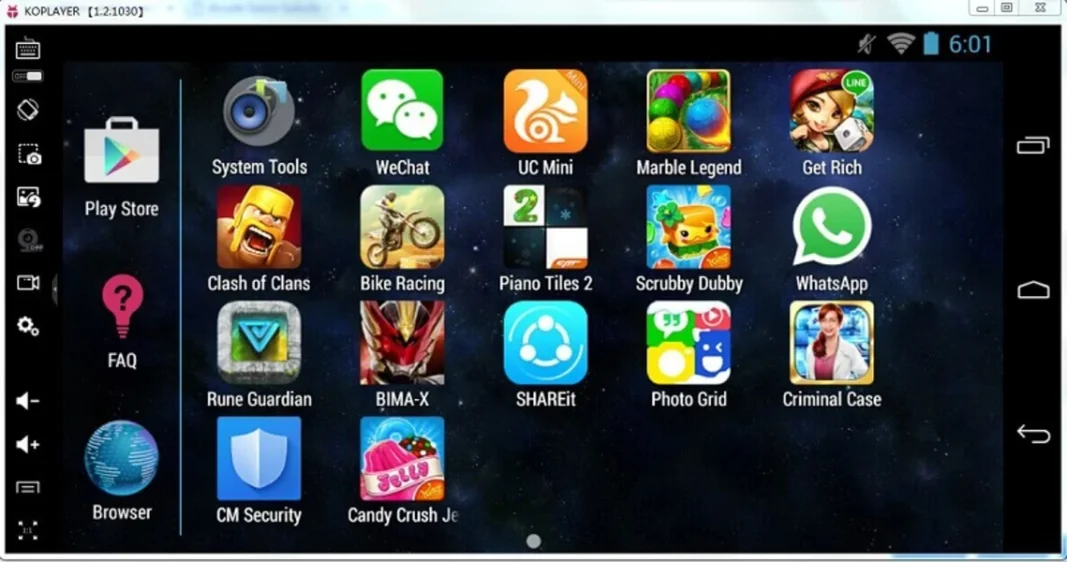
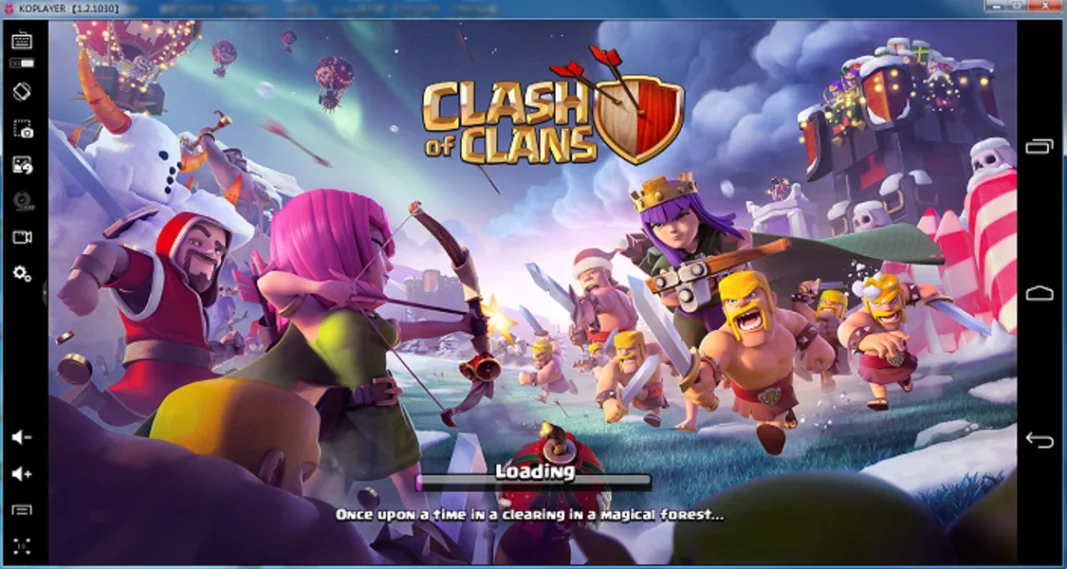
Controls can be configured for keyboard, mouse, and gamepad, and the setup is done quickly. The virtual Android screen's resolution can be changed at any time, making it smaller or larger. It plays Android games with video and audio quality, and it can capture images and videos. Google Play is included by default, so you can download apps, browse the internet, and play games inside the emulator.
Download files
File3.2.1EXE
Version3.2.1
ReleasedSep 30, 2025
Size38.7 MB
SHA-256
Get
1de2d5ab9fd28460eaaefc8ceaf63d85f156d285b6be4dc89fb583ab0998e6c5
Signed by Geny mobile SAS · valid until Mar 25, 2022File1.4.1056EXE
Version1.4.1056
ReleasedAug 17, 2023
Size368.4 MB
SHA-256
Get
b9cbdc249032715deffb457f457d672d679fb0d11f9263a833934e886090d714
Signed by Fuzhou kaopu Network Co.,Ltd · valid until Jan 13, 2019Filekoplayer-1.4.1055.exeEXE
Version1.4.1055
ReleasedJan 23, 2017
Size310.0 MB
SHA-256
Get
bb64d7b1f0cbf0513848851917331f559c0edd2d0e7045438dbc58f6504f3477
Filekoplayer-1.4.1049.exeEXE
Version1.4.1049
ReleasedOct 10, 2016
Size301.5 MB
SHA-256
Get
fdf4ac4f17ab5602f4d60b286731513a648837acb431736171c752e13408935c
Filekoplayer-1.3.1040.exeEXE
Version1.3.1040
ReleasedApr 5, 2016
Size317.4 MB
SHA-256
Get
9d29957d3db466f2821cf7759ab399ea5a99153a28038cb9219188660bff14bf
System requirements
Available on:
Minimum OS:
Windows Windows 10 or later
Additional information
Developer
Latest release
3.2.1 · Sep 30, 2025
Size
38.7 MB
File type
EXE
SHA-256
1de2d5ab9fd28460eaaefc8ceaf63d85f156d285b6be4dc89fb583ab0998e6c5
Digital signature
Signed by Geny mobile SAS · valid until Mar 25, 2022





