BlueStacks App Player 8 5.12.115.1001 for Windows
Runs Google Play apps and games on Windows, with mouse as touch
You are on macOS — this is the Windows version.
Screenshots
Description
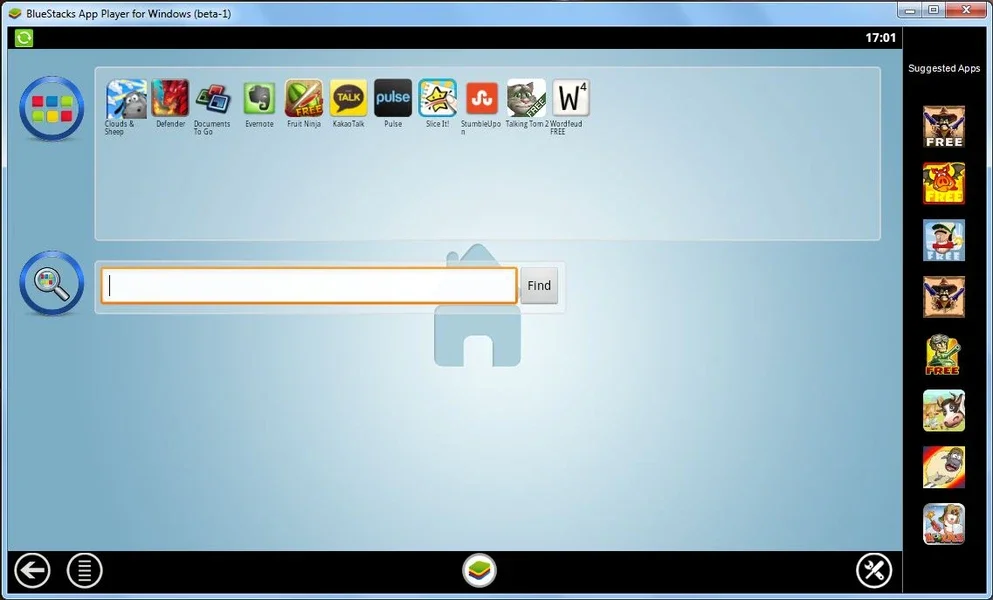
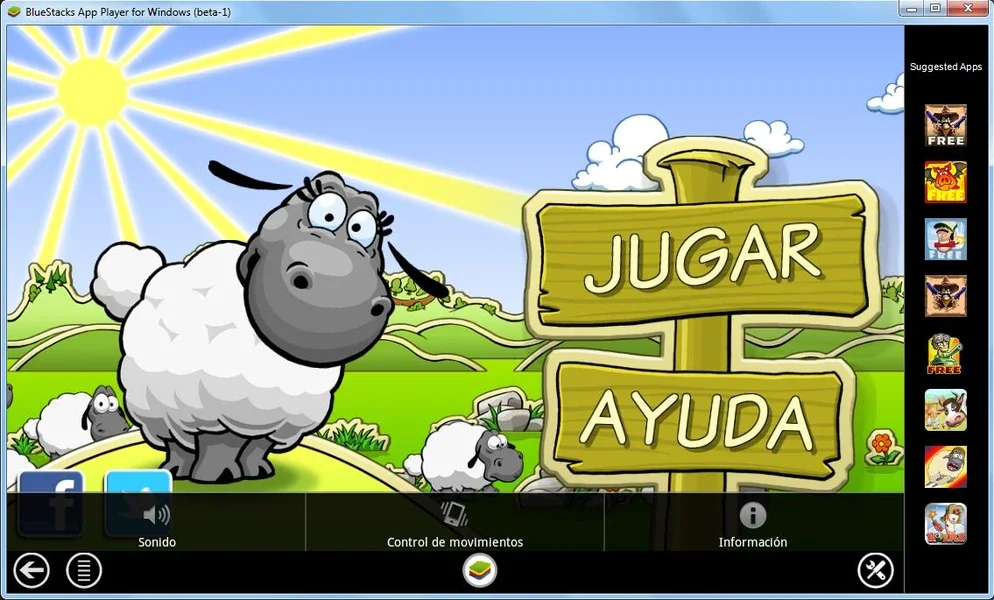
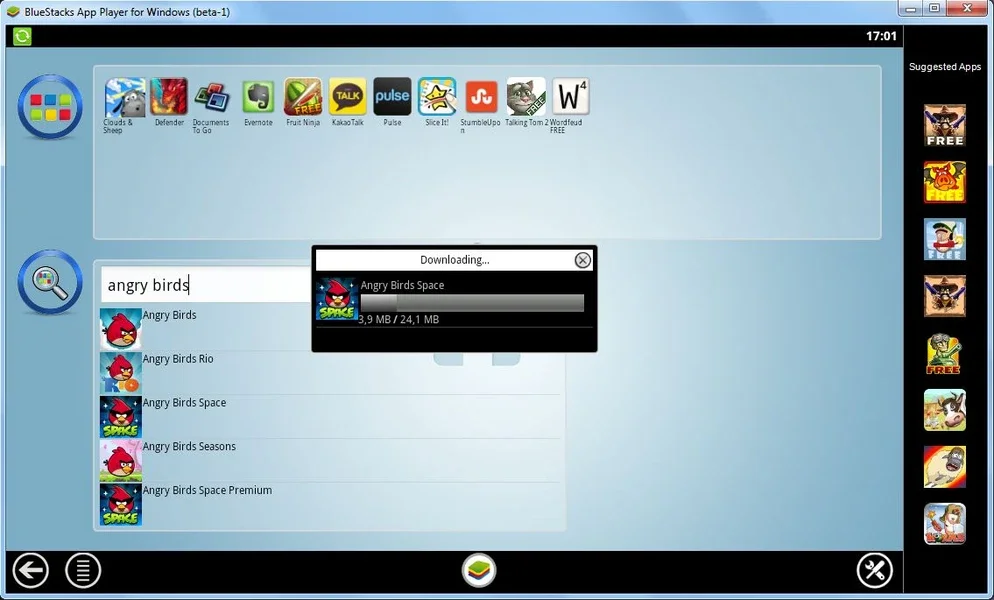
BlueStacks App Player 8 emulates Android on Windows 8 so you can run Google Play applications on a desktop. On first use it asks whether you have an Android phone. If you do, you can link it and sync apps and account data. Without an Android phone you can still download and use apps. To get an app, type its name and click download. Free Google Play titles such as Angry Birds can be played. The mouse cursor acts as a finger for running apps, so clicking stands in for tapping.
Input and device options
You can assign the accelerator to the arrow keys. The options let you set the device language like Android controls. Installing the app is the only step needed before mirroring apps.
Download files
a5206af9408f249f92eecd3c091537a1de73fba251772857a4849d8bd5b8ce47
Signed by Now.gg, INC · valid until Apr 5, 2025d776cd8b11f7399ff264c0d27d60318de5da0ff327b0adf5a8465c70406c240b
System requirements
Available on:
Additional information
Developer
Latest release
Size
File type
SHA-256
a5206af9408f249f92eecd3c091537a1de73fba251772857a4849d8bd5b8ce47





