Bluestacks Desktop 16.0.0.34 for Windows
SHA-256 listed
Runs Android apps in separate windows on a Windows PC
All ages
Age rating
Screenshots
Description
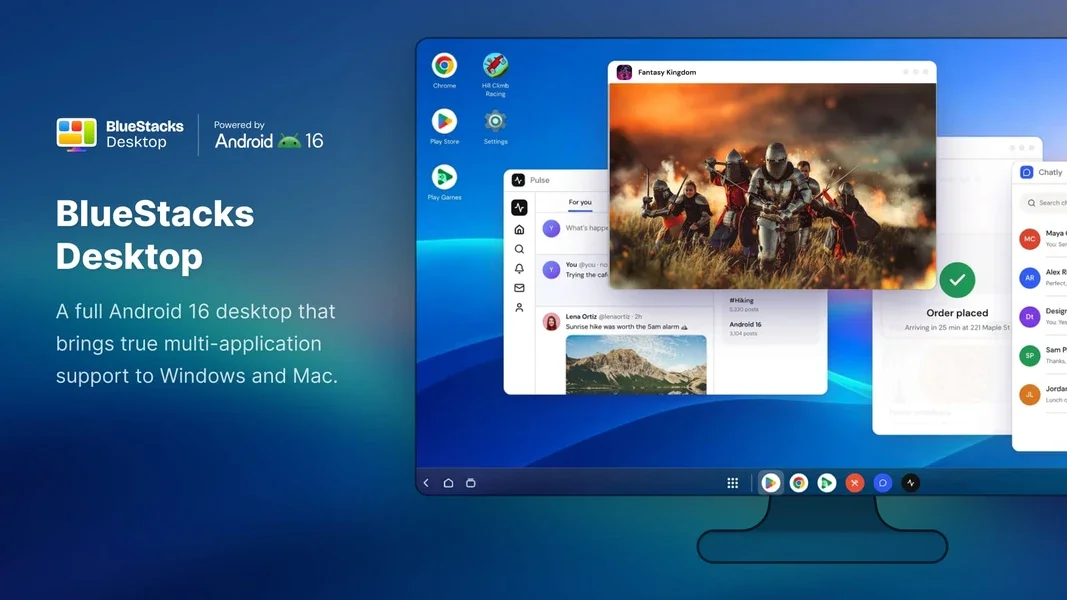
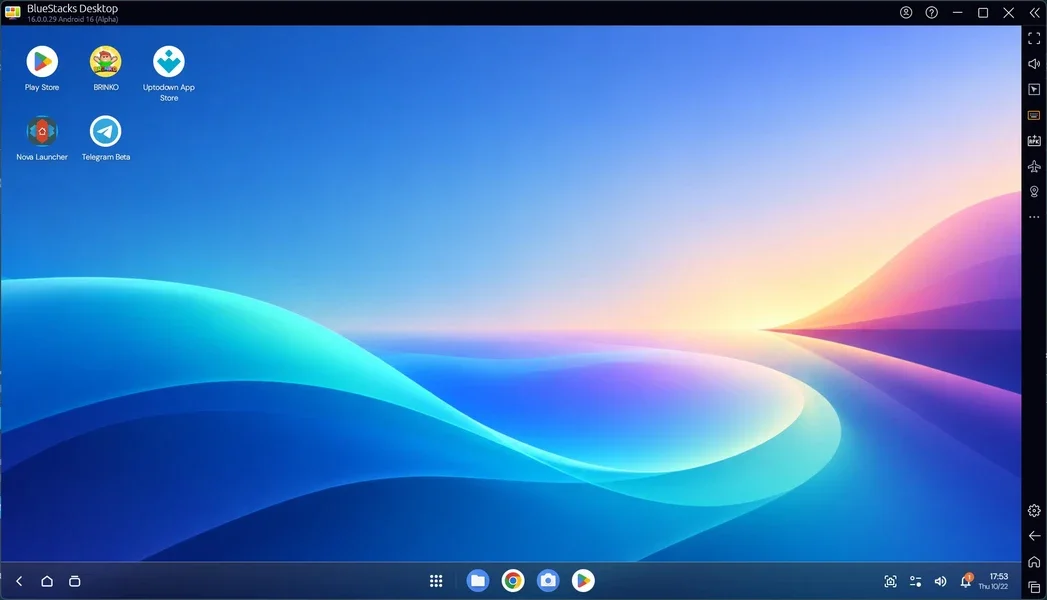
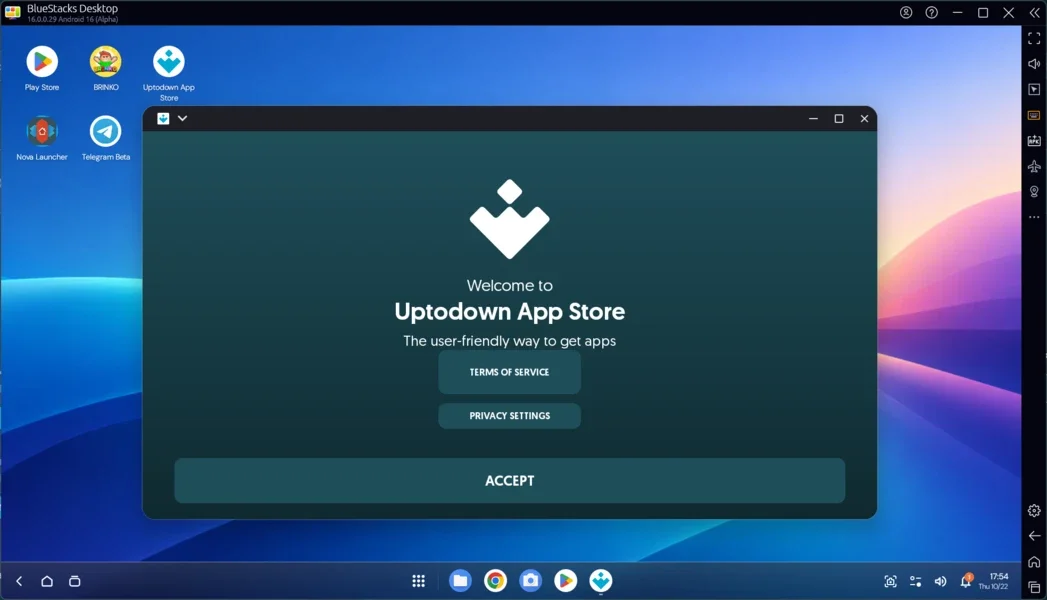
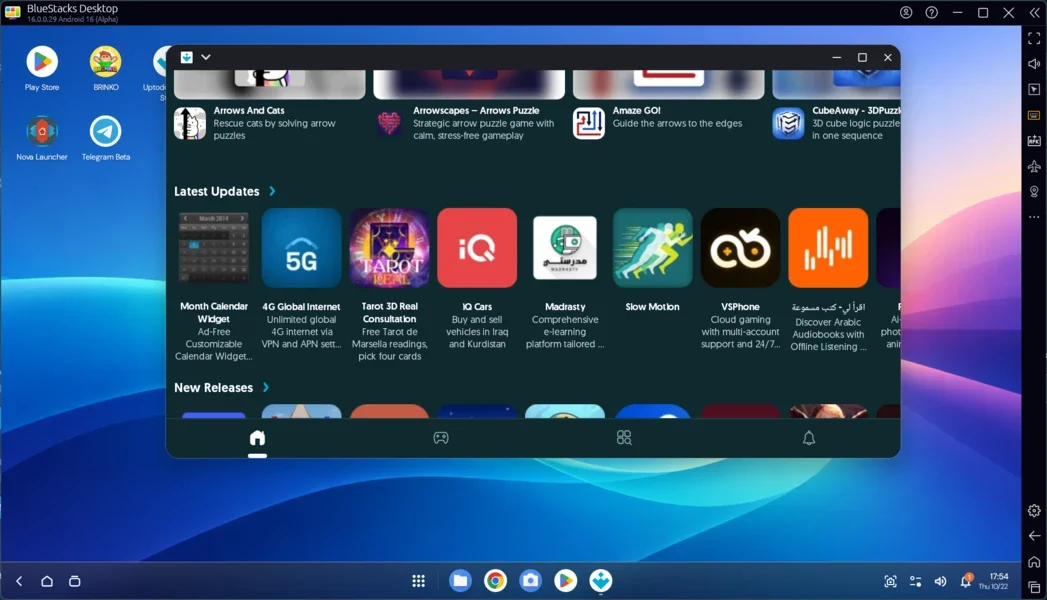
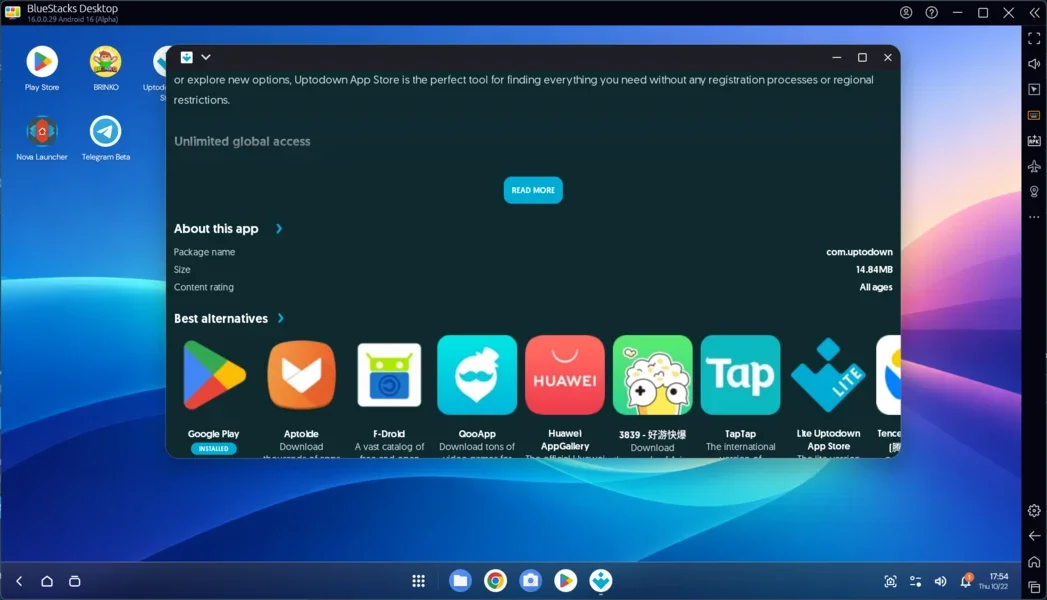
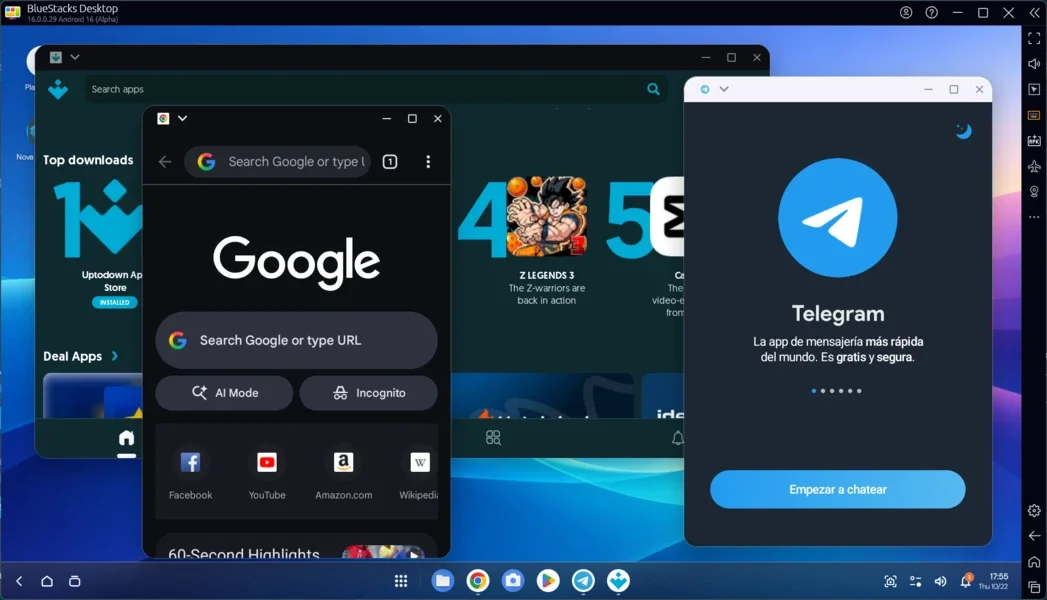
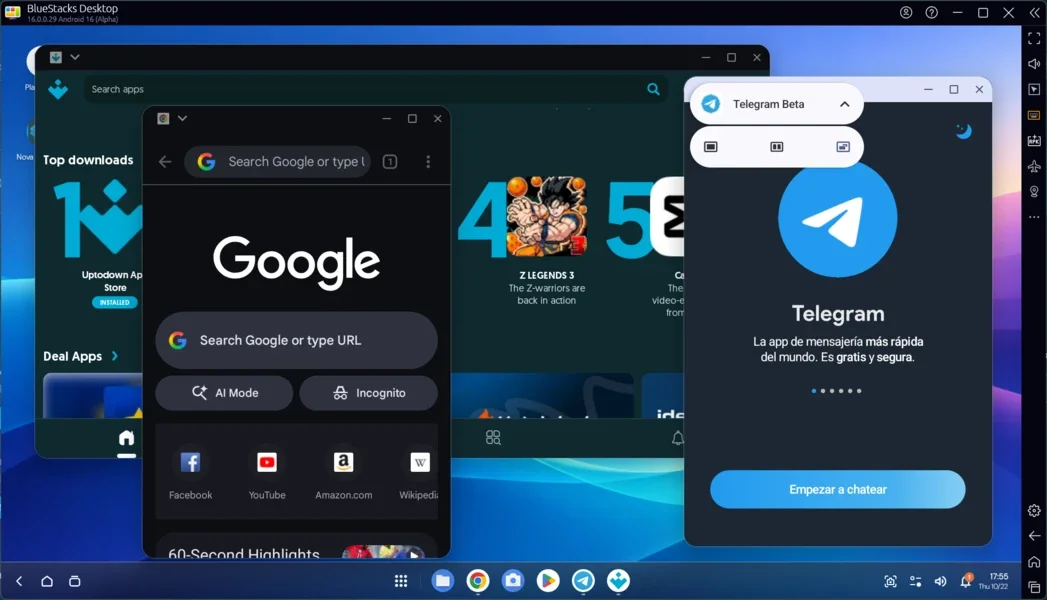
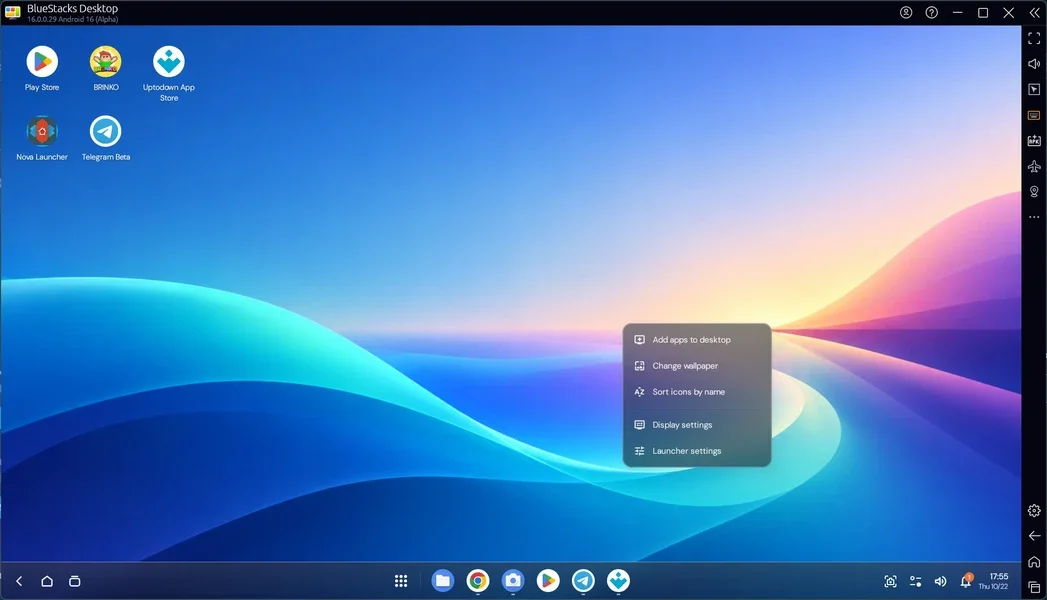
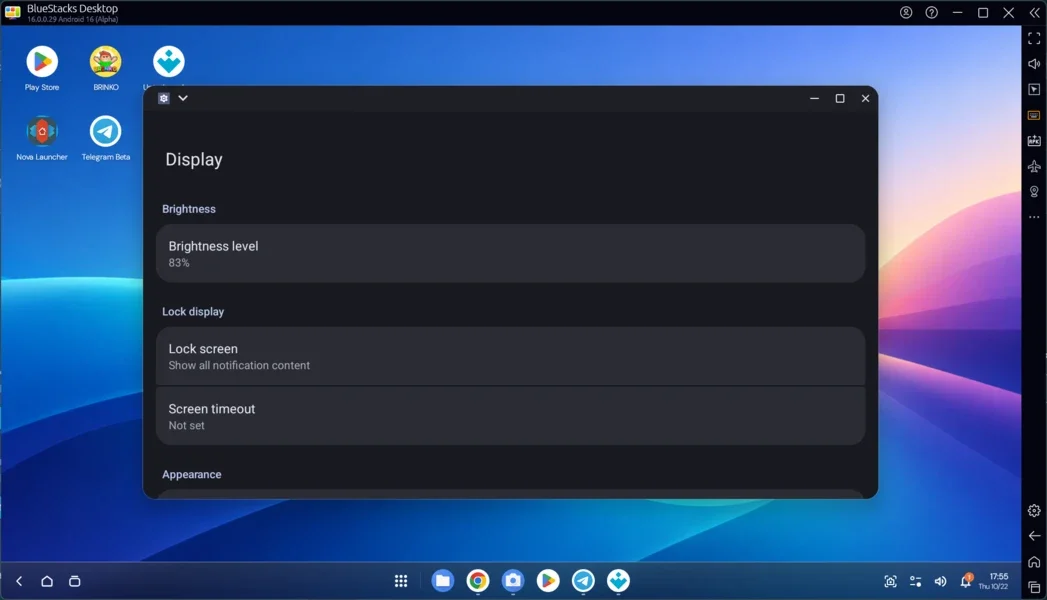
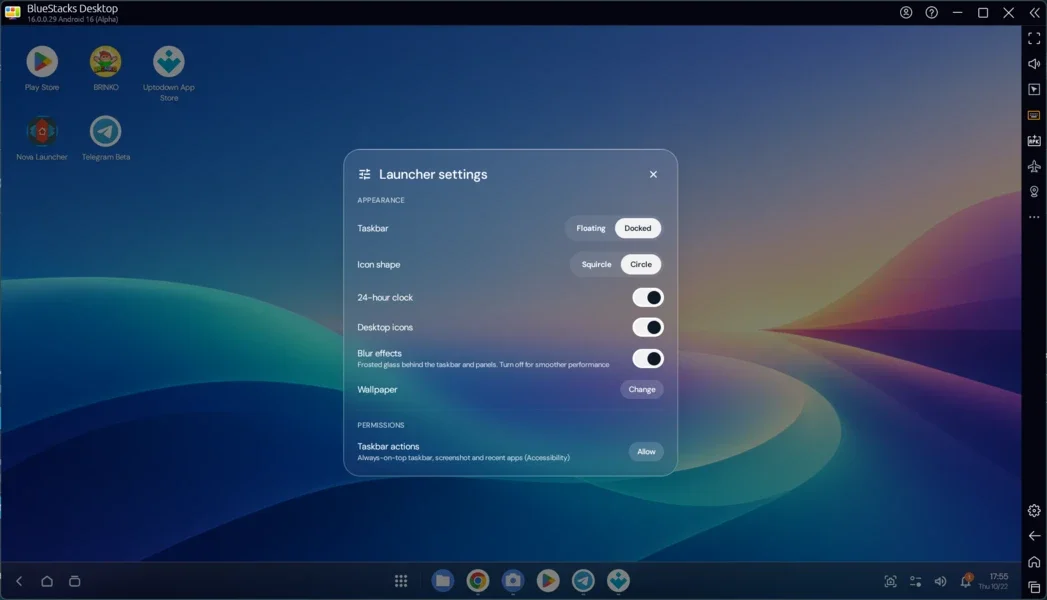
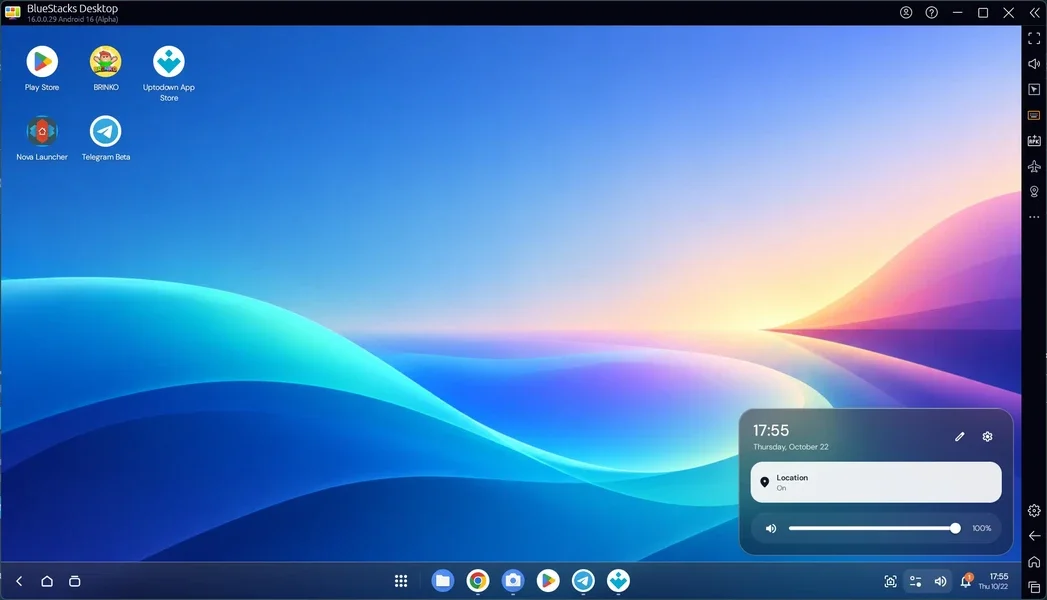
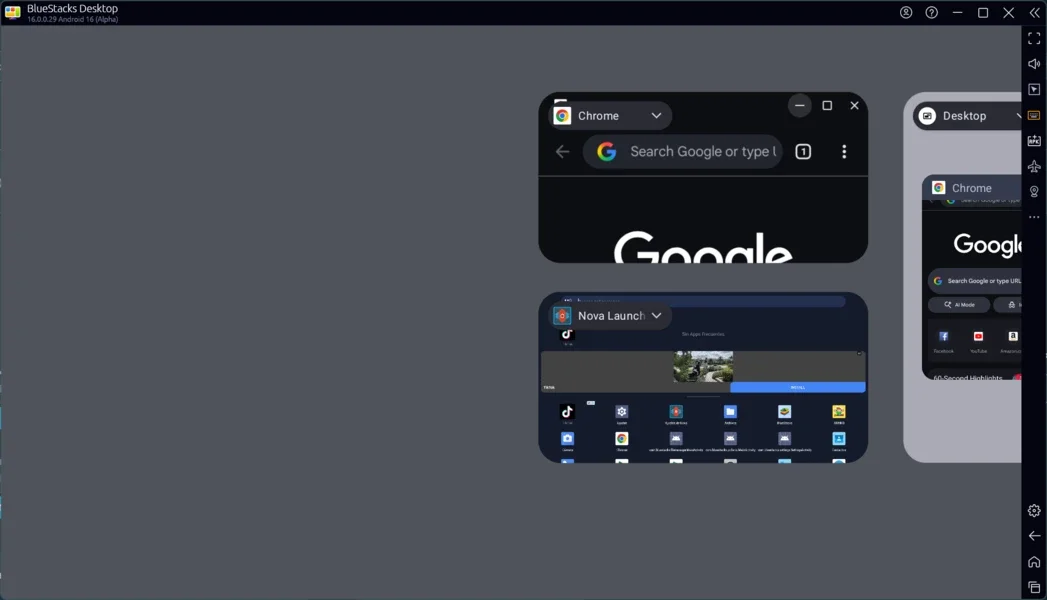
BlueStacks Desktop gives Android apps a Windows desktop to run on, each app in its own window. You can resize those windows and arrange them side by side, and the keyboard and mouse work across the apps you have open. A browser and your files sit in the same place as the apps.
Bring in an agent like Claude or Codex and it can work inside the apps, switch between them and carry out tasks. You supply the agent; the Android computer it works on comes from BlueStacks Desktop. The agent runs in a sandboxed environment.
The program is built on Android 16 and runs on Windows. Mac support is planned but not yet available.
Download files
Filebluestacks-desktop-16-0-0-34.exeEXE · 64-bit
Version16.0.0.34
ReleasedOct 28, 2026
Size914.9 KB
SHA-256
Get
5e4cf1d1273c8f8bc59bc2f868145a8cbf56c7b0ca6e7f921fcf48893938c636
Signed by Now.gg, INC · valid until Mar 17, 2027Filebluestacks-desktop-16-0-0-29.exeEXE · 64-bit
Version16.0.0.29
ReleasedOct 22, 2026
Size914.9 KB
SHA-256
Get
d0217cd7b49eaba6a57d313edb0ded5f51bb44d6b4aa16b71cb3a1b886306c45
Signed by Now.gg, INC · valid until Mar 17, 2027System requirements
Available on:
Architecture:
64-bit
Additional information
Developer
Latest release
16.0.0.34 · Oct 28, 2026
Size
914.9 KB
File type
EXE
SHA-256
5e4cf1d1273c8f8bc59bc2f868145a8cbf56c7b0ca6e7f921fcf48893938c636
Digital signature
Signed by Now.gg, INC · valid until Mar 17, 2027





