
Screenshots
Description
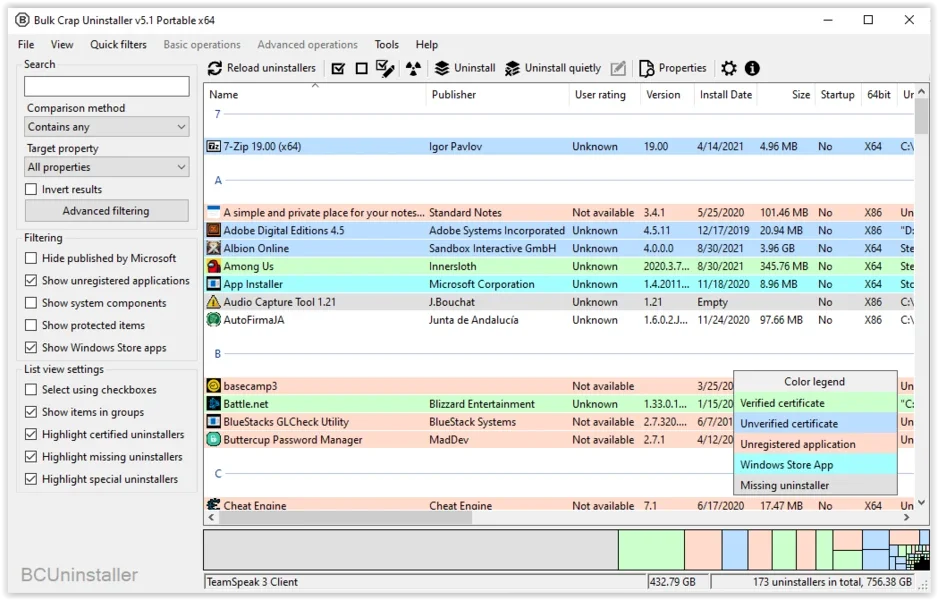
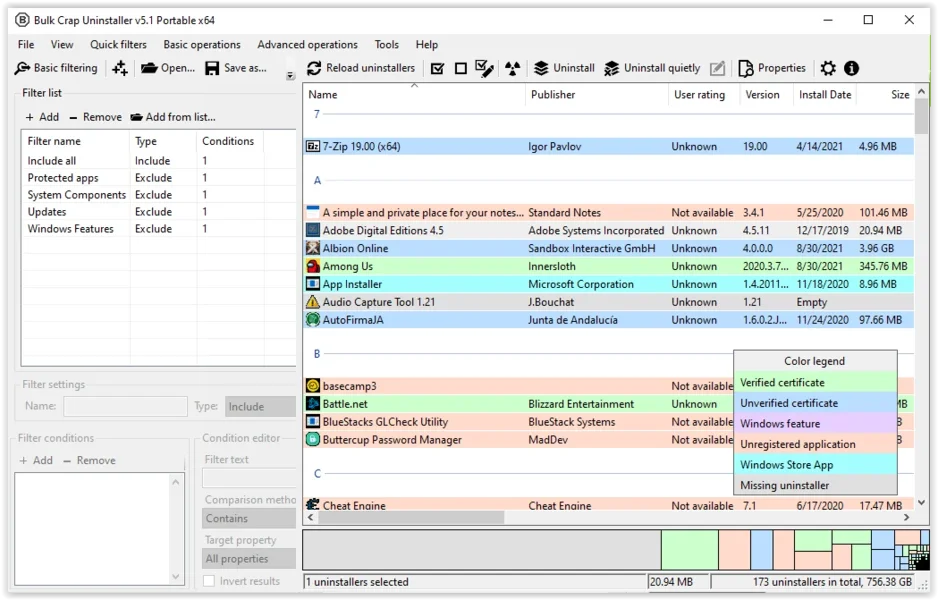
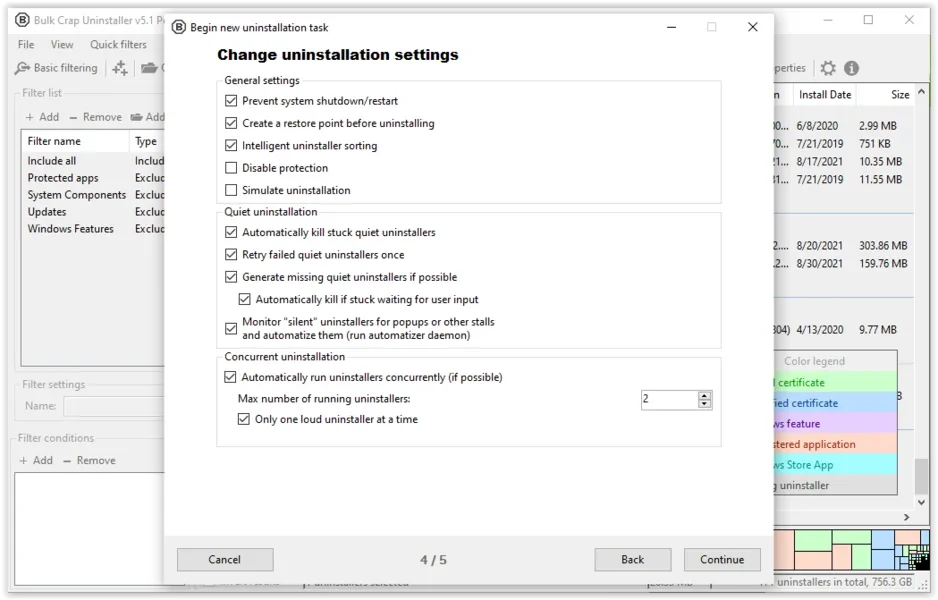
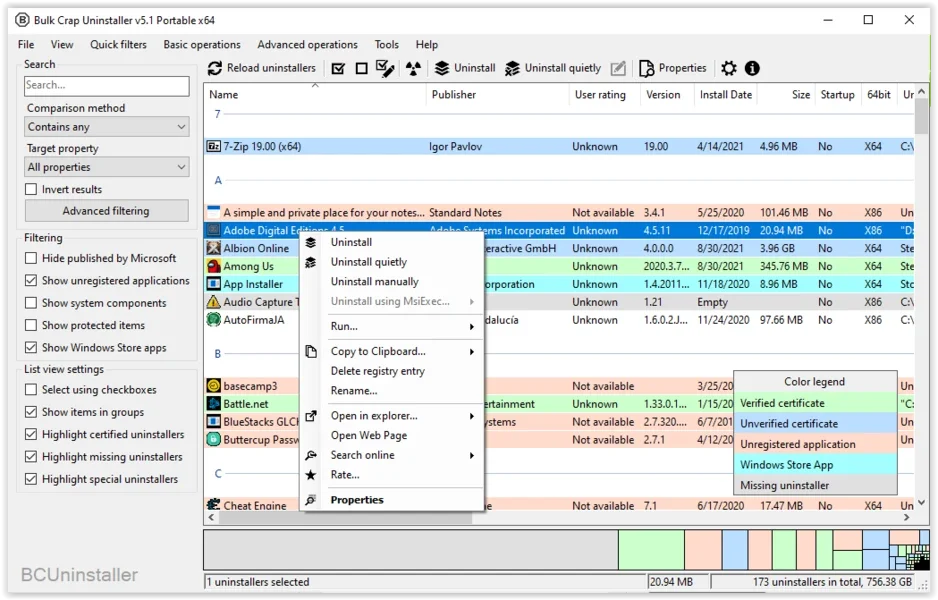
Bulk Crap Uninstaller is a tool for finding installed software and deleting its files. On opening, it shows a list of all software installed on the PC.
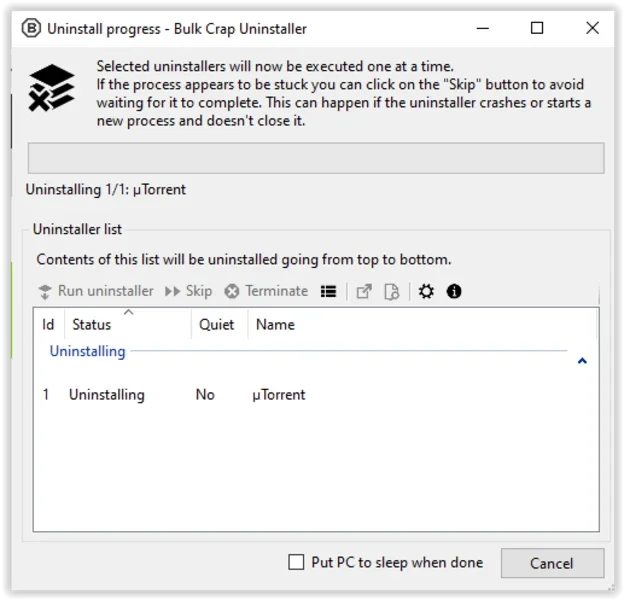
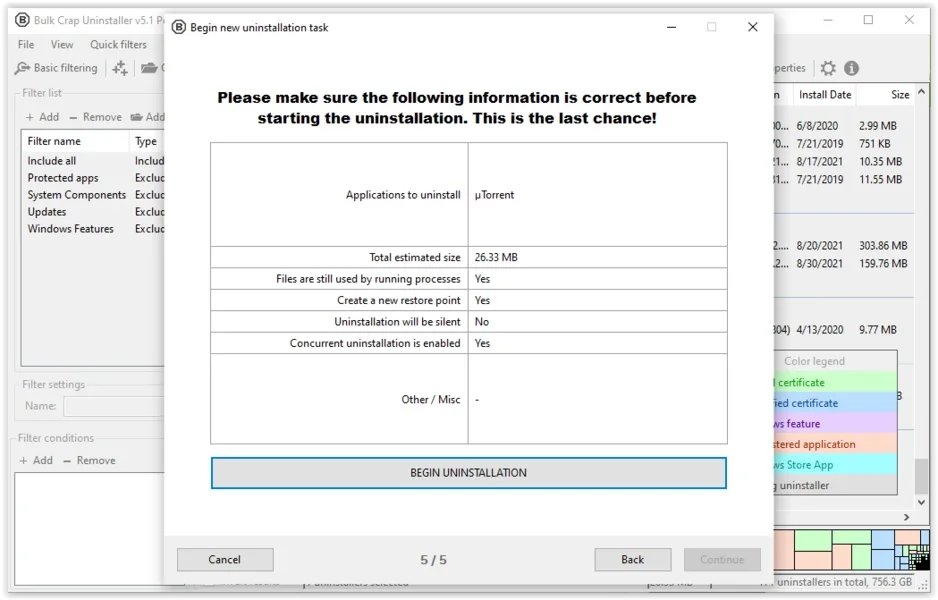
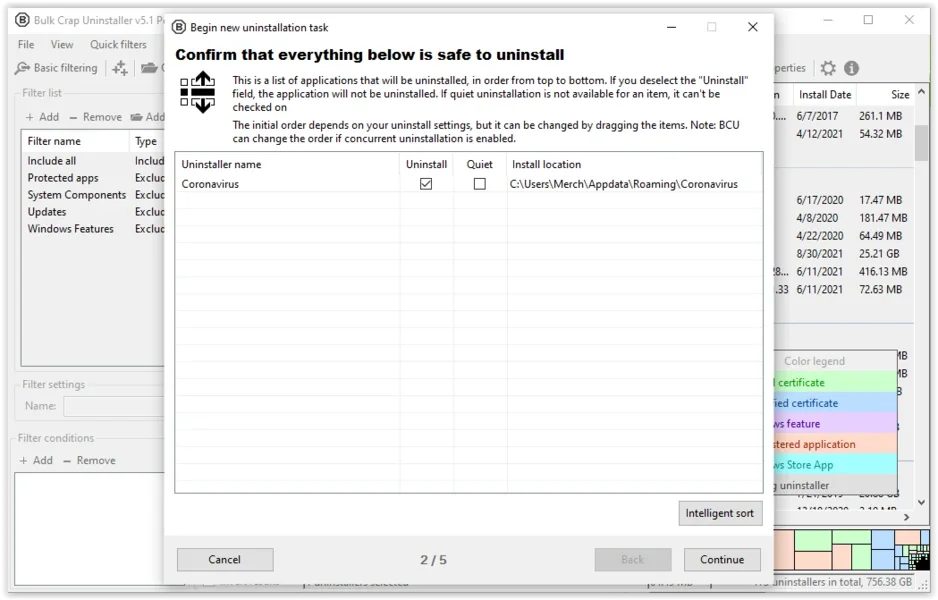
The list can be sorted by date, size, last used, location, and other fields. Programs can be deleted automatically or manually. Manual deletion can remove files generated during installation or uninstallation, which is useful because uninstalling software often leaves behind unneeded files and folders. A color system indicates whether a program was installed by the user, is a default program, or came from a system update. The interface is complete and intuitive.
It runs on Windows and is free.
Download files
Filebulk-crap-uninstaller-6-3-0-0.exeEXE
Version6.3.0.0
ReleasedSep 16, 2026
Size9.0 MB
SHA-256
Get
d89c81f4dd029b4862fc6261262a4a9851a6948827af3e55d54e9a8c53b13d88
No digital signatureFilebulk-crap-uninstaller-6-2.exeEXE
Version6.2
ReleasedJun 10, 2026
Size8.8 MB
SHA-256
Get
f0a28736925efb89146a1259ecdd08904a92d2d8ee42a3aed1f9b3ccbf0cd28a
No digital signatureFilebulk-crap-uninstaller-6-1.exeEXE
Version6.1
ReleasedMar 6, 2026
Size9.1 MB
SHA-256
Get
02d8a79d5953fb4ed17b73682c9d2ebb935f97b56b846fb7378b355dde180114
No digital signatureFilebulk-crap-uninstaller-6-0.exeEXE
Version6.0
ReleasedMar 3, 2026
Size8.2 MB
SHA-256
Get
df26bdff0b888a6b88656ac16120cd6921bf81b2b2514ad84c72186bf1046bdf
No digital signatureFilebulk-crap-uninstaller-5.9.exeEXE
Version5.9
ReleasedFeb 2, 2026
Size7.8 MB
SHA-256
Get
1983cc74c1a17ffcae1f3b41b1a8182782ca50006158dff1323691afe1928b17
System requirements
Available on:
Additional information
Developer
Latest release
6.3.0.0 · Sep 16, 2026
Size
9.0 MB
File type
EXE
SHA-256
d89c81f4dd029b4862fc6261262a4a9851a6948827af3e55d54e9a8c53b13d88
Digital signature
No digital signature





