

Caffeine 1.98 for Windows
Keeps a PC awake by sending a virtual key press every 59 seconds
You are on macOS — this is the Windows version. See the macOS version
Screenshots
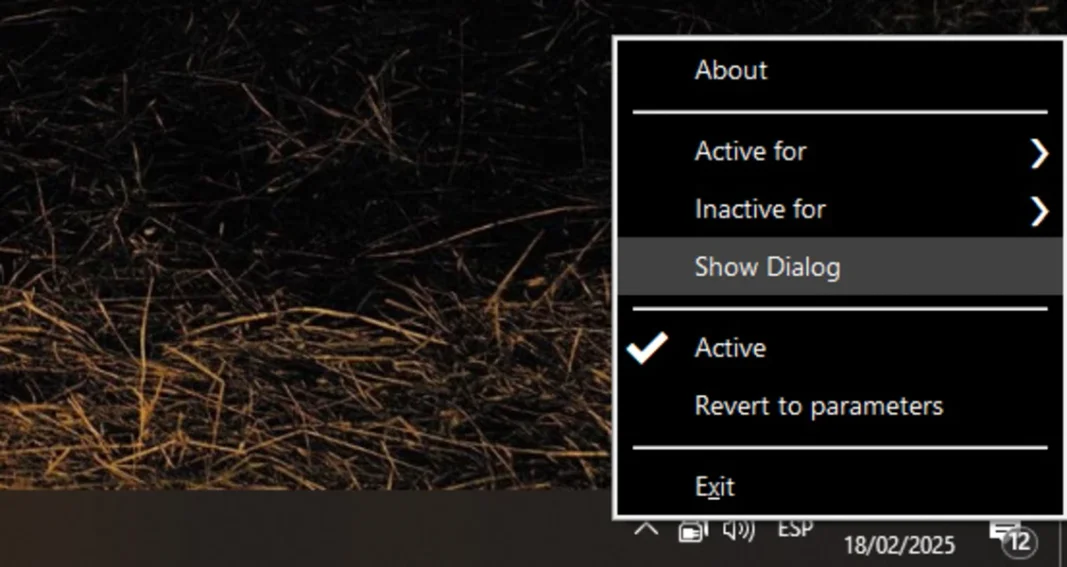
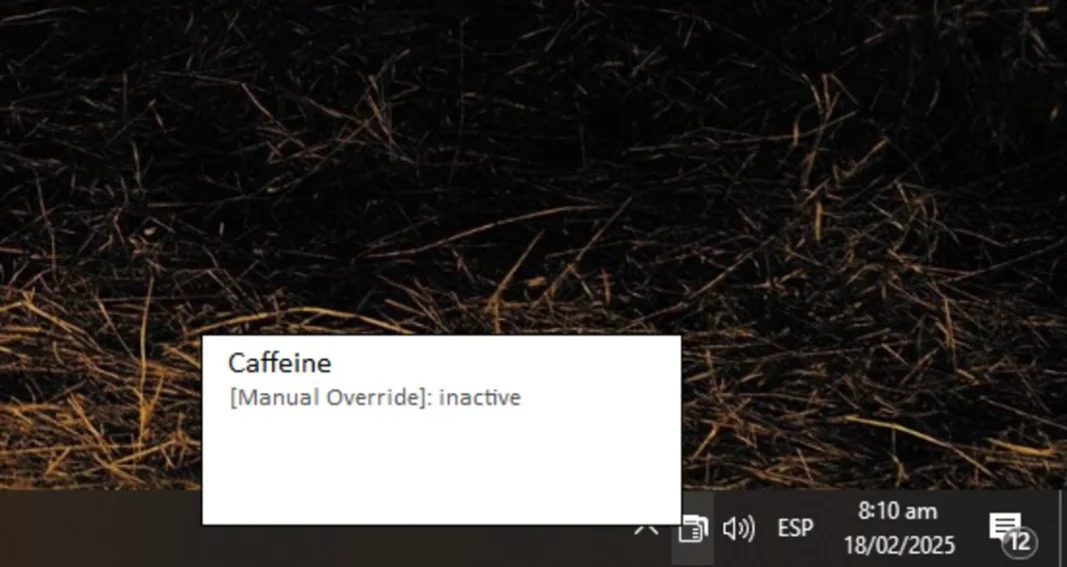

Description
Caffeine is a lightweight program that keeps a PC awake. Double-click the icon to activate or deactivate it. While active, it prevents Windows from sleeping, locking the screen, or starting the screensaver.
- A full coffee maker icon in the task bar means it is active; an empty one means it is not running.
- By default, the key pressed virtually every 59 seconds is F15.
- The -useshift command line swaps F15 for the Shift key.
- Most keyboards lack an F15 key, so conflicts are unlikely.
No installation is needed: unzip the compressed file into any folder and double-click the executable. It takes up less than 500KB. There are 32-bit and 64-bit versions, and most users need the 64-bit one. It is useful on company PCs or where the related options cannot be changed. The command line applies commands, used by opening the Windows command console, going to the executable's directory, and typing "caffeine.exe" followed by the command. For example, "caffeine.exe -oldicons" shows the old, more colorful icons. F15 can get in the way of PowerPoint, Google Docs, or Smartsheet.
Download files
4a259c348e59eb51bbb75aac7fdcc798705496d575892ee1e01fff6970d5ba1c
083b16e4100e7a59f8ac5094938a88da47b2547f5b9eac21cc55c96ad9200585
a9efb65279ce70cff14481380e66217178599fd82dcb600e3957515f79d25ee7
eab54785dbbfcdde4e1ce694676dd184b638549a5b6fdf3df5e2e344bbfebf2f
fc0191ac02a90400c340317720c4446c19267cdc016c42451035154f8d33711b
System requirements
Available on:
Minimum OS:
Windows XP or later
Additional information
Developer
Latest release
Size
File type
SHA-256
4a259c348e59eb51bbb75aac7fdcc798705496d575892ee1e01fff6970d5ba1c





