
Scans, converts and edits PDFs on Windows
You are on macOS — this is the Windows version. See the macOS version
Screenshots
Description
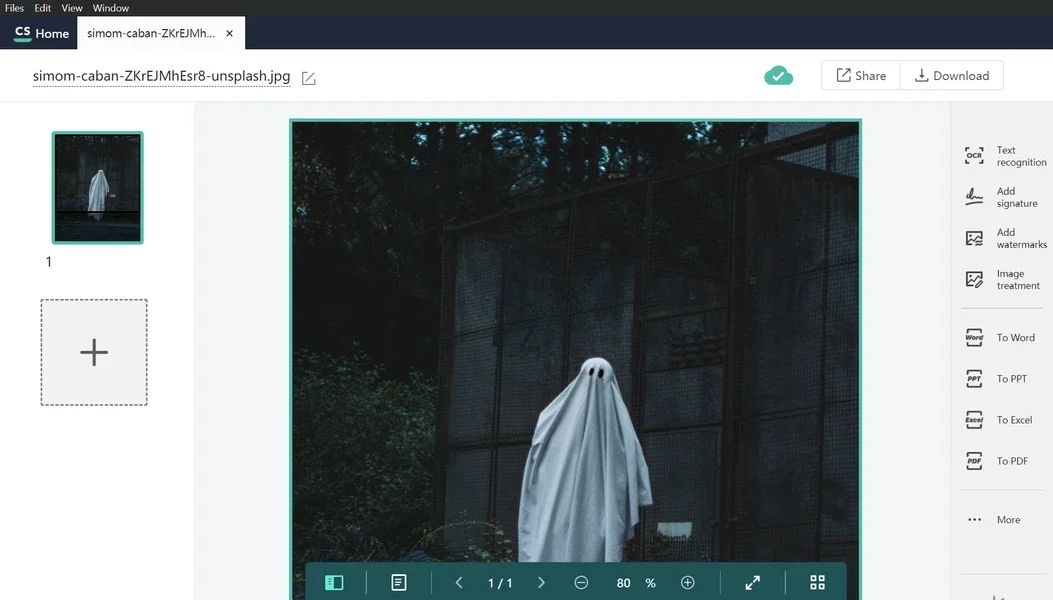
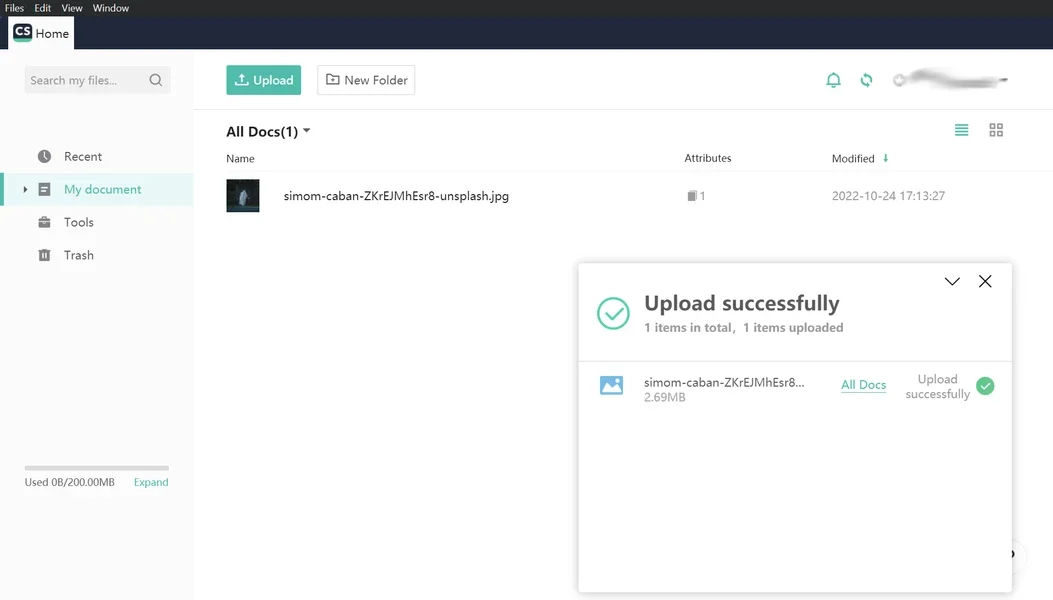
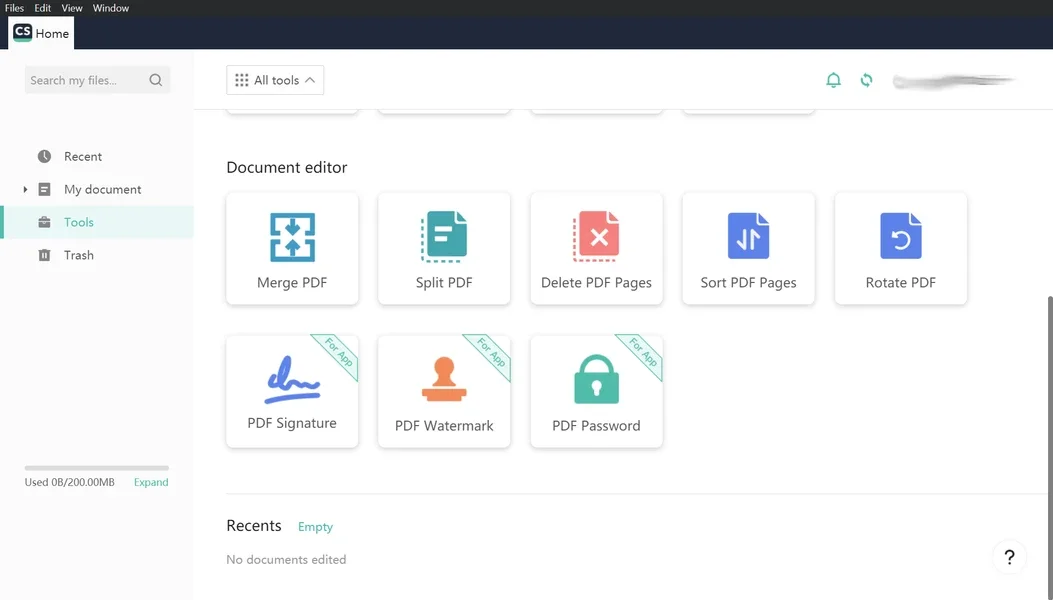
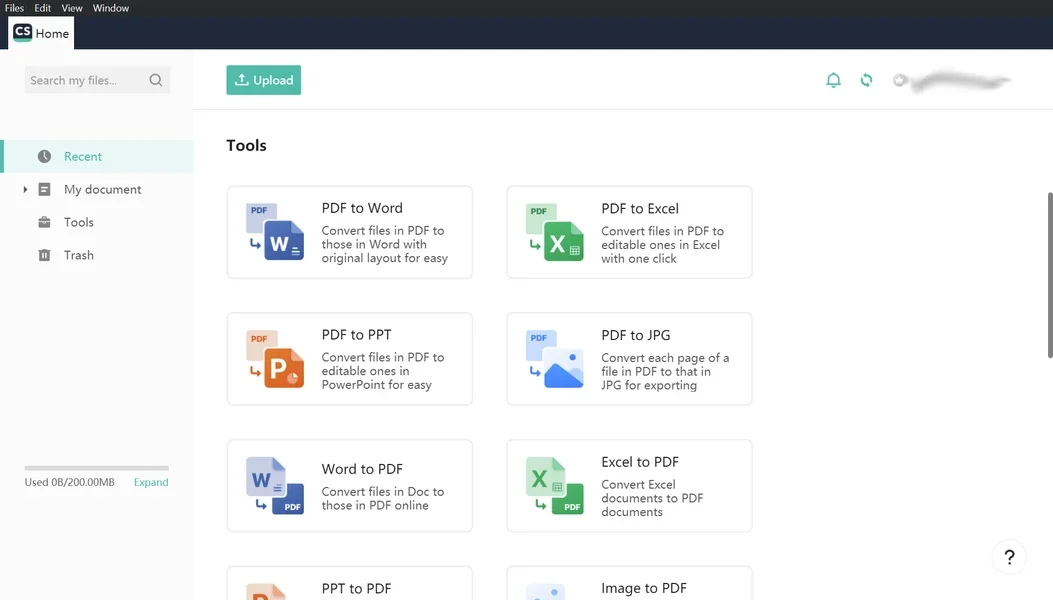
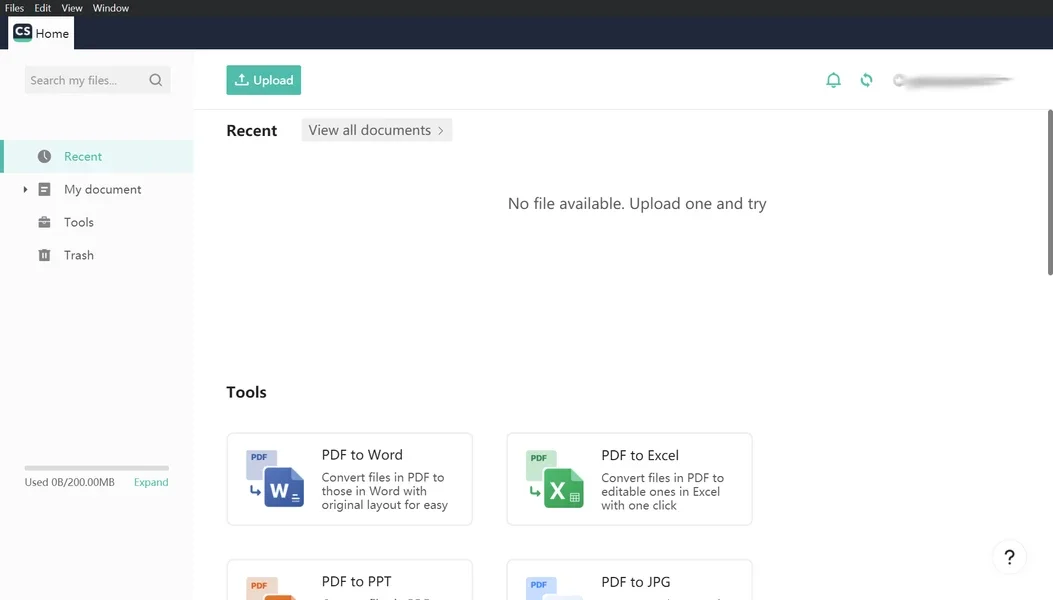
CamScanner is used to turn paper and images into PDFs, then to take those PDFs apart again. A .jpg can go straight into a PDF, and documents and images both convert to the format. From there the pages are yours to rearrange: crop a page, delete one, merge pages together, or sort them into a different order. PDFs can also come back out as .ppt, .docx or .xlsx, and the document conversions run without sending you through a web page. A PDF can also be exported to .jpg. The interface is clear and easy to navigate.
It also manages PDF documents once they exist, so the converting and the page editing sit in the same place. A subscription adds things the free version does not do, one of them being the conversion of an image to .docx, and it expands cloud memory.
There are no ads. It is free, and it has a Windows version as well as an Android one.
Download files
f99fb30c063d3edff6c7ab2ab8640627196fe2780b29644842a4902aeea02973
Signed by IntSig Information Co., Ltd. · valid until Jun 8, 2021System requirements
Available on:
Minimum OS:
Windows XP or later
Additional information
Developer
Latest release
Size
File type
SHA-256
f99fb30c063d3edff6c7ab2ab8640627196fe2780b29644842a4902aeea02973





