
Screenshots
Description
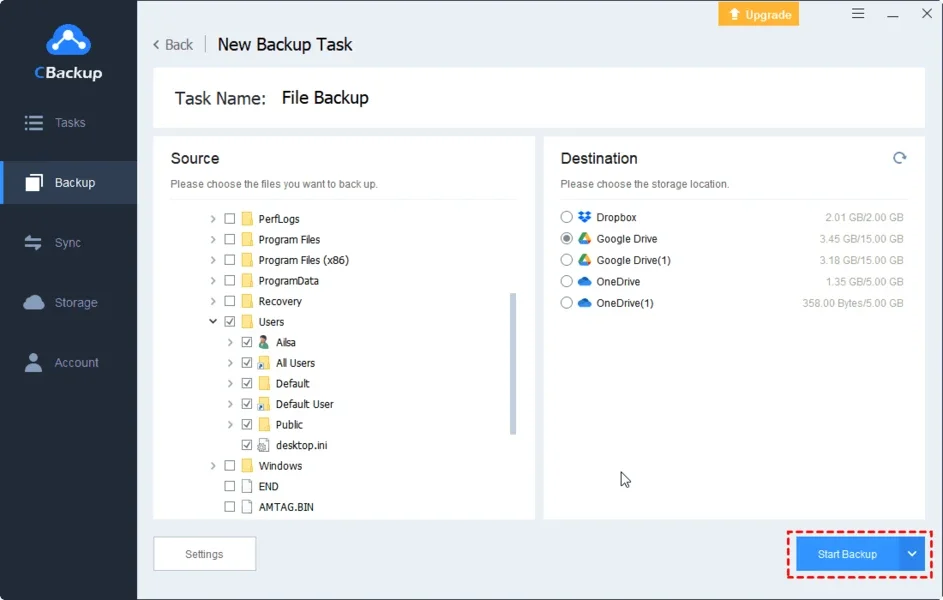
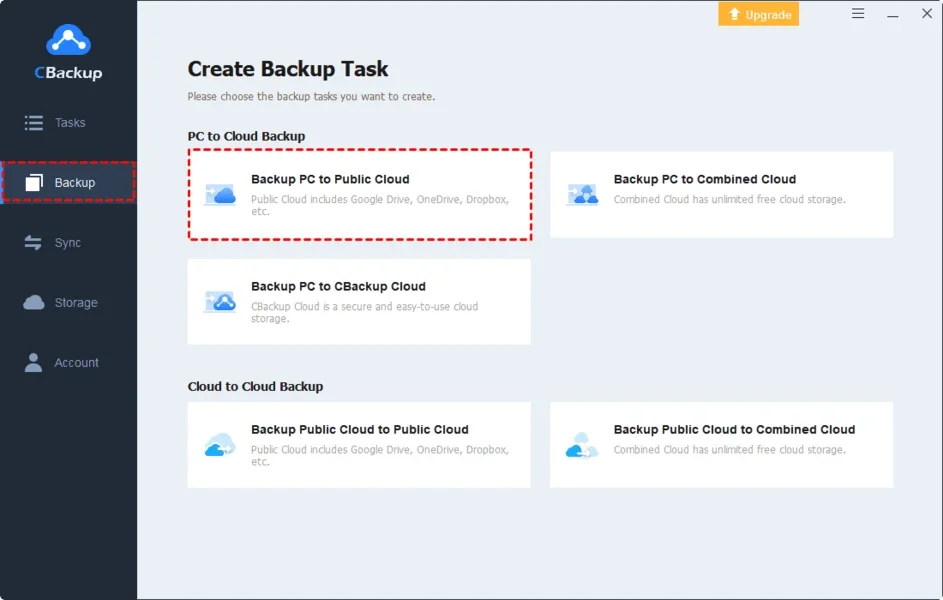
CBackup is a Windows backup and sync tool. It combines several free cloud storage services into one larger backup space.
- Three free Google Drive accounts of 15GB each yield 45GB of backup storage.
- Paid idle storage can be merged into a larger backup space.
- Combining free accounts can create unlimited backup space at no storage cost.
- The free cloud backup plan does not expire.
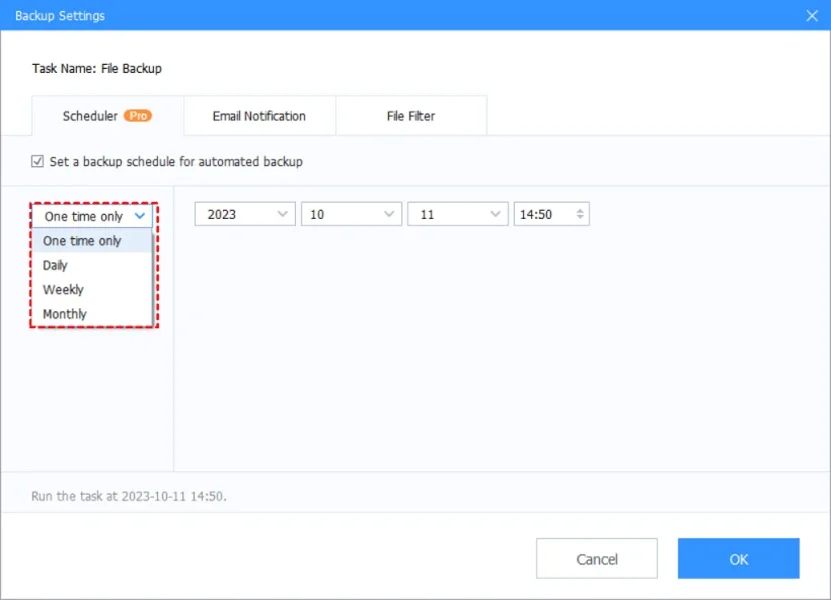
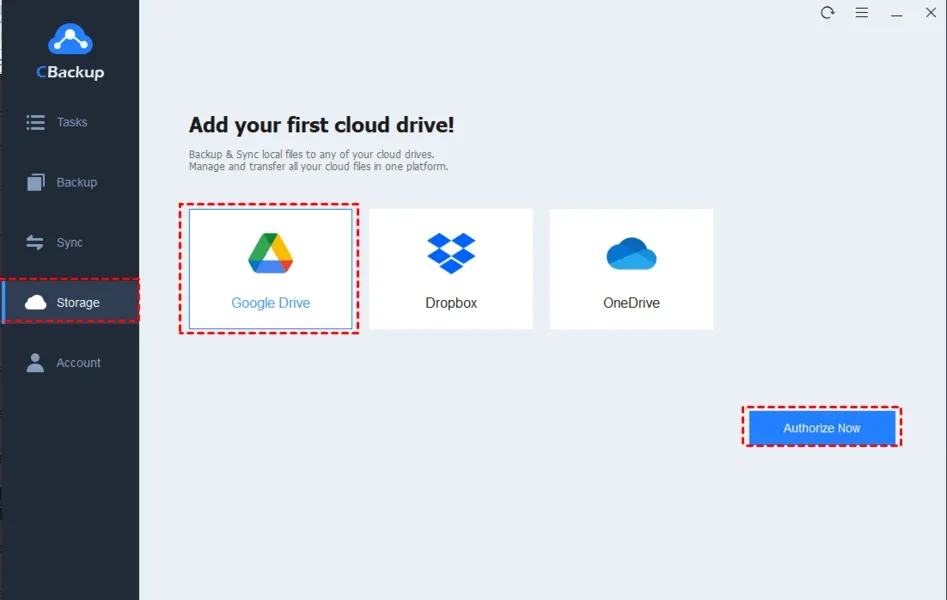
The software provides both file backup and file sync. Sync moves files from one cloud account or service to another without manual downloading and uploading; Dropbox, Google Drive, OneDrive and other clouds all work as endpoints. A schedule can be created to automatically back up data to the user's own cloud drives. 256-bit AES encryption protects data during transfer. Data remains safe if files are accidentally deleted or the computer crashes.
Tasks can run based on user logon and logoff and on system startup and shutdown. Old backups can be deleted automatically by age or by number to save cloud storage. Most other free cloud backup providers limit use to 15 or 30 days before charging. It runs on Windows.
Download files
ee4648cc813016b3af32e98d9078d5a6e7e9894e7a7c02bb2c22904049d83fc5
Signed by AOMEI International Network Limited · valid until Jan 18, 2027dec9a127843f935710144f747ebb6acc8076ea4e946902a26b6af94ec50875d7
Signed by AOMEI International Network Limited · valid until Nov 2, 2025ec8c3895ef22dfbee39075b2bfb5366cd400accafeff8c478bd6c7a65d28603e
System requirements
Available on:
Minimum OS:
Windows Windows Server or later
Additional information
Developer
Latest release
Size
File type
SHA-256
ee4648cc813016b3af32e98d9078d5a6e7e9894e7a7c02bb2c22904049d83fc5