
Chiaki 2.2.0 for Windows
Play PS4 and PS5 games on your Windows PC
You are on macOS — this is the Windows version. See the macOS version
Screenshots

Description
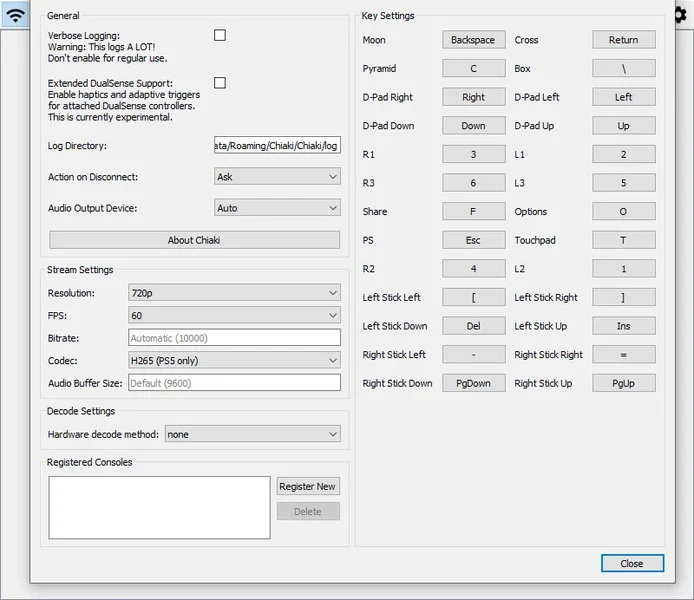
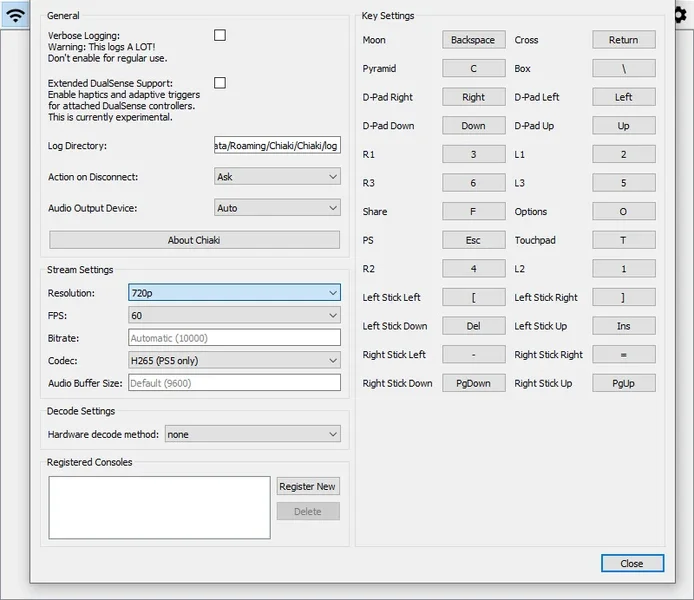
Chiaki lets you play PlayStation 4 and PlayStation 5 games remotely on a Windows PC. Before you can do that, you need your AccountID, a unique key tied to your PSN account. You get it by running a Python 3 script from the program's official website, and you only do that once.
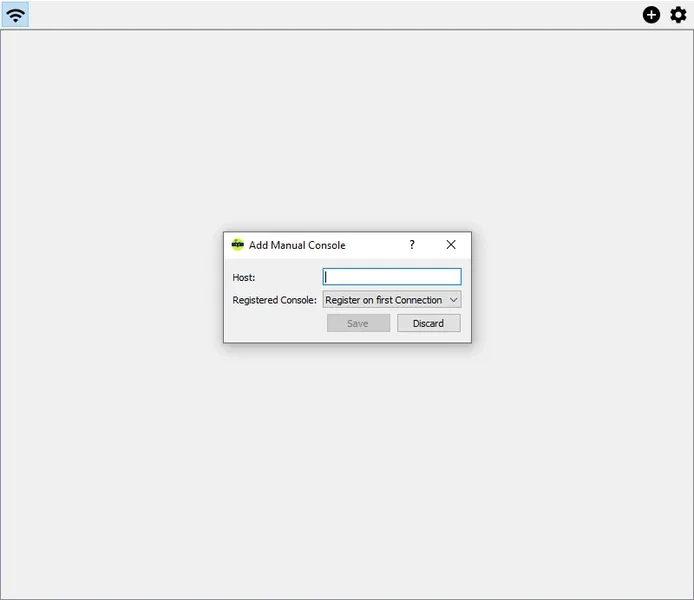
The console is added using the Registration PIN. On a PS4, go to Settings, Remote Play, Add Device; on a PS5, it's Settings, System, Remote Play, Link Device. If the console and PC share a network and the console is on or in standby, Chiaki will usually detect and list it, and after adding, the console appears in the list of available consoles. You can also add one manually by clicking the "+" button in the upper right corner and entering its IP address. After registration, double-clicking Chiaki starts remote play.
A console left on standby at home can be played from a laptop anywhere in the world. There are no minimum requirements. The program is free and open-source software.
Download files
088d0f91dce5895c490614fac293348ea9068fca365ff1b11f416ab7797502ed
System requirements
Available on:
Minimum OS:
Windows XP or later
Additional information
Developer
Latest release
Size
File type
SHA-256
088d0f91dce5895c490614fac293348ea9068fca365ff1b11f416ab7797502ed





