
Remote Play client for PS4 and PS5 on Windows
You are on macOS — this is the Windows version. See the macOS version
Screenshots
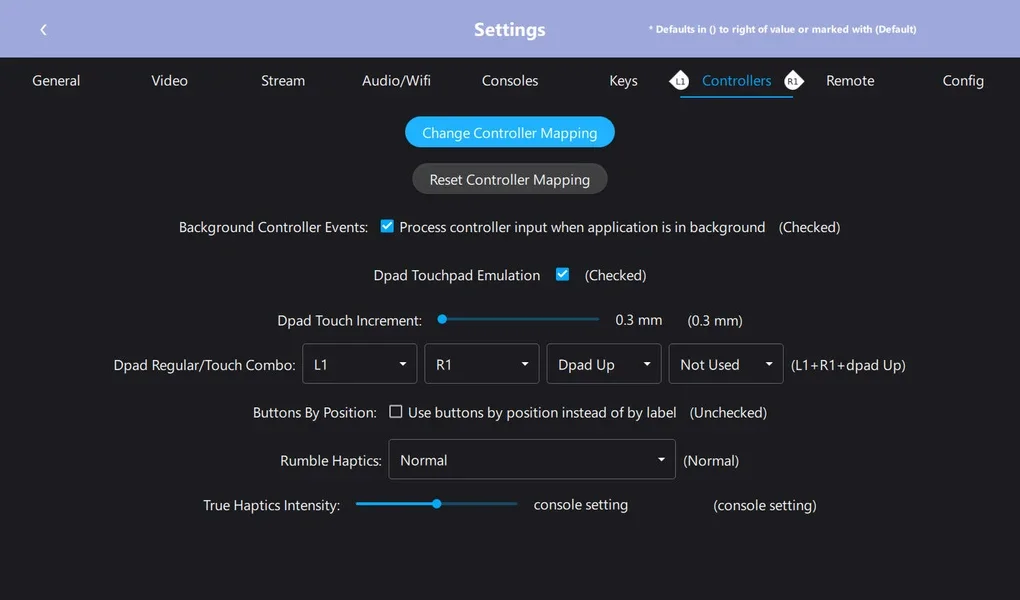
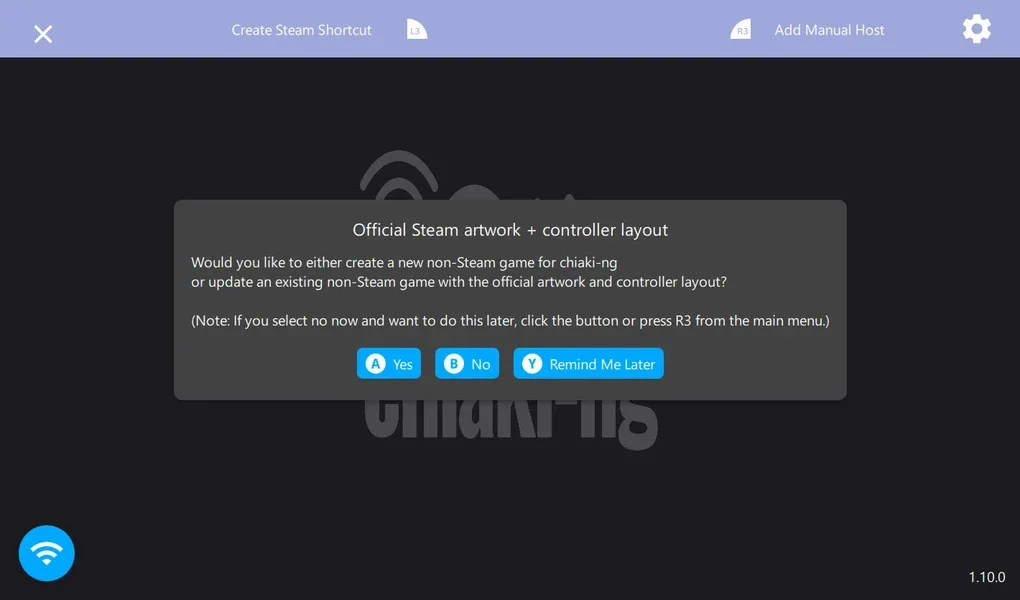
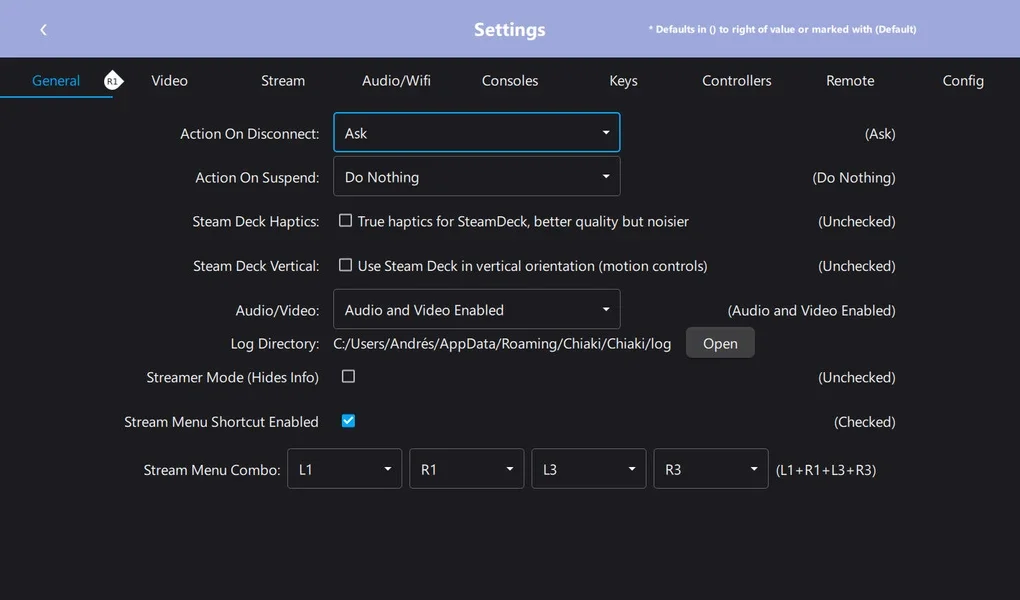
Description
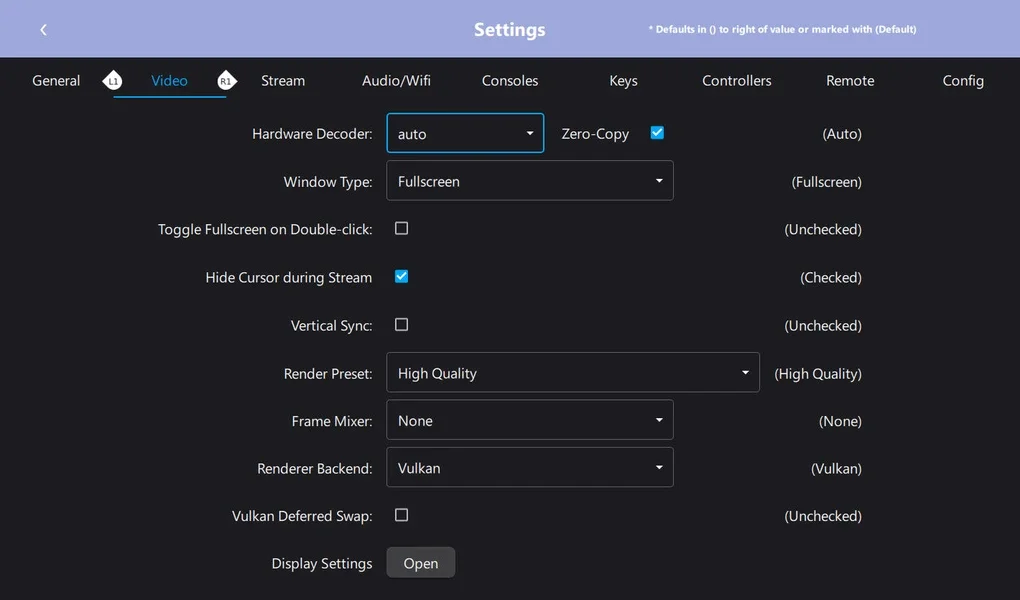
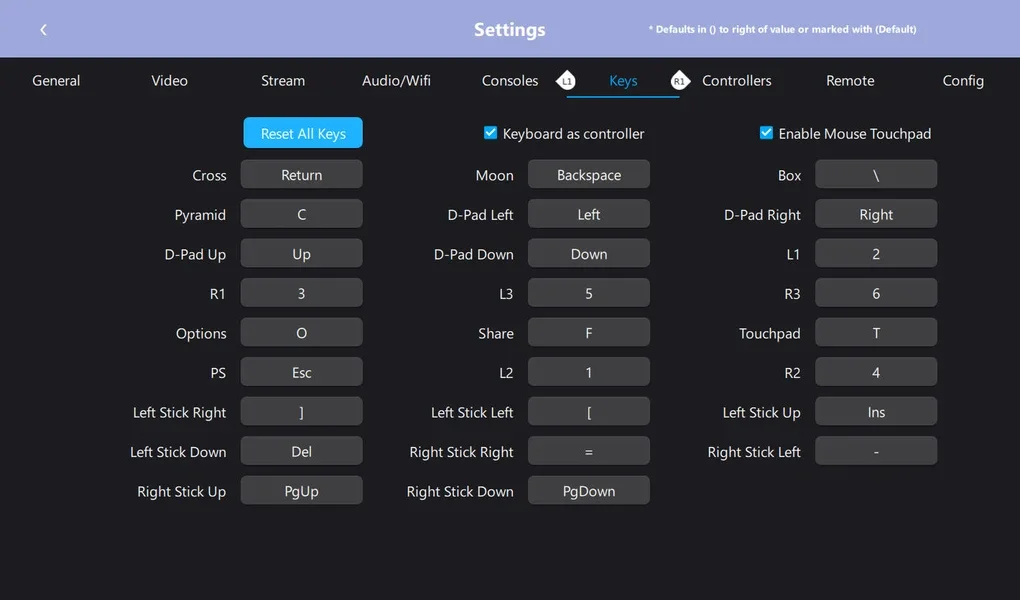
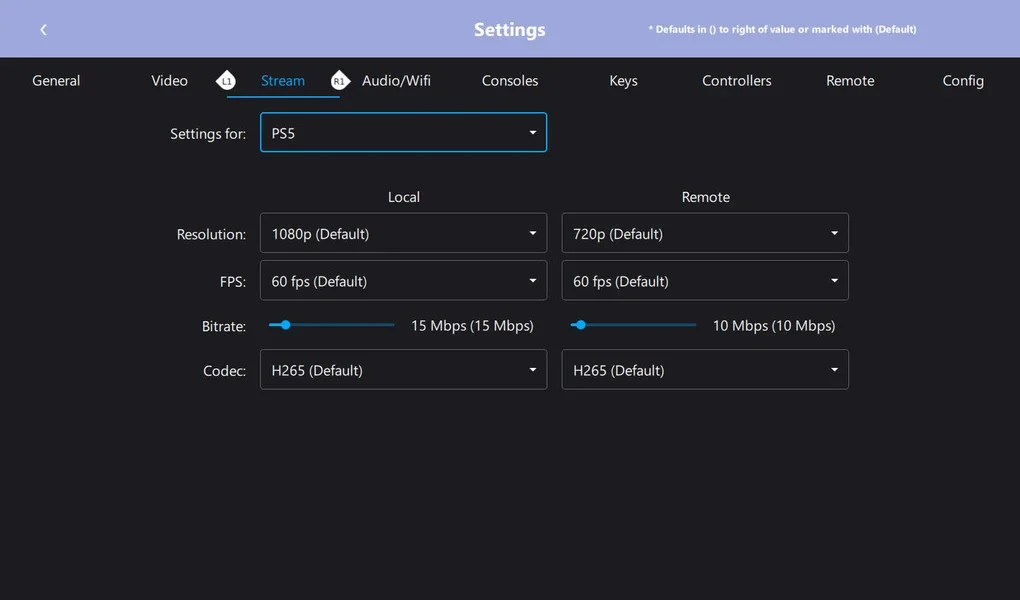
chiaki-ng is a Remote Play client for Windows. It lets you play PS4 or PS5 games installed on your console remotely from a PC.
Enable Remote Play on the console first. On a PS5 that is Settings, System, Remote Play, Link Device. On a PS4 it is Settings, Remote Play, Add Device. You register the console with a Registration PIN, and it goes into a list of available consoles. Both a PS4 and a PS5 can be registered. On first launch a pop-up asks whether to connect your PSN account. If you accept, you log in through the browser and paste the browser URL into a field. You can optionally add the games you will play to Steam. The program integrates with Steam and the Steam Deck. Setup can be confusing without a good external tutorial.
It is an expanded version of Chiaki with more features and a more intuitive interface. The program is free and open source. Its repository and documentation can be checked freely.
Download files
6ca3f5e6780608104d79345ab7755cfa77fefc33a41ae10651a874c43f54ea57
55ce68ff60e24e6ae6ae10d22e4741191d2fd358a3b2f1c225ec0999148a406a
System requirements
Available on:
Additional information
Developer
Latest release
Size
File type
SHA-256
6ca3f5e6780608104d79345ab7755cfa77fefc33a41ae10651a874c43f54ea57





