
Classic Shell 4.3.1 for Windows
SHA-256 listed
Puts an XP-style Start menu back on Vista and Windows 7
All ages
Age rating
Screenshots
Description
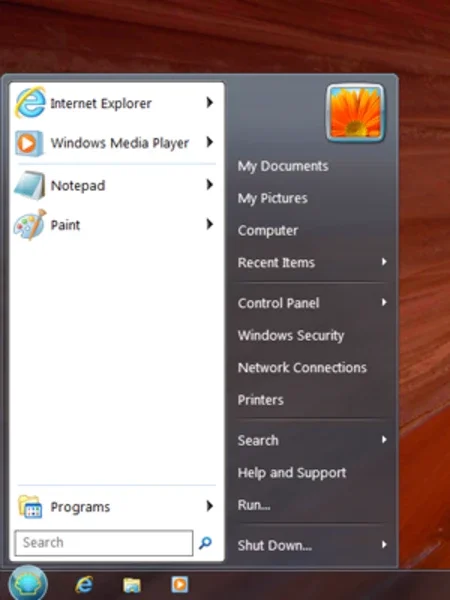
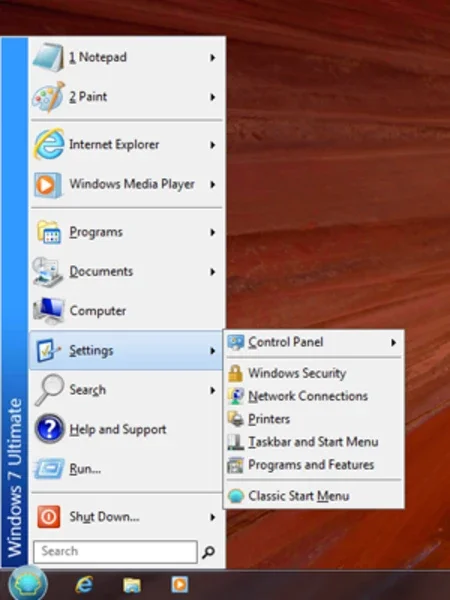
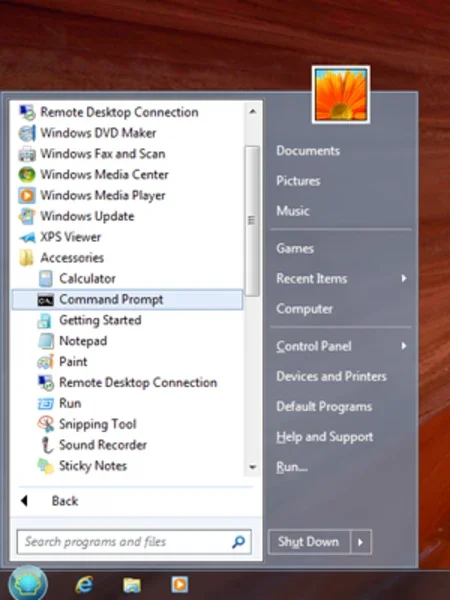
Install Classic Shell and the new Start menu is there as soon as the installer finishes. It puts the Start menu from Windows XP back on Windows Vista and Windows 7, for the many users who never took to the menu Vista introduced and 7 kept.
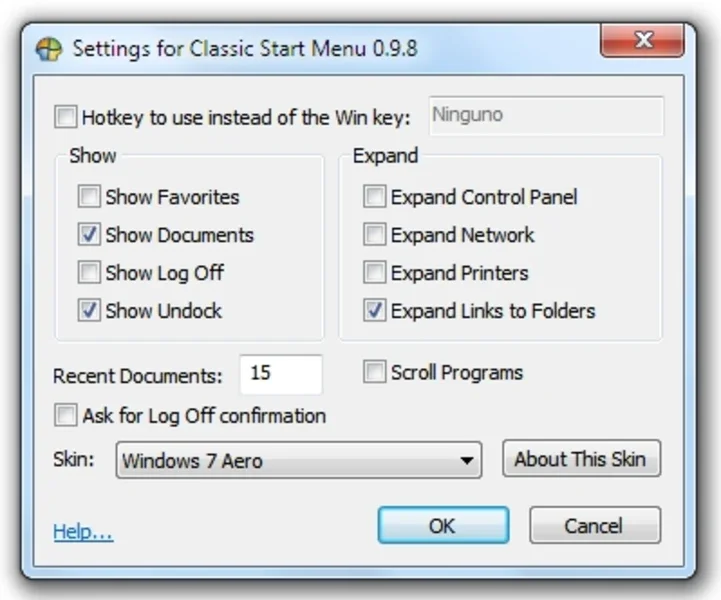
The menu shows the familiar XP entries: programs, documents, settings, search, help and run. Everything is customizable, and individual functions can be switched on or off in the preferences window, under Configuration. The program is built for Windows.
Download files
File4.3.1EXE
Version4.3.1
ReleasedAug 23, 2023
Size6.9 MB
SHA-256
Get
942c7ee37303c962628555e196eb35f4465bb45d204600dd2518dd20ddebe5e2
Signed by Ivaylo Beltchev · valid until Sep 19, 2019Fileclassic-shell-4.3.0.exeEXE
Version4.3.0
ReleasedAug 2, 2016
Size6.9 MB
SHA-256
Get
4ee910b283871ab31ef03eeb15d9557e89b55eda8f0580340b4dd2fc90305ac8
Fileclassic-shell-4.2.5.exeEXE
Version4.2.5
ReleasedMay 23, 2016
Size6.6 MB
SHA-256
Get
46139997048f4f41926398910ed3164be29190046c7ecfbea98607ac51aa515e
Fileclassic-shell-4.0.6.exeEXE
Version4.0.6
ReleasedApr 14, 2014
Size6.5 MB
SHA-256
Get
3cb4dba43b7adb952ed1b5299dea889e0f060e465289a3c58cc6202952dff1b0
Fileclassic-shell-4.0.5.exeEXE
Version4.0.5
ReleasedApr 1, 2014
Size6.5 MB
SHA-256
Get
2bde857871bde093dcda8f636a54336b6cfe8c2b20b6c99de1e41c6d506f22fa
System requirements
Available on:
Minimum OS:
Windows XP or later
Additional information
Developer
Latest release
4.3.1 · Aug 23, 2023
Size
6.9 MB
File type
EXE
SHA-256
942c7ee37303c962628555e196eb35f4465bb45d204600dd2518dd20ddebe5e2
Digital signature
Signed by Ivaylo Beltchev · valid until Sep 19, 2019





