
CmdMail 1.0 for Windows
Sends email from the command line, with attachments
Screenshots
Description
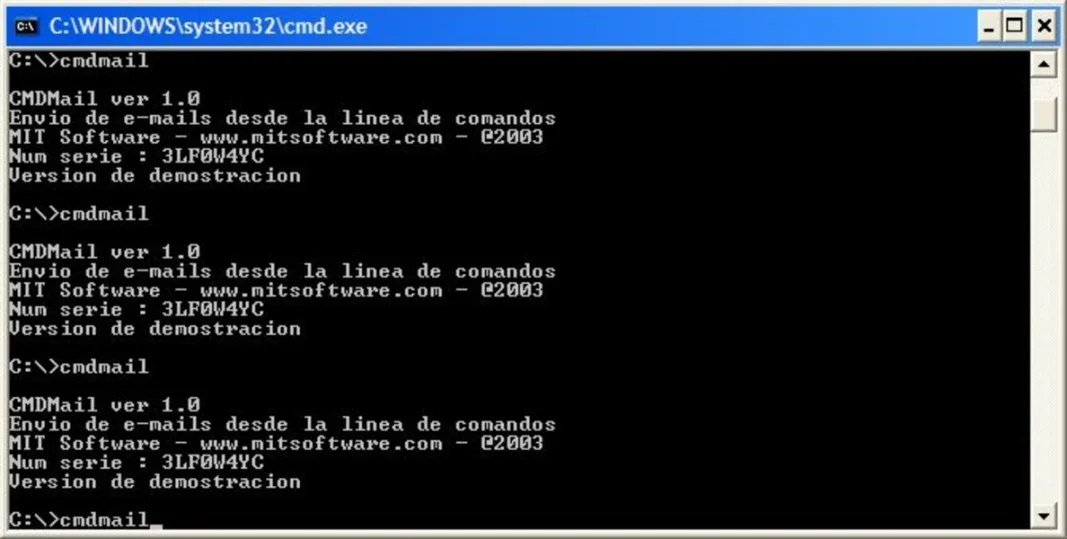
CmdMail sends emails from the command line. Recipients go after -to, the sender after -from, the subject after -subject, and the message text after -body. The -dns parameter names the outgoing SMTP server.
Attachments are listed after -file, separated by semicolons. The -cc parameter takes multiple recipients the same way, and -bcc does the same for recipients who should not appear in the header. A single run can send several emails, which suits batch files (.BAT), shortcuts (.LNK), and scheduled automation.
The demo example uses -dns, -from, -to, -subject, -body, -file and -cc. The registered version adds -serial with the serial number. -help prints the help screen. Installing means copying cmdmail.exe into a folder on the path, c:windows for instance.
Download files
2bb09b93164a3aa5fdf60c97edd63fbb943a3a8d32078a49d5619753a97a981d
System requirements
Available on:
Additional information
Developer
Latest release
Size
File type
SHA-256
2bb09b93164a3aa5fdf60c97edd63fbb943a3a8d32078a49d5619753a97a981d