Screenshots
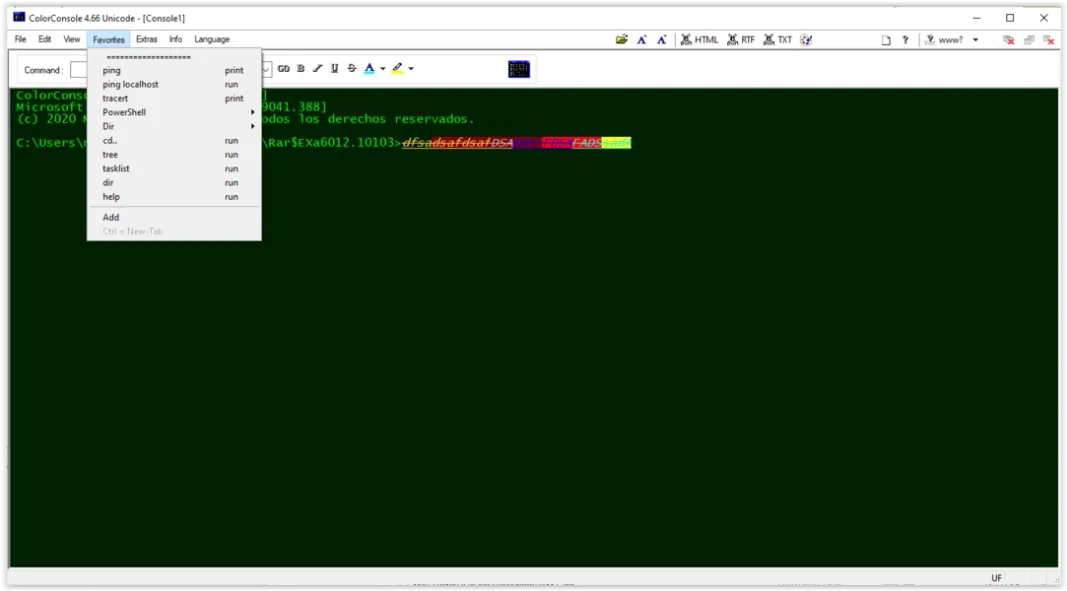
Description
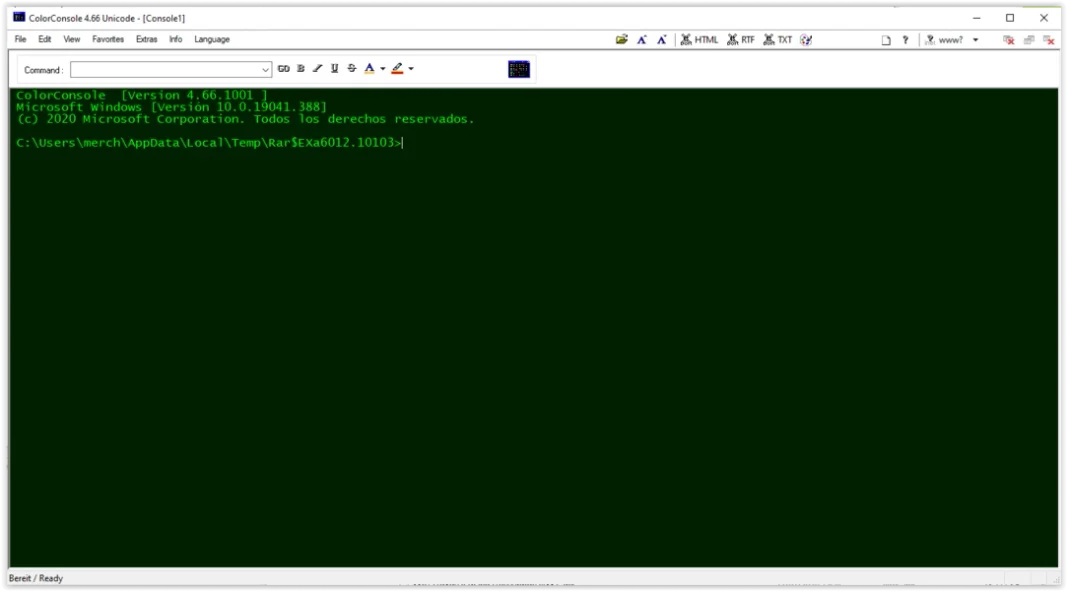
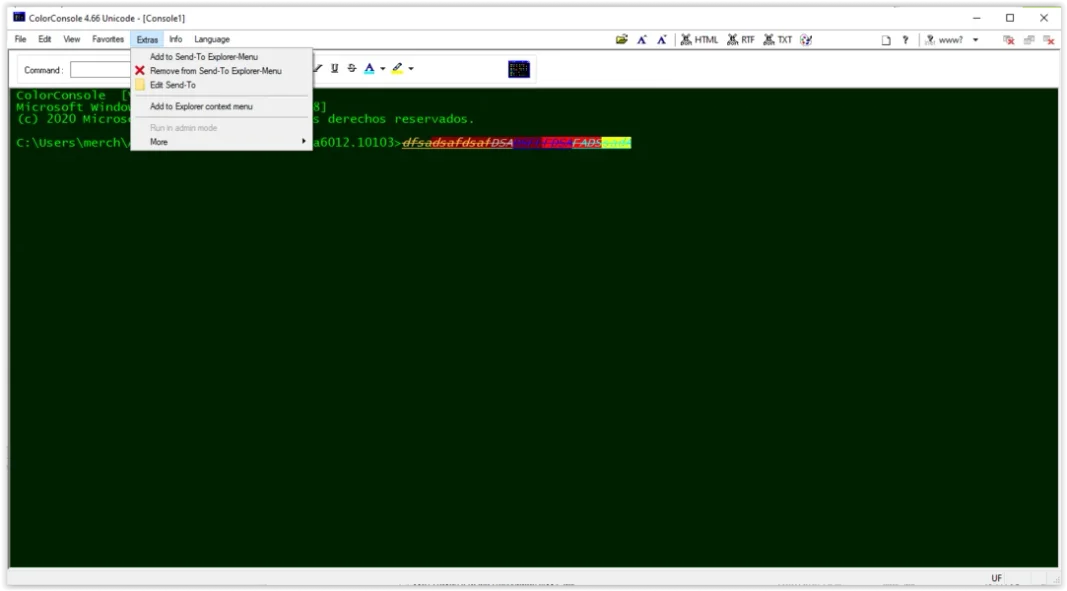
ColorConsole puts a toolbar above the normal Windows command line, so cut, copy, find and replace are there while the command prompt itself works as usual. When you open it, the command line looks like the one you would get by opening it directly on the computer.
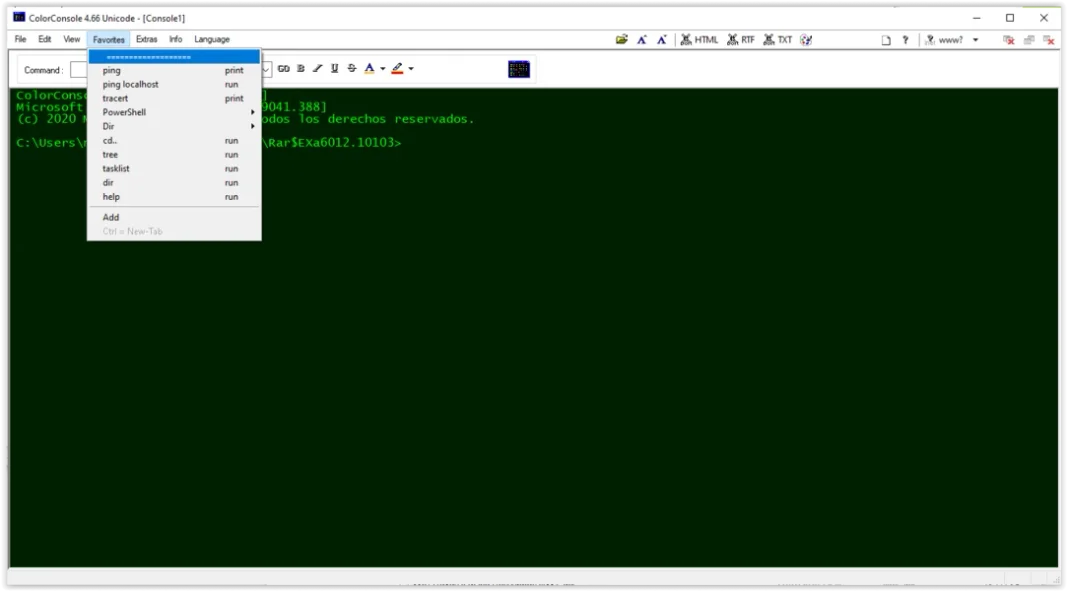
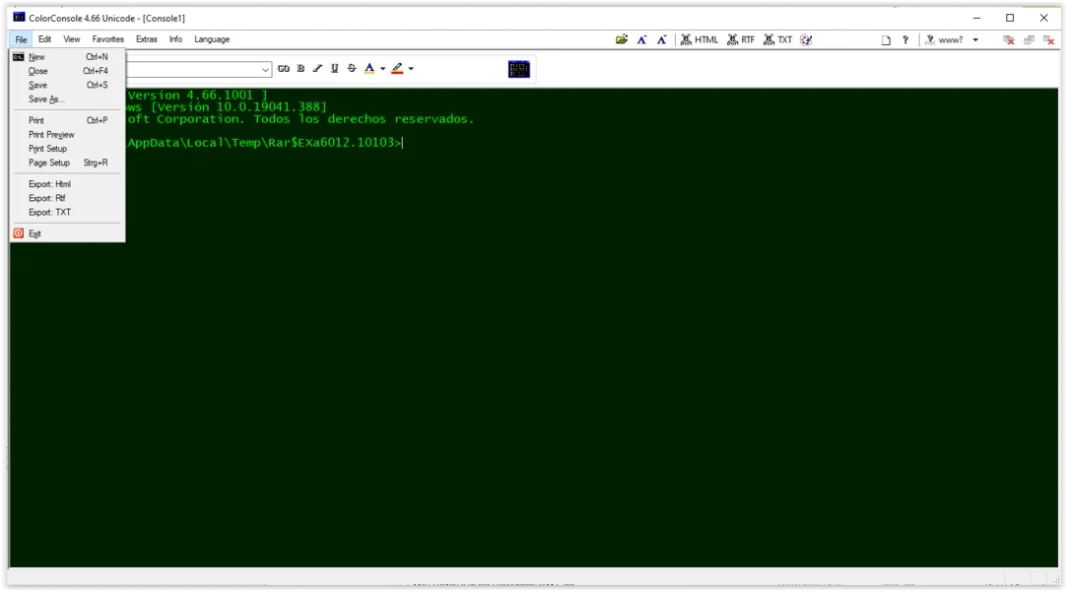
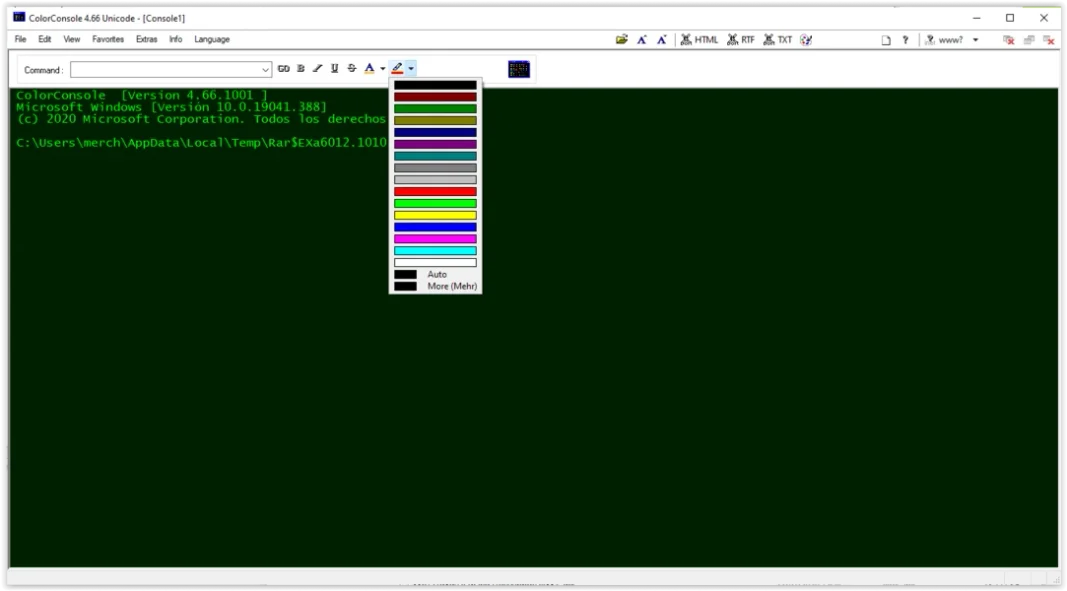
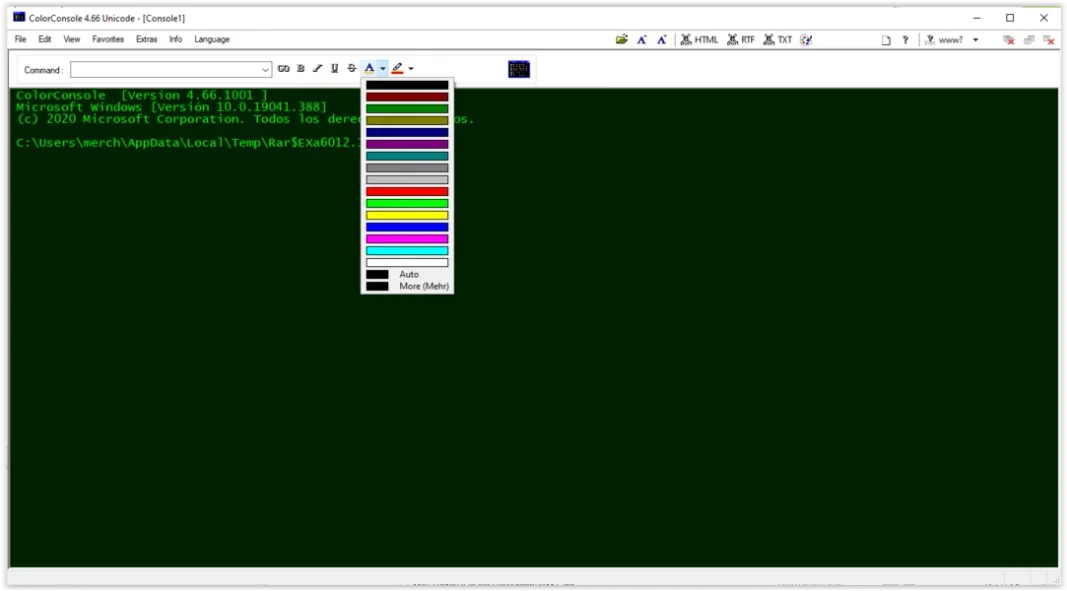
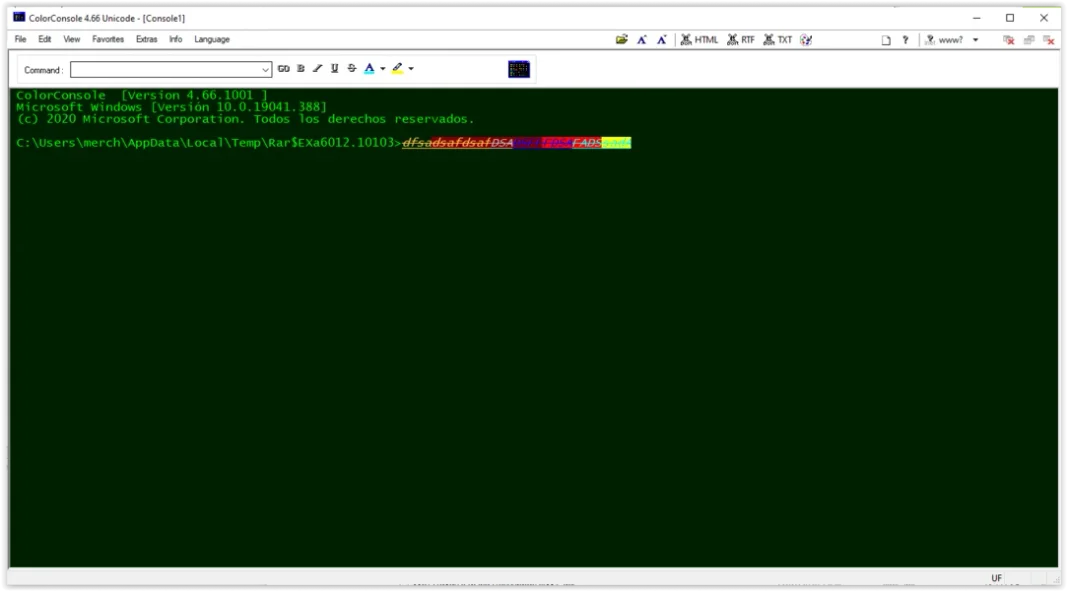
You can set a text color and a background color from the top menu, and change the font color to pick out important lines. A single letter can carry a different color and background without typing out full words. The same menu handles bold, italic, strikeout and other font changes, and lets you remove specific parts. The console runs in several tabs, and you can have it open on two or more consoles at once. Output can be exported to HTML and RTF.
It is free, at version 7.44.0.0.
Download files
2e9406a84af70df58ad9f0917d0d7315a5ab84ec0c2152cd5b7ce5a15407842c
1db98c0a628129d86930266bbde898f4de9e266cb2bfa9e4ce090a096808270d
9786594db084715a7c0572edc5fbaa5d423b5b6ba99a515d3f28cf1c71bd32fc
d719219fe7cd434c15aef998a3e9a32eae5c29bcace5a9381bcbe50b2a93c9ff
c0331c07dcac965b423a960e49820a56a7a7596dbbdd396db94f6b5cbefcd617
System requirements
Available on:
Additional information
Developer
Latest release
Size
File type
SHA-256
2e9406a84af70df58ad9f0917d0d7315a5ab84ec0c2152cd5b7ce5a15407842c





