
IconChanger 3.8 for Windows
Replaces the default icons of files, folders and system options
You are on macOS — this is the Windows version. See the macOS version
Screenshots
Description
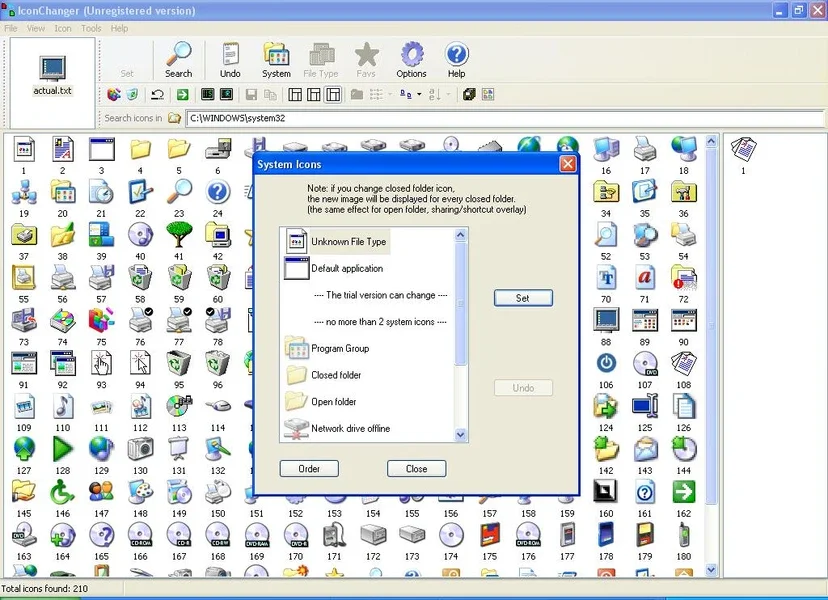
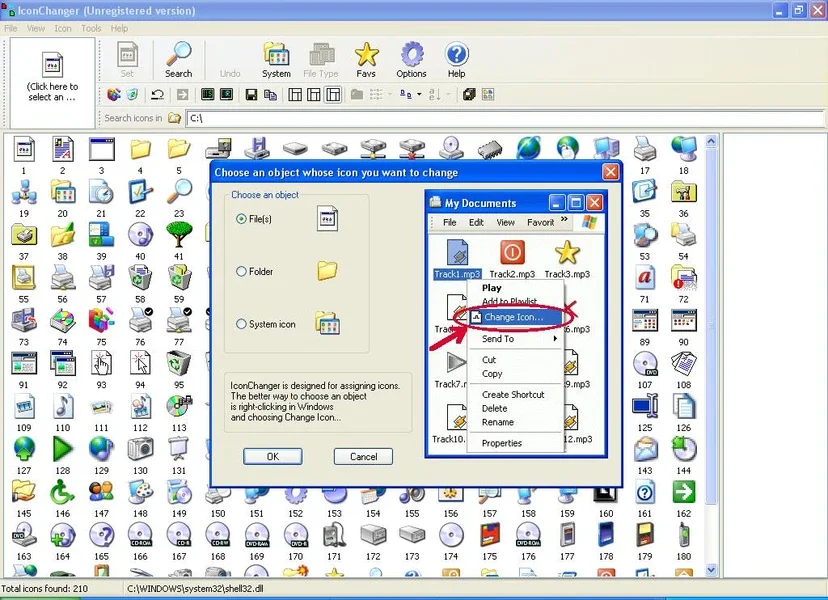
IconChanger is an icon replacement tool. It changes the default icon shown for a file, for a folder, or for a system option. The list of things you can re-icon includes items like the Control Panel, the Desktop, and the off button.
When it launches, it scans system folders and collects every icon it finds there. Those search results appear as a long list of icons along the bottom of the window. If the icon you want is not in that list, you can point the search at a different folder, or search any location at all.
To change an icon, you pick one from that bottom list and click the 'Set' button at the upper left. A toolbar on the right side keeps the icons you use most within reach.
Download files
14068d0948dfeedc5908573fcaa2704536faa8b0fbea8caac61b9fb264cc204d
No digital signaturea4ec43ad30c758d0a1737edcedd29934a442e0dc8b5ff95cb593b150becfad82
No digital signatureSystem requirements
Available on:
Minimum OS:
Windows Windows XP or later
Additional information
Developer
Latest release
Size
File type
SHA-256
14068d0948dfeedc5908573fcaa2704536faa8b0fbea8caac61b9fb264cc204d