Runs MS-DOS games and software through a command line on modern PCs
You are on macOS — this is the Windows version. See the macOS version
Screenshots
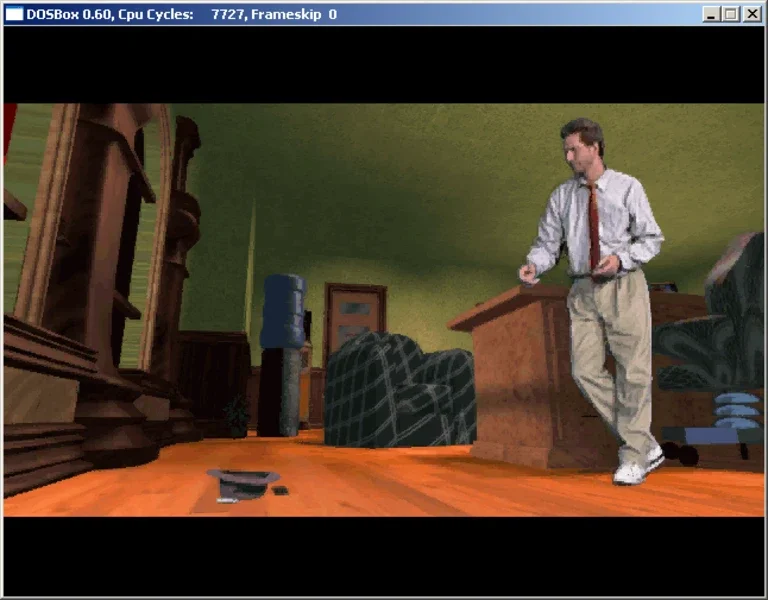
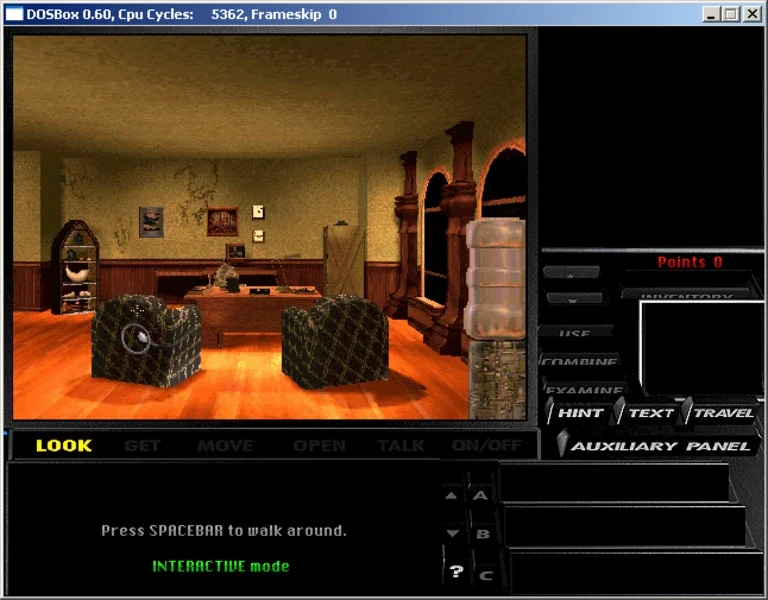
Description
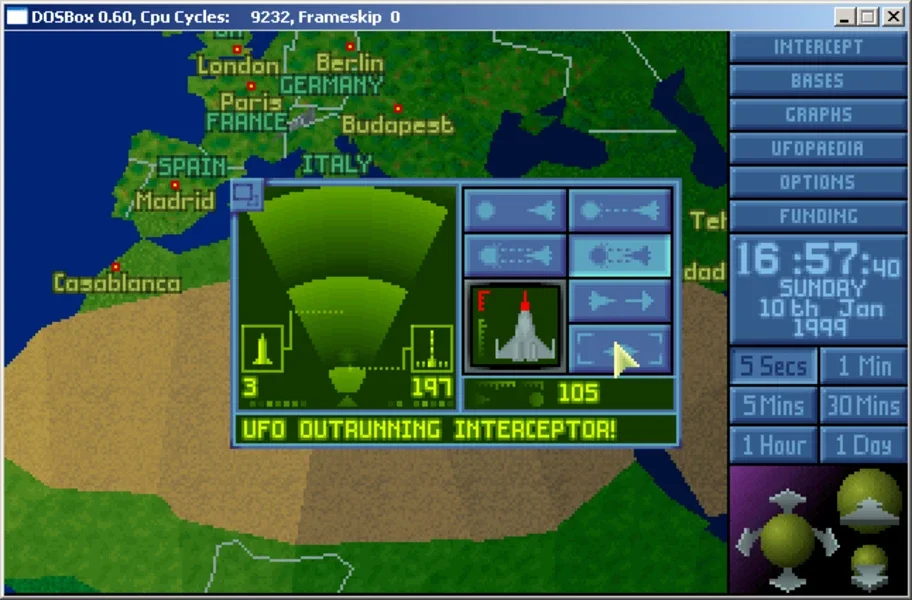
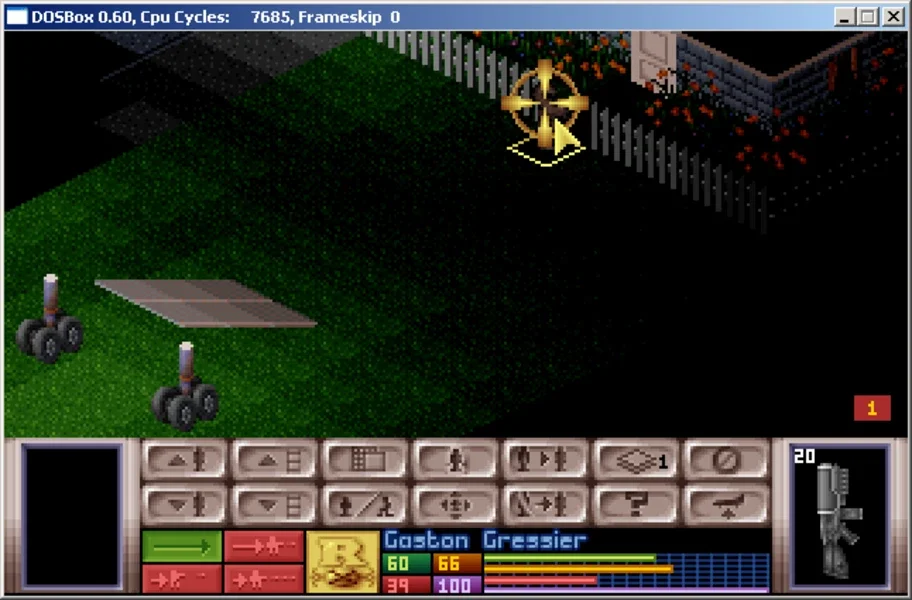
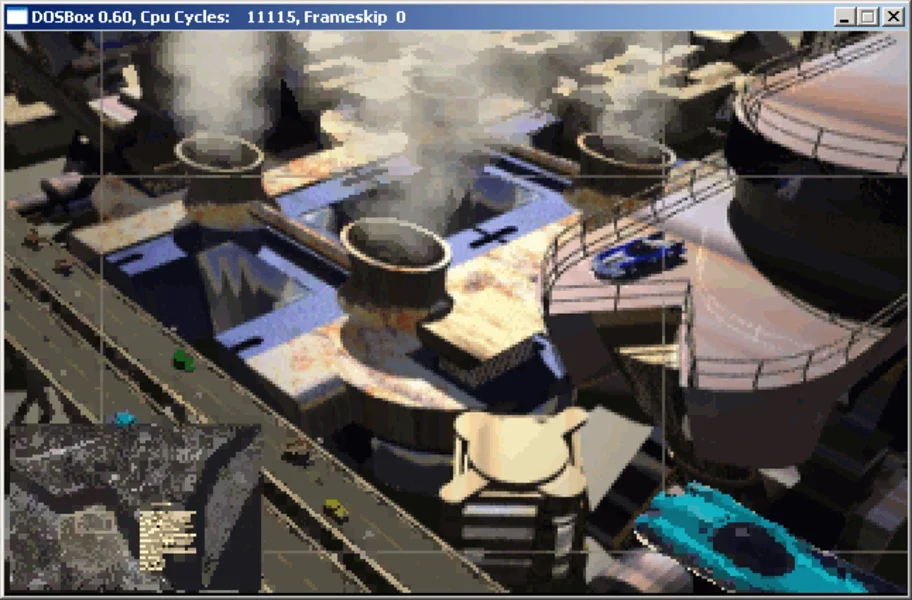
DOSBox runs MS-DOS software on modern PCs, and you work it through a command line, the way you would on MS-DOS. The functions that set things up, such as creating a virtual disk to install and load games from, are typed in as commands.
It closely imitates the original speed and appearance of the hardware. CPUs and architectures are emulated, including 286 and 386 PCs in real or protected mode. Sound cards are covered too: Adlib, Sound Blaster, and Gravis Ultra Sound. Graphics cards and input devices for discs and CDs are emulated as well. The video systems include Hercules, Tandy, and the CGA, EGA, and VGA standards, plus modern VESA graphics.
It was developed with SDL libraries, and ports exist for many platforms and architectures, including Windows, Mac, Linux, video game consoles, and microcomputers. Other interfaces can perform these tasks more intuitively, but they have to be found elsewhere.
Download files
64c4770bfaaa7bcbbf58045557d3c463344997d54ea0830ce4060f4e085b6357
No digital signature111a1707326cd7110a51765d56a78983c2d15275380db2f555e38e1e62532a04
393a0f3e5be3feb853712232c8b0b1b4ffb66fe8c37db63b25ff2188ed9795d8
3dba0c863b18595ade1d9fef885055d846a63e7fb96e4f953fdbe4dba58bc073
7854b3e5776591692dd6c6abae30ee003e46fc17d42e70b27c3e8cc98115c6c8
System requirements
Available on:
Minimum OS:
Windows XP or later
Additional information
Developer
Latest release
Size
File type
SHA-256
64c4770bfaaa7bcbbf58045557d3c463344997d54ea0830ce4060f4e085b6357





