
Drive Manager 4.20 for Windows
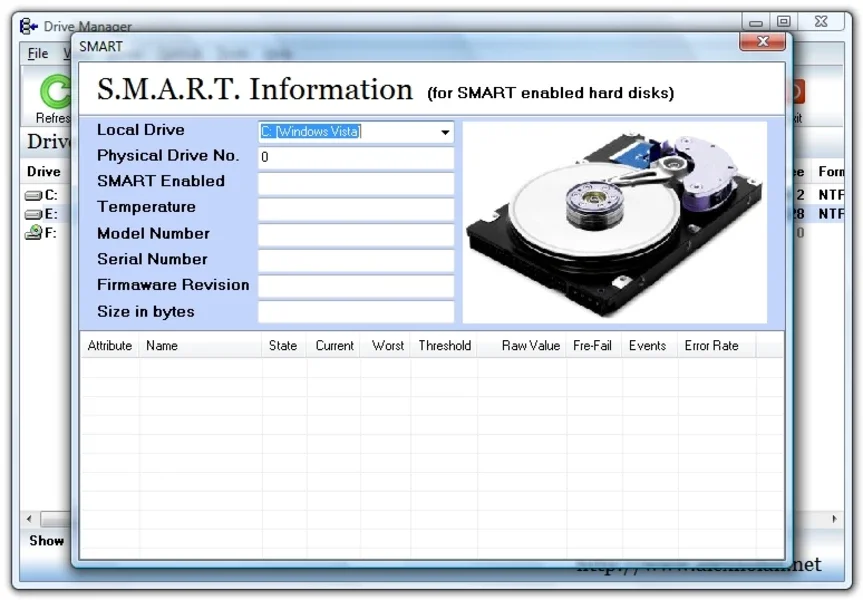
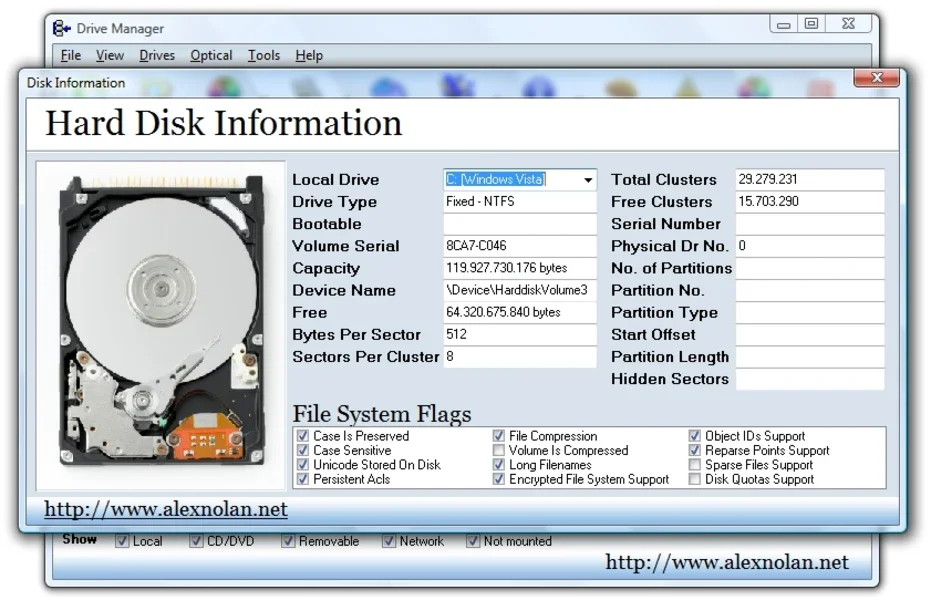
Shows drive capacity, clusters, flags and S.M.A.R.T. data
Screenshots
Description
Drive Manager shows the S.M.A.R.T. information of a hard drive that supports this error detection system, in a window of its own for each storage device. That covers the self-monitoring data the drive itself records.
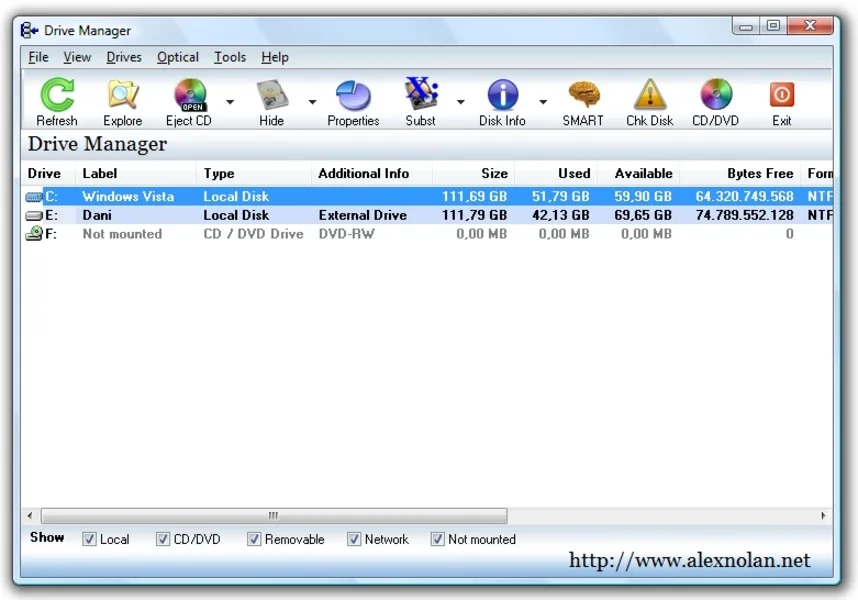
For every drive connected to the system, there is a detailed view. Capacity is listed as it really is, not as advertised. You also see which file system the drive carries, along with the total clusters and the count of free clusters. Each drive's flags get their own listing, and the status of every flag present is shown. Flags the device does not support are listed too, so you can tell them apart from the ones that are simply set or cleared. Drives are handled one at a time, each with its own set of details rather than a shared summary.
The application is free. Version 4.20 is the current one.
Download files
65cfcad1dd157758697b9bf30f34cae4b141ad3a29fbb9dea789e950b472e98d
No digital signature1c4aada63c8656fc857ce9aa9df293fe59c7123eecb499f8a3360ebb21ce4a86
84c6162d28f959bbb1cda430521bab936778da38a13662487a607814c0c2d4f3
fdc9d41facef969e5a5fceb5cf51a0d5a0de62ced05df35142ef48e1e534ca1c
System requirements
Available on:
Additional information
Developer
Latest release
Size
Category
File type
SHA-256
65cfcad1dd157758697b9bf30f34cae4b141ad3a29fbb9dea789e950b472e98d





