
DriveImage XML 2.60 for Windows
Clones hard drives to image files and restores them
Screenshots
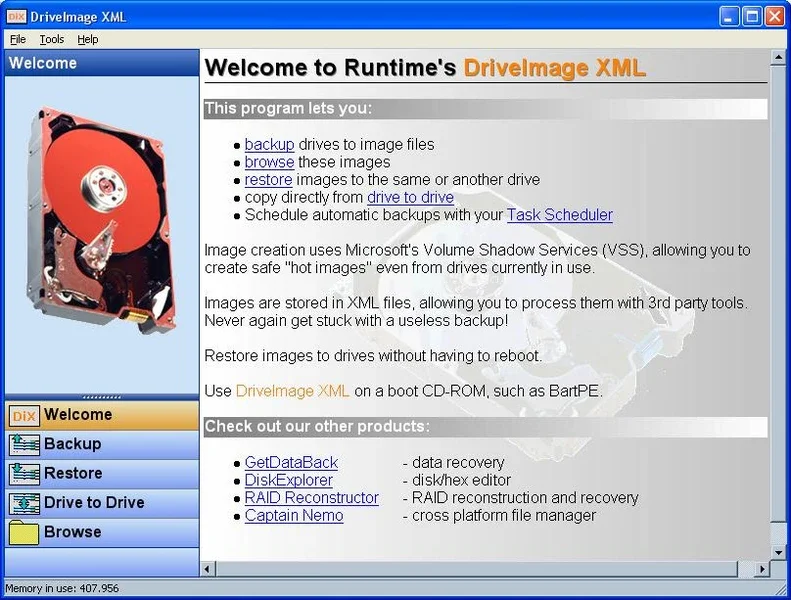
Description
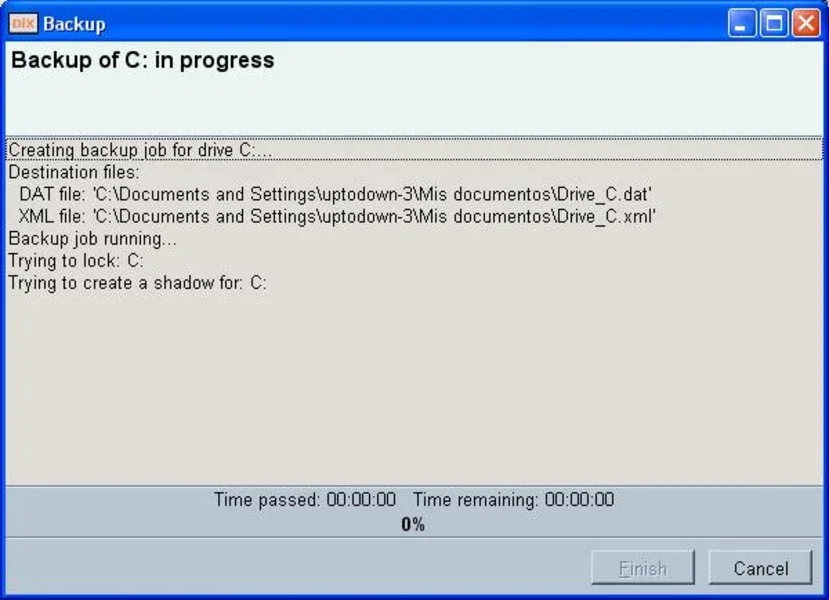
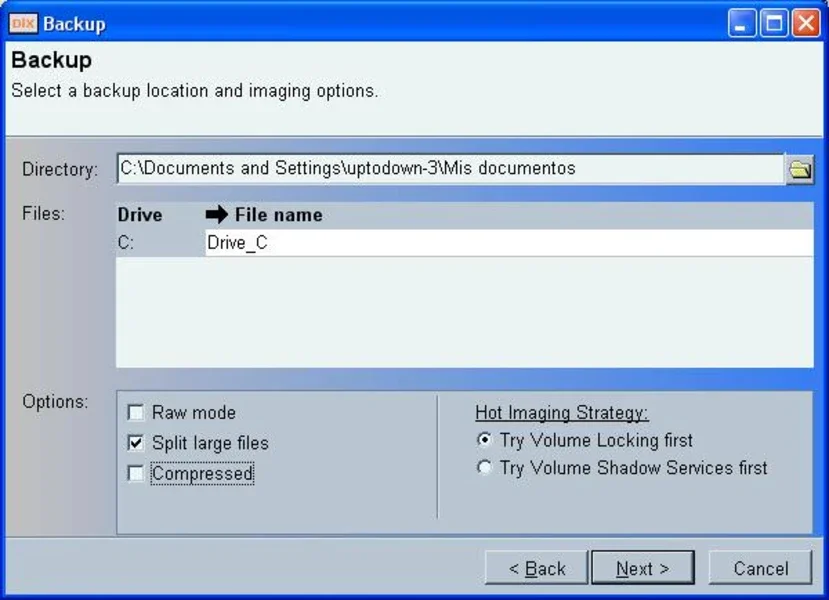
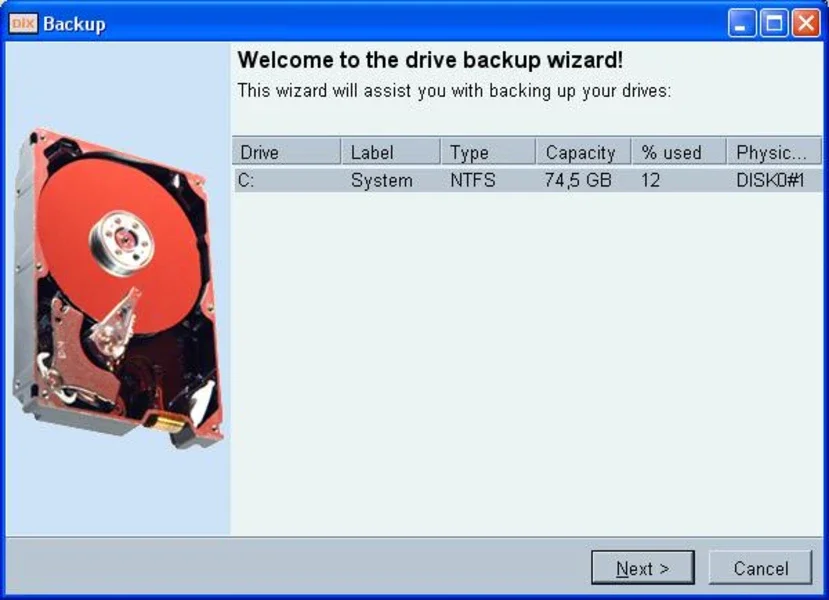
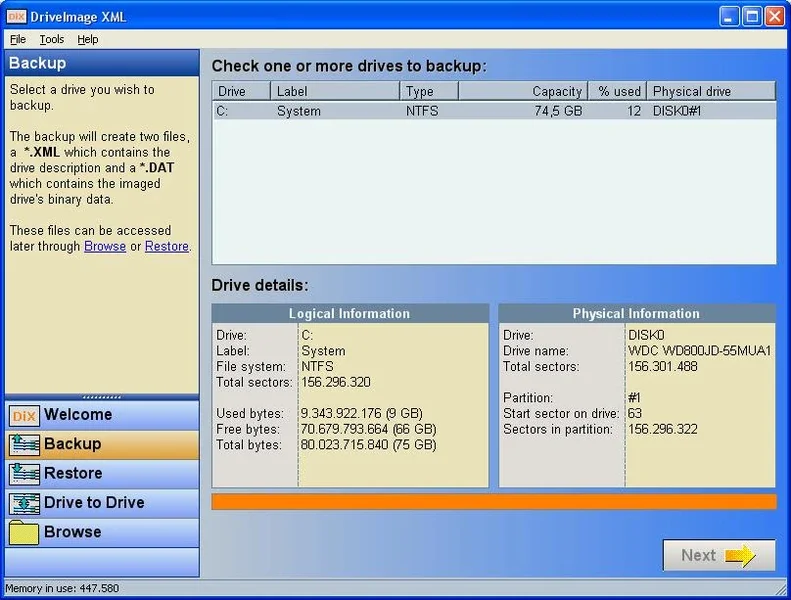
DriveImage XML copies the contents of a hard drive into an image file. It can also copy directly from one device to another, and put a complete image back onto a drive. Restoring an image doesn't require restarting the computer.
Imaging a drive that is in use is handled through VSS, the Volume Shadow Service, which is the process protocol the program uses. Images are not closed boxes: you can browse what is inside one, and you can remove files from it. Any number of files can be copied into an image, so what goes in is up to you. When you want the copy to happen on its own, a Task Scheduler runs backups of any hard drive at the times you set.
The restore side works at the level of the whole drive. An image taken earlier goes back onto a device, and the machine keeps running through it.
Download files
d9e3b8faf069e7c8f97640930d90b89107578ea900b347d1fb32c99b3f309f26
Signed by Runtime Software, LLC · valid until Aug 26, 2019c025501d01bd9417a0bff8c5cf8bd4c523371d68cc600390dca6888453d526ed
No digital signaturedf33856e6dffd9ed7e69a7f5bd900f0b0d26586000afef637b3f6edd5dcde4ef
6f5ea2f41a137fe920514e38f93586e5b88dfc6da68203dde7bf8891969dcea4
134457a97b366294180c617efdbf626b584749db8764ee719beed14f7c5768bd
System requirements
Available on:
Minimum OS:
Windows Windows 2003 or later
Additional information
Developer
Latest release
Size
Category
File type
SHA-256
d9e3b8faf069e7c8f97640930d90b89107578ea900b347d1fb32c99b3f309f26





