
DRS Softech PDF Data Extractor 25.3 for Windows
Pull text, tables, images and more out of PDFs
Screenshots
Description
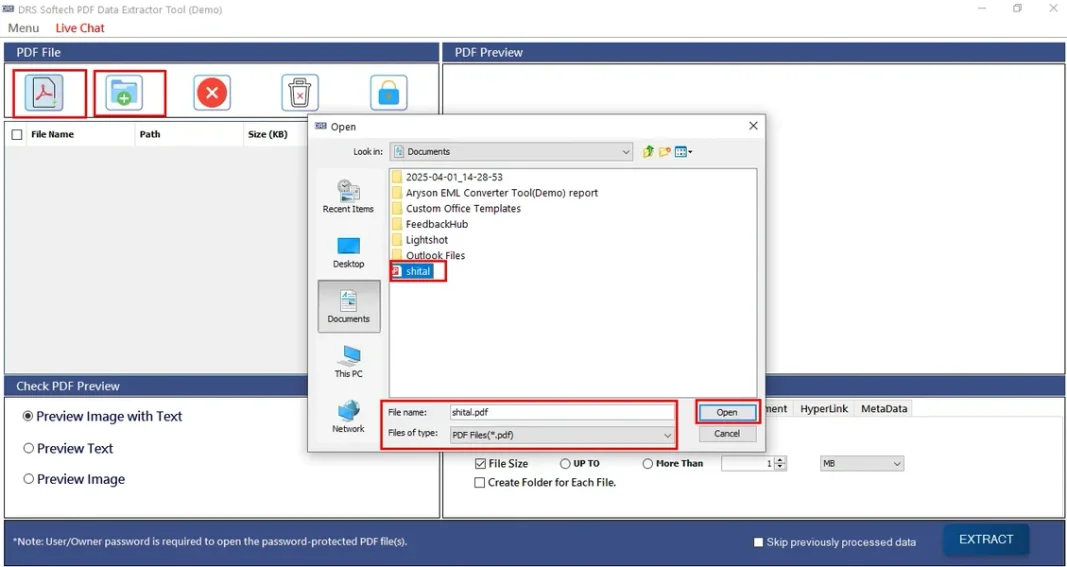
DRS Softech PDF Data Extractor pulls text, tables and images out of PDF files, along with the smaller pieces of a document: annotations, links, email addresses, embedded files, document properties and the bookmark tree. It reads standard PDFs and password-protected ones alike. Adobe Acrobat does not need to be installed for any of it.
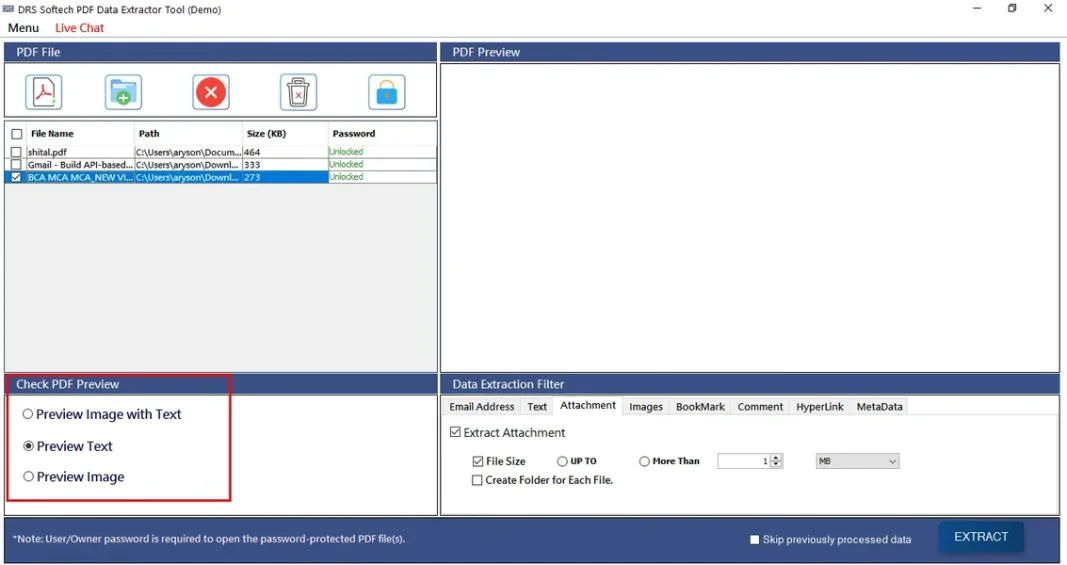
- Preview options let you check content before it is extracted.
- Filters narrow the capture to the data you want.
- Page filtering limits extraction to chosen pages.
- Batch processing runs the job across many files at once.
Targeted extraction works alongside those filters, so a single run can take only selected content from selected pages. Results can be written as TXT, DOCX, HTML, PDF, CSV or Excel, and images come out as JPG, PNG, BMP or GIF. The trial version extracts data from the first page of each PDF only. Unlocking the rest means upgrading to the paid version, and the program runs on every Windows version.
Download files
b02a3951c6b7baf7be6a9decd87562ad72c176540d75eda42013ebcbe7f3f74f
Signed by SYSINFO TOOLS SOFTWARE PRIVATE LIMITED · valid until Jul 24, 2025System requirements
Available on:
Architecture:
64-bit
Additional information
Developer
Latest release
Size
Category
File type
SHA-256
b02a3951c6b7baf7be6a9decd87562ad72c176540d75eda42013ebcbe7f3f74f





