
DSynchronize 2.48 for Windows
Keeps two or more folders in step on a schedule and can back them up
Screenshots
Description
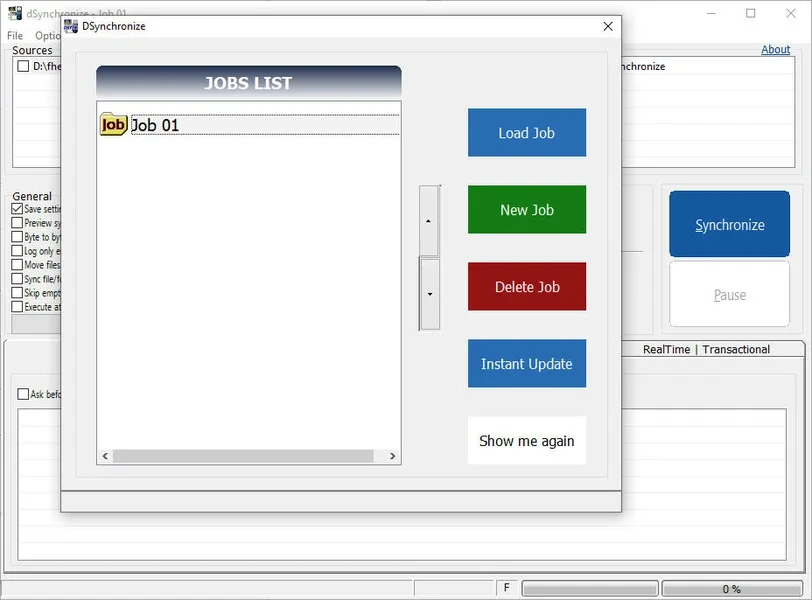
DSynchronize copies the contents of one folder to another and keeps doing it on a schedule. You pick two or more folders or disks and it repeats the job periodically, so the copies stay current without anyone starting it by hand.
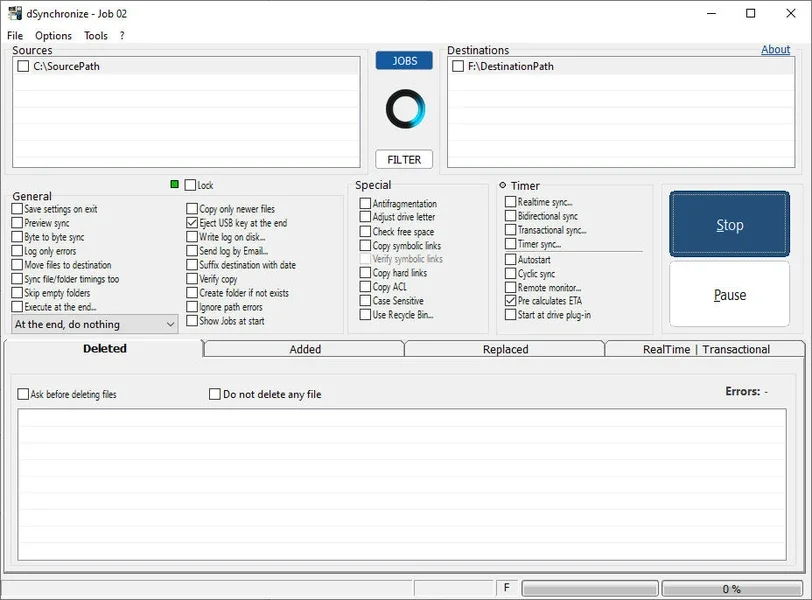
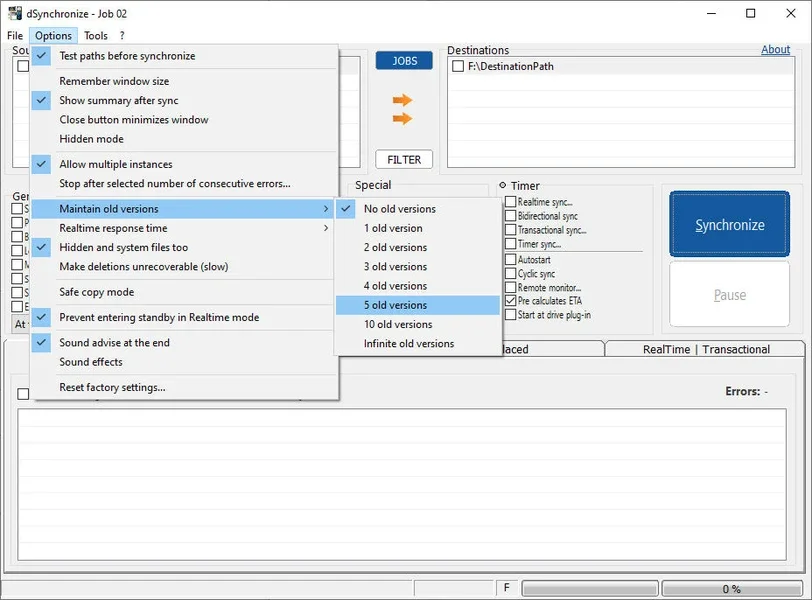
Folders can sit on different drives, and the program will pair up hard drives, networked shares, FTP servers, flash drives, optical media and even floppy disks. It is lightweight and keeps the PC usable while large directories are copied, so other work can carry on during a sync. There is an option to create backups of any directory automatically, and you choose where those backups land. Once a sync finishes the program can eject a flash drive safely, close itself, or shut the PC down. Logs of a run can be mailed to an email address.
It runs on Windows 10, 8, 7, Vista and XP.
Download files
244055b13e3bf4fe7a0289770c9bb46ff3cfc303d1f0b027db08dfeb038bd175
6d29efa2c00c03c5baf69d908bfc8b88842739123ae4e969e7ff142154bc38ca
009ab5eddbb7510ee929305db422df4673c1b3b819649567e5239f49bb4f5160
009ab5eddbb7510ee929305db422df4673c1b3b819649567e5239f49bb4f5160
System requirements
Available on:
Minimum OS:
Windows XP or later
Additional information
Developer
Latest release
Size
Category
File type
SHA-256
244055b13e3bf4fe7a0289770c9bb46ff3cfc303d1f0b027db08dfeb038bd175





