
Free PlayStation emulator for Windows 10, accurate but tricky to set up
You are on macOS — this is the Windows version. See the macOS version
Screenshots
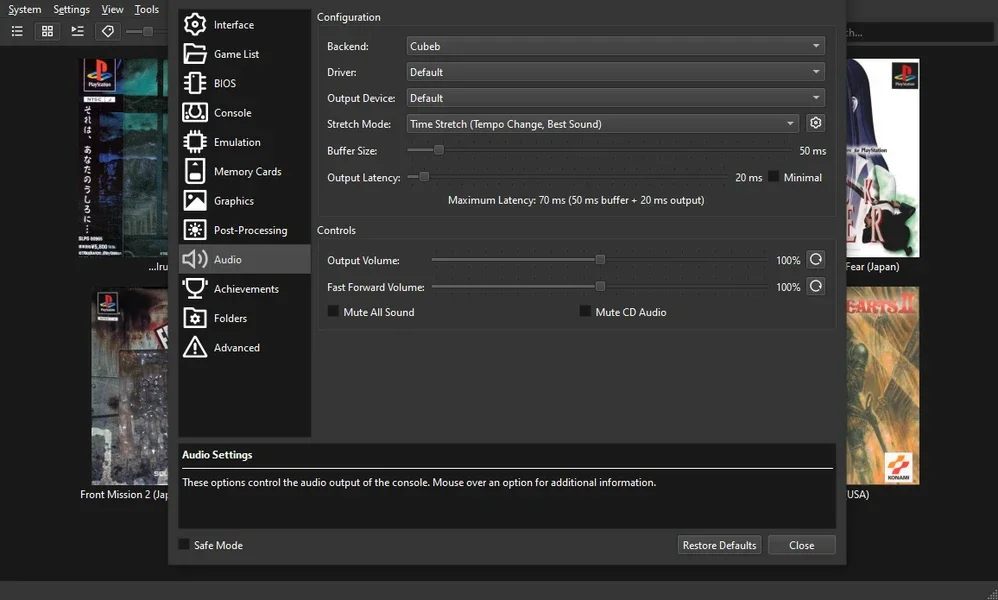
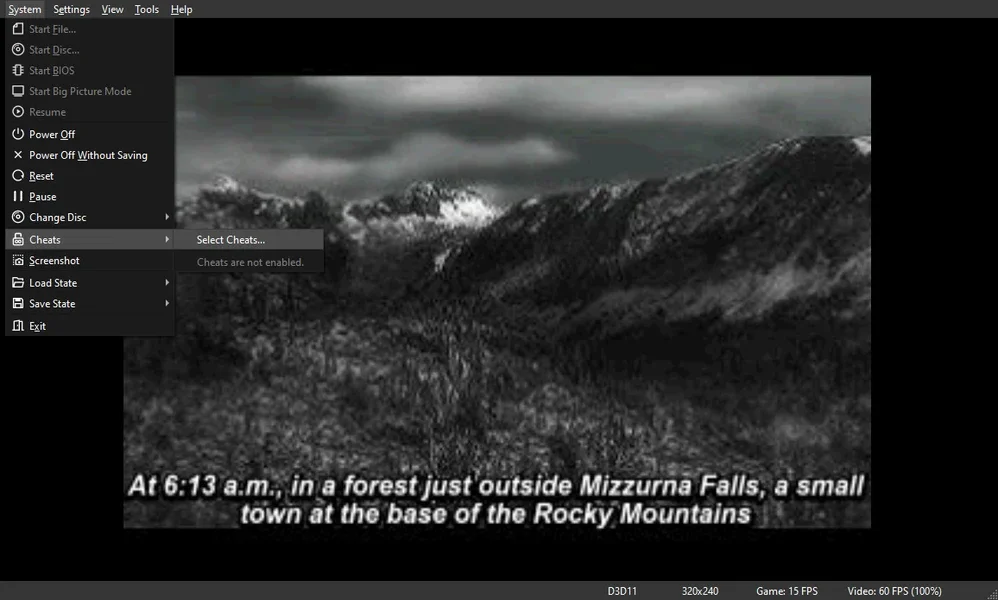
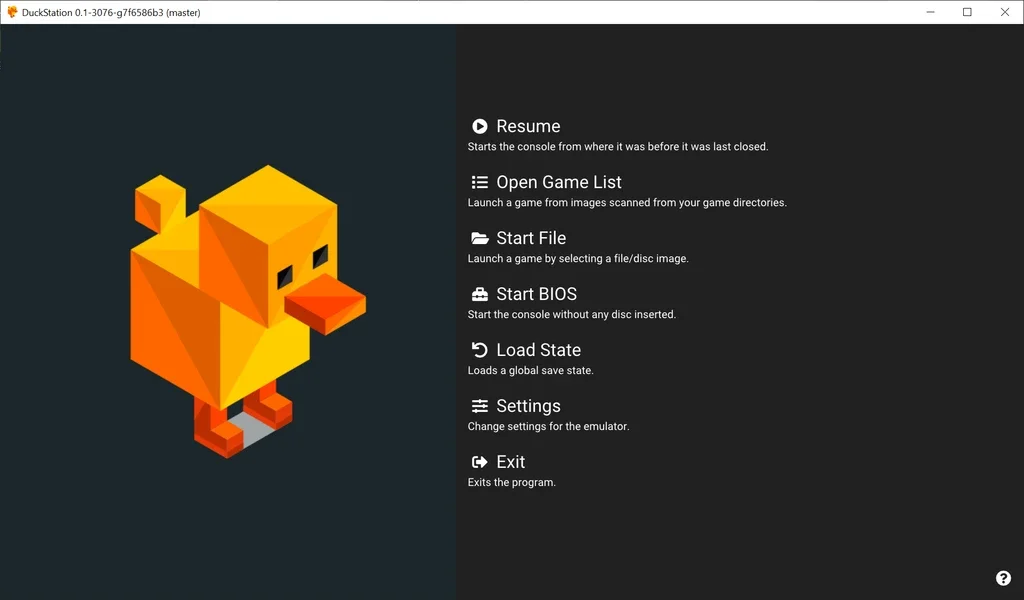
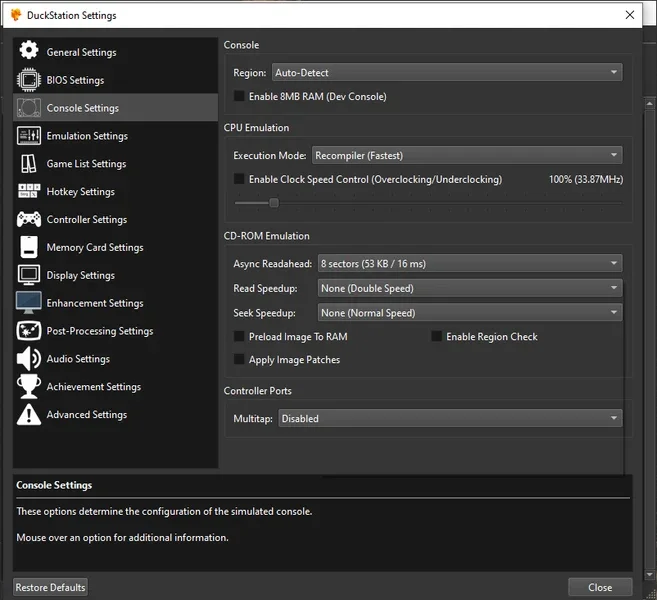
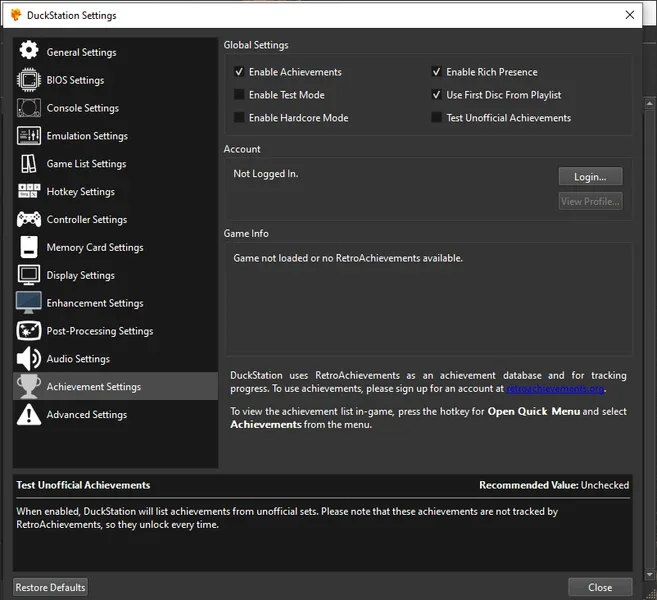
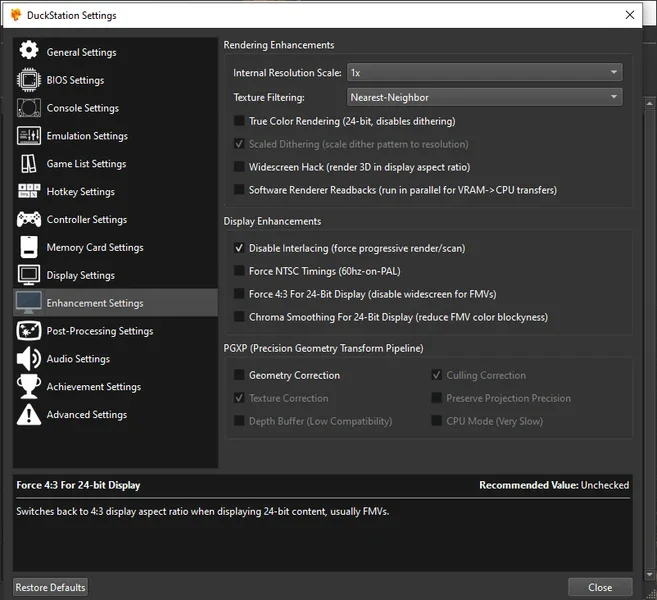
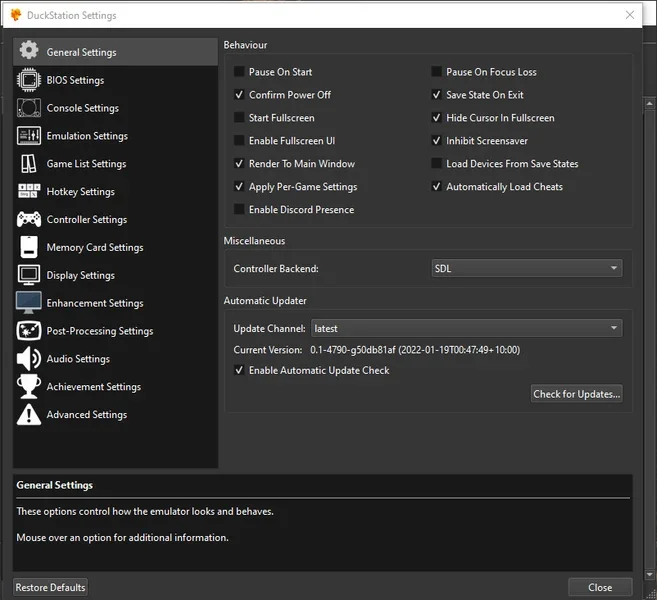
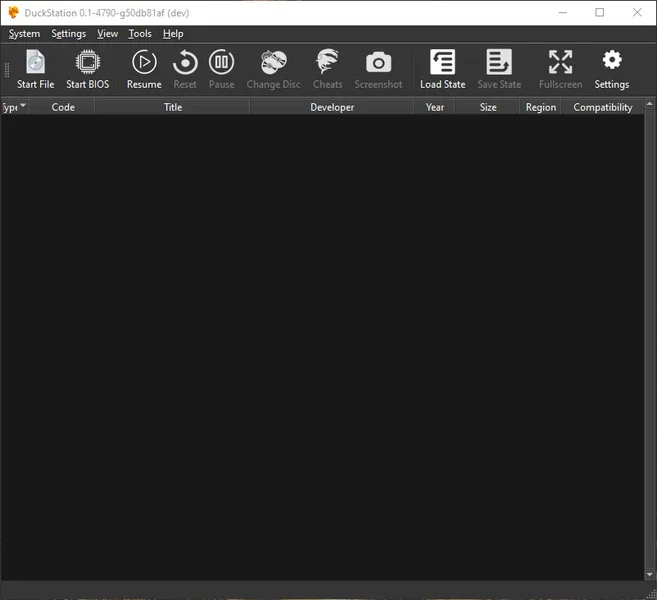
Description
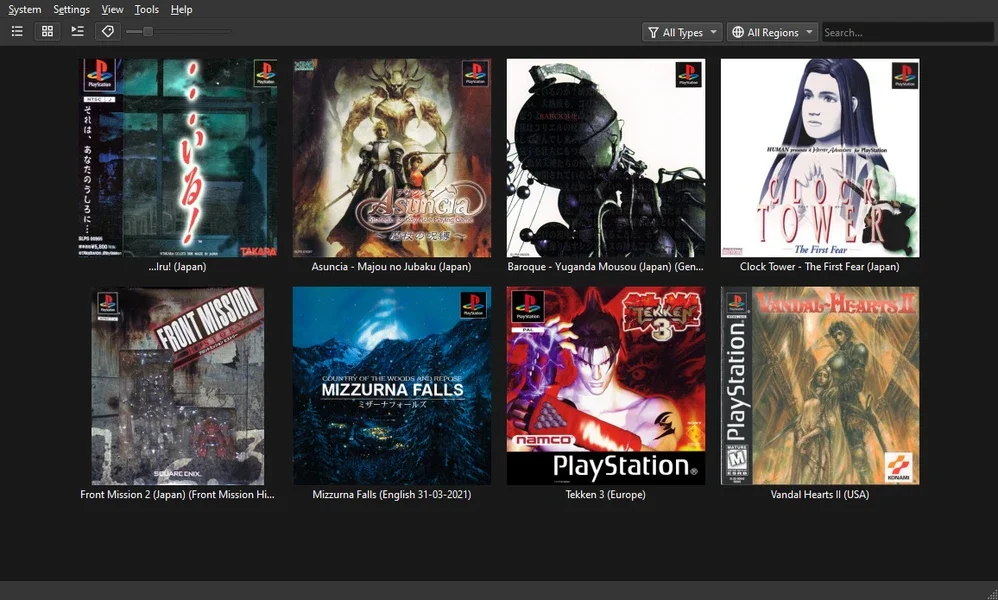
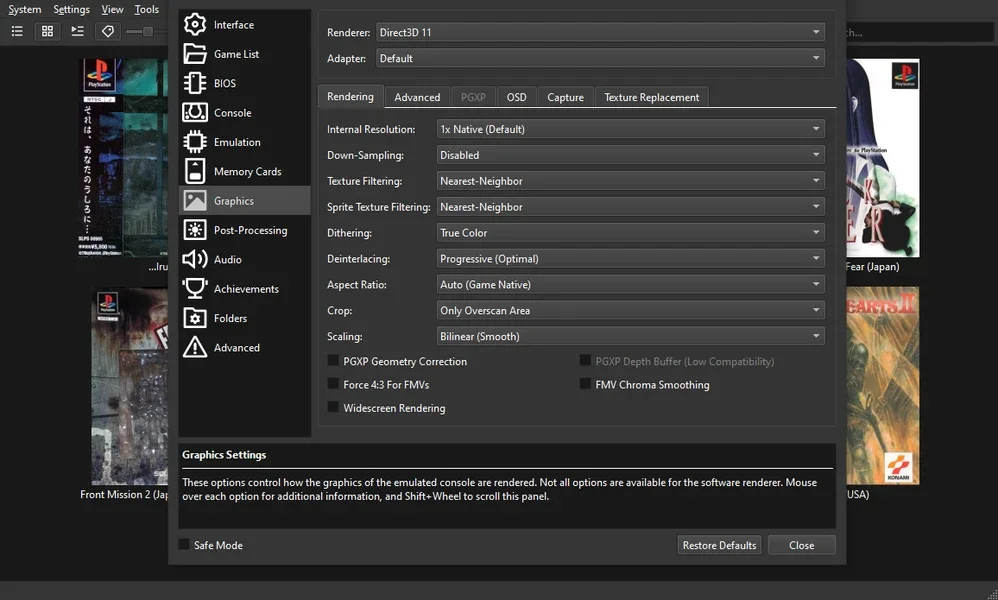
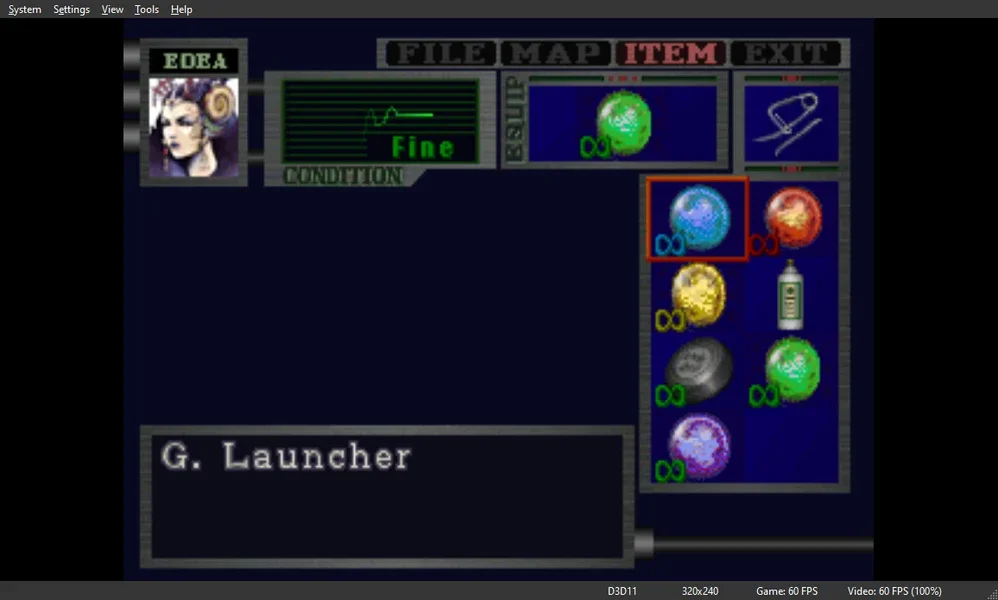
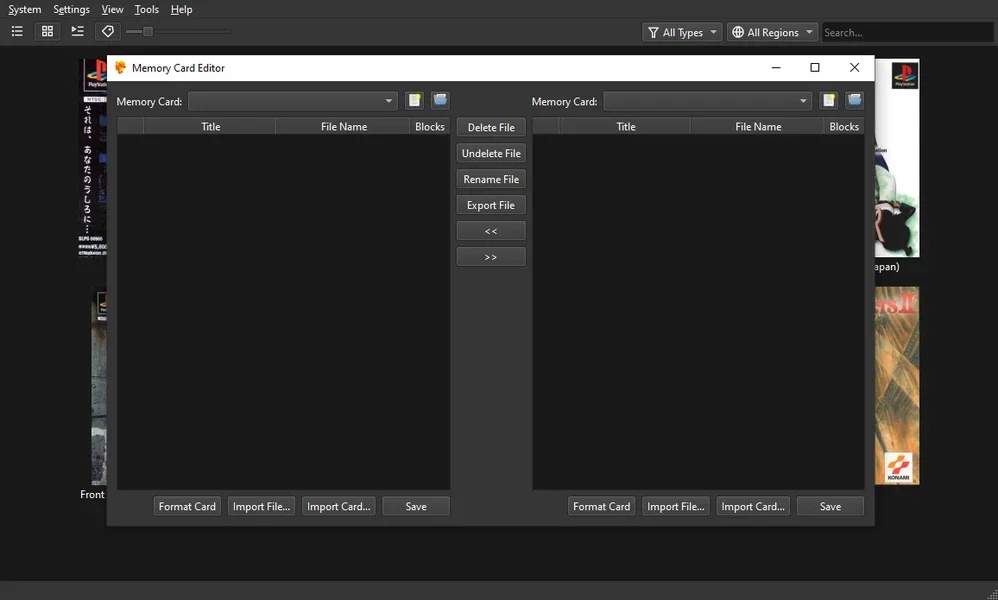
DuckStation is a free Sony PlayStation emulator for Windows; it aims for accuracy, speed, and long-term maintainability. Its front-end is built with QT, and there is a fullscreen TV UI on top of Dear ImGui. It simulates the console closely while staying fast enough for low-end devices.
Bios and region handling
You need a BIOS ROM image before the emulator will start. Copy one or more images into the BIOS subdirectory; images from any hardware version or region work as long as they are not mismatched. If the console region is set to auto-detect, a mismatch between the console area and the disc will not matter, and the BIOS path stays the same when you swap regions. Other regions' images go in the same directory as the configured one. A path given where a directory is expected can mean an unknown BIOS revision, which is not the same as a BIOS Path Alternative.
- The program can imitate the console's CD-ROM location scan.
- Disc regions are identified automatically.
- If the disc area picture is missing, the console reports it.
- On a region mismatch the game fails to boot and a message appears.
Download files
6e3d9840cff53593cf1b8fc8540be163449c3606b1d17ae31d5f8b4db4944278
ca02e8eac40c0c6de801638f6b16bec80b605b5df32e406fe2fba7f21016b14b
b55d1cf45bdb6d0326a9083cf787ca7d6386dff6c837f6d3b8713f48af2a02b7
c7b126b98c19a87fa5f7068adc26d8f59d8e3266cd7ec5d257d039c8984fbbb8
6a0efb14f0ab8aaf24a534c7f189953042c9b649960f84054d081f53c26fd333
System requirements
Available on:
Minimum OS:
Windows XP or later
Additional information
Developer
Latest release
Size
File type
SHA-256
6e3d9840cff53593cf1b8fc8540be163449c3606b1d17ae31d5f8b4db4944278





