
Dukto R6 for Windows
LAN-only file and message transfer between computers running the app
You are on macOS — this is the Windows version. See the macOS version
Screenshots
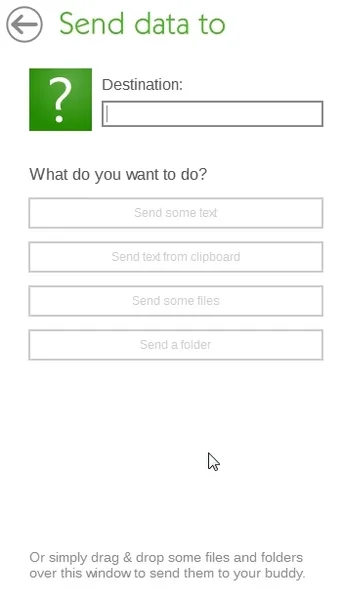
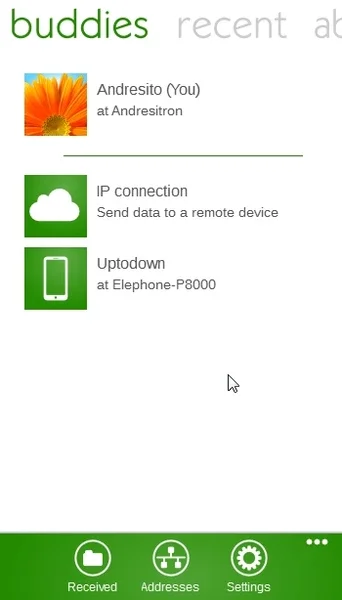
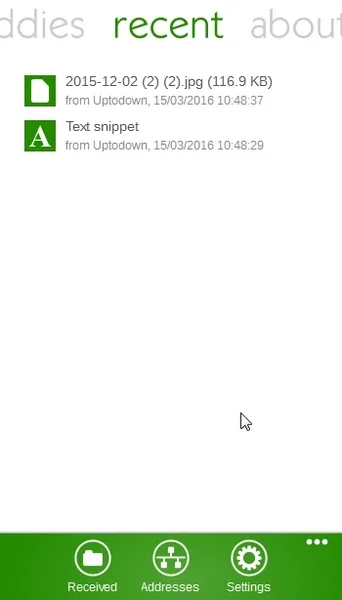
Description
Dukto is a file-sharing tool for moving files between two computers or devices on the same local network. Created by Emanuele Colombo, it was built for LAN use only and does not need an internet connection; transfers happen locally, and the app takes less than 10MB.
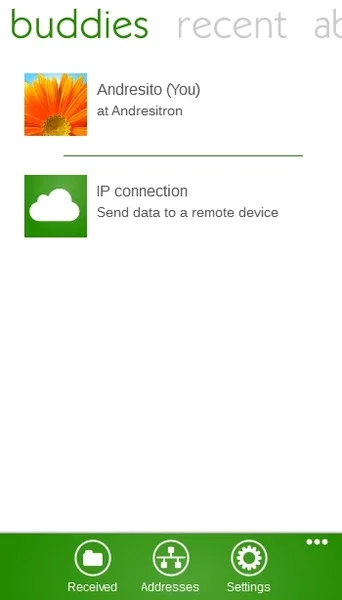
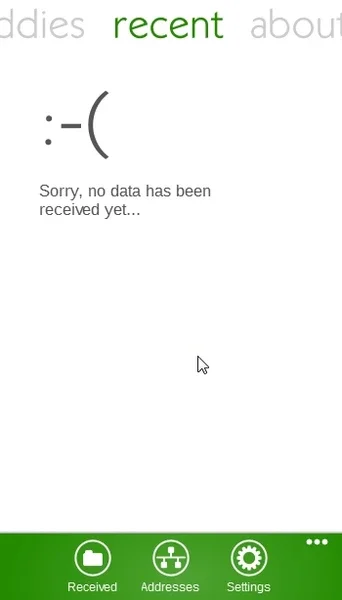
On launch it scans the local network and detects accessible PCs and other active instances of the app. Every device involved has to have Dukto installed. Setup is a few simple instructions, and no permissions, credentials or protocols are involved. There is no extra customization to use all the features. Files are sent by dragging and dropping them onto the active window, multiple files and folders can go at once, and folders can be opened from inside the app to check that a transfer succeeded. A full transfer log records activity. It can also send text messages to detected PCs, so it works as a messaging app too. Full Unicode support is included, and it only handles documents and other files, not apps. It runs on supported Windows versions from Windows XP through Windows 10 and Windows 11.
The software is free to download and use. It is no longer maintained, so it gets no updates or support.
Download files
142a96e29e7523409c234e6bcca20eb5fded07872fdc176e16fb7ff9565005d4
No digital signatureSystem requirements
Available on:
Minimum OS:
Windows XP or later
Additional information
Developer
Latest release
Size
File type
SHA-256
142a96e29e7523409c234e6bcca20eb5fded07872fdc176e16fb7ff9565005d4