
EaseUS ClipAce 1.8.0 for Windows
SHA-256 listed
Screenshot tool with AI text extraction and image explanation
All ages
Age rating
Screenshots
Description
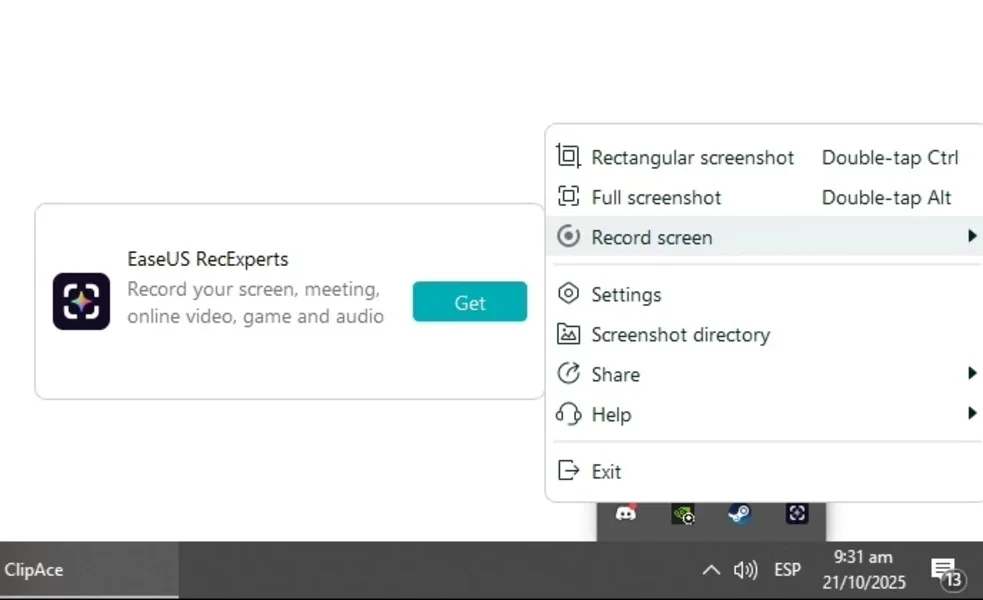
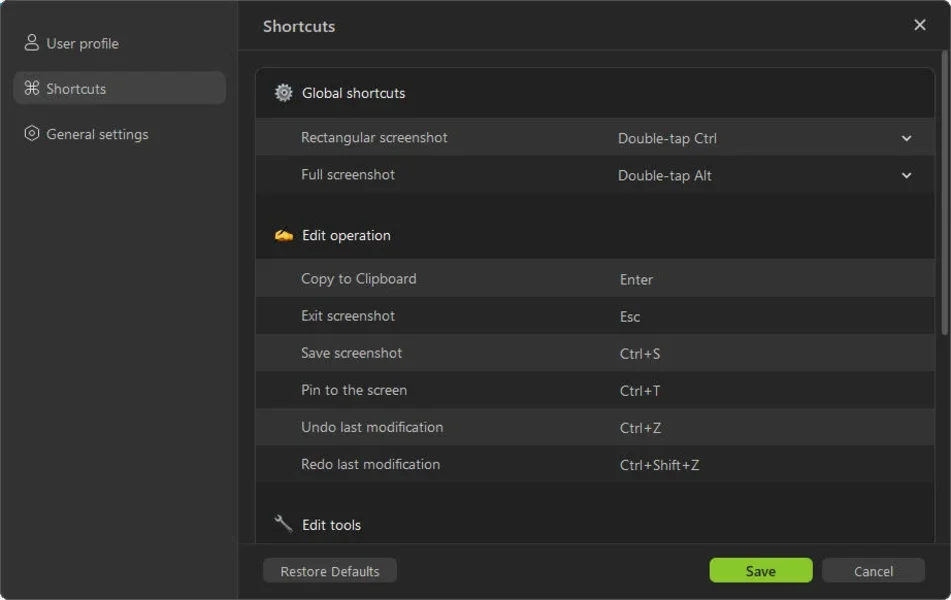
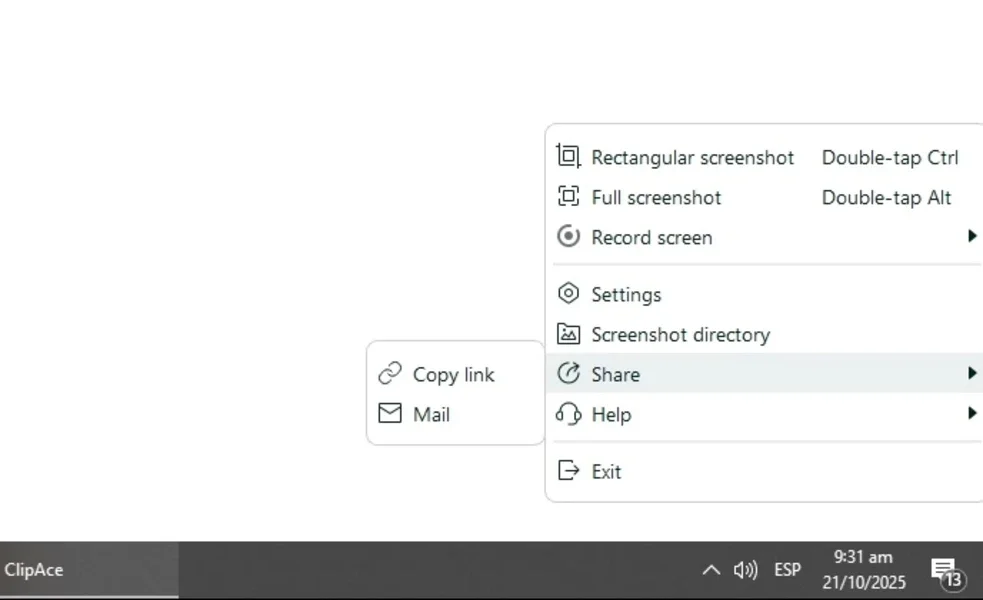
Press Ctrl twice quickly and EaseUS ClipAce opens for a screenshot. Press Alt twice and it grabs the whole desktop; otherwise it captures open windows or tabs.
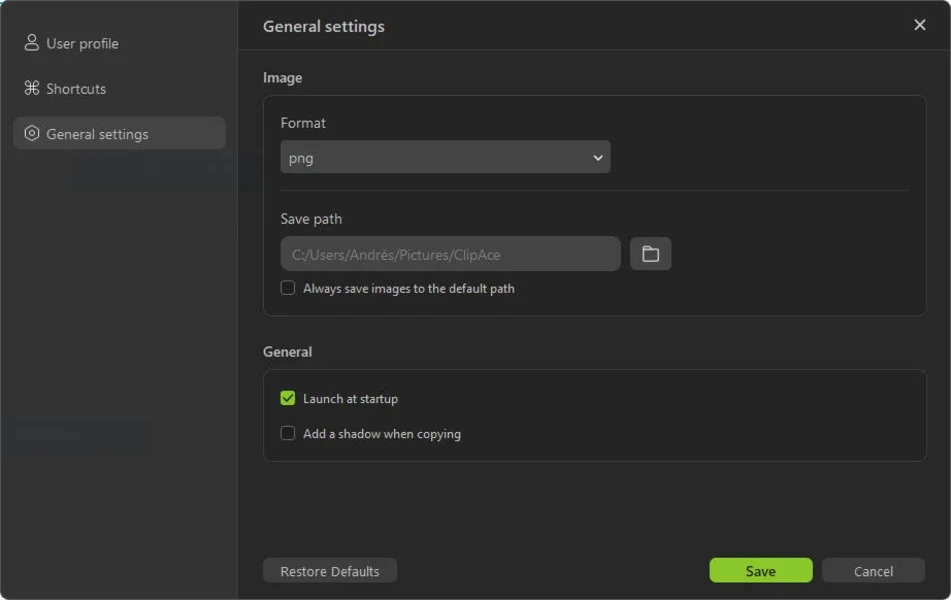
Before saving, the shot can be annotated or edited. A pencil, highlighter, geometric figures and direct writing on the image are all there. AI does two jobs on top of that: it extracts the text in a screenshot so the text can be copied elsewhere, and it explains what is shown in an image or on the screen. A slider in the top left rounds the image edges. They are square by default. The edited image is saved to a folder you have already selected.
It runs on Windows and is free.
Download files
File1.8.0EXE
Version1.8.0
ReleasedOct 21, 2025
Size41.7 MB
SHA-256
Get
dd339c5ef97a276917242f5c1e3d69ce35a55431e4d372aacf01c77aac4bfb57
Signed by CHENGDU YIWO Tech Development Co., Ltd. · valid until Oct 2, 2022System requirements
Available on:
Additional information
Developer
Latest release
1.8.0 · Oct 21, 2025
Size
41.7 MB
Category
File type
EXE
SHA-256
dd339c5ef97a276917242f5c1e3d69ce35a55431e4d372aacf01c77aac4bfb57
Digital signature
Signed by CHENGDU YIWO Tech Development Co., Ltd. · valid until Oct 2, 2022