Duplicates a whole drive, SSD, USB stick or SD card onto another device
You are on macOS — this is the Windows version.
Screenshots
Description
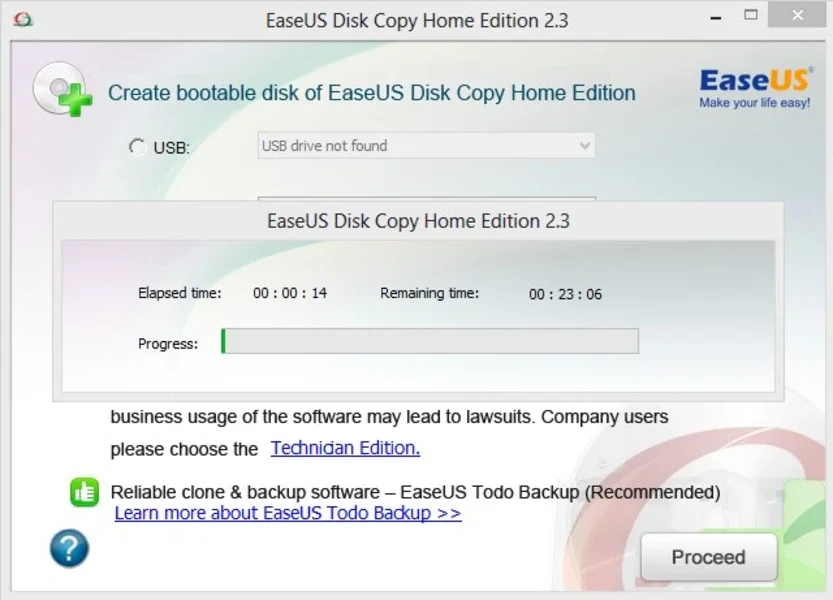
EaseUS Disk Copy duplicates an entire storage device attached to a Windows PC. It copies hard drives, SSDs, USB flash drives, SD cards and other storage types connected to the computer. To back up, you pick the source drive, then the destination drive and copy method, then start the process. Backup time grows with the amount of data being copied.
Cloning to a larger drive
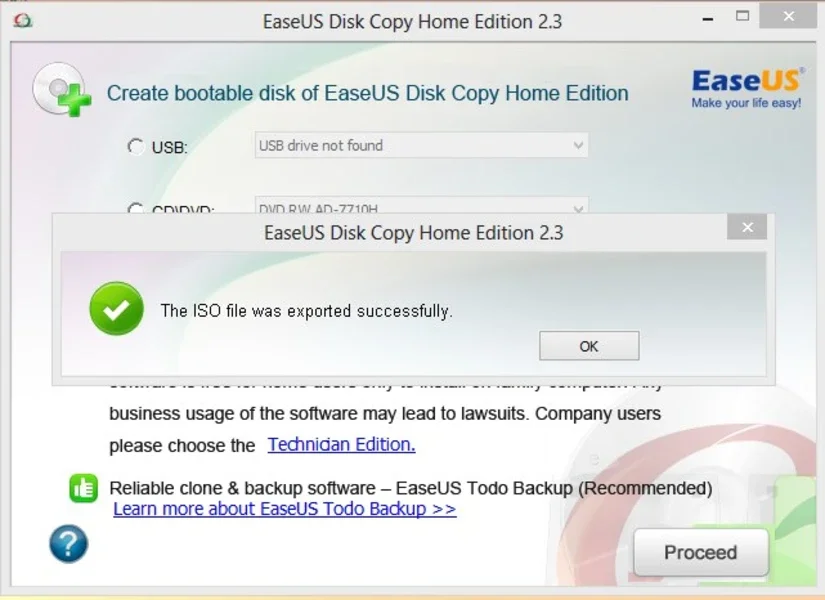
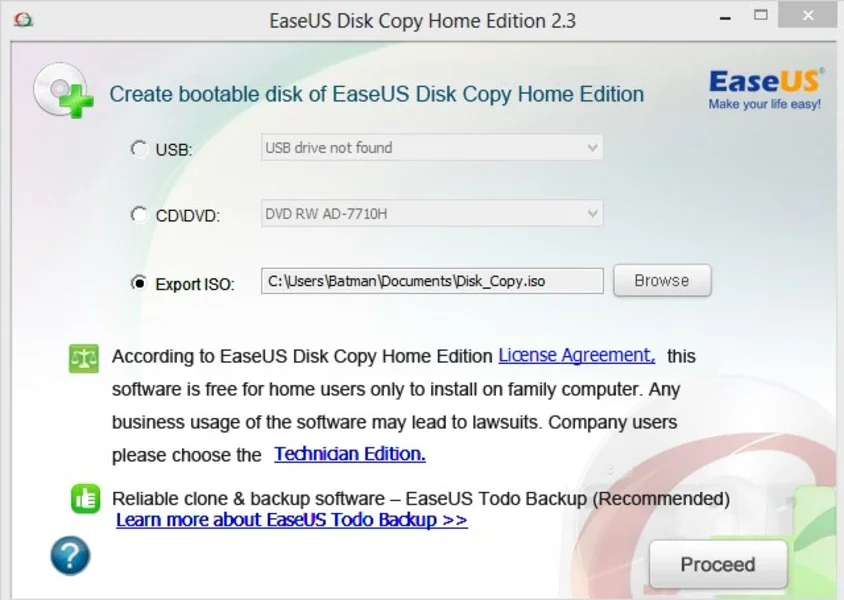
Cloning suits moving a storage device to one with more capacity, such as the drive holding the operating system. Cloning storage drives is free, but some features need the paid version. One of those is creating a bootable USB flash drive, which helps install an operating system when the system drive has failed. The program can also help recover data from a failing storage device by backing it up to another device.
Download files
778f0eff7a5cbd38ab3f5c184254a7226030e928d26ae9ffe33908bedf0565cd
System requirements
Available on: