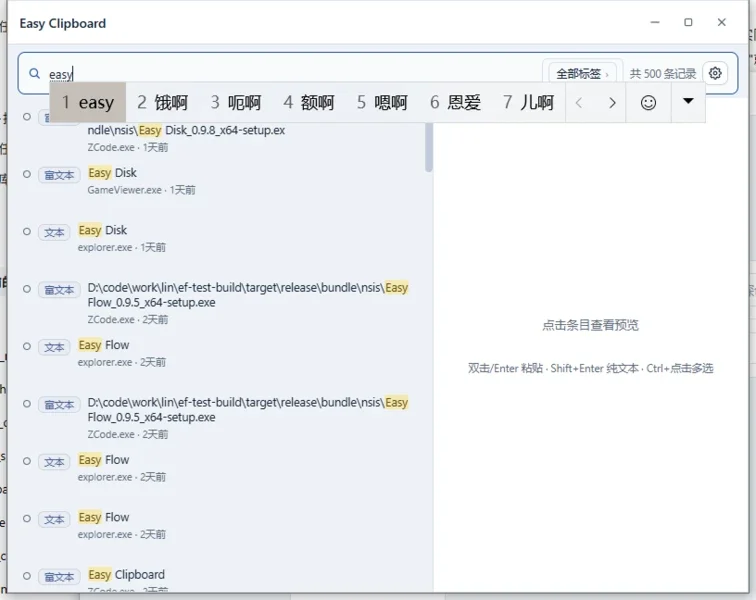

Screenshots
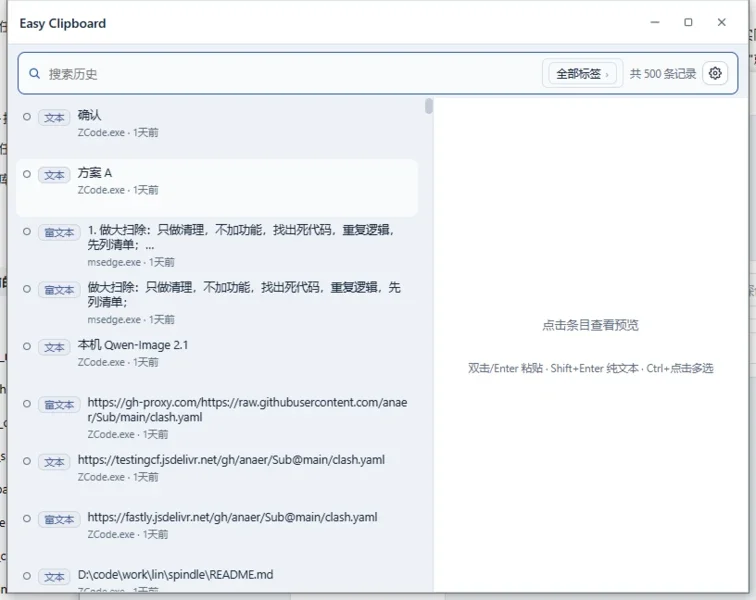
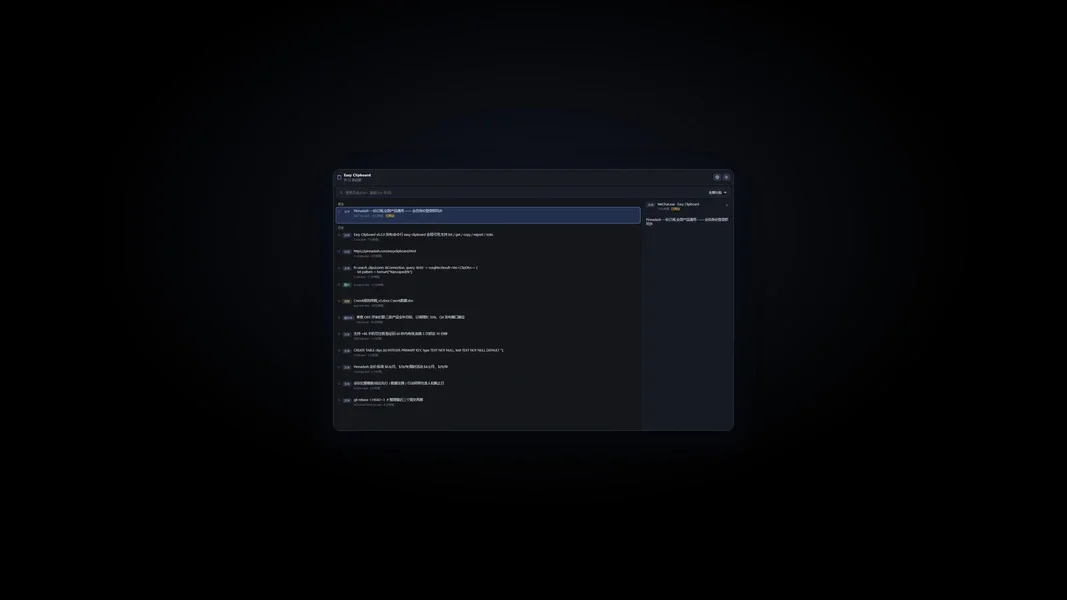
Description
Press the hotkey and the history comes up right away. Easy Clipboard keeps copied text, links, images and files in a searchable list, so the thing you copied ten minutes ago is still there. Click an item and it goes back to where you were typing.
What stays on the machine
There is no account and no cloud to set up. Everything it holds stays on the local machine. Items are shown as previews rather than raw text, which makes images and rich content easy to pick out at a glance. To find a past item, type part of its content. The search covers the whole history.
- Text, links, images and files are all stored in one history
- Frequently used snippets can be pinned, such as addresses, templates and code blocks
The program is a modern rewrite of the classic clipboard managers.
Download files
Fileeasy-clipboard-0-5-12.exeEXE
Version0.5.12
ReleasedNov 3, 2026
Size17.3 MB
SHA-256
Get
f15b6c82ce0b804ead734dc5472146d8570fbc6c217814cd0d72e7b3cfe6ed39
No digital signatureFileeasy-clipboard-0-5-11.exeEXE
Version0.5.11
ReleasedOct 8, 2026
Size17.0 MB
SHA-256
Get
043b894894b37102a8d8fa677fa52ce80d7b91683363bdec54757798c18a51be
No digital signatureSystem requirements
Available on:
Additional information
Developer
Latest release
0.5.12 · Nov 3, 2026
Size
17.3 MB
File type
EXE
SHA-256
f15b6c82ce0b804ead734dc5472146d8570fbc6c217814cd0d72e7b3cfe6ed39
Digital signature
No digital signature





