
Email Attachment Transformer 2.0.815 for Windows
Packs files into a single bitmap image for email
Screenshots
Description
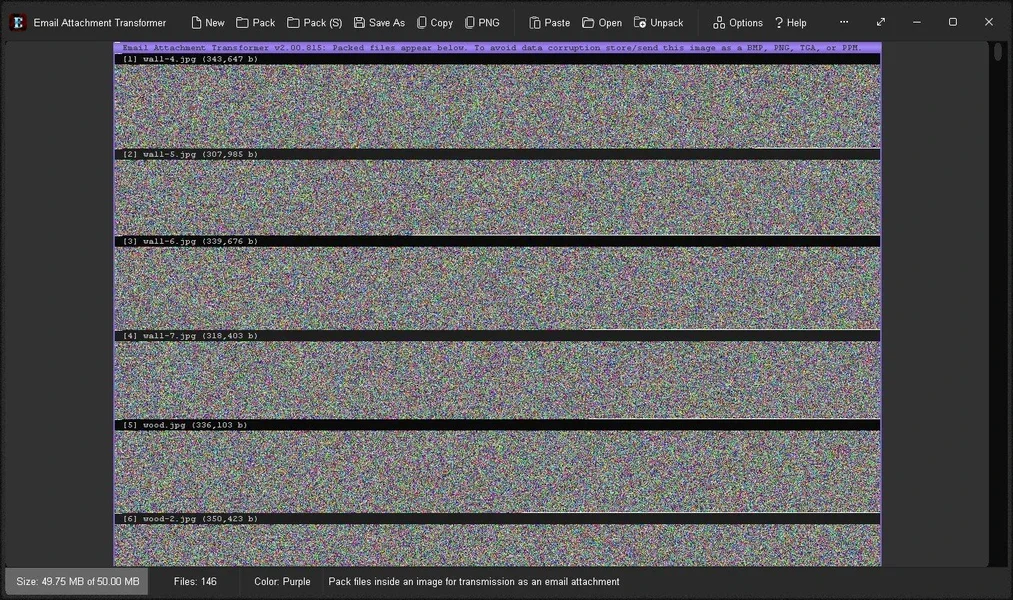
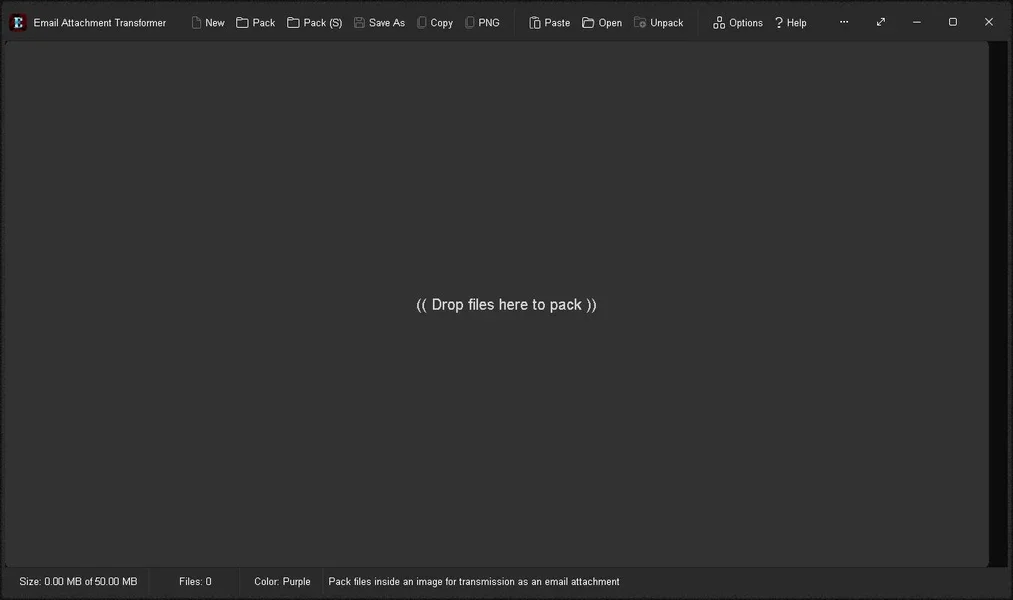
Email Attachment Transformer packs files into a lossless bitmap image that you can send as an email attachment. The program is portable, so it runs without installation.
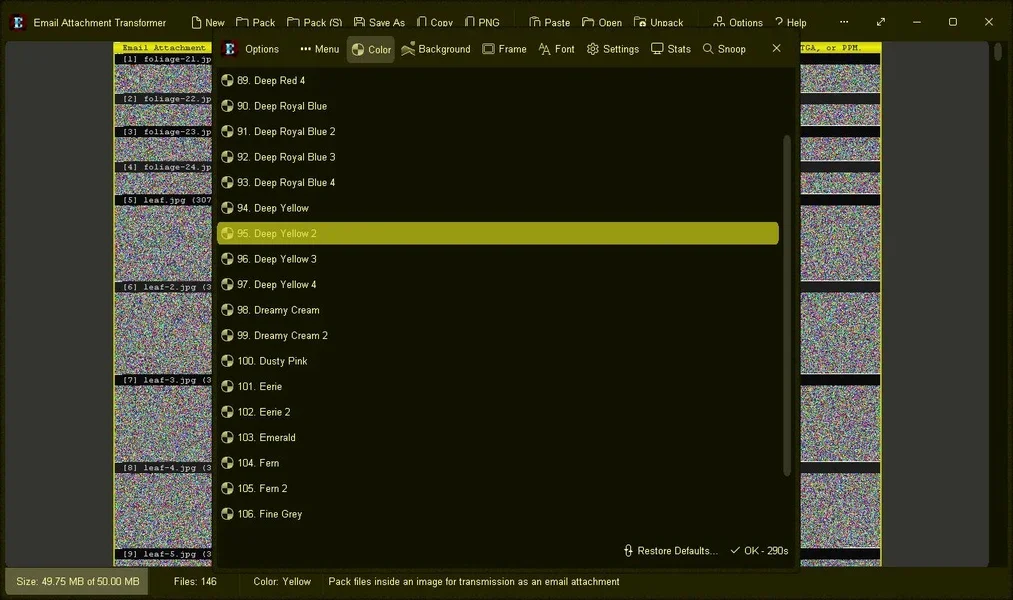
The image is the container. Packed files are kept inside one lossless bitmap image. It stores up to 50 MB of files, and more when compression reduces the size. Compression is applied automatically to achieve the best fit. Each packed file gets a visual label showing a number, path, name and file size. Previous content is cleared automatically, so no reset or manual clearing is needed between packs.
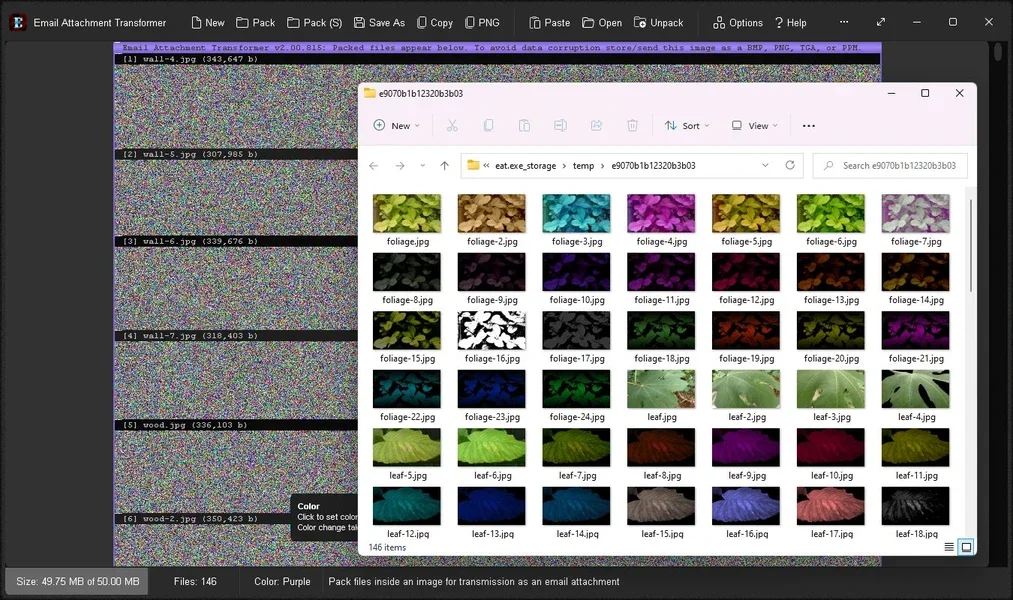
Pack options include all files in a folder, all files in a folder plus its sub-folders, or only the files dropped onto it. Clicking the Unpack link creates a temporary folder containing all the unpacked files.
Both the sender and the recipient need a copy of the program. The recipient can drag and drop the image onto the program, paste it from the Clipboard, or load it from a file. The image can be copied to the Clipboard and pasted into an email message. The image can be saved as BMP, PNG, TGA or PPM and attached to an email.
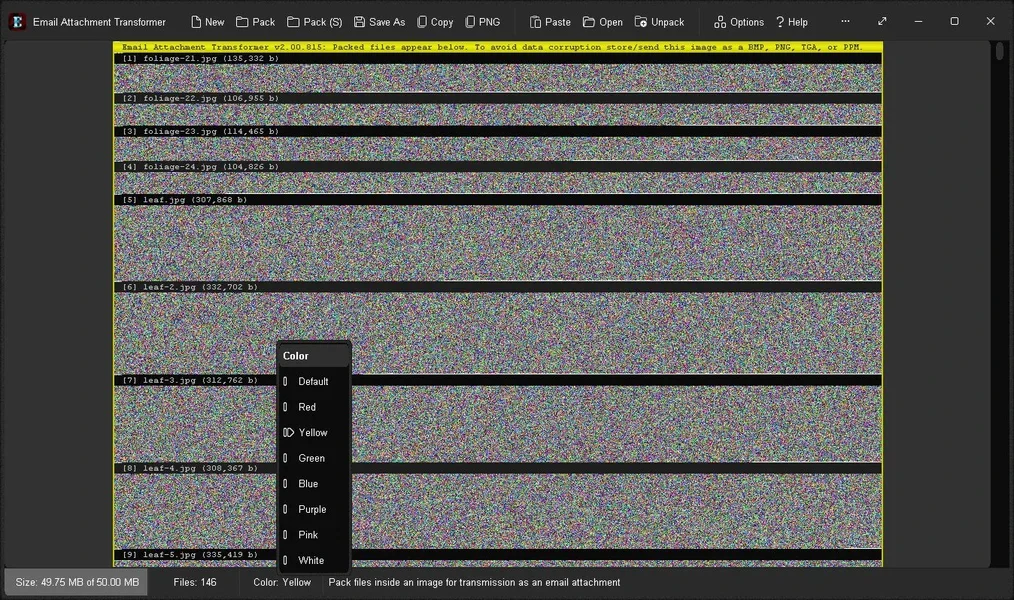
An Options window lets you change the app color, font and settings. The header and footer come in eight colors: Default, Red, Yellow, Green, Blue, Purple, Pink and White.
Download files
ead780447dc6c8c686a0cd5b6f1612b1101384c03e0a3e393e77394355ac87aa
Signed by Blaiz Enterprises · valid until Nov 1, 202820cf91f18b2719cc2160f4c133e33885d1f5ae2f8c011cf93cea866c8b43cf46
System requirements
Available on:
Additional information
Developer
Latest release
Size
File type
SHA-256
ead780447dc6c8c686a0cd5b6f1612b1101384c03e0a3e393e77394355ac87aa