
Screenshots
Description
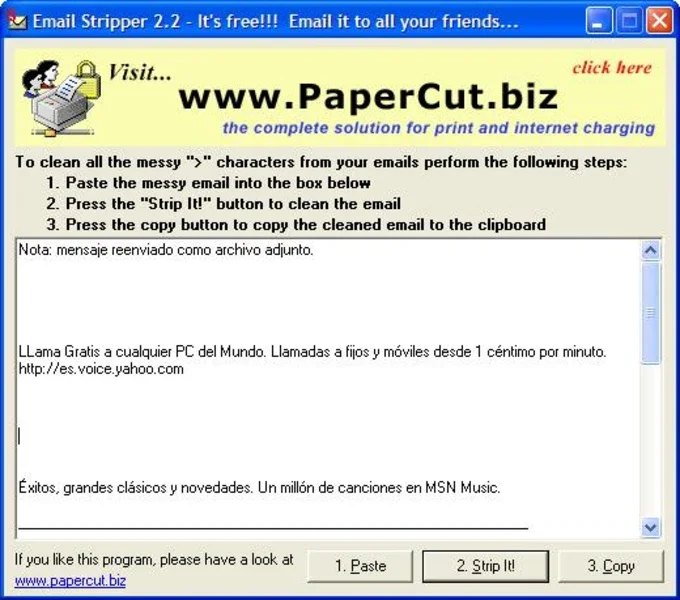
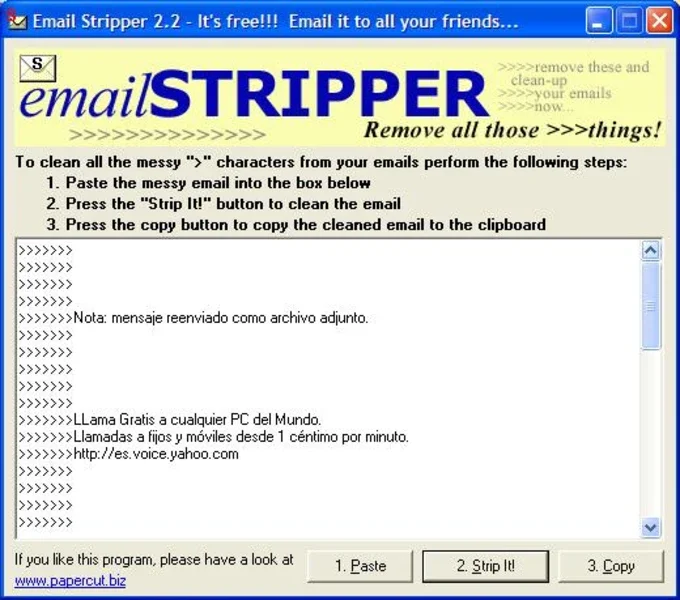
emailSTRIPPER removes the '>' characters that pile up in forwarded email. The removal is fast and fully automatic once you press the button.
How it works
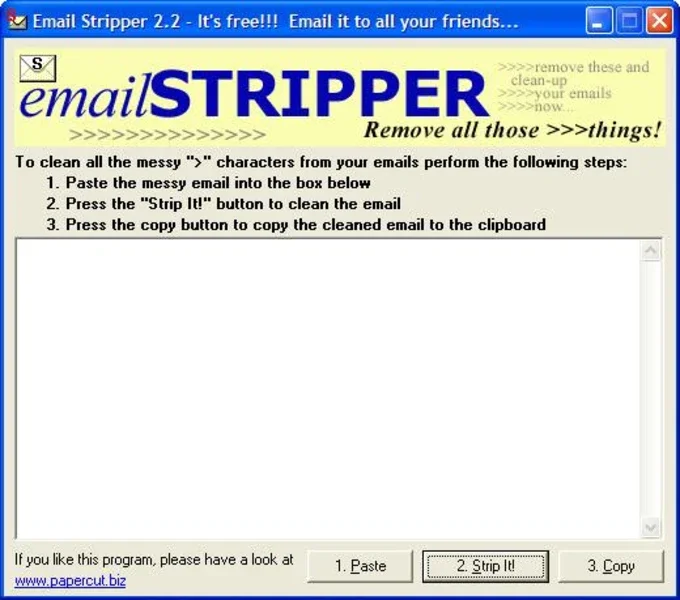
You copy the message text and paste it into the program's text area. Press the button and every '>' character in the message goes. Copy the cleaned content again and paste it into your usual email client. The tool is free and runs on Windows.
Download files
File2.2EXE
Version2.2
ReleasedSep 7, 2007
Size454.9 KB
SHA-256
Get
1b5d0d750306c408df6642f468fe4ed6c3b94a00da7e5677dc4592d18e51795b
No digital signatureFileemailstripper-2.2.exeEXE
Version2.2
ReleasedSep 6, 2007
Size171.0 KB
SHA-256
Get
178088cb5ec17c0b6b0e1d8ba321f6a78ee146bed4a6ed086b2c8882a8caa194
No digital signatureSystem requirements
Available on:
Additional information
Developer
Latest release
2.2 · Sep 7, 2007
Size
454.9 KB
File type
EXE
SHA-256
1b5d0d750306c408df6642f468fe4ed6c3b94a00da7e5677dc4592d18e51795b
Digital signature
No digital signature