
F.lux 4.150 for Windows
Shifts screen color warmer at sunset to ease eyestrain
You are on macOS — this is the Windows version. See the macOS version
Screenshots
Description
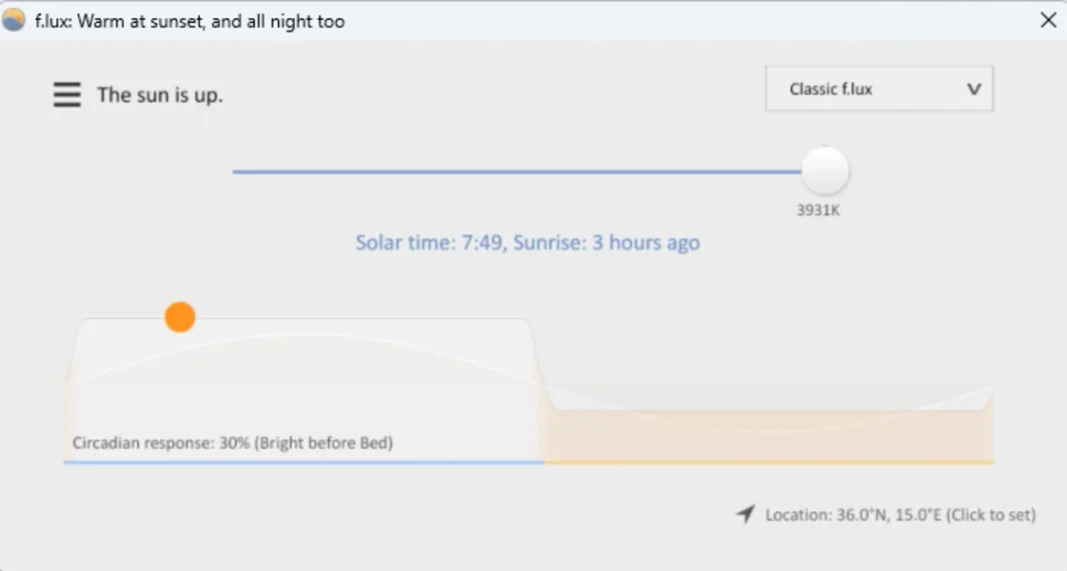
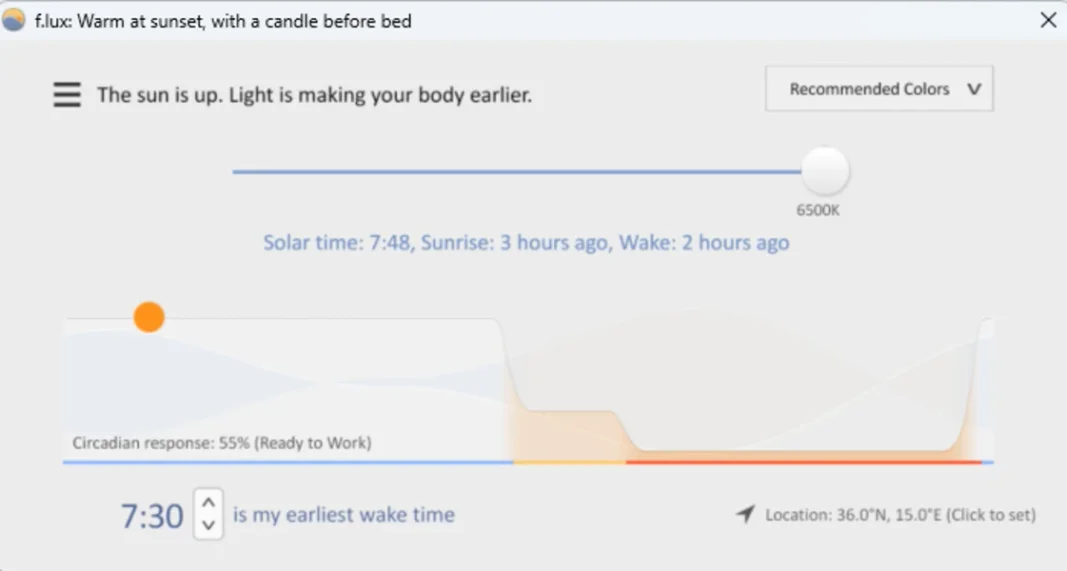
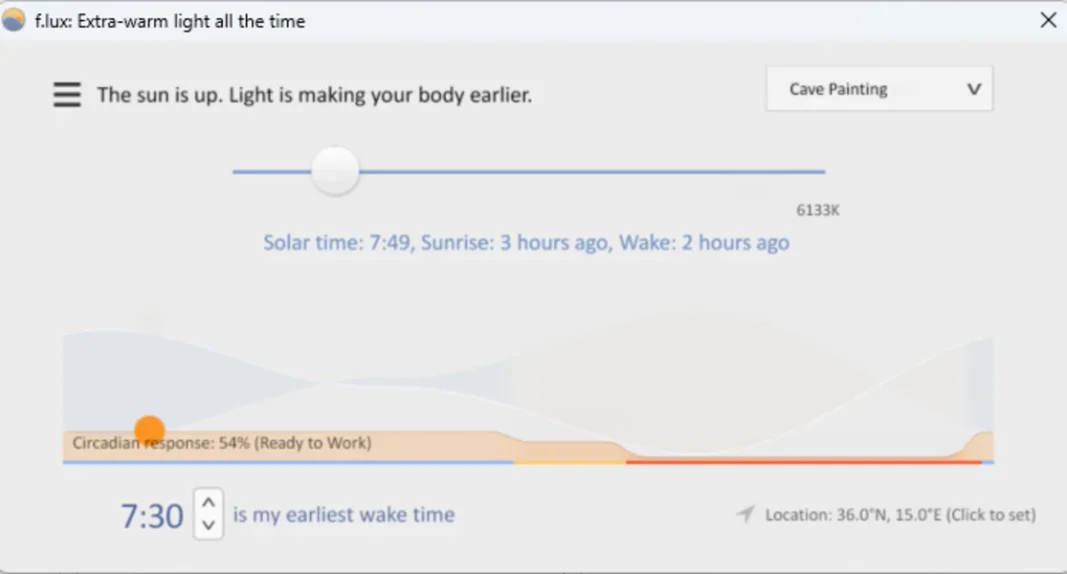
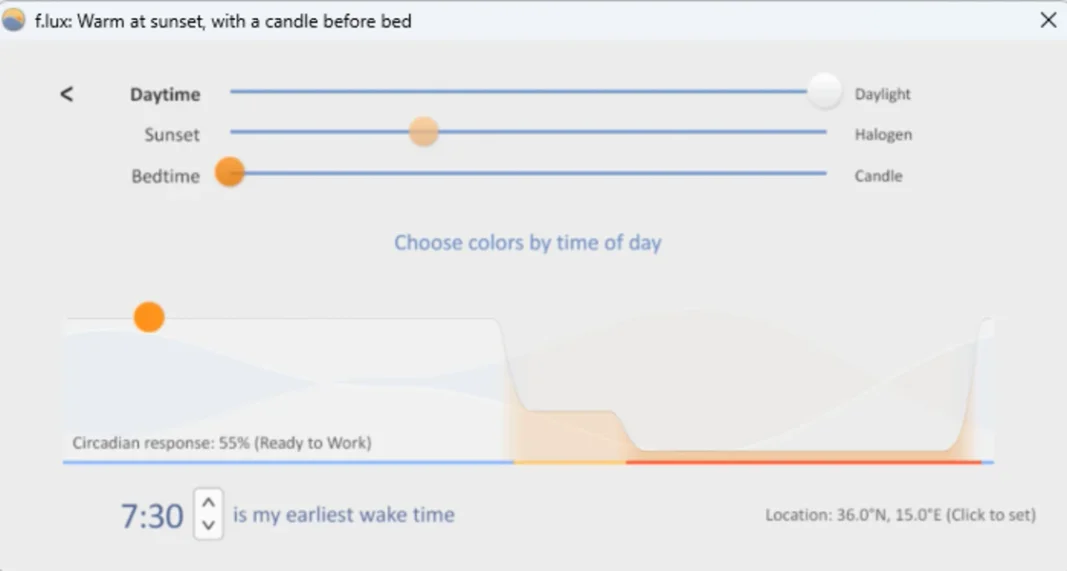
At sunset, F.lux moves the blue pixels on your monitor toward a warmer image. Brightness and color intensity follow the clock, so the screen dims and warms as the day ends. That cuts eyestrain, and the warmer image avoids glare, which may help you rest when you sleep. A slider along the bottom sets how bright the screen is.
Sleep schedule and location
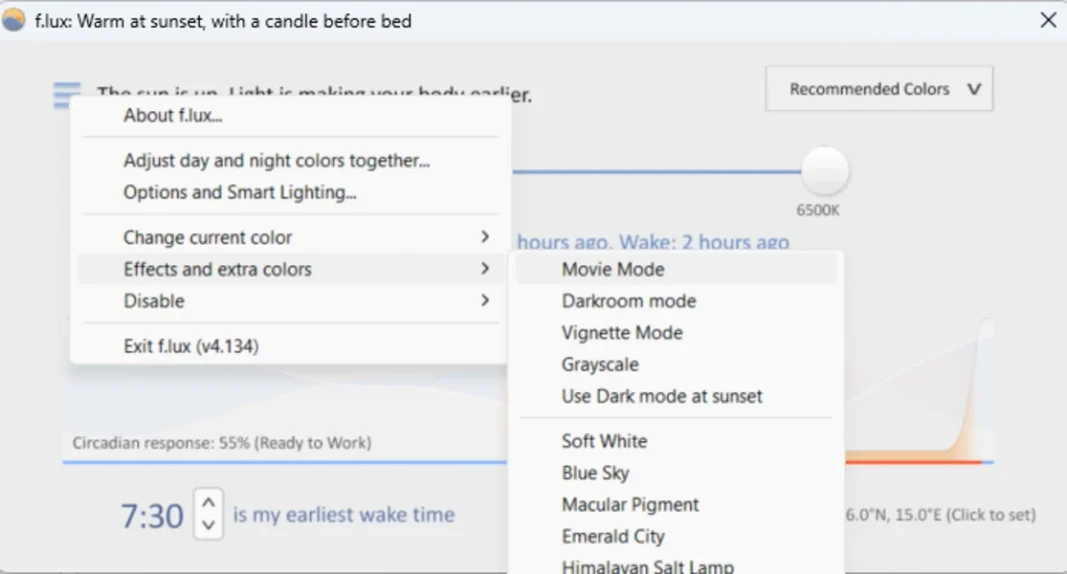
On first launch the program asks you to confirm your location, and it draws a simple graphic of the sun's position. You set the time you wake up for each day of the week, and it's worth entering your sleep cycles as accurately as you can. Presets then adjust monitor brightness and color on their own. Any setting can be changed later from the configuration tab.
Download files
7d60c73874141b39ce374fc102ae7690e8f635ad702127e9ac2a4444c4a83f81
Signed by F.lux Software LLC · valid until Jul 12, 2027c5bfc86f82a4e47c41c0ff2ab70cd49c7365a496cb9079766e1d7ea40d65ea54
Signed by F.lux Software LLC · valid until Jul 12, 2027f035d1c4cd78468d76407afbb90ce4b73b2d04b7647c0d6143969a1823cff1ae
Signed by F.lux Software LLC · valid until Apr 13, 2026b53390dba0e0c227341f3c688be3aef91455c4f926e6527af6ce1e4acf74a7b3
e31117d7501b618074abde3c54fbe01a9f7f3f3948d0f5da6a292ef6e6996978
System requirements
Available on:
Additional information
Developer
Latest release
Size
File type
SHA-256
7d60c73874141b39ce374fc102ae7690e8f635ad702127e9ac2a4444c4a83f81





