
Fastfetch 2.71.0 for Windows
Shows your PC's specs and active processes from the command line
You are on macOS — this is the Windows version. See the macOS version
Screenshots
Description
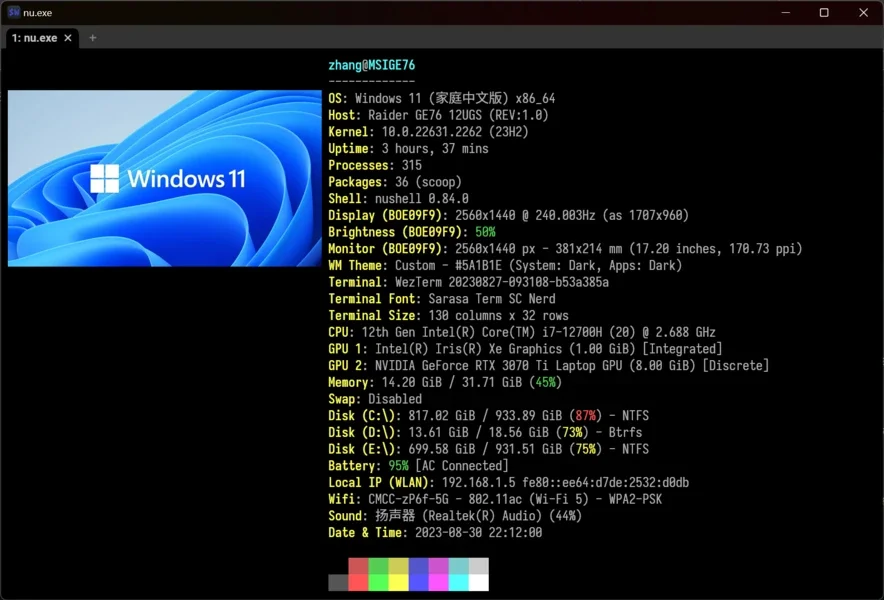
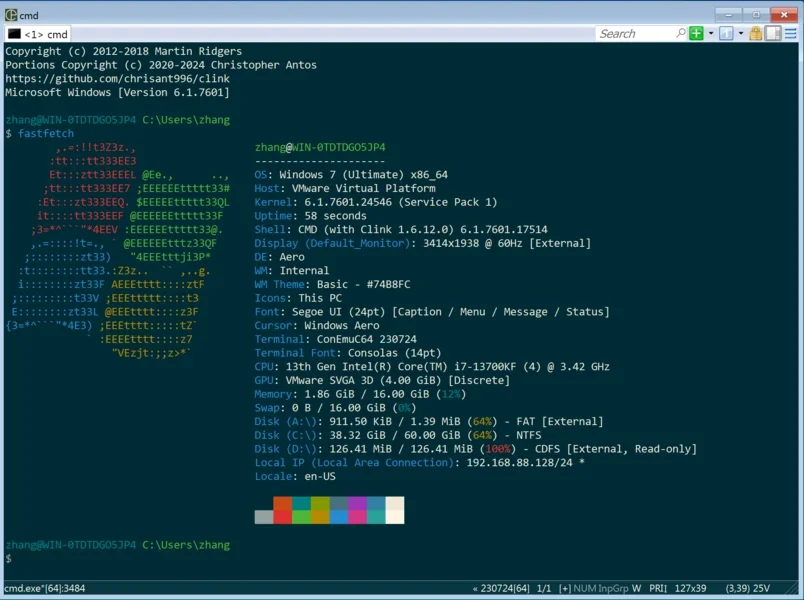
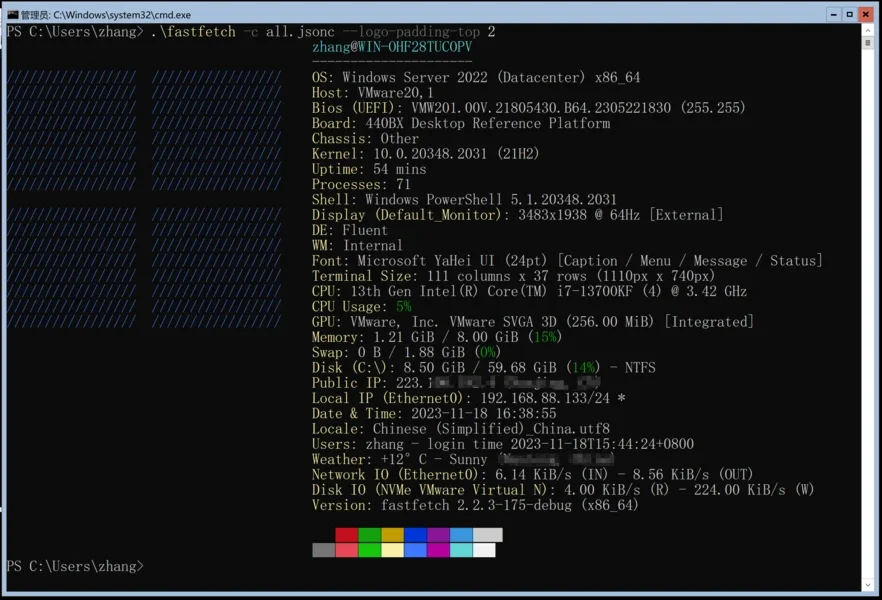
Run the executable and Fastfetch prints your machine's details to the console. It gets there within about five seconds of launching, so the readout is quick.
The output covers the CPU and GPU models, the operating system version and the native screen resolution. It also reports how many packages are installed and how many processes are active. Fields can be reordered and changed by hand, and the official website has tips for customizing the appearance.
The program is a lightweight one that shows computer information, similar to Neofetch, which is no longer developed or maintained. On Windows, an error saying the program cannot run on the PC may mean Microsoft Visual C++ Redistributable needs to be installed or updated. On versions before Windows 10, the Universal CRT module may need to be installed manually.
Download files
58eeee82c52120e981891826be1c5810788bc0083b13d870684bbc85b03628e9
89e5a20f46ac04b154c7d0ea13dbac97e43f799a98d7ae4c598863ba357a8c7f
aba011c1c45d1a6bdcf52098dd0b9afe990fe444180bc491e87f36670f1452ef
276cb804322750b0bc6dcc74de8a2f8fb02ca7e0e5950d50e27e1c00891afe48
7002024c5ba37bdf9142f8b38039d3dd5da6de33d3b679b57693dc42483d882d
System requirements
Available on:
Additional information
Developer
Latest release
Size
Category
File type
SHA-256
58eeee82c52120e981891826be1c5810788bc0083b13d870684bbc85b03628e9





