
FastFolders 5.14.2 for Windows
Browse folders and subfolders from the right-click menu in File Explorer
Screenshots
Description
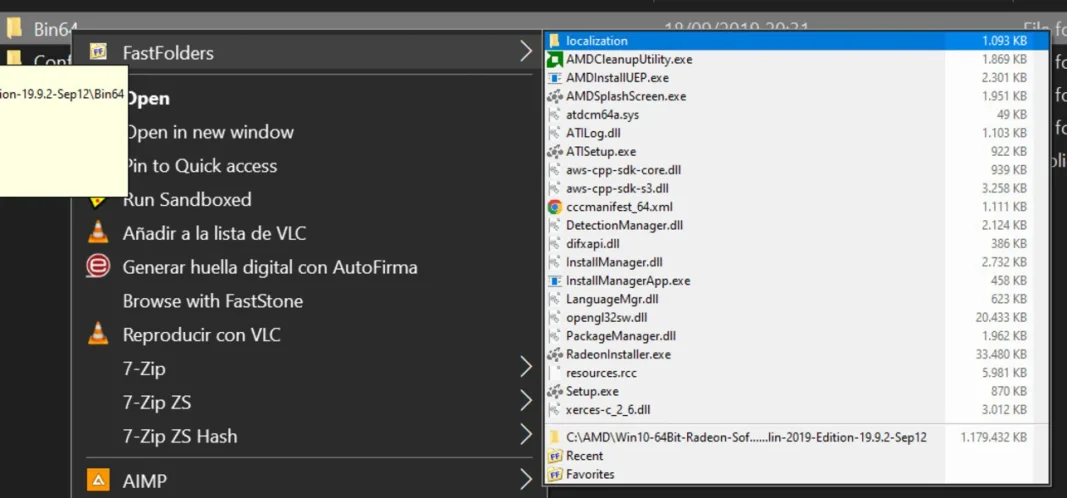
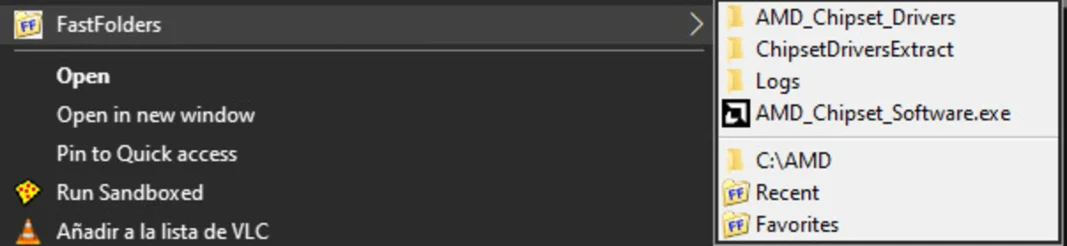
FastFolders is a Windows program for moving quickly between folders in File Explorer. After installation, it is added to the menu that shows up when you right-click a folder. The folder also opens in a new window.
Navigating folder contents
You can view the contents of a directory's folders and subfolders. Hovering the mouse over the new option lets you navigate directly to the folders inside. You can quickly access the files inside those folders. Recent folders and favorite folders can be accessed faster as well.
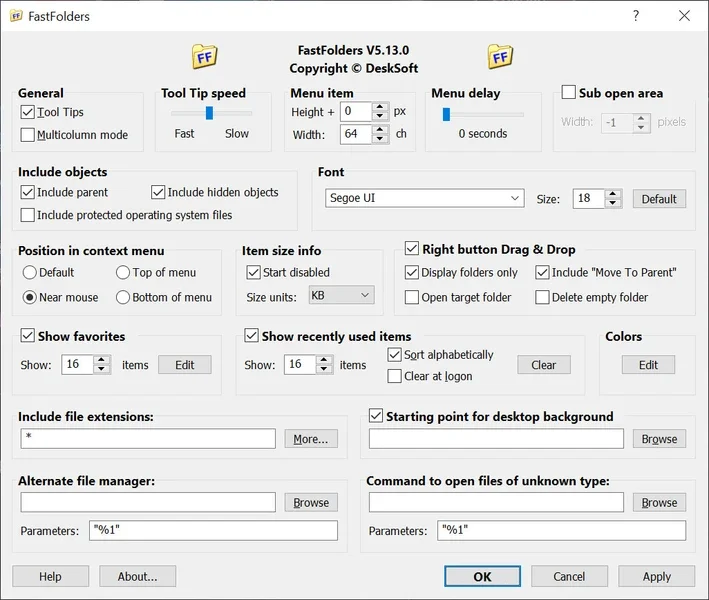
Dragging an object onto a drive with the right mouse button lets you copy and move objects from any folder by selecting it from the FastFolders menu. To see the size, right-click the folder or file, then right-click FastFolders in the menu.
Download files
80750a9d2bc5dd020c5d4eacfd4cc3c14f2a21b116cff19fc19194f053390cea
No digital signature1b33870ed26fa3c348628f1635ff9972bb9de6e345f302836b27b0b50cee6df9
No digital signature67e6a1db65e79acbd3ff9fdc2432eda4990566828edf0c73453008c35d65fd31
b1175841f8aa2206d01beae90ff8ffb06938f5f088b94fbd123f5451f3aecf90
Signed by DeskSoft · valid until Sep 14, 20208159b97aff62c30fdb04c1e14aa3bc65dd7303ae58a5c6c7b030004427a3b35f
Signed by DeskSoft · valid until Sep 14, 2020System requirements
Available on:
Minimum OS:
Windows Windows 10 or later
Additional information
Developer
Latest release
Size
Category
File type
SHA-256
80750a9d2bc5dd020c5d4eacfd4cc3c14f2a21b116cff19fc19194f053390cea





