
FCEUX 2.6.6 for Windows
Plays NES and Famicom ROMs on a PC, with debugging and video capture
You are on macOS — this is the Windows version. See the macOS version
Screenshots
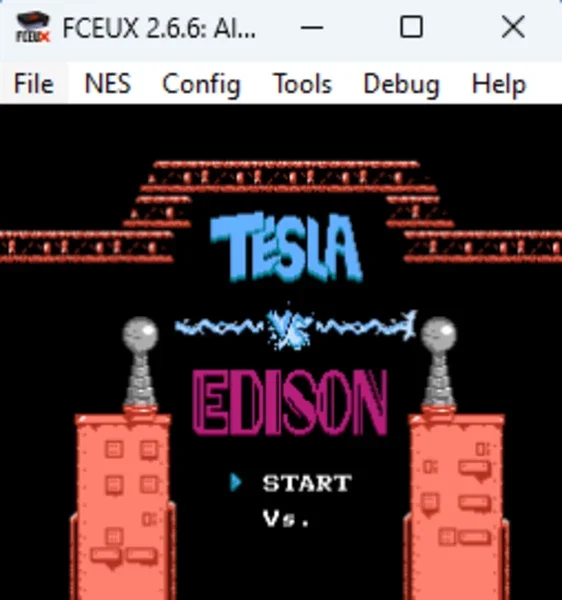
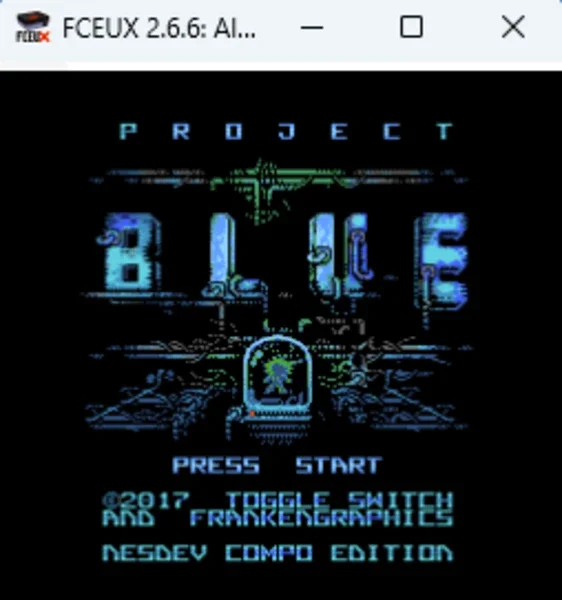
Description
FCEUX runs 8-bit Nintendo Entertainment System and Super Famicom games on a Windows PC. Point it at a ROM and play. It reads NES, NFS, FDS and UNF files, and it opens ROMs kept inside ZIP, RAR and 7z archives without unpacking them first. Most NES titles run.
Beyond playing, the program has a code debugger for looking at what a game is doing. Post-processing image filters mimic an old-school CRT monitor. A pulse modifier changes game speed when you need to slow things down or speed them up. You can save games and control system configurations, and you can play locally or online with another user. During play it can record game video or extract audio in real time.
FCEUX is open source under GPL 2.0 and is free to download. The current release is version 2.6.6, maintained by the FCEUX Team.
Download files
bc8f7e420ebf512615bc8bbc5b8beea655ea1feaf474742a2f56b35fd0415aee
7efc1f2ce2ae86a5b3a6c22372d1ddf8bf92dd09051350c409bb808b557fe443
6d38511c57d7c24c22ebd1268c70de9073fc24a2de150a50673cc88bc245f891
780000c8c1ff47b609f0dc392beacd37680c1c3d285571459224f382def78e74
b690a839a940ae921c32ea4edcca997d95ed0a1f166f1fc7c5f6b25261377947
System requirements
Available on:
Minimum OS:
Windows XP or later
Additional information
Developer
Latest release
Size
File type
SHA-256
bc8f7e420ebf512615bc8bbc5b8beea655ea1feaf474742a2f56b35fd0415aee





