
FileSieve 4.61 for Windows
SHA-256 listed
Sorts a directory's files into folders by letter, extension, attributes or metadata
All ages
Age rating
Screenshots
Description
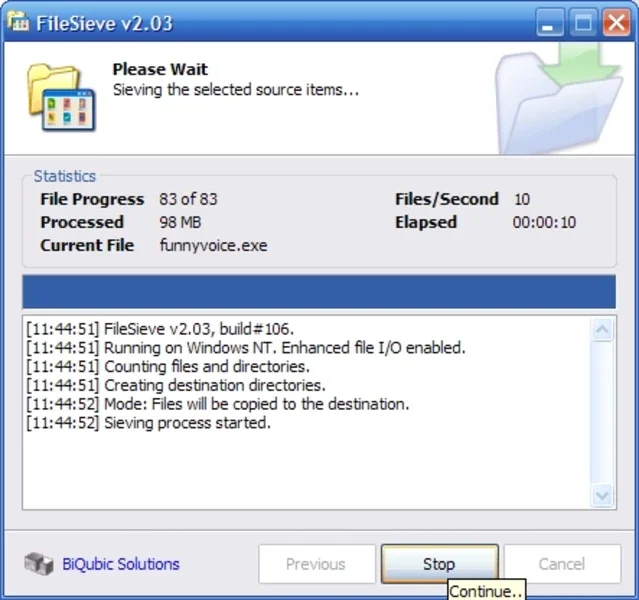
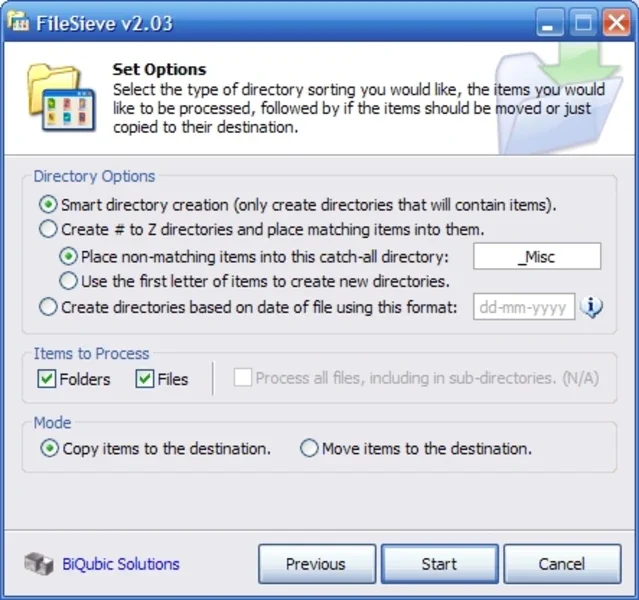
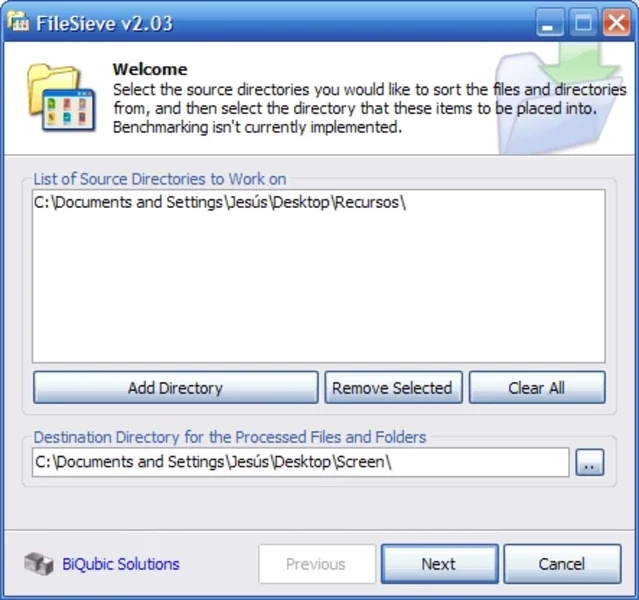
FileSieve sorts the contents of any directory into folders. The traditional method works on the first letter of each file name, and you choose whether files are copied or moved.
What sorting can look at
Alphabetical order is only one option. Sorting can also use attributes, extensions, and metadata. Names that begin with numbers go into a hash-named folder by default, and that default can be changed so other characters outside A to Z land there too. You can have the full directory structure created even when no files begin with a given letter or character. Multiple special character folders can be selected and renamed.
Download files
File4.61EXE
Version4.61
ReleasedApr 28, 2022
Size6.3 MB
SHA-256
Get
c1107ab8696bd78f4f91735d7af206c87d379a75ece66f887fc54b4a4ef3d106
No digital signatureFilefilesieve-3.0-Beta7.zipZIP
Version3.0 Beta7
ReleasedJun 12, 2008
Size253.7 KB
SHA-256
Get
e3665697c2029da87c9380f170a7e5d243c34343604858d2aac9cdffdd80cbdc
System requirements
Available on:
Additional information
Developer
Latest release
4.61 · Apr 28, 2022
Size
6.3 MB
Category
File type
EXE
SHA-256
c1107ab8696bd78f4f91735d7af206c87d379a75ece66f887fc54b4a4ef3d106
Digital signature
No digital signature





