
Fing Desktop 3.10.1 for Windows
Network scanner that lists every device on your WiFi and shows outages
You are on macOS — this is the Windows version. See the macOS version
Screenshots
Description
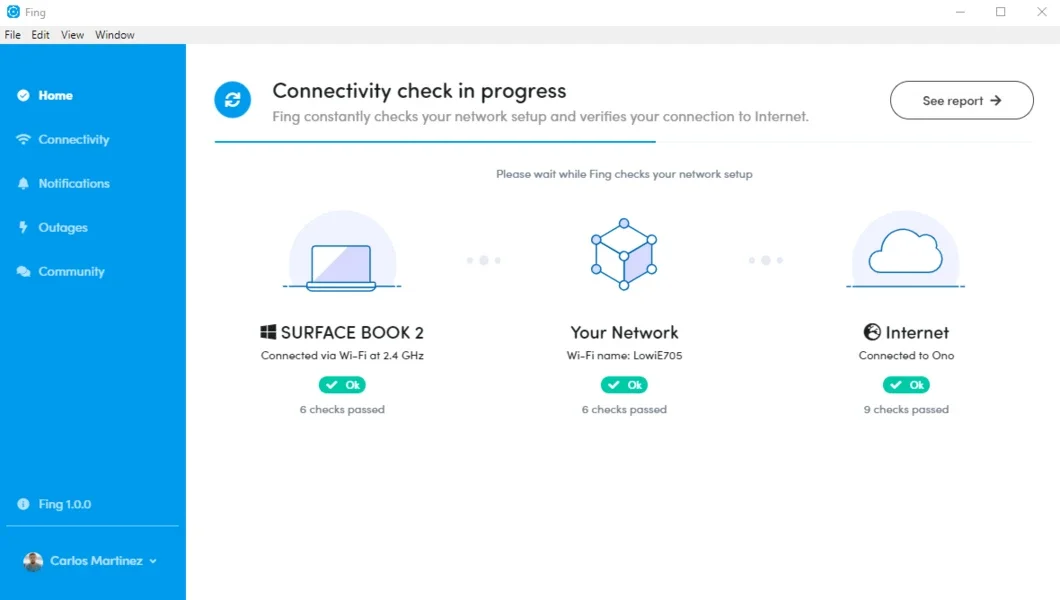
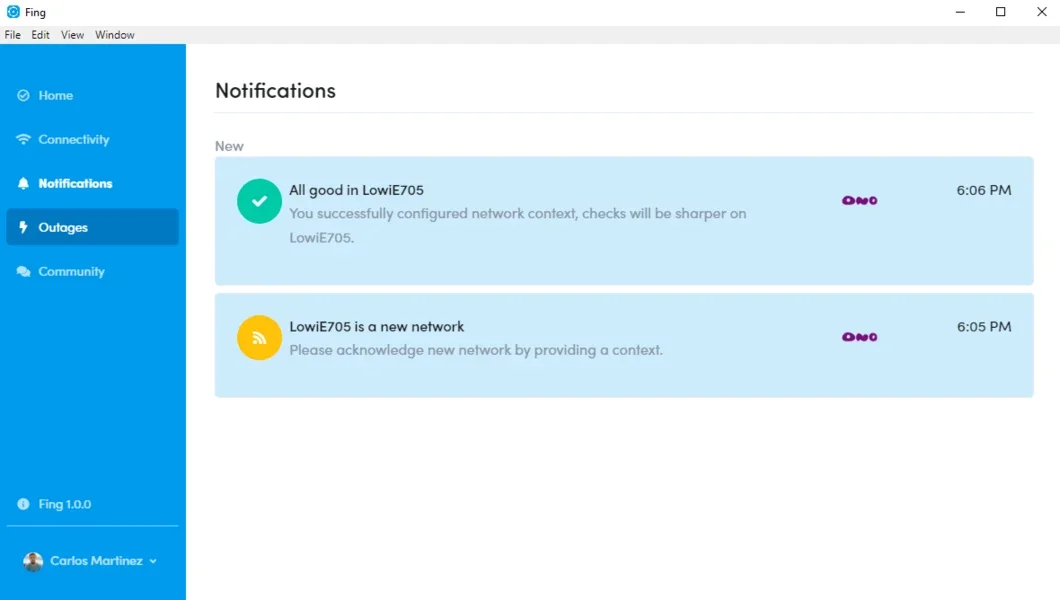
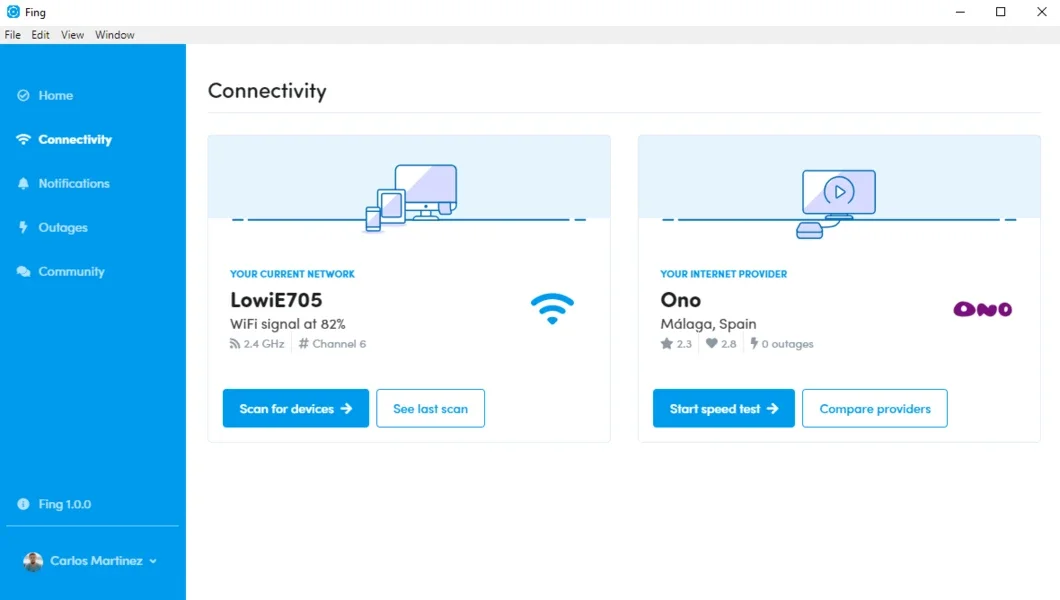
Fing Desktop is a network tool for Windows. It analyzes your WiFi connection and tracks many aspects of the devices on it, showing all connected devices in real-time. For each device it shows brand, IP address, and last connection time. It detects intruders using your internet, and you can disconnect devices from your network in seconds.
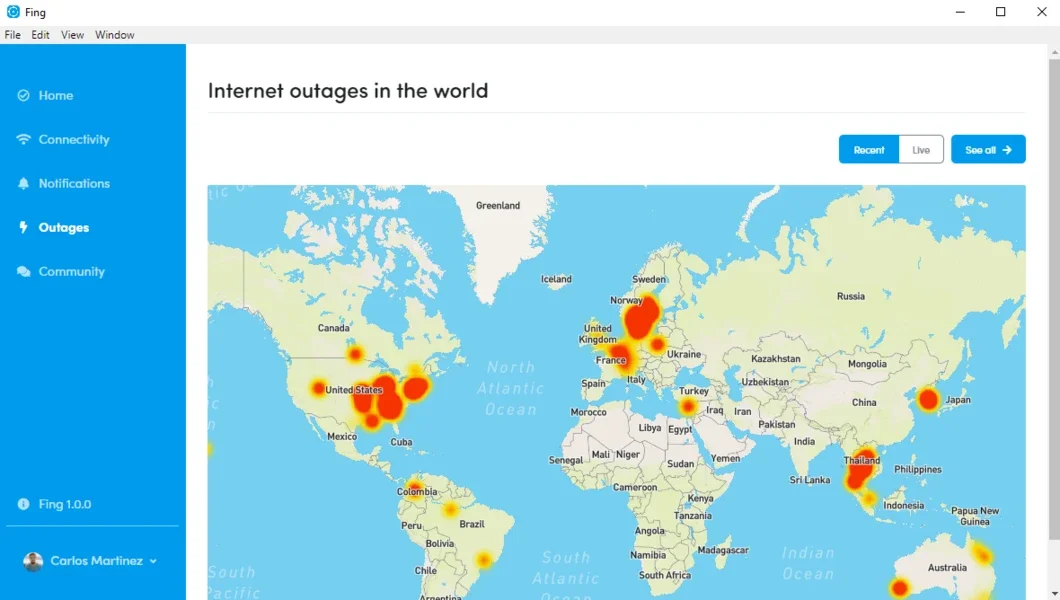
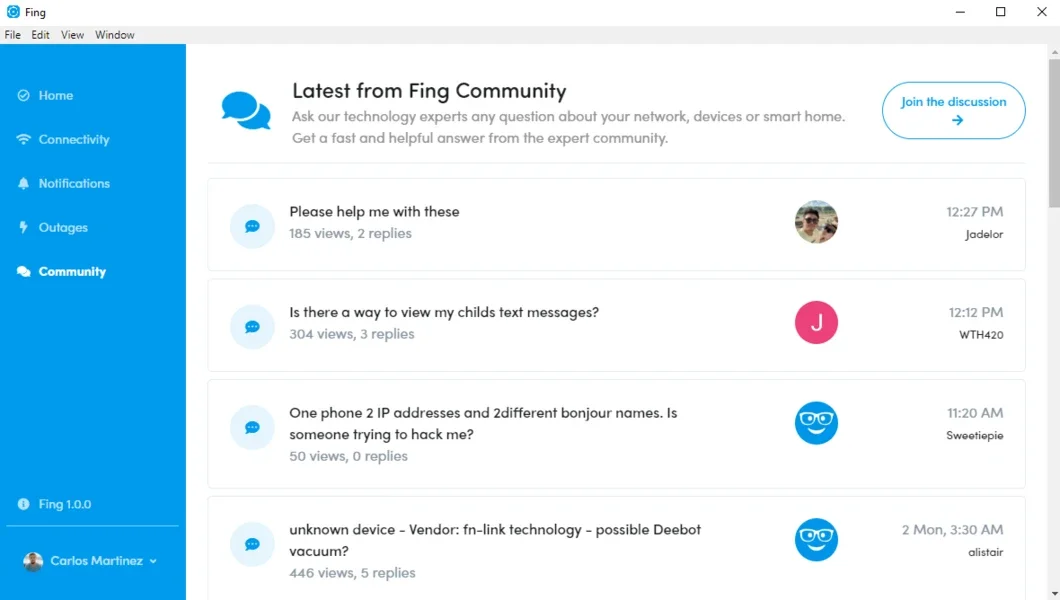
The interface is relatively simple. Features live in a menu down the left edge of the window. It can track any issue in your network, and it shows internet outages on a world map. There is a forum for posting questions. Its features are similar to the smartphone version of the app.
Download files
ce5b6fe4e2ac2fd5db85951f80d45daa7793504f06abd6f6919627af5dd48f4a
Signed by Lansweeper · valid until May 5, 2027e6b070712cd576874b71650083c7e4503648bbebc01b923aad900ad5add48b88
Signed by Lansweeper · valid until May 5, 202795d34ed8488124d2bd952e2e4cfdc99d9c7d7f4194fa493430e084b07d316ab7
1e92be6378286e1a681018a653f520c4347f70fcabd98a084f53ce8d49cf9411
176fa445f6afb9d63d6b5a06c0188f5ac395f26234e2902a0d0e144886dab542
System requirements
Available on:
Additional information
Developer
Latest release
Size
File type
SHA-256
ce5b6fe4e2ac2fd5db85951f80d45daa7793504f06abd6f6919627af5dd48f4a